
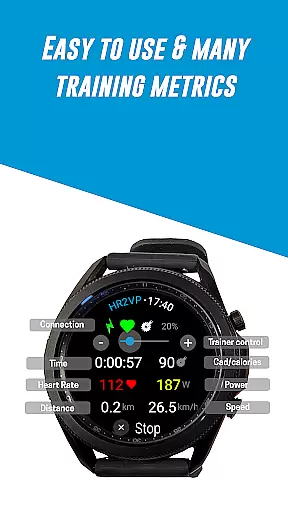
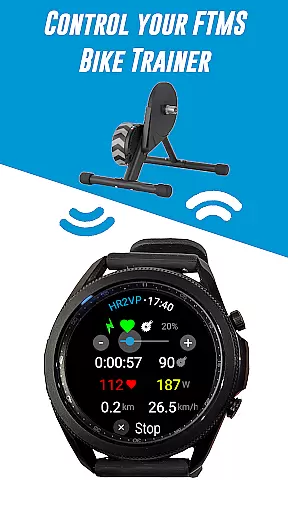
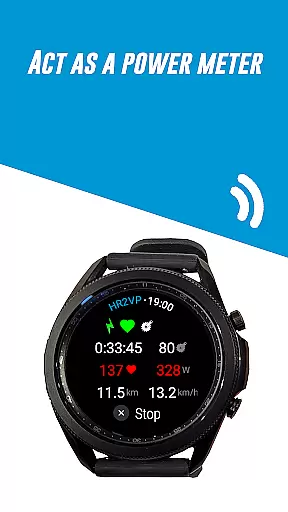
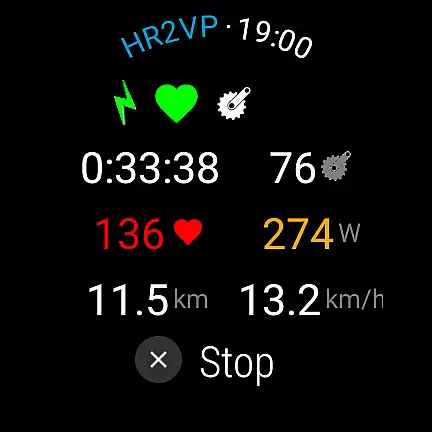
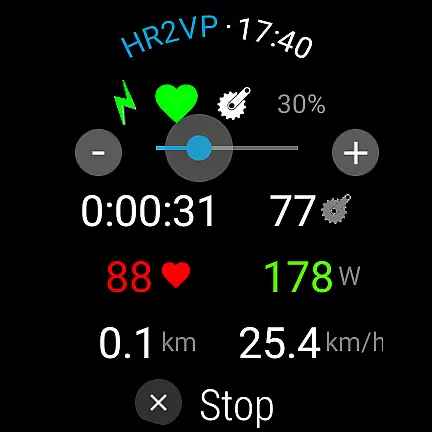
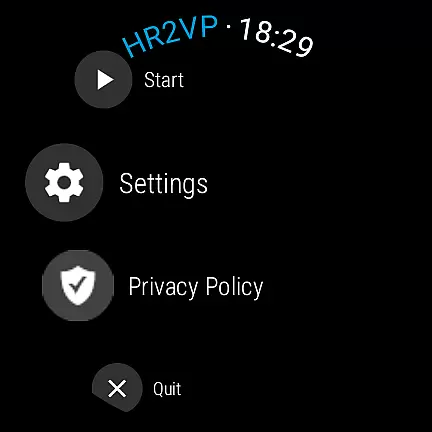
HR2VP Watch Bike Computer is a cutting-edge fitness application designed to transform your Wear OS watch into a powerful heart rate monitor and cycling tracker. This app allows users to connect their smartwatches with bike computers or indoor training platforms, broadcasting vital metrics such as heart rate and power over Bluetooth Low Energy or ANT+. Whether you're cycling outdoors or training indoors, HR2VP provides accurate data tracking and analysis.
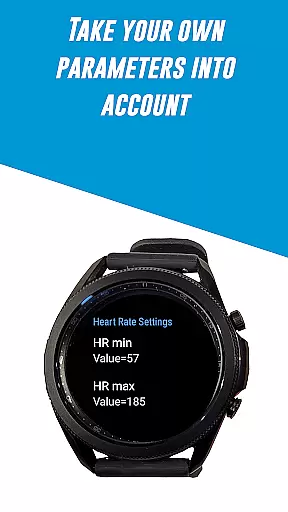
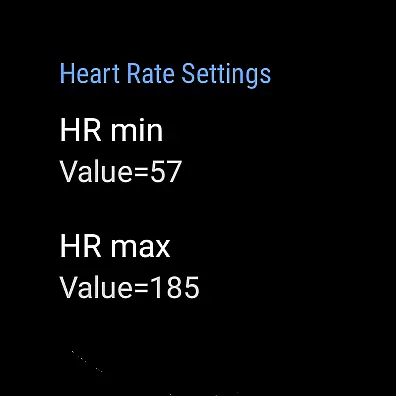
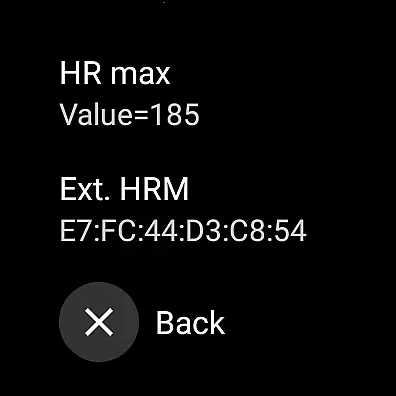
The app features an advanced algorithm that calculates power based on heart rate, measured either by the watch's built-in optical sensor or an external chest strap. It takes individual parameters like FTP, resting heart rate, and maximum heart rate into account for enhanced accuracy. Additionally, HR2VP supports integration with popular platforms like Strava, enabling automatic uploads of your rides complete with power data for detailed mapping and analysis.
This versatile tool is ideal for cyclists who want real-time performance metrics without the need for additional hardware. By leveraging the capabilities of modern Wear OS devices, HR2VP Watch Bike Computer delivers a seamless and efficient way to monitor your fitness progress and optimize your training regimen.
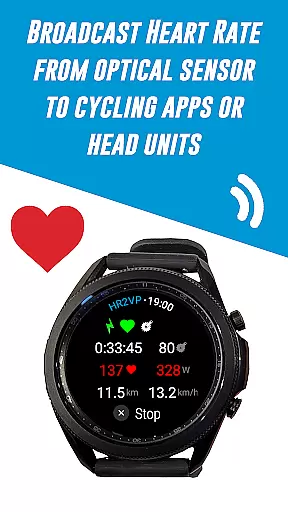
HR2VP Watch Bike Computer offers a comprehensive suite of features tailored for fitness enthusiasts and cyclists. One of its standout functionalities is the ability to use your Wear OS watch as a BLE heart rate monitor. The app utilizes the watch's built-in optical sensor to measure heart rate and broadcasts this data via Bluetooth Low Energy, making it accessible to various indoor cycling apps like Zwift.
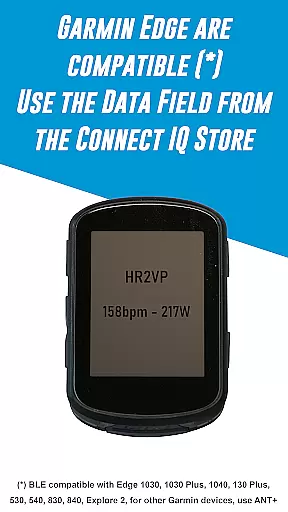
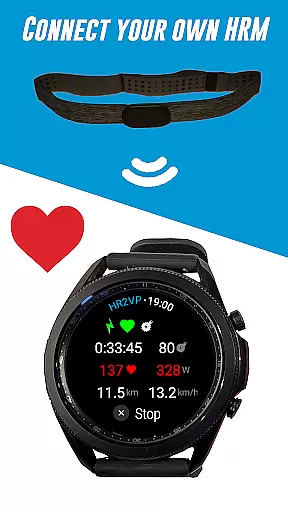
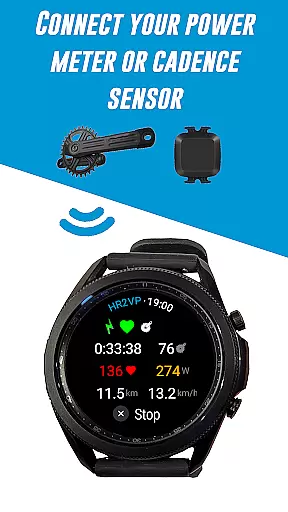
In addition to heart rate monitoring, HR2VP facilitates connectivity with Garmin Edge bike computers. By downloading the HR2VP data field from the Connect IQ store, users can integrate advanced metrics directly onto their bike computer screens. The app also supports a range of external sensors including Bluetooth Smart power meters, cadence sensors, and heart rate monitors, providing a holistic view of your workout metrics.
Another remarkable feature is the app's advanced matching algorithm, which computes power based on heart rate. This algorithm considers individual parameters such as FTP, resting heart rate, and max heart rate to deliver precise power estimations. Furthermore, HR2VP ensures seamless data management by allowing users to upload their ride data to Strava, enhancing post-workout analysis and visualization.
Personalized planning in fitness applications refers to the ability to create tailored workout experiences based on individual user data. This feature is crucial for optimizing training effectiveness and ensuring users achieve their fitness goals efficiently.
HR2VP Watch Bike Computer excels in personalized planning by utilizing advanced algorithms that compute power output based on heart rate measurements. The app takes into account individual parameters such as Functional Threshold Power (FTP), resting heart rate, and maximum heart rate to provide accurate and customized training metrics.
Users benefit from this feature through enhanced workout precision. By connecting compatible sensors, the app delivers detailed performance analytics, helping cyclists monitor their fitness levels and track calorie expenditure during rides.
This level of personalization not only improves training outcomes but also keeps users engaged by adapting to their unique physiological responses and progress over time.
Progress visualization is a critical component of fitness apps, enabling users to track their development over time through clear and informative graphical representations. This feature helps maintain motivation and allows for data-driven adjustments to training regimens.
The HR2VP Watch Bike Computer provides comprehensive progress visualization by displaying key metrics such as heart rate, power output, and calories burned during workouts. These metrics are presented in an easy-to-understand format, allowing users to monitor their performance trends effectively.
Through integration with platforms like Strava, users can automatically upload their ride data, complete with power metrics, to visualize their routes on maps. This seamless connection enhances the tracking experience by providing geographical context to their achievements.
By offering these visualization tools, HR2VP empowers users to set informed goals, celebrate milestones, and maintain consistent progress toward their fitness objectives.
Advanced HR monitoring
Seamless device integration
Comprehensive metrics
User-friendly interface
Strava compatibility
Occasional disconnections
Battery optimization issues
Limited ANT+ support
Short interval inaccuracies
Additional sensor costs

“Overcoming pain based on EMDR” helps you to alleviate chronic pain and stress.
 4.10
4.10
For Absolute Novices to Strength Training. Simple. Effective.
4.40
a fun app full of surprises :)
4.70
The Sleep Miracle Sound Machine: Soothes baby to sleep with a gentle "Shhh"
3.00
Using Recognise™ has been shown to reduce pain and improve performance
4.0
Walk. Earn: Get rewarded for every step! Walk, move, and earn real rewards.
4.70
Monitor, analyze, track, and convert blood sugar & help you control diabetes.
4.10
Fast Body building & Weight Loss. Home Workouts with Daily Coach, No Equipment.
4.30
Monitor blood sugar, gain insights, and manage diabetes with ease.
3.20
Meditation app, head space app provides calm music to help you meditate & sleep
5.00
Personal Measurements - Track your gains!
4.50
FODMAP, Gluten, Allergy, Vegan
4.50
See what's really going on inside your head! Real time EEG graphs from your Muse
4.40
Blood Pressure Log, HRV & Heartbeat Tracker. Pulse Checker.
4.40
Your portable blood pressure tracker. Record, monitor, and analyze BP anytime.
4.30
Create powerful subliminal audio with custom affirmations and background music.
4.00
Focus on BP & Health
3.80
The Wear OS BeechBand app is designed to alleviate anxiety and other conditions
4.1
Optimization for TRT & Enhanced Athletes
4.1


User Reviews