
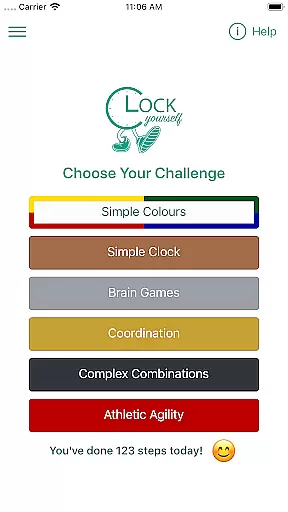
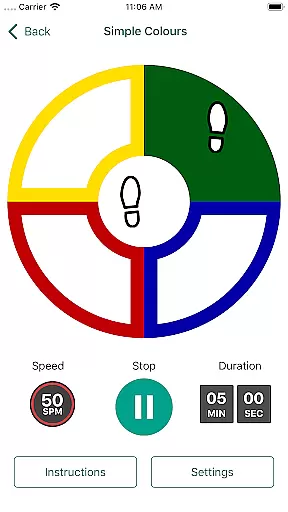
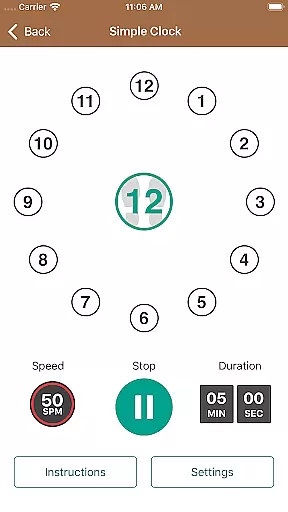
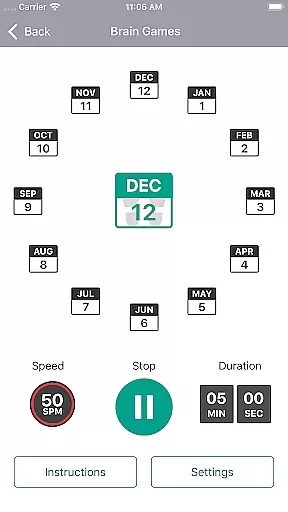
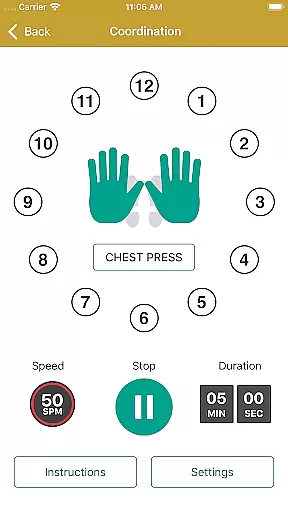
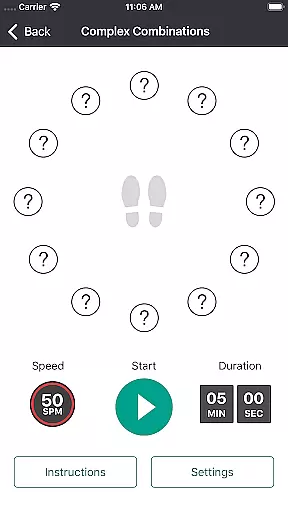
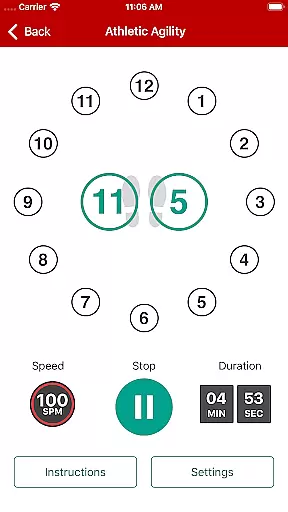
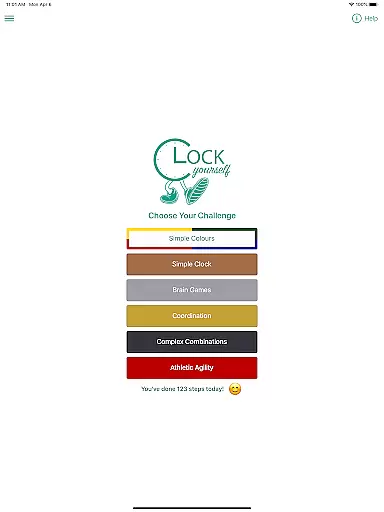
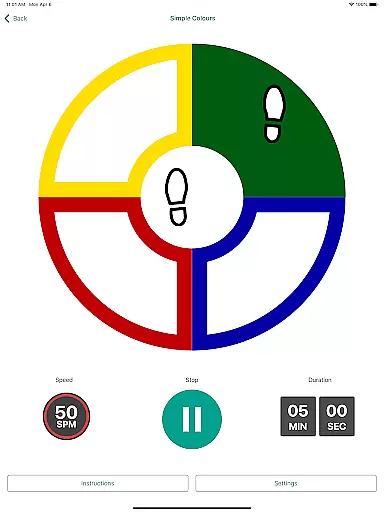
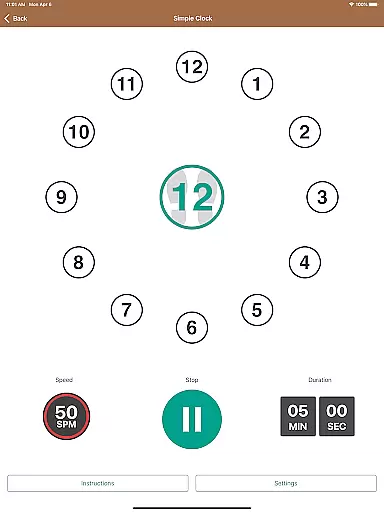
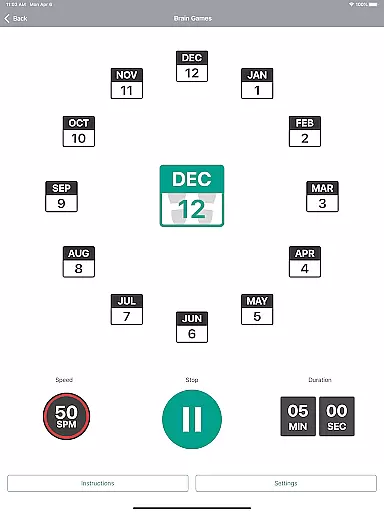
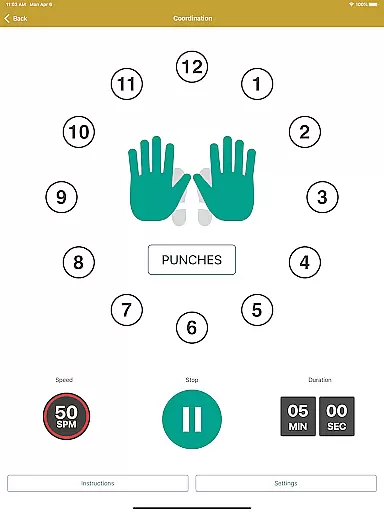
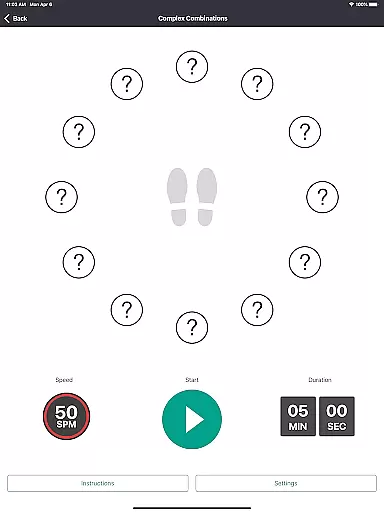
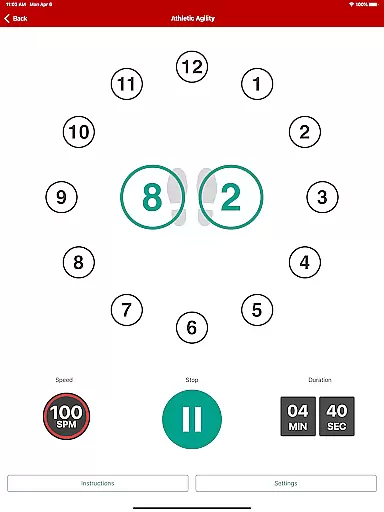
Clock Yourself offers a unique approach to personalized fitness planning by combining physical exercise with cognitive challenges. The app provides various modes that cater to users of all fitness levels, allowing them to tailor the intensity and complexity of workouts to their personal needs.
Through its innovative design, Clock Yourself encourages neuroplasticity, which is the brain's ability to form and reorganize synaptic connections. This is particularly beneficial for individuals undergoing neurological rehabilitation, as well as those looking to maintain or improve their cognitive functions through physical activity.
Users can modify the exercises to suit their abilities, whether they are athletes seeking sport-specific agility drills or individuals requiring low-impact options such as arm reaching or wheelchair maneuvers. This adaptability ensures that every user can create a personalized plan that evolves with their progress.
One of the standout features of Clock Yourself is its ability to visualize users' progress in an engaging manner. By maintaining an activity log, the app tracks the number of steps taken and minutes exercised, offering tangible evidence of improvement over time.
The app requests storage permissions not to invade privacy but to save this valuable activity data directly onto the user's device. This allows for a more personalized experience as users can review their logs and observe patterns or milestones in their fitness journey without needing an internet connection.
Furthermore, users have the option to send their activity log to an email address, providing a way to share achievements or discuss progress with healthcare providers or trainers. This feature emphasizes the importance of tracking one's advancement in a motivating and practical way.

The Wear OS BeechBand app is designed to alleviate anxiety and other conditions
 4.5
4.5
Personal Measurements - Track your gains!
4.50
Use your watch as a bike computer, heart rate monitor and cycling power meter
2.50
The Official Blood Type Diet® App - know your categorized foods anytime.
4.50
Pupillary distance PD with camera quick and easy, checking glasses frames on you
3.70
Pilates, Calisthenics, Yoga
4.50
Raccoon AI Calorie Counter. Intermittent Fasting & Timer. Macro, Carb, Protein
4.50
Pedometer that gives you sweatcoins for steps. It pays to walk!
4.10
Control your blood pressure, heart rate and blood sugar in a fast way.
4.00
App to stop smoking slowly or now with a motivational badges and helpful tips
4.80
Easy access to health benefits
4.70
The OFFICIAL Couch to 5K® running training app! A 9 week walk-run workout plan.
4.50
Your portable blood pressure tracker. Record, monitor, and analyze BP anytime.
4.30
Fast Body building & Weight Loss. Home Workouts with Daily Coach, No Equipment.
4.30
This is an application that serves as a companion app for smart watch.
4.20
Create powerful subliminal audio with custom affirmations and background music.
4.00
Control your sleep in real-time wearing Garmin device
3.60
Sync your activities of the most popular sports tracking services
2.70
Text notifications, button control, heart monitor & more for your Amazfit.
2.40


User Reviews