
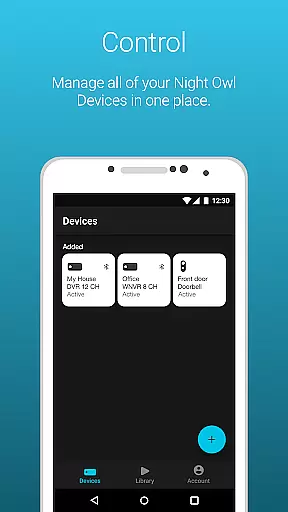
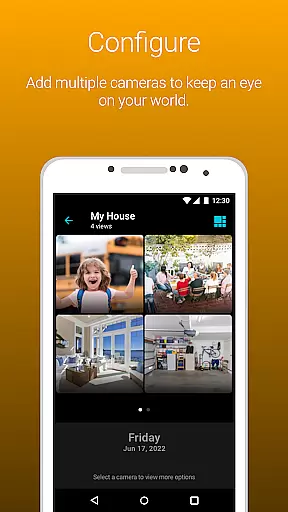
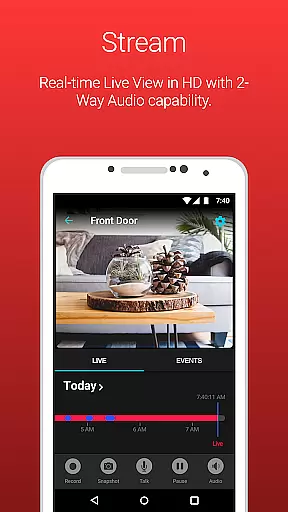
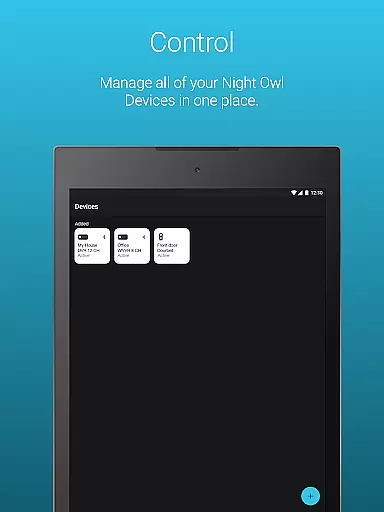
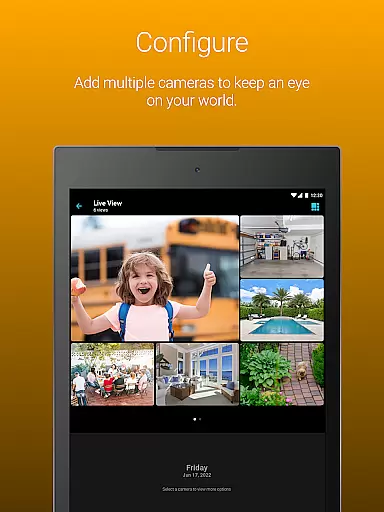
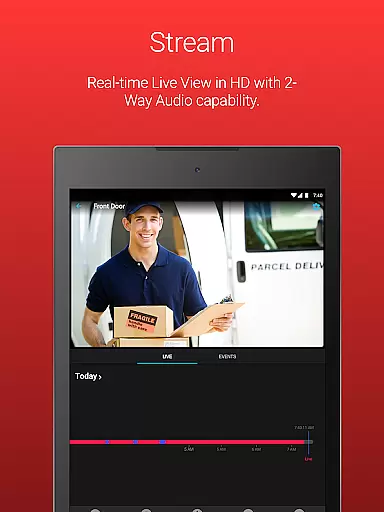
Night Owl Protect is a comprehensive home and business security application that allows users to monitor their properties in real-time through connected cameras. The app supports live footage viewing, audio features with applicable models, and easy sharing of images and recordings via social networks, email, and text. It also offers advanced features like real-time mobile alerts for human, face, or vehicle detection, 2-step verification for enhanced security, and cloud storage options for recordings.
One of the standout capabilities of Night Owl Protect is its Secure App-Based Bluetooth Setup, which simplifies the initial configuration process. Users can create favorites and groups for better camera management, share access with others, and even reset passwords directly from the app. This makes it an ideal solution for those who want both convenience and robust security features in a single platform. Whether you're a homeowner or managing a business, this app provides the tools needed to protect your world effectively.
Night Owl Protect stands out with its rich feature set tailored for both security enthusiasts and professionals. One of its key features is the ability to receive real-time mobile alerts based on specific triggers such as human, face, or vehicle detection. This ensures users are promptly notified of potential threats. Additionally, the app's 2-step Verification process adds an extra layer of security by requiring two authentication steps for login, safeguarding user privacy effectively.
The app also includes practical functionalities like audio features (2-way Audio, Siren, Preset Voice Messages) for applicable models, and the ability to search and playback recordings using filters. With the option to save and share recordings and snapshots directly from a mobile device, users can easily document and distribute important footage. Furthermore, Night Owl Protect supports Single Sign-On, allowing secure access to multiple devices with one set of credentials, making it highly convenient for users managing several locations or cameras.
In the realm of home security, the authenticity of your property's surveillance system is paramount. Night Owl Protect ensures that every connected device is verified and securely integrated into your personal network. This app provides a reliable platform where all camera feeds and recordings are genuine and tamper-proof.
The application employs advanced verification protocols during setup, ensuring that each device linked to your account is authentic and authorized. With features like 2-Step Verification and Secure App-Based Bluetooth Setup, users can trust that their surveillance system is legitimate and secure from potential cyber threats.
For homeowners and businesses alike, this level of authenticity assurance means peace of mind. Knowing that your property is under vigilant watch with certified equipment allows you to focus on other priorities, assured that your surveillance footage accurately represents your premises.
Furthermore, the compatibility of Night Owl Protect with a wide range of Night Owl devices guarantees that users have access to a broad spectrum of authentic security solutions. Whether it's monitoring live footage or reviewing past recordings, the integrity of your property's security data remains uncompromised.
Night Owl Protect offers an array of home management features designed to enhance the security and convenience of managing your property. The ability to monitor your home or business in real-time on your smartphone or tablet empowers you with immediate insights into any suspicious activities or potential threats.
With customizable alert settings, users can tailor notifications to their specific needs, ensuring they are promptly informed about critical events such as human, face, or vehicle detection. This feature not only streamlines home management but also optimizes the efficiency of your security measures by filtering out unnecessary alerts.
Additionally, the app facilitates easy sharing of images and recordings via social networks, email, and text. This functionality is crucial for swift communication with authorities or loved ones during emergencies, further solidifying the app's role in comprehensive home management.
Lastly, features like creating favorites and groups for camera access, sharing access with friends and family, and accessing cloud recordings through subscription plans exemplify the app's commitment to providing versatile and user-centric home management tools. These capabilities ensure that maintaining a secure environment is both manageable and intuitive.
User-friendly interface
Real-time alerts
Secure cloud storage
Easy device sharing
Advanced privacy protection
Feature disparity across models
Subscription required for cloud
High data usage on mobile
Limited third-party integration
Complex setup for some devices

Draw house plans, floor plans 3d & house design with house plan drawing 3d app
 3.60
3.60
Make Renting Easy
4.40
Home Ideas | Renovation Advice | Local Pros. Go From Dream to Home with Houzz.
4.70
Turn your phone into a wifi cam with smart features and umlimited reach.
4.20
Control the scent and ambiance of your home and car, right from your phone.
4.50
Plants, Beauty, Collectibles
4.60
Book your local plumber 24/7, track your service order & get exclusive coupons
4.00
AI Home Designer & Room Planner: Decorate your interior space with AI
4.40
Fire & Power Safety
4.50
Connect with reliable pros for maintenance services, plumbing, and home design!
4.80
B-hyve Pro App for landscape irrigation professionals
4.70
MLS-powered real estate app to find homes for sale & apartments for rent
4.70
Looking for the perfect apartment finder app? Find beautiful rental homes here!
4.60
The Merkury Smart app makes it easy to control your smart devices.
4.50
Control your Daikin, Amana & Goodman heating & cooling systems from anywhere
4.40
Plan your remodel AI home renovation easily using planner 5D and home decor AI.
4.40
The official app for Home Assistant. Control your home anywhere in the world.
4.30
An awesome mobile app for Home Security Surveillance - uses ZoneMinder
3.20
Calculate baluster spacing with ease and precision.
4.2


User Reviews