
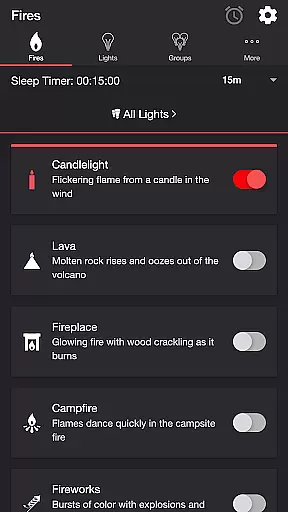
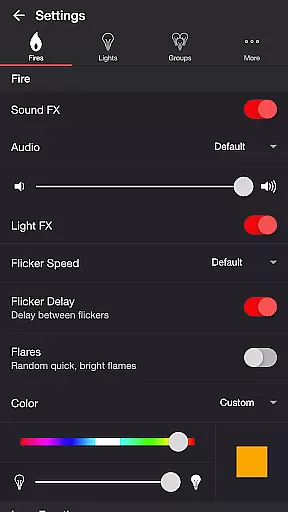
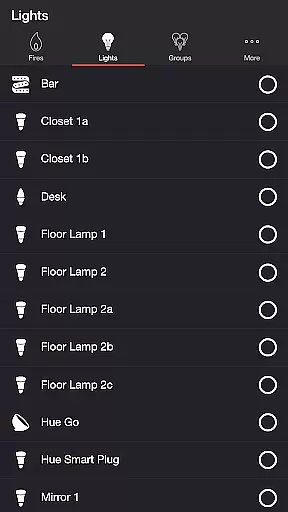
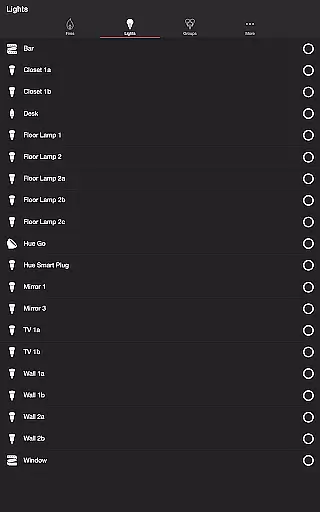
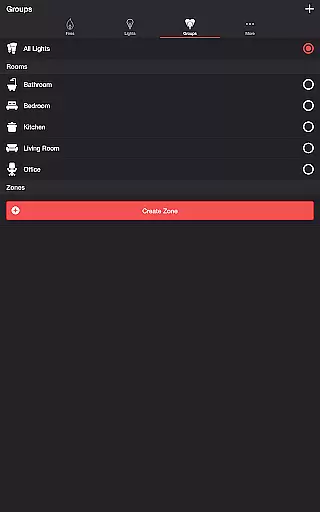
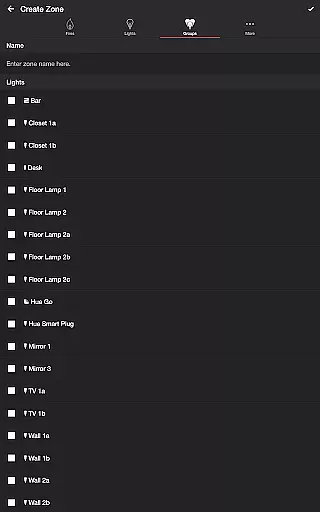
Firestorm for Hue is an innovative entertainment application that allows users to create immersive lighting experiences using Philips Hue lights. The app simulates various fire-themed effects, including Candlelight, Lava, Fireplace, Campfire, and Fireworks, each with customizable sound and light settings.
The application offers extensive customization options, enabling users to adjust flicker speed, color, brightness, and sound effects. With additional features like Sleep Timer and Bluetooth support, it provides a complete audio-visual experience. Ideal for setting the mood or creating ambient environments, Firestorm for Hue transforms any space into a dynamic light show.
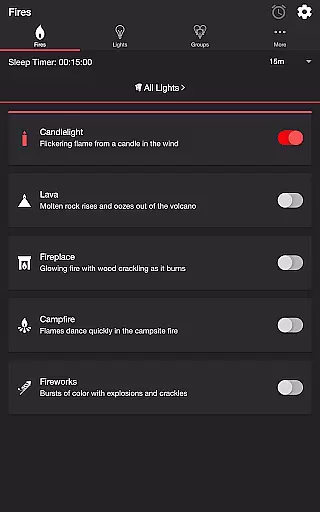
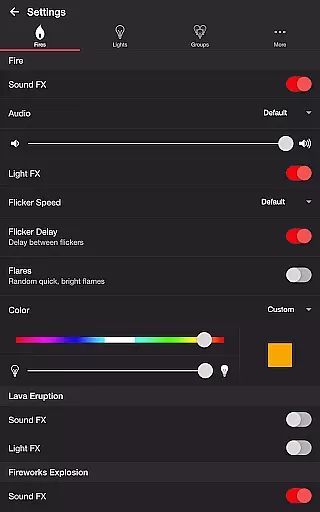
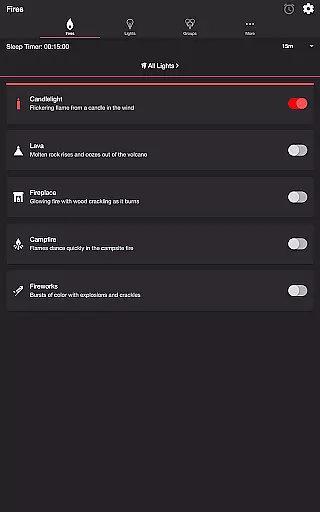
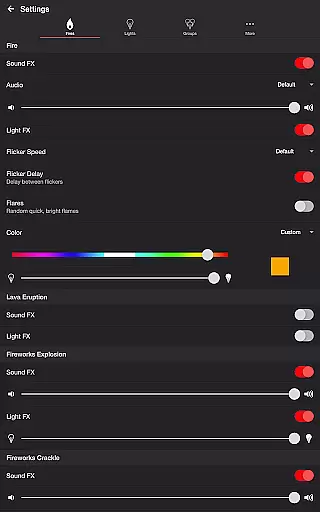
One of the standout features of Firestorm for Hue is its diverse range of fire effects. Users can choose from multiple presets such as Candlelight, Lava, Fireplace, Campfire, and Fireworks. Each effect comes with adjustable parameters, allowing precise control over flicker speed, color, brightness, and sound volume.
In addition to fire effects, the app includes specialized settings for Lava Eruption and Fireworks Explosion/Crackle. These features offer further customization options, including eruption intervals, explosion brightness, and crackle occurrence rates. The inclusion of background sounds like Birds, Cicadas, Crickets, and Frogs adds another layer of immersion.
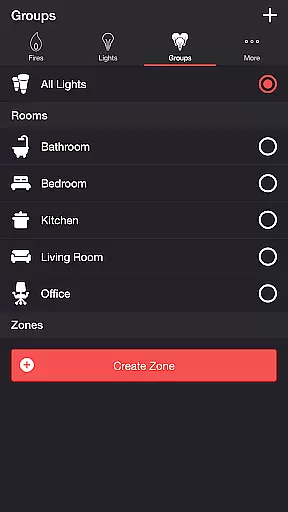
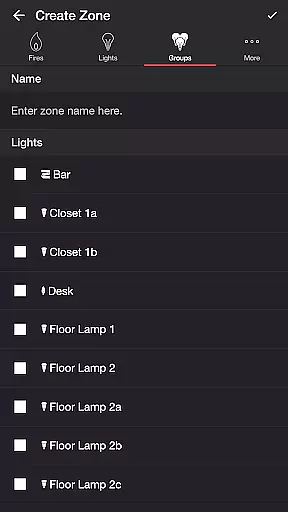
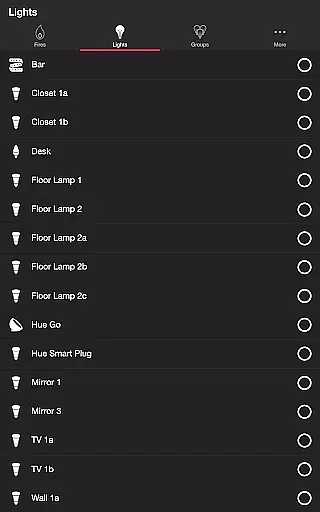
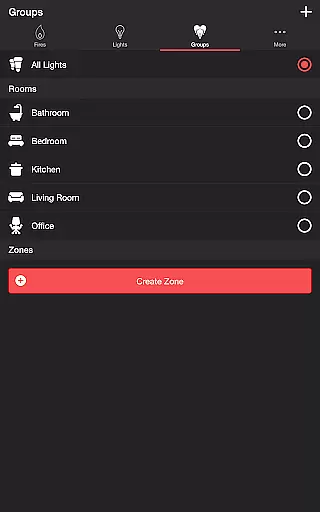
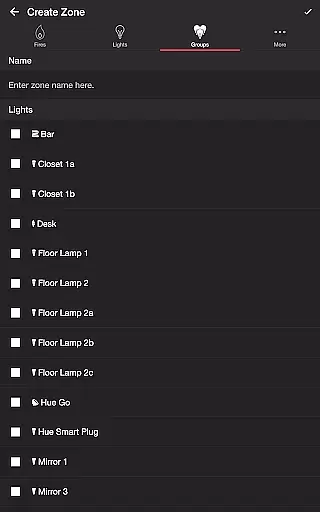
Advanced functionality includes wireless audio delay offset adjustments, automatic start/stop timers, and the ability to create custom zones using individual lights or groups. The app also supports Bluetooth speakers and Chromecast devices, making it versatile for different home entertainment setups.
Firestorm for Hue offers a diverse range of content that caters to various moods and settings. With options like Candlelight, Lava, Fireplace, Campfire, and Fireworks, users can customize their Philips Hue lights to create the perfect atmosphere.
The app doesn't just stop at static lighting; it provides dynamic light effects that change with sound, offering flickering flames and bursts of color synchronized with audio cues. This feature ensures that the entertainment experience is not only visually captivating but also audibly immersive.
Users have extensive control over the settings, allowing them to adjust flicker speed, fire volume, eruption intervals, and more. These customization options mean that the content remains fresh and engaging, as users can continually tweak their experience to keep it feeling new and exciting.
Moreover, the ability to set timers and automate recurring cycles adds an element of novelty, ensuring that the experience evolves over time without becoming repetitive or predictable.
User engagement in Firestorm for Hue is significantly enhanced by its interactive features. The app allows users to toggle between different sound and light effects, encouraging prolonged interaction as they explore various combinations to suit their preferences.
With dedicated controls for background sounds such as Birds, Cicadas, Crickets, and Frogs, along with adjustable volumes, users are invited to create a complete sensory environment. This level of detail helps maintain user interest and increases the time spent within the app.
The Sleep Timer feature complements the engaging experience by incorporating an audio fade-out function, which gently concludes the session. By choosing the state of lights after the timer ends, users are assured a seamless transition, promoting repeated use.
Additionally, support for Bluetooth and Chromecast enhances accessibility and convenience, making it easier for users to integrate Firestorm for Hue into their daily routines, thus boosting retention rates through practical usability.
Highly customizable
Wide range of effects
User-friendly interface
Supports multiple devices
Regular updates
Requires Hue Bridge
Premium features locked
Steep learning curve
Limited free options
Occasional bugs

Ultimate VR movie player for android mobile videos
 4.3
4.3
Stream Movies & TV Series: Original Shows, Family Movies & New Releases Weekly
4.60
Triple A is a highly complex, kinetic, and interactive visualizer.
4.50
Colorful flows will relax and calm you down, or get you trippy and creative!
4.90
Create and play realistic-looking mock Emergency Alert System messages.
4.30
Fool your friends & Family with Fake ultrasound test report
3.60
Christmas Globe: Transform your Wear OS device into a festive timekeeper!
4.5
Explore the unknown!
3.00
Hand-drawn, cartoon OC creator - original character creator
4.70
Open-source, fast, simple and powerful IPTV app
4.90
Stories that spark in seconds.
4.80
Stream Live TV, News & Documentaries. Watch Full Seasons with PBS Passport.
4.80
Chat with AI characters! Anime, games, roleplay & more.
4.50
Series,Películas y Telenovelas
4.50
Geooh GO is the most feature rich geocaching app available today.
4.50
Browser for Chromecast to stream webvideos, online movies, IPTV & HD livestreams
4.40
Himnario LLDM - Fast and Easy to read , updated Hymnal 2019 Edition Official
4.20
Simulation of Dashboard / Touch Screen for Tesla. (Works without actual Tesla).
4.1
EVP Recorder / Voice Recorder for ghost hunting, to communicate with ghosts.
4.5


User Reviews