
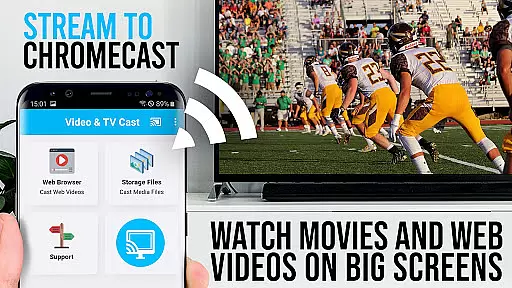
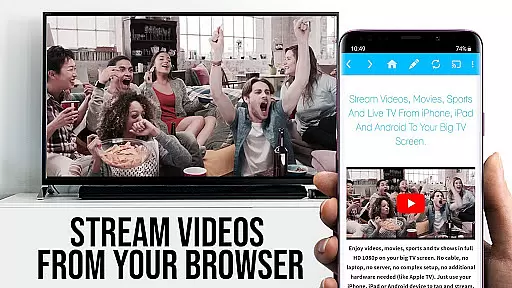
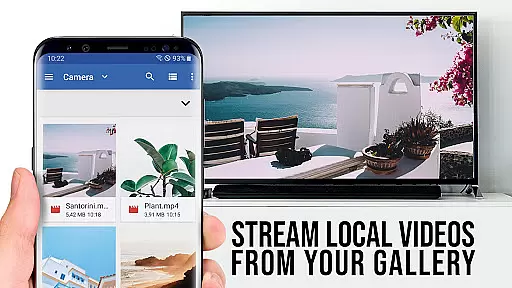
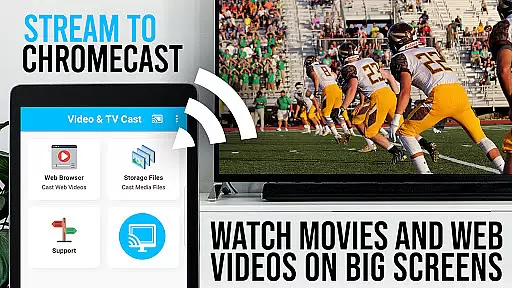
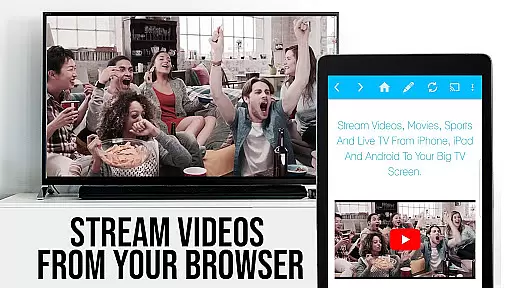
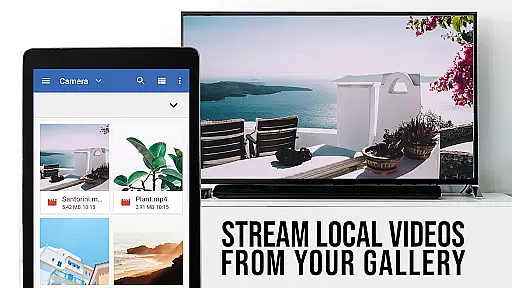
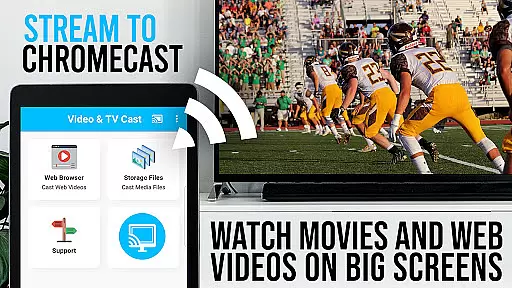
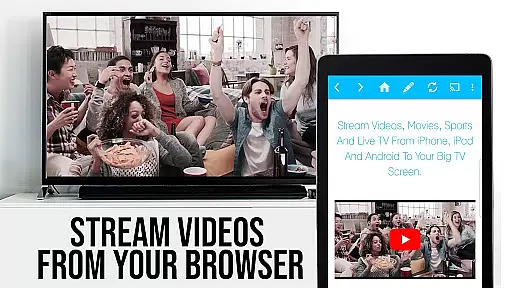
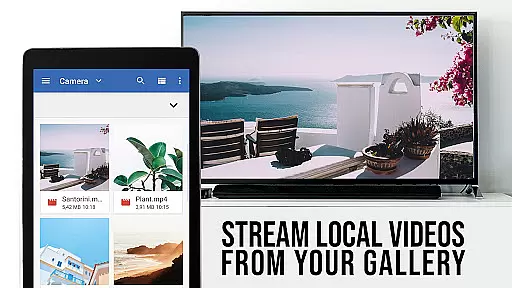
TV Cast Pro for Chromecast is the premier browser app designed specifically for video streaming, boasting an impressive user base of 10 million across Android and iOS platforms. This application elevates your Chromecast player, enabling you to stream web videos, online movies, IPTV, livestreams, and live TV shows directly onto your largest screen. It supports a wide range of formats including mp4, m3u8, hls livestreams, video over https, and Full HD content.
The PRO edition of this app comes with all premium features unlocked, offering users advanced functionalities such as remote playbar control, ad-blocking, bookmarks management, desktop mode, and customizable homepage settings. With its intuitive interface, users can effortlessly browse the web and cast any desired video to their Chromecast with a single tap. The detected video appears below the browser, ready to be sent to the Chromecast immediately.
TV Cast Pro for Chromecast stands out with its comprehensive feature set tailored for seamless video streaming. One of its key highlights is the Remote Playbar, which allows users to have advanced video control while browsing, including options like video scrubbing, forward, rewind, play, pause, and stop. This functionality is synchronized across all Android and iOS devices running Video & TV Cast, providing a unified experience.
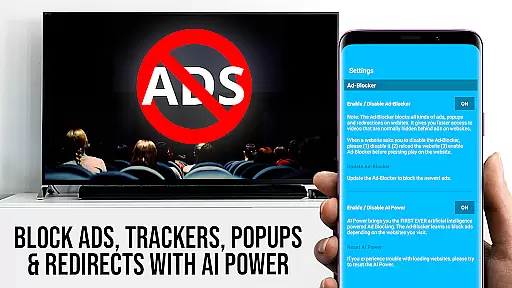
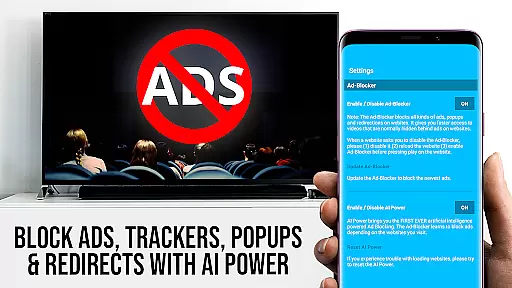
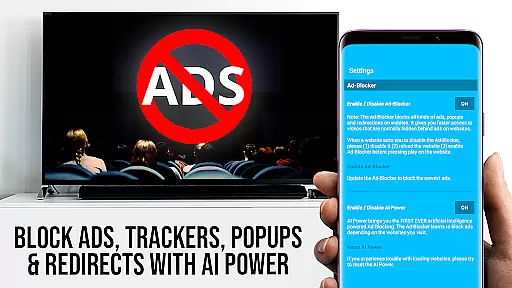
In addition to the Remote Playbar, the app includes an Ad-Blocker that eliminates ads and popups on most websites, ensuring an uninterrupted viewing experience. Users also benefit from the ability to manage bookmarks directly within the browser, switch to Desktop Mode to access desktop versions of websites, and customize the homepage according to personal preferences. These features collectively enhance user convenience and satisfaction, making TV Cast Pro a top choice for Chromecast users seeking a versatile and powerful streaming solution.
TV Cast Pro for Chromecast excels in offering a wide variety of content, ensuring users have access to an extensive range of web videos, online movies, IPTV, livestreams, and live TV shows. This diversity is crucial for entertainment applications as it caters to different user preferences and keeps the content engaging.
The app supports multiple video formats including mp4, m3u8, hls livestreams, and Full HD, which enhances its versatility. By allowing direct streaming from websites, it ensures that users can enjoy fresh and updated content without compatibility issues.
Moreover, the inclusion of PRO features such as the Ad-Blocker and Bookmarks adds another layer of content management. Users can block ads on most websites and save their favorite sites, ensuring a seamless and personalized viewing experience. These features collectively contribute to maintaining content freshness and variety.
With over 10 million users on Android and iOS, TV Cast Pro has proven its ability to consistently deliver diverse and up-to-date content, making it a top choice for video streaming on Chromecast devices.
User engagement and retention are critical factors for the success of any entertainment application, and TV Cast Pro for Chromecast addresses these aspects effectively. The app's intuitive interface and advanced features like the Remote Playbar ensure users remain engaged by providing them with superior control over their viewing experience.
The Remote Playbar allows users to scrub, forward, rewind, play, pause, and stop videos directly from their device, enhancing the interactive experience. This feature not only increases the time users spend on the app but also encourages them to return, knowing they have such precise control at their fingertips.
Additionally, the app's capability to cast videos from a vast array of websites means users can continuously discover new content, further boosting engagement. The ability to manage bookmarks and use the Desktop Mode also contributes to a personalized experience that keeps users coming back.
By focusing on these engagement-enhancing features, TV Cast Pro ensures high user retention rates, making it a reliable choice for those looking to maximize their entertainment options on Chromecast.
User-friendly interface
Wide format support
Advanced video controls
Effective ad-blocking
Customizable settings
No DRM video support
Limited device compatibility
Occasional connectivity issues
Requires manual testing
Premium cost for full features

Watch whatever you want, whenever you want, wherever you want.
 3.30
3.30
Exclusive Short Drama Video! All in HD. Bringe trending reels & enjoy drama time
3.80
EVP Recorder / Voice Recorder for ghost hunting, to communicate with ghosts.
4.1
Best of icon for christmas
4.30
Collaboration with popular VTubers
4.3
Your choice of 350+ networks plus movies and full TV series on-demand.
3.70
Catch the latest episodes of The Voice or live stream NFL games with The NBC App
4.20
Bold original series & hit movies that don't hold back.
4.40
Earn Real Rewards Playing Fun Mobile Games & Easy Cash Out - PayPal & Gift Cards
4.40
Watch Reels, Drama Shorts & TV Series Anytime. Download DramaWave Now!
4.70
Direct access to the most complete Guitar Tab Archive in Spanish: LaCuerda.net
4.60
Everything FOX in one place. Watch FOX News, NFL, MLB, TV shows and more.
4.50
* Multiple Matches * Intuitive UI * Scoring Made Easy!
4.40
Build and Share AI
4.20
A companion app for the game Elite Dangerous
4.10
Binge-worthy short dramas on DramaRush—engaging stories that fit your day.
3.90
VR 360 Cinema Player is the ultimate VR player for playing videos on mobile
3.50
NFL, NBA, NHL, MLB, local sports coverage, shows, movies & news!
3.20
Explore the unknown!
3.00


User Reviews