
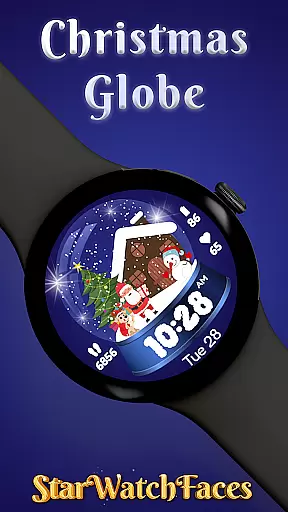
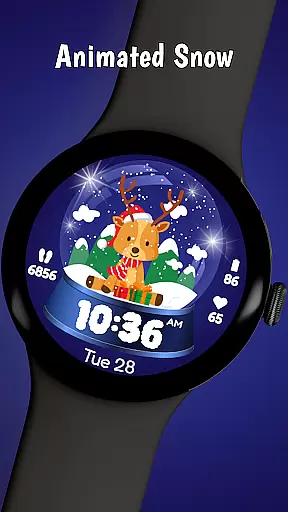
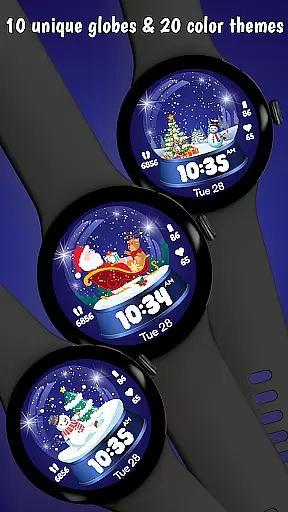
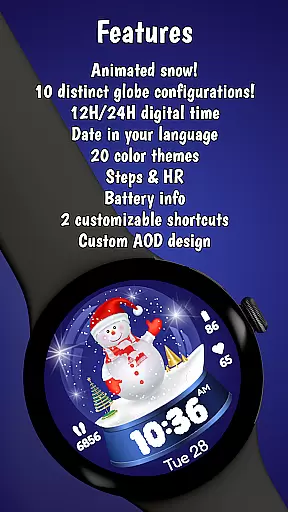
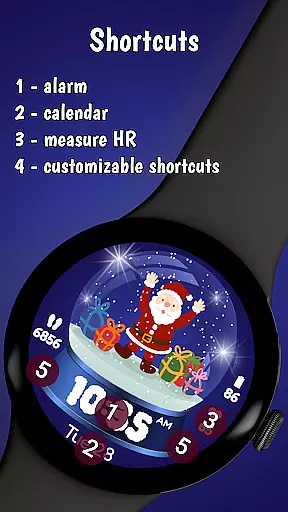
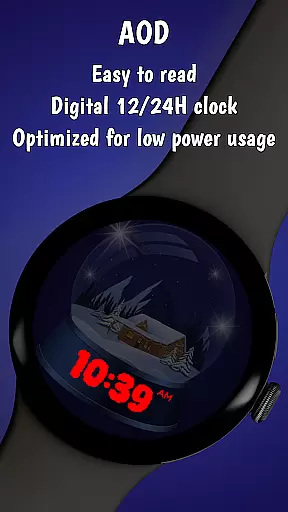
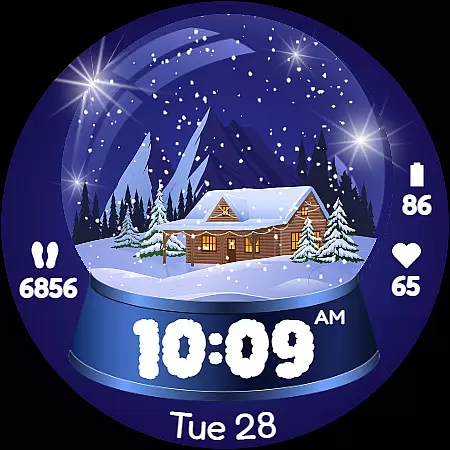
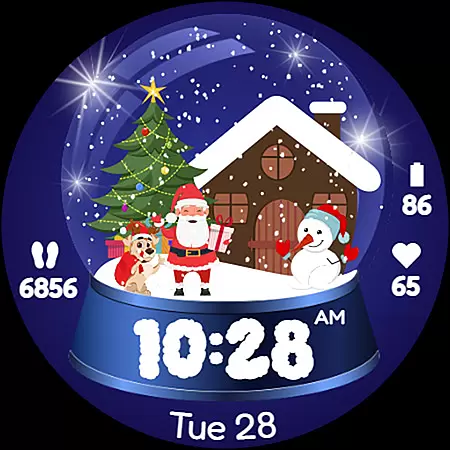
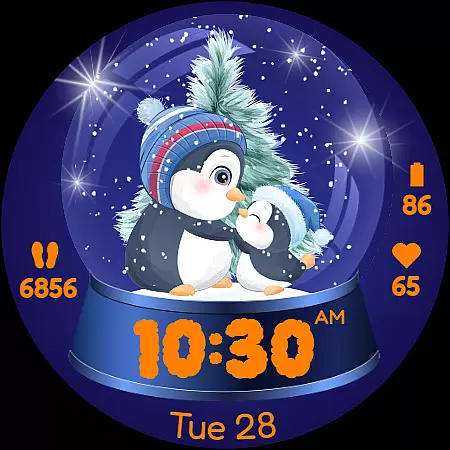
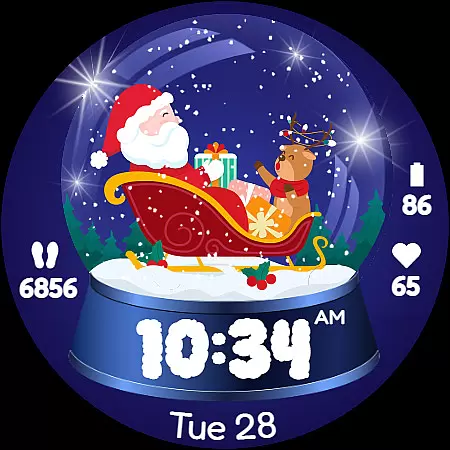
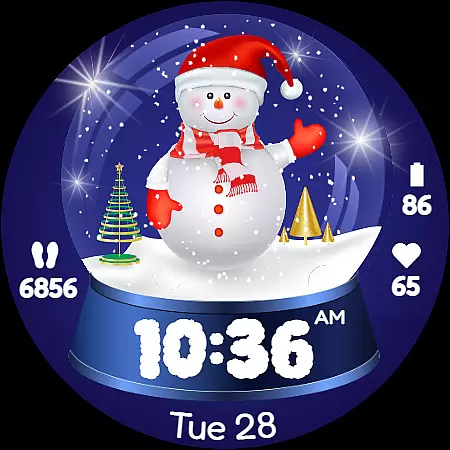
Christmas Globe is a festive watch face for Wear OS devices, transforming your smartwatch into a delightful winter wonderland. Featuring an animated snow globe with 10 customizable backgrounds, it brings holiday charm to your wrist. The watch face also offers 20 unique color themes, allowing personalization for every style and occasion.
Beyond its holiday aesthetics, Christmas Globe provides essential functionality. It supports both 12 and 24-hour time formats, displays the current date in English, and includes practical features like step counting, heart rate monitoring, and battery level indication. These features ensure users stay informed and motivated during the busy holiday season.
This watch face is perfect for Christmas enthusiasts who want to carry the magic of the season with them. Whether you're shopping, attending holiday parties, or simply enjoying the festivities, Christmas Globe adds both whimsy and practicality to your daily routine, making it a must-have seasonal accessory for your smartwatch.
Christmas Globe stands out with its rich feature set that combines holiday spirit with everyday functionality. The watch face offers 10 beautifully designed festive backgrounds, ranging from classic Santa Claus scenes to serene winter landscapes. Each background creates a unique holiday atmosphere on your smartwatch display.
The customization options are extensive, including 20 distinct color themes that allow users to tailor the appearance to their personal preferences. Whether you prefer traditional reds and greens or modern blues and silvers, there's a palette for every taste. The watch face maintains clear visibility of essential information, displaying time in both 12 and 24-hour formats alongside the English date.
Practical features include a built-in step counter to track daily activity, a heart rate monitor for health-conscious users, and a battery level indicator to ensure your smartwatch remains operational throughout the day. These thoughtful additions make Christmas Globe not just a festive decoration but a genuinely useful tool for managing your daily life during the holiday season.
The Christmas Globe Watch Face for Wear OS offers an impressive variety of content options that ensure users can enjoy a personalized and festive experience. With 10 unique festive backgrounds, ranging from jolly Santa Claus to serene winter landscapes, the watch face caters to diverse tastes and preferences.
In addition to background choices, the watch face provides 20 distinct color themes. This extensive selection allows users to customize their watch face to match their outfit or mood, whether they prefer classic Christmas colors like red and green or cooler tones such as blue and silver.
What sets this entertainment app apart is its ability to maintain freshness throughout the holiday season. Users can switch between different themes and backgrounds, ensuring their smartwatch always feels new and exciting. The option to display the time in both 12-hour and 24-hour formats adds practicality while keeping the interface engaging.
This continuous variety not only enhances user enjoyment but also encourages regular interaction with the app. By offering multiple customization options, Christmas Globe keeps users engaged and looking forward to their next personalized watch face creation.
User engagement is a crucial metric for any entertainment application, and Christmas Globe excels in this area through its thoughtful design features. The watch face incorporates essential functionalities that naturally encourage prolonged usage, such as the step counter and heart rate monitor, which are valuable tools for health-conscious users.
The customizable nature of the watch face plays a significant role in user retention. With numerous background options and color themes, users can create a look that truly represents their personality. This personal connection increases the likelihood of continued use beyond the holiday season.
Practical features like date display in English and battery level indicators contribute to sustained engagement by making the watch face indispensable for daily activities. These elements ensure users remain connected to their schedules while enjoying the festive aesthetics.
Furthermore, the integration with the companion app creates additional touchpoints for user interaction. By exploring other watch faces and customizations through the mobile app, users establish a deeper relationship with the product ecosystem, leading to improved retention rates and long-term satisfaction.
Festive design
Customizable themes
Health tracking
Time management
Battery indicator
Holiday-specific
Premium cost
Limited year-round use
Feature limitations
Device compatibility

Exclusive Short Drama Video! All in HD. Bringe trending reels & enjoy drama time
 3.80
3.80
Unofficial Game Companion App” “Guides • Builds • Tips • Progression
4.4
Simulation of Dashboard / Touch Screen for Tesla. (Works without actual Tesla).
4.0
A wonderful collection of the most beautiful sounds of animals and birds
4.5
Live TV, sports & holiday movies — stream on phone, tablet & TV
4.60
SpiritWave is paranormal ITC application.
5.00
Fetch money rewards all just for playing games. Cash out for gift cards in app.
4.50
Himnario LLDM - Fast and Easy to read , updated Hymnal 2019 Edition Official
4.20
Pop Drama is a premier app crafted for short drama lovers
4.60
Wodfix Air aggregates popular online content for you.
4.80
Original short dramas with diverse genres for a rich viewing experience!
4.80
Earn gift cards for playing games. Become a real game tester!
4.40
Create and play realistic-looking mock Emergency Alert System messages.
4.30
A companion app for the game Elite Dangerous
4.10
Daily immersive workout plan: Body warm up & finger yoga exercises
3.80
Your choice of 350+ networks plus movies and full TV series on-demand.
3.70
NFL, NBA, NHL, MLB, local sports coverage, shows, movies & news!
3.20
Explore the unknown!
3.00
Disney Stickers: Zootopia 2
4.1


User Reviews