
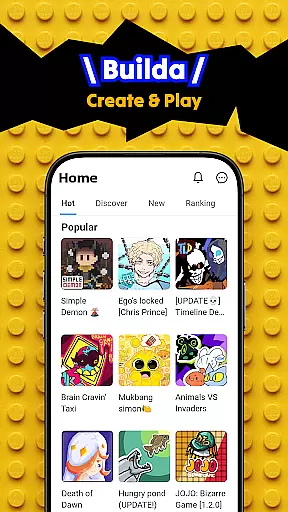
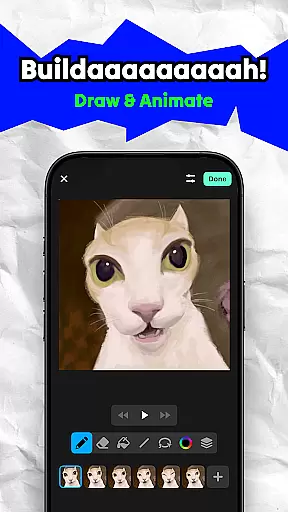
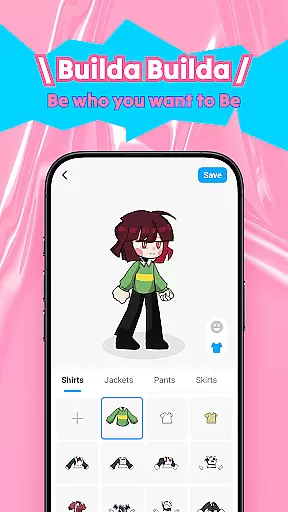
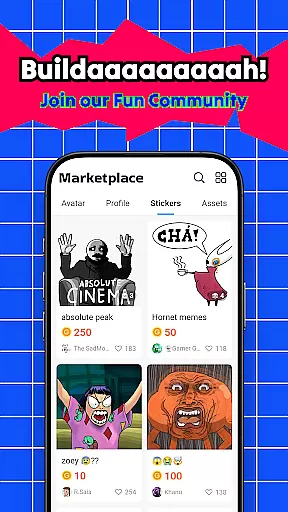
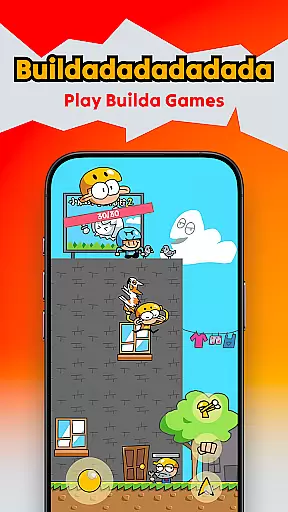
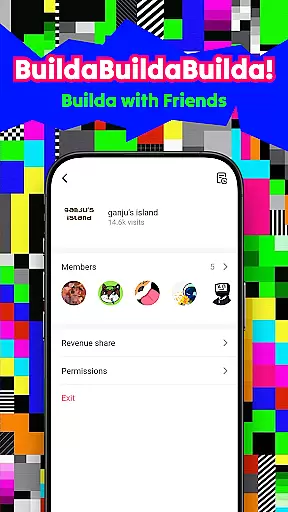
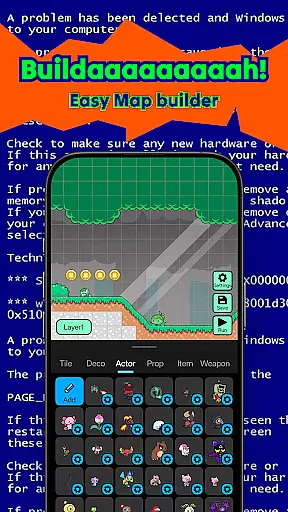
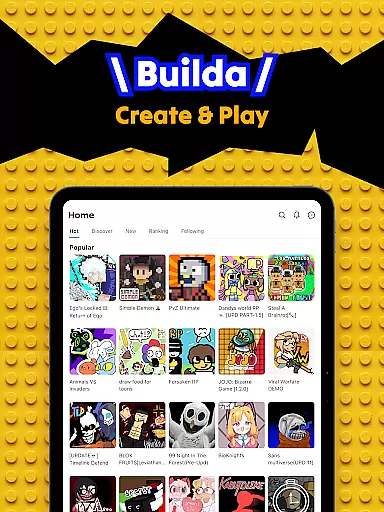
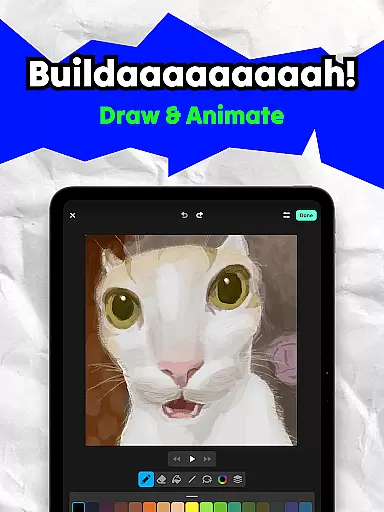
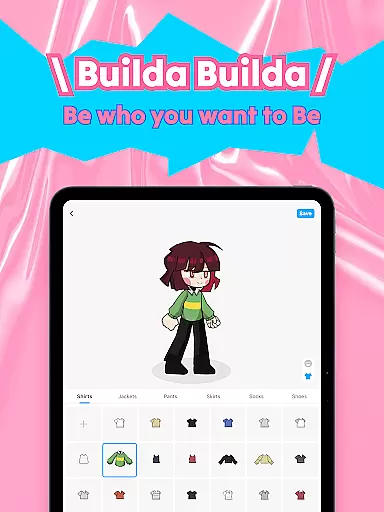
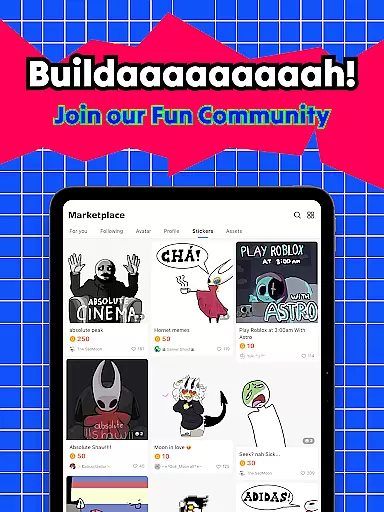
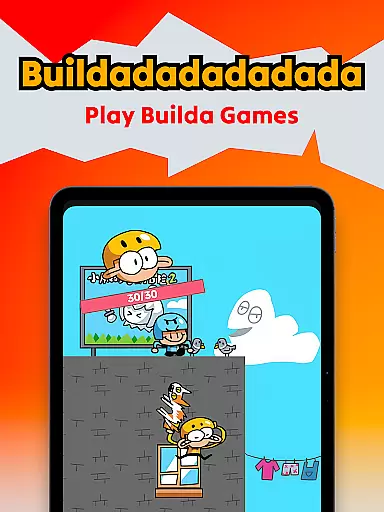
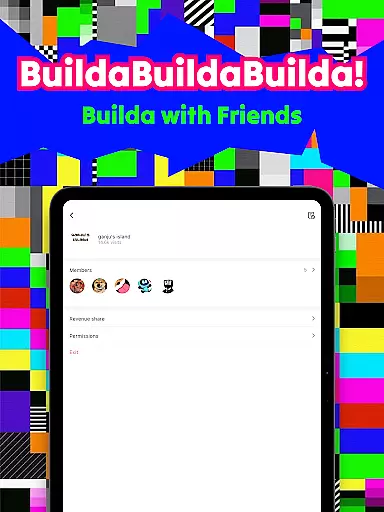
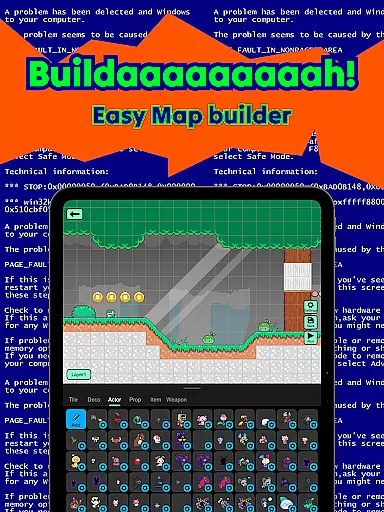
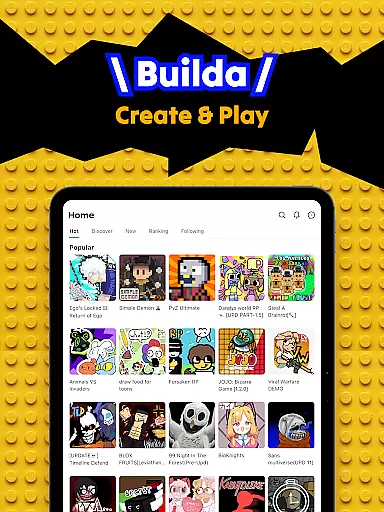
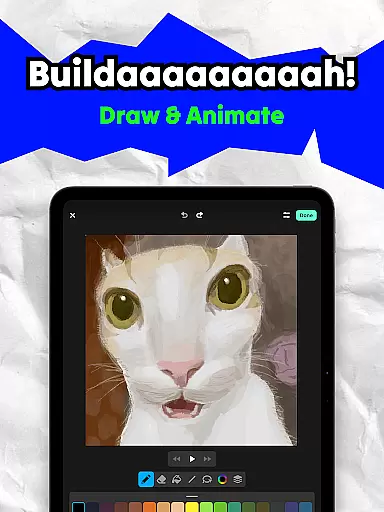
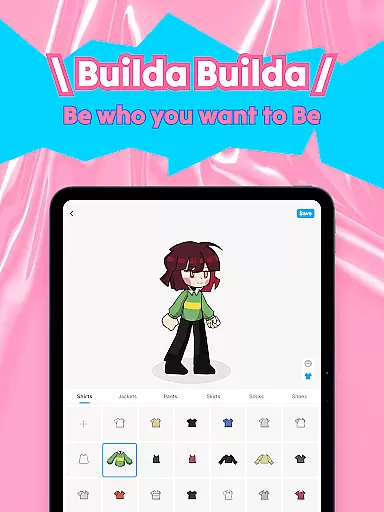
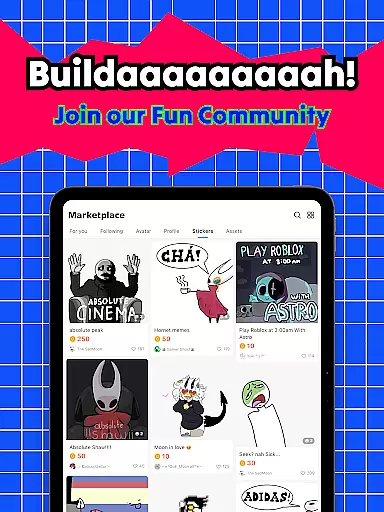
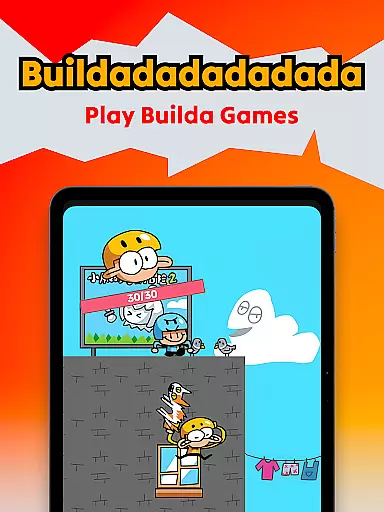
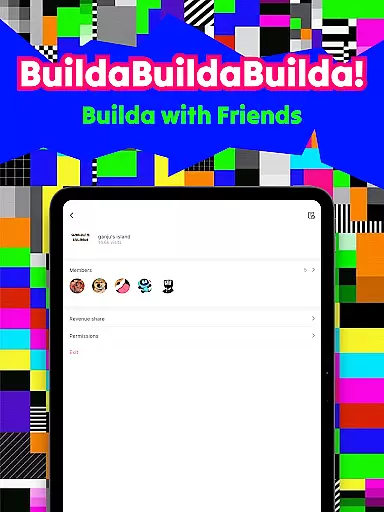
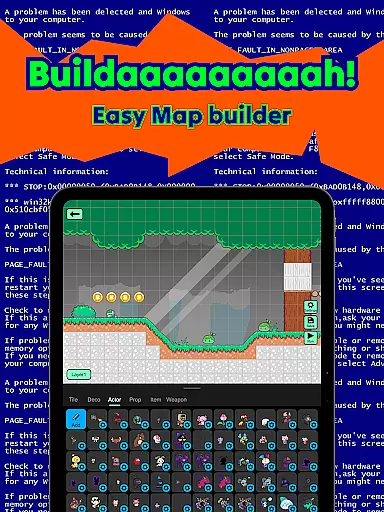
Builda is an innovative educational platform that combines game creation with social interaction, empowering users to unleash their creativity. This app allows you to design and play games collaboratively with friends, draw and animate characters, and customize avatars without any programming knowledge. With its unique blend of creative tools and community features, Builda serves as an excellent learning tool for developing artistic and coding skills while having fun.
The platform offers a versatile environment where users can create various types of content - from simple doodles to complex game mechanics. Its intuitive block coding system makes it accessible even to beginners, while the robust animation editor satisfies more advanced creators. Whether you're looking to make memes, stories, or fully-fledged games, Builda provides all the necessary tools in one place.
This application is particularly valuable in educational settings, where students can learn fundamental programming concepts through hands-on game development. The collaborative nature of the platform also fosters teamwork and communication skills, making it an ideal choice for both individual learners and classroom environments seeking to incorporate STEAM education principles.
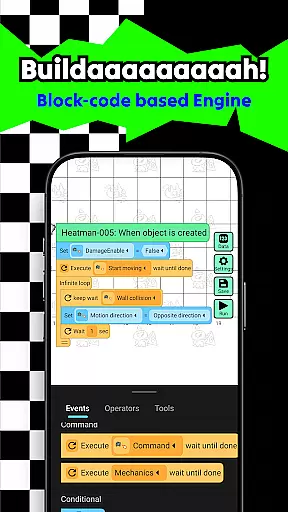
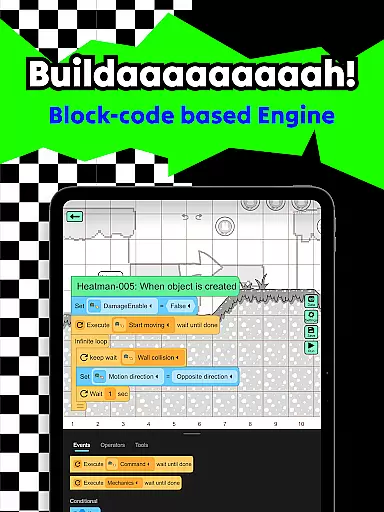
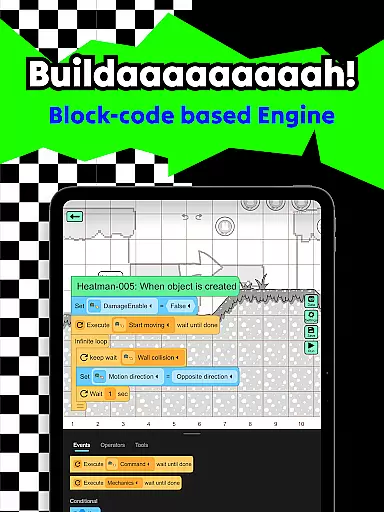
Builda distinguishes itself through its comprehensive suite of creative tools designed for both novice and experienced creators. The platform's standout feature is its no-programming-required approach to game development, utilizing an intuitive block-based coding system that simplifies complex game mechanics creation. This makes it exceptionally suitable for educational purposes across various age groups.
The application's collaborative capabilities are equally impressive, allowing multiple users to work together on game projects in real-time. With built-in drawing and animation tools featuring professional-grade onion skinning technology, creators can produce high-quality character animations and sprites. The remix functionality enables users to modify existing games with custom characters and elements, fostering a culture of creative iteration and improvement.
Additional notable features include a robust social media component where users can form groups, share their creations, and participate in global challenges. The avatar customization system lets users express their individuality while engaging with the community. These features collectively create an ecosystem that not only teaches technical skills but also encourages social interaction and community building among learners.
In the realm of educational tools, content accuracy and authority are paramount. Builda positions itself as a comprehensive game creation and social platform that emphasizes these qualities through its diverse offerings. The app provides users with the ability to create games, stories, and animations without requiring any programming knowledge, ensuring that creativity is not hindered by technical skill barriers.
Builda's dedication to accuracy is demonstrated by its provision of an intuitive block coding system, which allows users to implement complex game mechanics easily and correctly. This approach ensures that the educational content delivered through gameplay is both accurate and authoritative, equipping users with genuine insights into game design and interactive storytelling.
Furthermore, the community-driven aspect of Builda means that content is continually vetted and improved by peers. Users can collaborate on projects, share feedback, and refine each other's work, leading to higher standards of content quality. By fostering a worldwide network of creators, Builda leverages collective expertise to maintain high levels of precision and reliability in the educational material produced within its platform.
Builda offers personalized learning paths that cater to individual preferences and styles, setting it apart in the educational landscape. The platform's versatility enables users to engage with content that resonates with their unique interests, whether that involves drawing characters, animating sprites, or developing entire games from scratch.
The flexibility of Builda's creative tools empowers learners to pursue their own educational journey at their pace. With features like the onion skinning animation tool and easy block coding for game mechanics, users can delve into specific areas they wish to explore or improve upon. This self-directed approach fosters a more profound understanding and retention of skills as users are inherently motivated by their personal creative goals.
Moreover, Builda's vibrant community enhances personalized learning by allowing users to connect with like-minded individuals around the globe. Through collaboration and shared experiences, learners can discover new techniques, receive constructive feedback, and draw inspiration from others' successes. This communal exchange enriches the individualu2019s learning path, making it a dynamic and evolving experience tailored to each user's growth trajectory within the world of game creation and beyond.
User-friendly interface
Collaborative creation tools
Comprehensive animation features
Strong community engagement
Educational value without coding
Limited advanced coding options
Occasional performance issues
Steep learning curve for some
Requires stable internet
Mobile-only experience

Learn math, step-by-step
 4.30
4.30
Astronomy app ? Discover the universe scope, explore solar system model in 3D.
4.20
An easy to use yet powerful and full-featured flashcard study app.
4.50
Age-Related Child Developmental Milestones
4.80
Monkey Preschool Lunchbox: 7 exciting educational games for your preschooler.
4.30
Your best partner for learning Japanese words. Based on a best-selling textbook.
2.80
An aviator’s preparation, study and test tool for FAA Knowledge Exams.
4.00
Snap a dog photo to identify its breed instantly. Fast, accurate and easy to use
3.40
Train, track, and reward potty training using Potty with Pull-Ups® ft. Disney®
4.70
Learn Japanese in an immersive educational game set in Japan!
4.90
Stack the States makes learning about the 50 states fun!
4.70
Dinosaurs coloring book game. Drawing and painting dinos.
4.50
Professional Award-Winning Astronomy Star Map App With Telescope Control
4.40
The "Go To" app for Airmen studying for promotion to SSgt and TSgt
4.30
Build math skills in: addition, subtraction, multiplication and division.
4.10
An aviator’s preparation, study and test tool for FAA Knowledge Exams.
4.10
Master note reading with StaffWars….
4.00
Your best partner for learning Japanese words. Based on a best-selling textbook.
2.90
Animals pop up and make sounds—learn names and noises in Peekaboo Barn!
4.5


User Reviews