
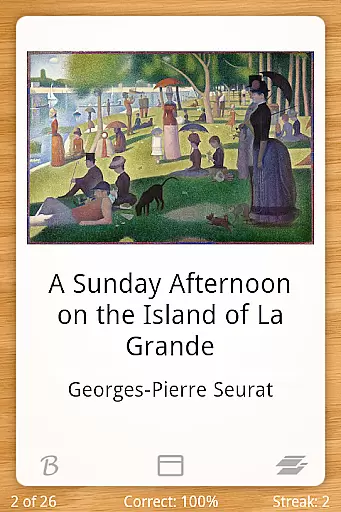
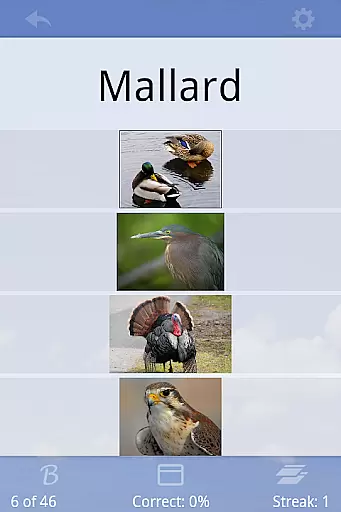
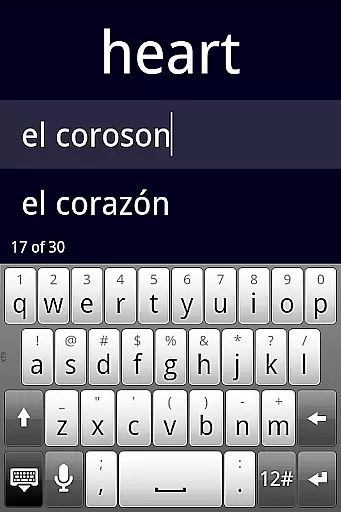
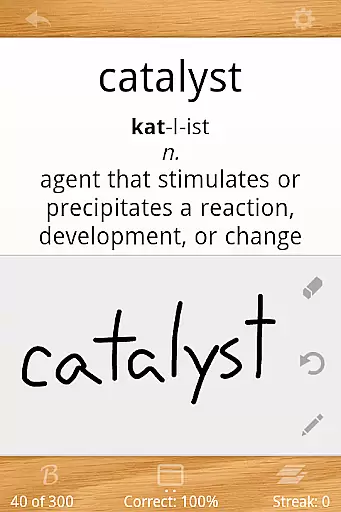
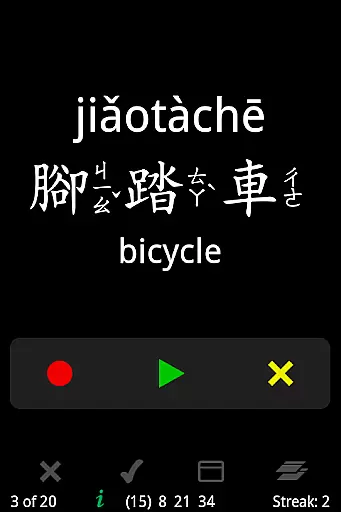
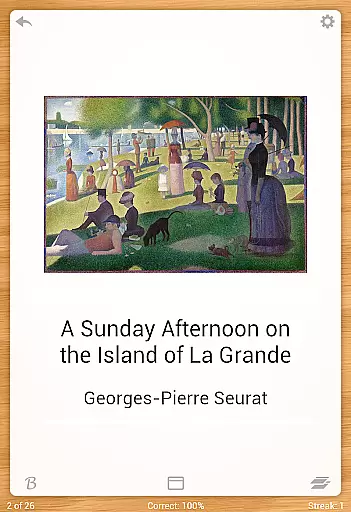
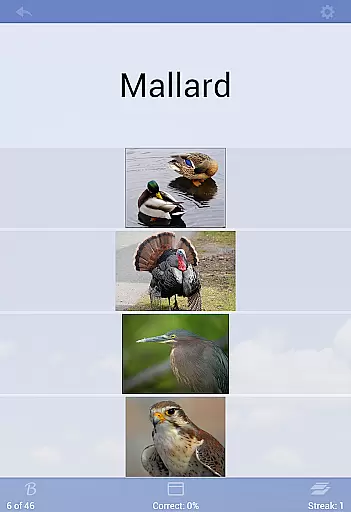
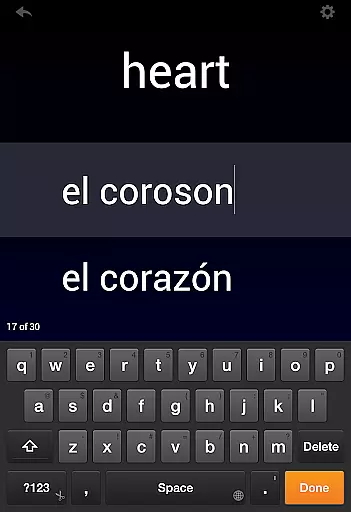
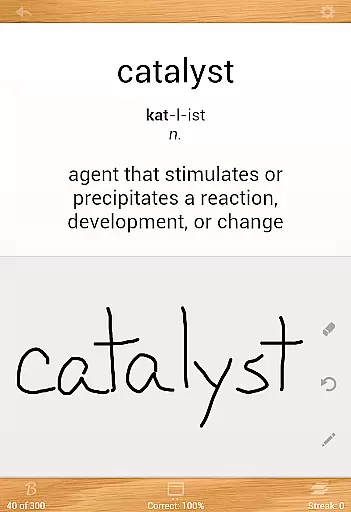
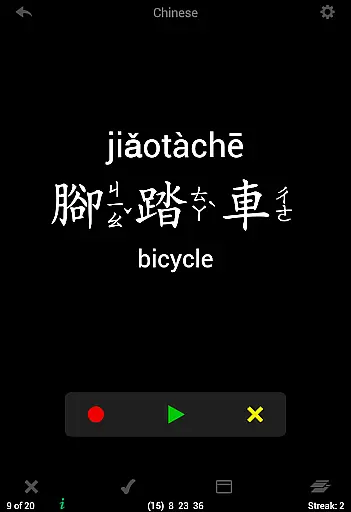
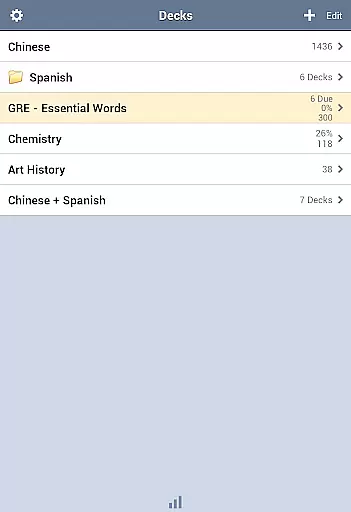
Flashcards Deluxe is a comprehensive flashcard app designed for effective learning. The app offers two intelligent study modes - Leitner and Spaced Repetition - which prioritize cards based on user performance, ensuring efficient study sessions. With support for 18 languages through offline text-to-speech functionality, users can engage in multi-sensory learning without needing an internet connection.
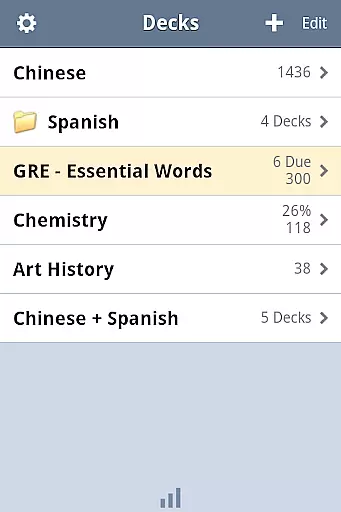
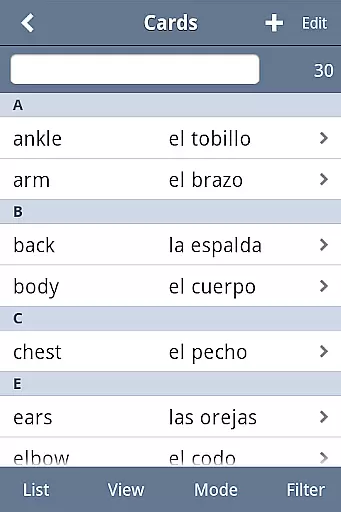
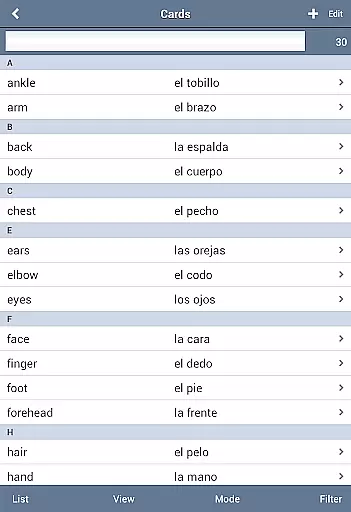
The app allows organization of decks into folders, combining multiple decks for study sessions, and categorizing cards for better management. It includes advanced features like spelling tests, searchable card listings, and the ability to include images and sounds. Users can customize their experience with various color themes and response levels, making it adaptable to different learning styles and preferences.
Ideal for students and professionals alike, Flashcards Deluxe turns any subject into an interactive learning experience. Whether preparing for exams or expanding knowledge in a particular field, this app provides all the tools necessary for mastering content efficiently and effectively.
Flashcards Deluxe stands out with its robust feature set tailored for diverse learning needs. One of its key strengths is the implementation of two smart study modes: Leitner and Spaced Repetition. These algorithms adapt to individual learning patterns by focusing on areas that need improvement, thus optimizing study time.
The inclusion of text-to-speech in 18 languages enhances accessibility, allowing auditory learners to benefit from hearing pronunciations without an internet connection. The app supports multiple choice quizzes and spelling tests, engaging users through varied question formats. Additionally, the ability to add pictures and sounds enriches the learning material, catering to visual and auditory learners.
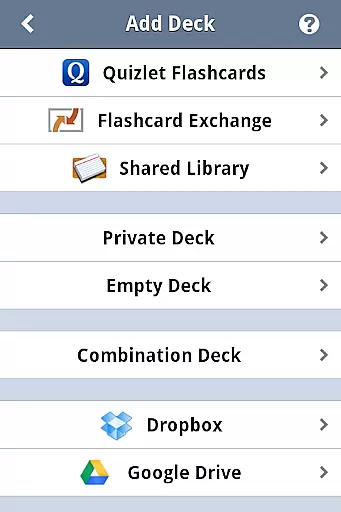
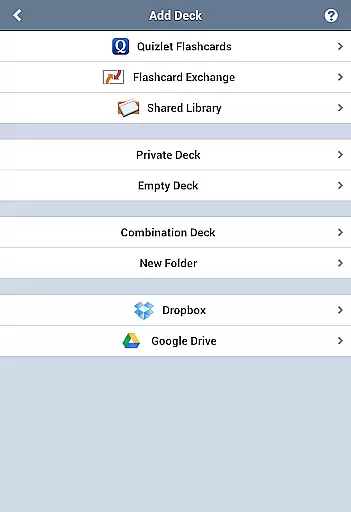
Usability is further enhanced by customizable navigation options, adjustable card layouts (1 to 5 sided), and drawing self-graded answers. Users can organize their content using folders and categories, streamlining the studying process. With Dropbox and Google Drive integration, along with slideshow and browse modes, Flashcards Deluxe ensures a seamless and versatile learning experience across devices.
Flashcards Deluxe ensures content accuracy and authority by allowing users to create their own flashcards or access a vast library of pre-made cards. This guarantees that the information is both relevant and reliable.
The app supports importing large decks of up to 10,000 cards, which can be organized into folders and categories for efficient study sessions. With features like text-to-speech in 18 languages, users can verify pronunciation and contextual usage, enhancing the authenticity of the educational material.
For those who prefer expert-validated content, the Shared Library offers a range of topics curated by other learners worldwide. The availability of multiple study modes, including Leitner and Spaced Repetition, ensures that users engage with accurate content repeatedly, reinforcing learning through verified methods.
With Flashcards Deluxe, personalized learning paths are at the core of the user experience. The app's advanced Spaced Repetition mode tailors the study process to individual needs by focusing on areas where the user struggles, ensuring efficient learning.
Users have the flexibility to customize their flashcards with 1 to 5 sides, include pictures and sounds, and even draw self-graded answers. These options allow for a highly personalized approach to learning, accommodating various learning styles and preferences.
Additionally, the ability to divide cards into categories and set different response levels enables users to create a tailored learning journey. By automatically turning off cards that have been mastered, the app keeps the focus on areas that require more attention, optimizing the learning path for each individual.
User-friendly interface
Offline functionality
Multi-language support
Customizable study modes
Comprehensive feature set
Premium version cost
Complex for beginners
Limited design customization
No collaborative features
Occasional bugs reported

Ignite curiosity, spark learning: All babybus videos &games
 4.30
4.30
AI Language tutor: Speak fluently with Lucy’s personalized coaching
4.70
THE MOST COMPREHENSIVE JUMPMASTER STUDY RESOURCE AVAILABLE.
3.40
A must-have app for mastering Japanese verb/adjective conjugations.
3.60
Master the NRP with 700+ questions, rationales, and updated NREMT scenarios.
3.00
Monkey Preschool Lunchbox: 7 exciting educational games for your preschooler.
4.30
A collection of favorite stories from Daniel Tiger's Neighborhood
2.00
Learn to pass DMV permit tests. Driver license practice test 2025.
4.60
Fun, personalized math learning games that adapt to your child’s needs.
4.40
Hebrew Vocab
4.90
Guitar chord finder, analyzer, smartly visualized theory, progressions, quizzes.
4.70
Professional Award-Winning Astronomy Star Map App With Telescope Control
4.40
Build math skills in: addition, subtraction, multiplication and division.
4.10
Explore numbers the Starfall way!
4.00
FAR/AIM, FAR for Flight Crew and FAR for Aviation Maintenance Technicians
3.80
An aviator’s preparation, study and test tool for FAA Knowledge Exams.
3.80
An animated storybook app to help ease your child through toilet training.
3.70
Study the questions most likely to be asked during the Oral & Practical Exams.
2.80
Your best partner for learning Japanese words. Based on a best-selling textbook.
2.80


User Reviews