
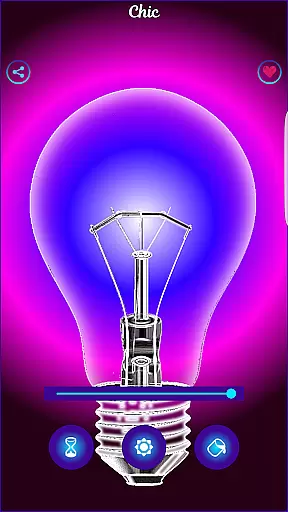
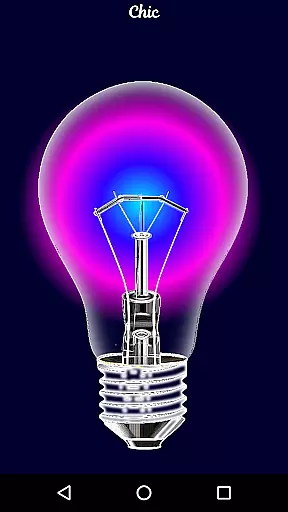
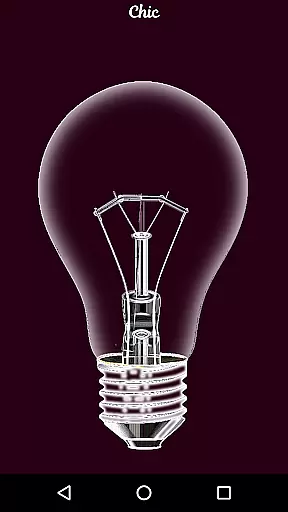
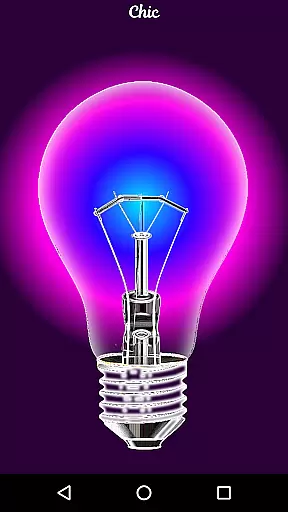
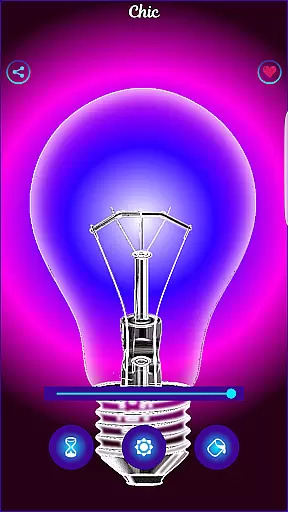
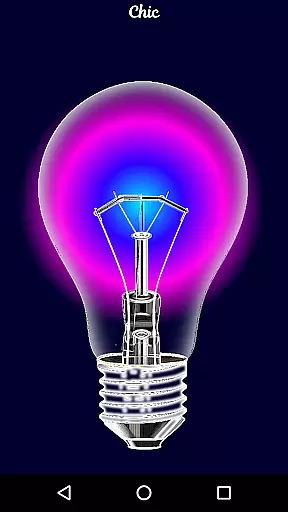
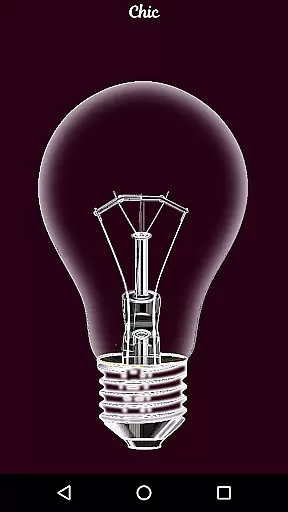
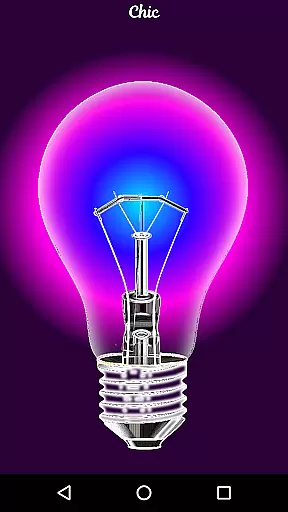
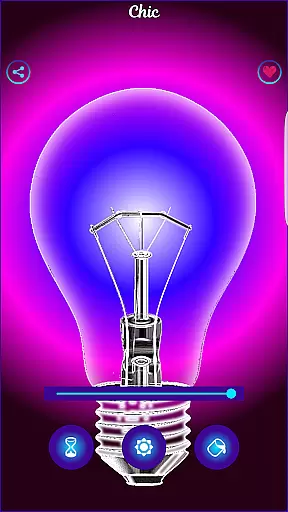
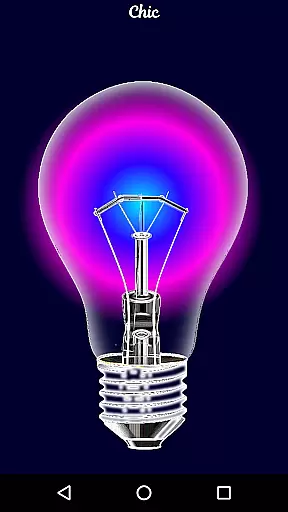
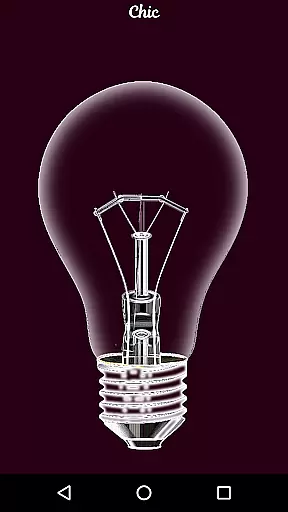
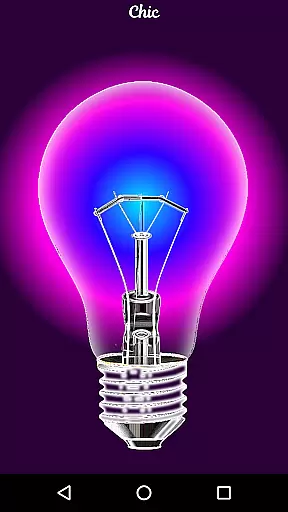
Black Light is a unique simulator app designed to mimic the effects of real black light. The app allows users to customize their experience by adjusting three key parameters: color tone, screen duration, and brightness level. With deep purple variations optimized for a radiant effect in dark environments, this app creates an immersive atmosphere perfect for parties or creative experimentation.
While Black Light does not produce actual black light, it excels at simulating the visual appearance of one. This makes it ideal for entertainment purposes, offering users a fun way to explore lighting effects without requiring specialized equipment. Whether you're hosting a gathering or simply experimenting with visual effects, Black Light provides a simple yet engaging tool to enhance your experience.
Black Light stands out with its customizable features tailored to user preferences. The app offers multiple tone options focusing on deep purple variations, enabling users to select the exact shade they desire. Additionally, users can set a timer to control how long the screen remains active, ensuring energy efficiency and convenience.
Brightness adjustment is another core feature, allowing users to fine-tune the intensity of the simulated black light. All colors are optimized to deliver a powerful radiant effect in low-light conditions, enhancing the overall experience. These thoughtful features make Black Light both versatile and easy to use, whether for casual enjoyment or more specific applications like themed events.
Black Light offers a comprehensive set of features that simulate the experience of using a real black light. The app allows users to adjust the tone of color with deep purple variations, select the duration for which the screen stays active, and control the brightness levels.
This functionality is crucial for users who want to experiment with different lighting effects in various settings. By providing these customizable options, Black Light ensures that users can tailor their experience to suit their specific needs and preferences.
The ability to fine-tune these parameters not only enhances user engagement but also adds an element of realism to the simulation. Whether it's for entertainment or creating ambient environments, Black Light delivers a complete package that covers all essential aspects of a black light experience.
Usability is at the core of Black Light's design, ensuring that users can easily navigate and utilize its features without any hassle. The intuitive interface allows for seamless adjustments of color tones, timer settings, and brightness levels, making it accessible even to those who are not tech-savvy.
Operational smoothness is another highlight of the app, as it maintains consistent performance while running in the background. Users can rely on Black Light to function smoothly without interruptions, providing a dependable tool for creating unique lighting effects whenever needed.
By focusing on both usability and operational efficiency, Black Light guarantees a pleasant user experience that keeps users coming back for more creative explorations.
User-friendly interface
Customizable color tones
Timer functionality
Optimized radiant effects
Lightweight design
No real UV effect
Limited practical use
Drains battery quickly
Basic feature set
Dark environment required

Tune your game graphics with our GFX optimizer for optimal gaming experience
 4.50
4.50
Enjoy Minecraft Mod Scary Neighbor Granny for Minecraft PE.
4.30
Demo for Key Attestation feature of the Android system.
4.80
Sad ringtones full of feeling, sad music ringtones
3.90
Identify securely online
3.10
Popular mods fnaf mods for melon playground
4.50
You can remote control and play much easier.
4.10
Demo version of the mcpro24fps manual video camera. Try and buy a full version!
4.00
Experience virtual reality on your smartphone with Cardboard.
3.50
Expo is a free & open source platform to build apps using JavaScript and React.
4.70
Block and secure the microphone and protect from secret listening and recording.
4.50
Phone Software Update Quick Checker helps you to keep your phone apps up to date
4.50
View your cameras anywhere and anytime
4.20
Android secret code for smart phone, mobile codes, with secret codes app
4.20
Do you want to drive easy ? do you wanna full mirror link Mobile with your car
4.10
The best PS2 games from your childhood come to life in their mobile version!
4.00
Use your Phone as Drone Controller.
3.70
With Endoscope Camera Connector you can connect your phone with endoscope cam
3.70
Record with Double Camera Video Recording using Dual Camera Front and Back Video
3.00


User Reviews