
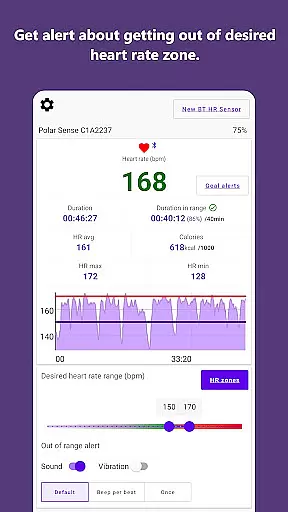
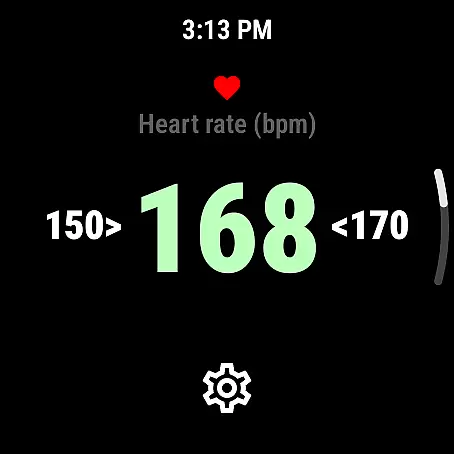
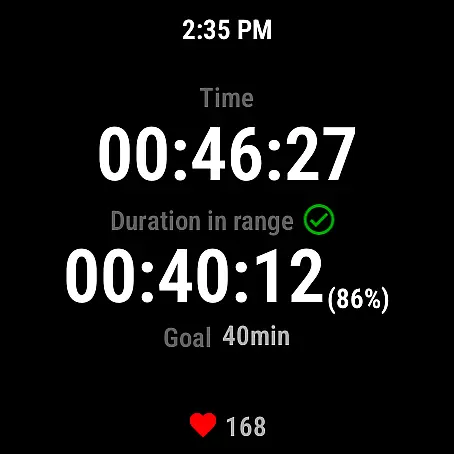
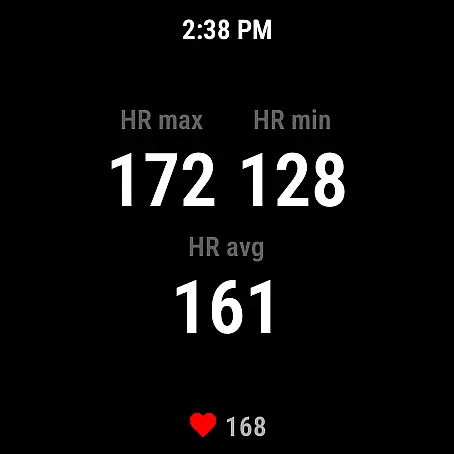
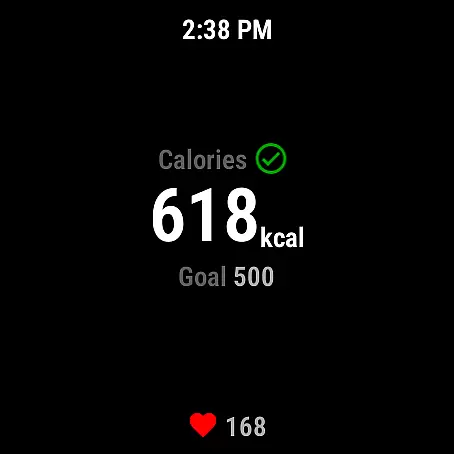
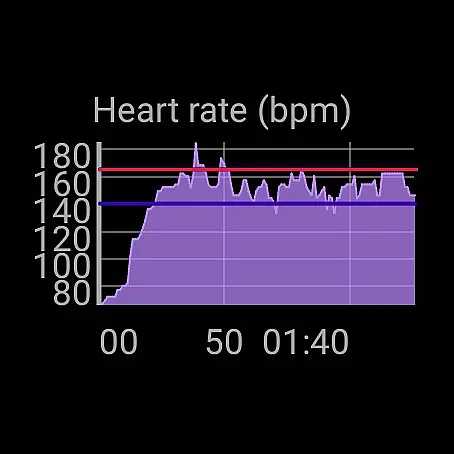
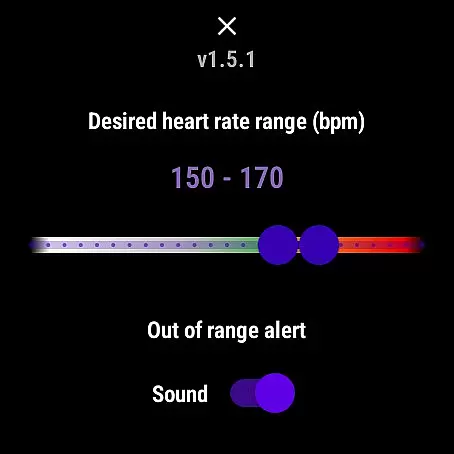
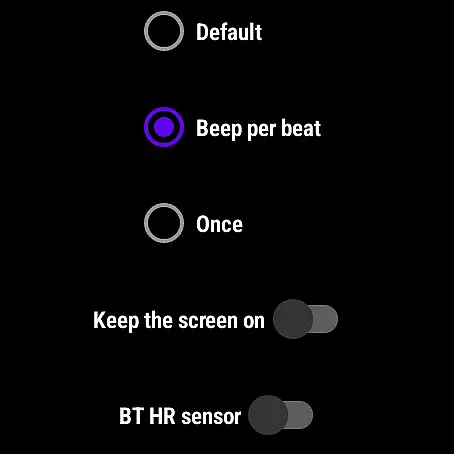
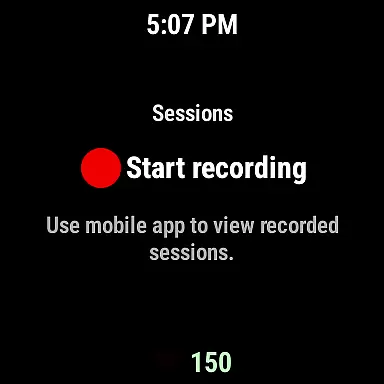
Pulse Range Monitor & Alert is a specialized fitness application designed to help users maintain their optimal heart rate during workouts. The app provides real-time alerts through beeps and vibrations when users exceed their personalized upper or lower heart rate limits. This ensures that athletes can exercise within their target heart rate zones without needing to constantly check their devices.
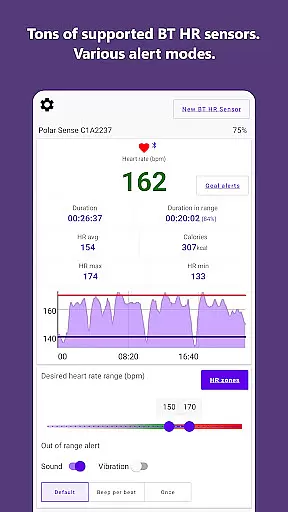
The app runs seamlessly in the background, allowing users to continue using other fitness apps simultaneously. It supports external Bluetooth or ANT+ heart rate sensors from brands like Polar, Garmin, and Wahoo, as well as Wear OS devices. Users can save workout sessions to CSV files for later analysis, making it an essential tool for both casual exercisers and serious athletes who want to optimize their training routines.
Pulse Range Monitor & Alert offers several key features that enhance its functionality. First, the app's ability to provide instant feedback via audible and tactile alerts ensures users stay within their desired heart rate zones. This feature is particularly useful during high-intensity interval training (HIIT) or endurance workouts where maintaining a specific heart rate is crucial.
Another standout feature is its compatibility with various external heart rate monitors and Wear OS devices. This flexibility allows users to choose their preferred hardware while still benefiting from the app's monitoring capabilities. Additionally, the app's background operation ensures minimal disruption to other activities, and the option to export data to CSV files enables detailed post-workout analysis, helping users track progress over time.
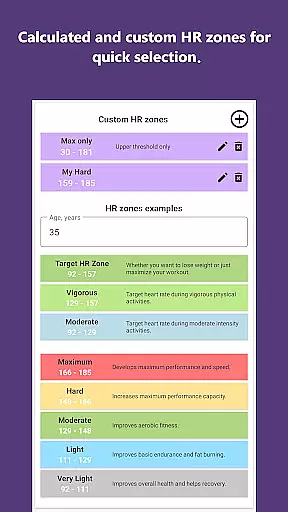
Personalized planning in fitness applications like Pulse Range Monitor & Alert is crucial for tailoring workouts to individual needs. This app allows users to set personalized upper and lower heart rate limits, ensuring that their exercise remains within a desired range.
The app achieves this by providing notifications through beeps or vibrations when these pre-set limits are exceeded. This feature helps users maintain an optimal heart rate during workouts without needing to constantly monitor their pulse manually.
For users, this means they can focus more on their workout rather than frequently checking their heart rate. It ensures that the exercise is effective and aligns with personal fitness goals, enhancing overall workout efficiency.
Ultimately, personalized planning through Pulse Range Monitor & Alert empowers users to optimize their training sessions, making each workout count towards achieving specific health objectives while minimizing the risk of overtraining or undertraining.
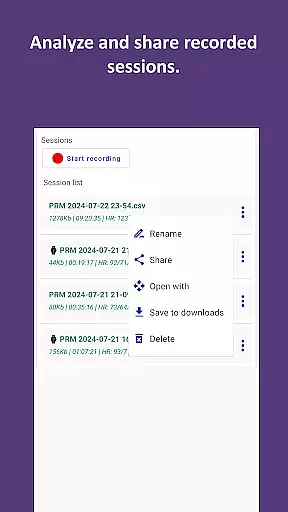
Progress visualization is an essential feature in fitness apps, offering users insights into their performance and improvements over time. Pulse Range Monitor & Alert provides this by allowing users to save their workout sessions to a CSV file.
This saved data can later be viewed, analyzed, or shared, giving users a clear picture of their progress. The ability to export session data supports detailed analysis, enabling users to track trends and adjust their training as needed.
By using this feature, users gain a tangible record of their fitness journey, which can be motivating and informative. It allows them to see how consistently they are meeting their heart rate goals and make informed decisions about their workout intensity and duration.
In summary, progress visualization in Pulse Range Monitor & Alert not only enhances user engagement but also promotes a deeper understanding of one's fitness progress, encouraging continued commitment to personal health goals.
User-friendly interface
Real-time heart rate alerts
Compatibility with multiple devices
Background operation
Data export to CSV
Requires external sensor
No medical use approval
Limited device testing
Premium features may cost extra
Occasional connectivity issues

Chair Workout: Women's Edition for safe, flexible, and personalized fitness.
 4.40
4.40
Personal Measurements - Track your gains!
4.50
Build Healthy Habits!
4.60
Beauty Care, Makeup & Skin Care Scanner | Pregnancy App For A Mom | Healthy Baby
5.00
A simple way to calculate peptide doses and also to convert different units.
4.2
Using Recognise™ has been shown to reduce pain and improve performance
4.0
A brain game that moves you
4.70
Memory, mind & logic exercises. Puzzle games, IQ & brain test for kids & adults
4.50
Monitor blood sugar, gain insights, and manage diabetes with ease.
3.20
Home workouts for fitness & fast bodybuilding at home - no equipment needed.
4.90
a fun app full of surprises :)
4.70
Measure your Pupil Distance for Eyeglasses and VR headsets in 3 quick steps.
4.70
Pilates, Calisthenics, Yoga
4.50
50 HD sounds to help you relax during the day and sleep great at night!
4.40
Track heart rate & HRV in 30s! Get live health insights and anomaly alerts
4.40
Monitor, analyze, track, and convert blood sugar & help you control diabetes.
4.10
Create powerful subliminal audio with custom affirmations and background music.
4.00
beat yesterday.
4.00
Use your watch as a bike computer, heart rate monitor and cycling power meter
2.50


User Reviews