
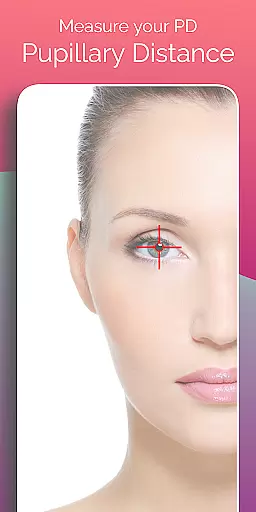
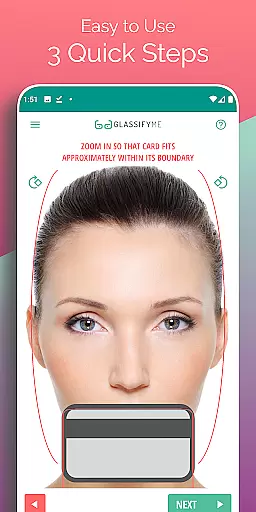
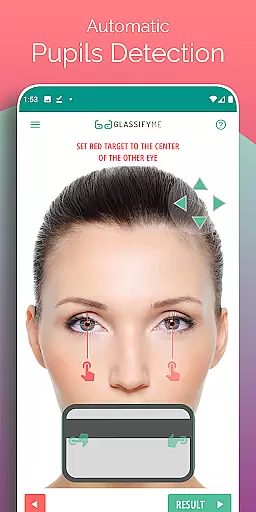
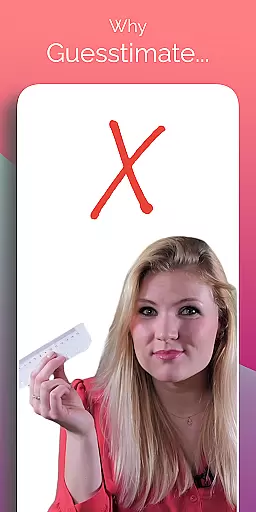
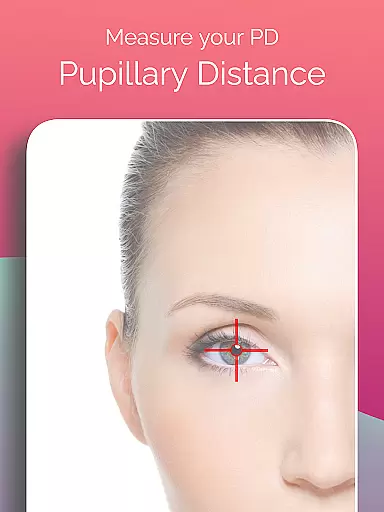
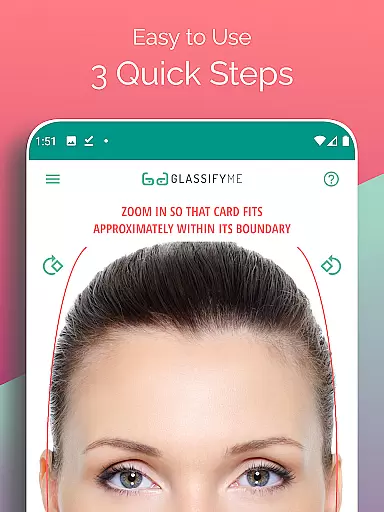
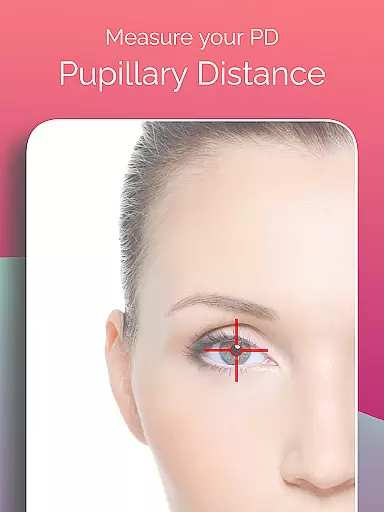
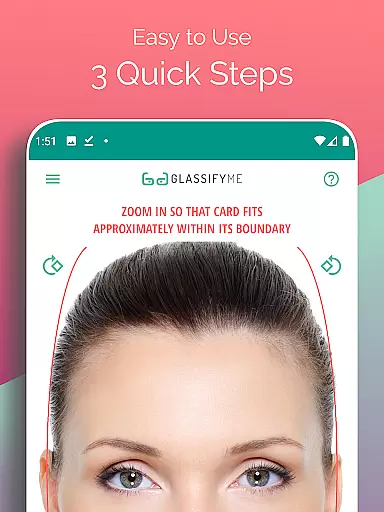
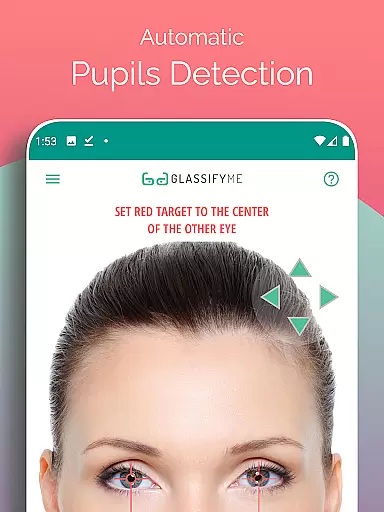
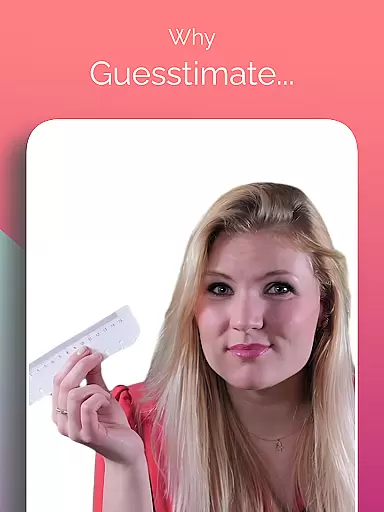
Pupil Distance PD Glasses & VR is a leading health and fitness application designed to accurately measure your Pupillary Distance (PD). This crucial measurement, essential for prescription glasses and VR headsets, is determined using advanced algorithms and eye detection technology. The app allows users to capture a photo with a standard-sized card for reference, ensuring precise sizing without the need for physical measurements.
With its user-friendly interface, this app simplifies the process of obtaining an accurate PD measurement. Whether you're preparing for a new pair of glasses or calibrating your VR headset, Pupil Distance PD Glasses & VR provides a reliable solution that can be completed in just a few steps.
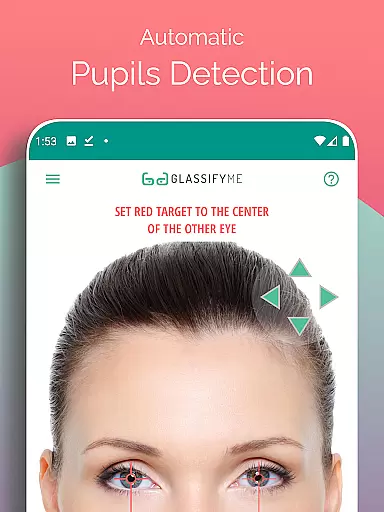
The standout feature of Pupil Distance PD Glasses & VR is its advanced algorithm that automatically detects pupils and calculates the distance between them with precision. Users have multiple options for capturing their image - they can take a selfie, have someone else take their picture, or import an existing photo from their gallery. This flexibility ensures that everyone can use the app effectively, regardless of their situation.
In addition to its core functionality, the app offers a comprehensive tutorial available on YouTube, guiding users through the entire process. By utilizing a standard-sized card as a reference point, the app eliminates the need for specialized equipment, making it accessible to all. Its quick three-step process for measuring both Distance and Reading PD adds convenience and efficiency to what could otherwise be a cumbersome task.
Personalized planning in the context of Pupil Distance PD Glasses & VR app refers to the ability to tailor measurements specifically for individual users. This ensures that each user gets accurate pupillary distance readings tailored to their unique facial structure and vision needs.
The app achieves personalized planning through an advanced algorithm that automatically detects the user's eyes and pupils. By using a standard-sized card as a reference, the app can calculate the precise pupillary distance, ensuring that users receive the correct measurement needed for prescription glasses or VR headsets.
Users benefit from this feature by obtaining highly accurate measurements that are crucial for proper vision correction. With precise PD measurements, users can ensure that their prescription glasses or VR headsets will provide optimal comfort and visual clarity.
This level of personalization enhances user experience by simplifying the process of obtaining essential measurements. The app eliminates the need for manual calculations or visiting an optometrist, saving both time and money while delivering professional-grade results.
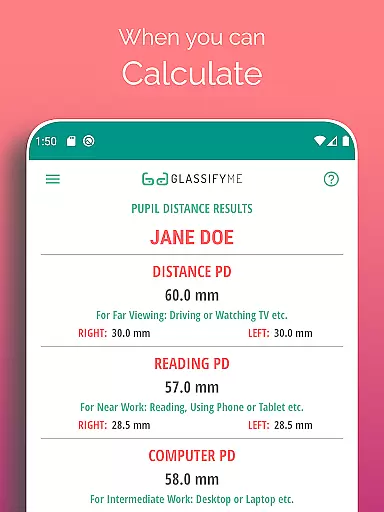
Progress visualization within the Pupil Distance PD Glasses & VR app involves presenting users with clear and understandable representations of their measurement results. This feature is important because it allows users to see and understand their pupillary distance data easily.
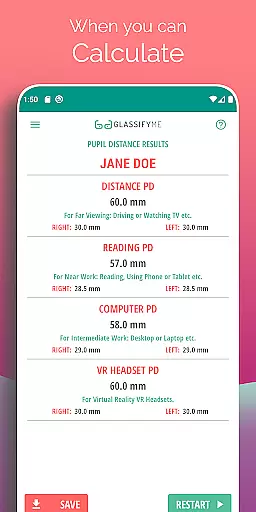
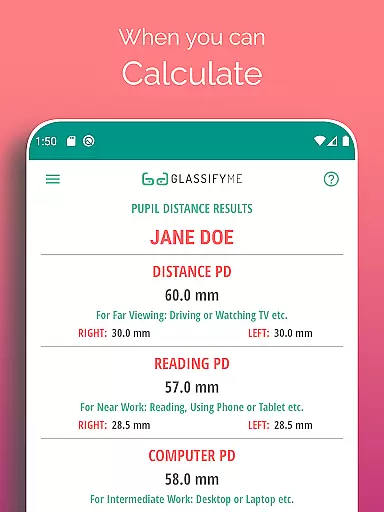
The app provides progress visualization by displaying the calculated PD measurements in millimeters after analyzing the uploaded photo. Users can visually confirm the accuracy of the detected eye positions and the calculated pupillary distance, ensuring confidence in the obtained results.
By offering visual feedback, the app empowers users to make informed decisions regarding their eyewear or VR headset purchases. Visual representation helps in better comprehension of technical data, making it accessible even to those without prior knowledge of pupillary distance.
Ultimately, progress visualization adds significant value by enhancing transparency and trust in the measurement process. Users can track their measurements over time, compare results, and ensure consistency, leading to improved satisfaction and reliability in their vision-related purchases.
User-friendly interface
Accurate PD measurement
Flexible photo options
Comprehensive tutorial
Quick measurement process
Requires a reference card
Internet connection needed
Limited to Android devices
Potential privacy concerns
Dependent on photo quality

Weight loss app: home workout for women to lose weight & burn calories.
 4.80
4.80
The app helps you address digestive symptoms based on the Fast Tract Diet.
3.50
Using Recognise™ has been shown to reduce pain and improve performance.
4.1
HRV4Training helps you optimize goals and improve performance. No sensors needed
3.30
Measure real-time wrist & ambient temperature with your Galaxy Watch (Wear OS)
3.20
Load the bar with this barbell & plate calculator. It's leg day, not brain day!
4.70
Download MadMuscles to start your positive body transformation!
4.30
Point, scan, and unlock truth in every bite.
4.50
Monitor blood sugar, gain insights, and manage diabetes with ease.
3.20
Meditation app, head space app provides calm music to help you meditate & sleep
5.00
Power-lifting, weightlifting and Wendler 531 app to track your workout program.
4.90
sobriety counter app to help and motivate people to stop drinking alcohol.
4.90
a fun app full of surprises :)
4.70
Personal Measurements - Track your gains!
4.50
Personal step counter for you, private and accurate
4.50
Raccoon AI Calorie Counter. Intermittent Fasting & Timer. Macro, Carb, Protein
4.50
The most accurate heart rate app to monitor and track your heart rate & pulse.
4.40
GloryFit is a companion app for the smart bracelet.
3.60
A simple way to calculate peptide doses and also to convert different units.
4.0


User Reviews