
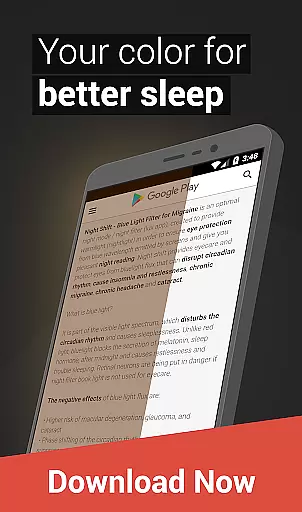
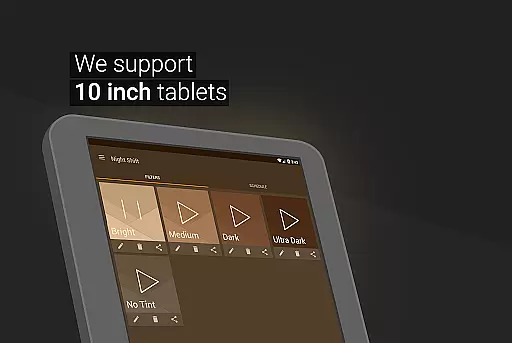
Night Shift is a specialized Health & Fitness application designed to protect users' eyes during nighttime device usage. The app functions as an advanced blue light filter that not only improves sleep quality but also helps alleviate headaches caused by screen exposure. By dimming the screen below the system's minimum brightness, it creates a dark mode experience that reduces eye strain and prevents potential damage such as glaucoma or cataracts.
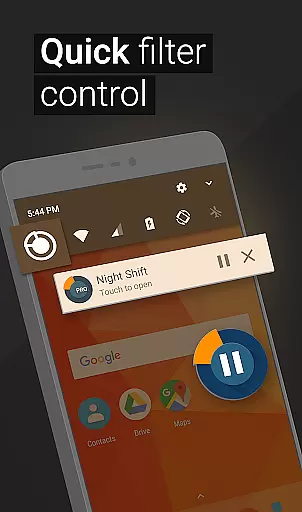
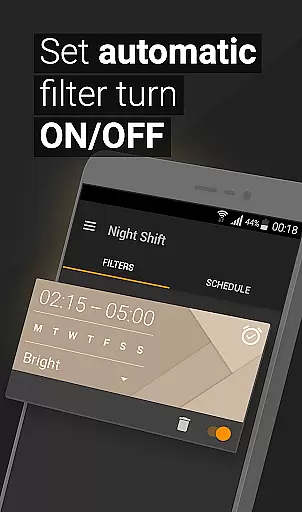
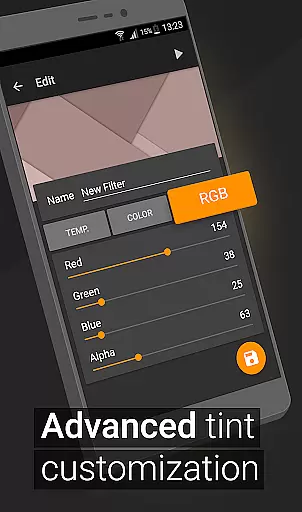
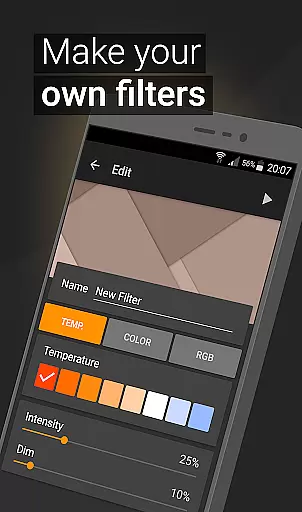
The application offers comprehensive customization options for optimal user comfort. Users can adjust color temperature, intensity, and RGB values to create personalized filters. Its automatic scheduling feature ensures the night mode activates at appropriate times, while the Accessibility Service extends protection to notifications and lock screens without compromising user privacy or data security.
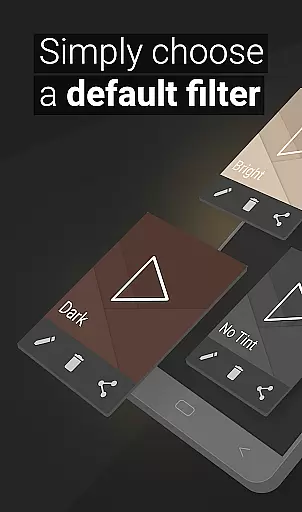
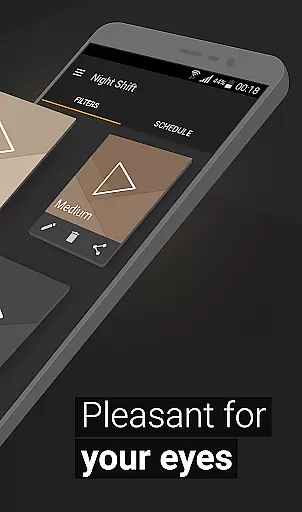
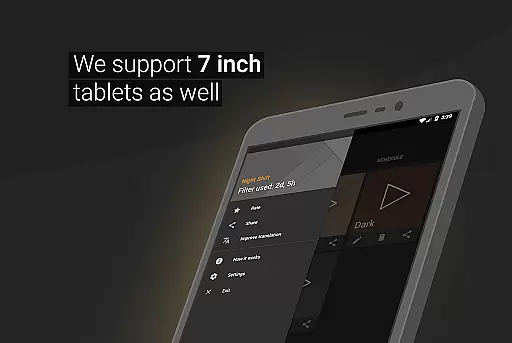
Night Shift distinguishes itself through its extensive feature set tailored for maximum eye protection. The app provides premade filters for immediate use, while also allowing users to create unlimited custom filters with precise control over temperature, color, and RGB values. This level of customization enables users to fine-tune their night mode experience according to personal preferences and environmental conditions.
A key innovation is its ability to dim screens beyond the system's minimum threshold, crucial for maintaining healthy melatonin levels during nighttime use. The automatic scheduling system intelligently manages filter activation based on user-defined patterns, ensuring consistent protection without manual intervention. Additionally, the app's Accessibility Service extends filtering capabilities to notifications and lock screens, creating a comprehensive eye protection solution that maintains user privacy standards.
In the realm of eye care and sleep improvement, personalized planning plays a pivotal role in tailoring a user's experience with Night Shift. This feature allows individuals to customize their blue light filter settings according to their specific needs and preferences.
Night Shift offers an array of customizable options including temperature, color, and RGB customization. Users can adjust these settings to create a dimly lit screen environment that best suits their sensitivity to light during night time usage. By doing so, it ensures that each user receives the optimal level of protection from harmful blue light exposure.
The benefits of personalized planning within Night Shift extend beyond mere personalization. It empowers users to take control over their digital consumption after sunset, potentially reducing headaches and insomnia while safeguarding against long-term eye health issues such as glaucoma or cataracts.
Ultimately, this tailored approach not only enhances comfort but also promotes healthier device usage habits by adapting to individual lifestyles and schedules through features like automatic filter scheduling.
Progress visualization is an essential aspect of maintaining motivation and tracking improvements when using health-oriented applications like Night Shift. While direct progress tracking isn't explicitly mentioned for this app, its features inherently support better sleep hygiene and eye care routines which are critical components of overall wellness.
By implementing consistent use of premade filters or custom-created ones, users can visually perceive changes in their nightly digital environments. The ability to save and edit filters provides tangible evidence of oneu2019s proactive steps towards mitigating negative effects associated with nighttime screen exposure.
Moreover, setting up an automatic filter schedule serves as another form of visual commitment to healthier habitsu2014users see their planned interventions come into effect without manual intervention each evening, reinforcing positive behavioral patterns over time.
Although traditional metrics might be absent, the very act of engaging with Night Shift's comprehensive suite of tools represents visible progress toward improved well-being, encouraging sustained utilization for lasting impact on both sleep quality and ocular health.
Effective blue light reduction
Customizable filter options
Automatic scheduling feature
Comprehensive eye protection
User-friendly interface
May affect daytime visibility
Requires regular adjustments
Limited free features
Potential battery consumption
Learning curve for settings

“Overcoming pain based on EMDR” helps you to alleviate chronic pain and stress.
 4.10
4.10
Chair Workout: Women's Edition for safe, flexible, and personalized fitness.
4.40
The Sleep Miracle Sound Machine: Soothes baby to sleep with a gentle "Shhh"
3.00
A brain game that moves you
4.70
Wall Pilates at home & Pilates workout for beginners for core and weight loss.
4.80
Step Counter, track steps when you walk or run
4.70
Pilates, Calisthenics, Yoga
4.50
Lazy home workouts with your virtual fitness coach for weight loss.
4.30
Control your blood pressure, heart rate and blood sugar in a fast way.
4.00
The Official Blood Type Diet® App - know your categorized foods anytime.
4.50
Memory, mind & logic exercises. Puzzle games, IQ & brain test for kids & adults
4.50
FODMAP, Gluten, Allergy, Vegan
4.50
Create powerful subliminal audio with custom affirmations and background music.
4.00
Enjoy the Gluten Free living with the best app. SCAN the barcodes & SEARCH.
3.60
GloryFit is a companion app for the smart bracelet.
3.60
Measure real-time wrist & ambient temperature with your Galaxy Watch (Wear OS)
3.20
Your plan in your pocket 24/7
3.00
Transform your body and soul with DBFFitness, with a 40-day fitness journey.
4.3
Optimization for TRT & Enhanced Athletes
4.5


User Reviews