
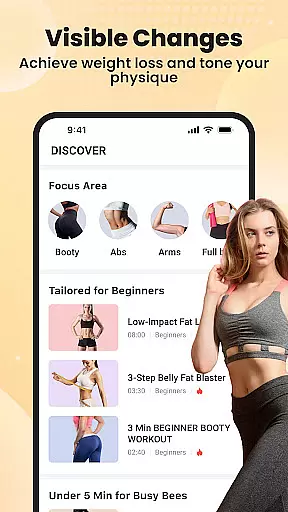
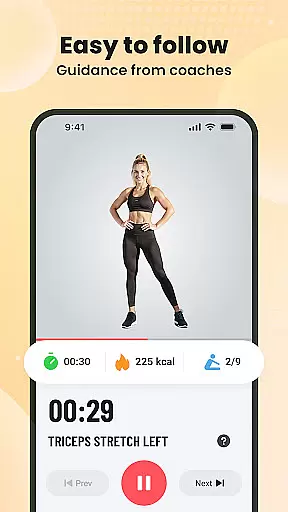
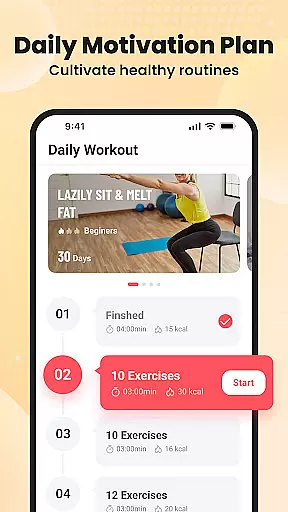

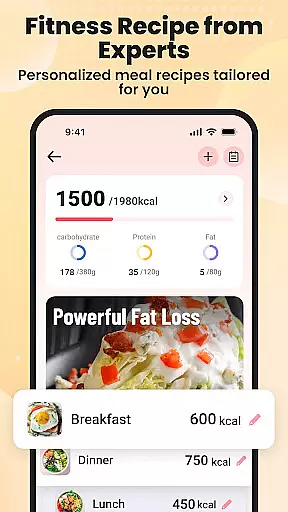
Personalized planning in fitness applications refers to the creation of tailored workout and nutrition plans that adapt to individual user needs. This feature is crucial as it ensures exercises and dietary recommendations align with personal goals, whether for weight loss, muscle gain, or general health improvement.
Lazy Exercise at Home excels in delivering personalized experiences by offering customized workout plans targeting specific areas such as arms, glutes, abdomen, and legs. The app uses a sophisticated algorithm that considers user preferences and physical conditions to design effective routines. These routines are supported by scientific research, ensuring safety and efficacy.
Users benefit significantly from this feature as it maximizes workout efficiency while minimizing the risk of injury. By focusing on trouble spots and providing low-impact options suitable for post-injury recovery, the app caters to a wide range of fitness levels. This personalized approach not only enhances physical health but also boosts mental well-being, making users feel more confident and motivated.
Progress visualization in fitness apps involves presenting users' achievements and milestones through clear and engaging graphical representations. This feature plays a vital role in maintaining user motivation and adherence to fitness routines by providing tangible evidence of improvement over time.
The Lazy Exercise at Home app incorporates a smart progress tracker that allows users to monitor their weight loss and calories burned effortlessly. Through visually appealing charts and graphs, users can see their journey unfold, which helps in setting realistic goals and celebrating small victories along the way. Additionally, daily reminders and prompts keep users consistent with their workouts, reinforcing positive habits.
This visualization tool empowers users by giving them control over their fitness journey. Seeing actual results fosters a sense of accomplishment and encourages continued dedication. Moreover, tracking progress aids in identifying patterns and making necessary adjustments to optimize outcomes, ultimately leading to a healthier lifestyle.

The Wear OS BeechBand app is designed to alleviate anxiety and other conditions
 4.3
4.3
The app helps you address digestive symptoms based on the Fast Tract Diet.
3.50
Optimization for TRT & Enhanced Athletes
4.2
Binaural Beats - Fully Customizable Waves - Pure Sound - No Loops
4.50
The Crunch Mobile app - Find a gym, manage favorites, reserve & cancel classes.
4.60
Monitor, analyze, track, and convert blood sugar & help you control diabetes.
4.10
Blood Pressure Log, HRV & Heartbeat Tracker. Pulse Checker.
4.40
FODMAP, Gluten, Allergy, Vegan
4.50
Your personal BP tracking companion, focus on helping you achieve wellness goal.
4.10
sobriety counter app to help and motivate people to stop drinking alcohol.
4.90
Show your support for the development of FitNotes - Gym Workout Log
4.90
Weight loss app: home workout for women to lose weight & burn calories.
4.80
Step Counter, track steps when you walk or run
4.70
Personal Measurements - Track your gains!
4.50
The Official Blood Type Diet® App - know your categorized foods anytime.
4.50
See what's really going on inside your head! Real time EEG graphs from your Muse
4.40
Walk, track, and burn calories with step counter & GPS walking tracker
4.20
Make sense of your health data.
3.80
Track sleep cycle, relax with white noise, sleep sounds & smart alarm clock
3.80


User Reviews