

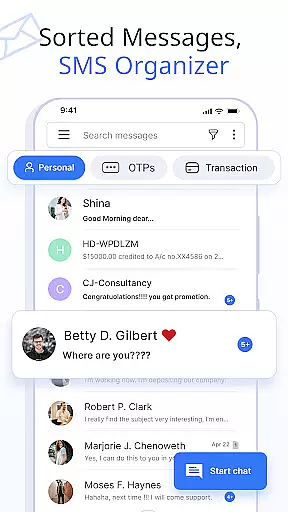
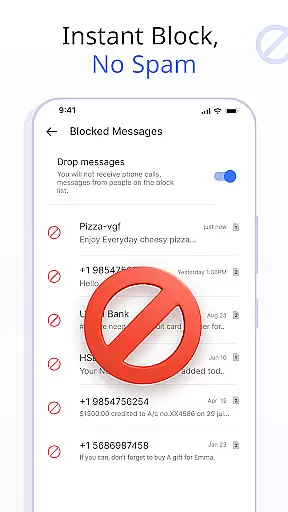
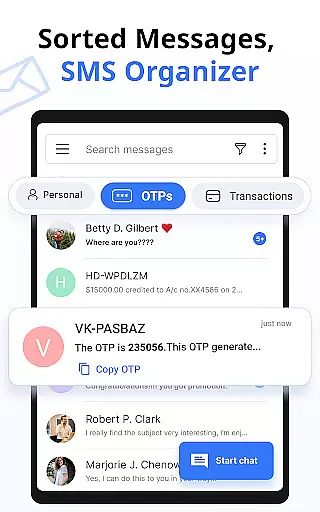




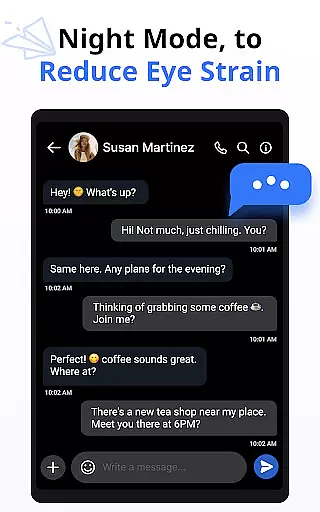
Messages is a feature-rich SMS and MMS messaging app designed to provide users with a smart, fast, and secure communication experience. The app automatically organizes text messages into categories such as Personal, Transactions, OTPs, and Offers using a built-in SMS Organizer. This ensures that users can easily manage their conversations while enjoying additional functionalities like scheduling messages, blocking unwanted contacts, and backing up chats.
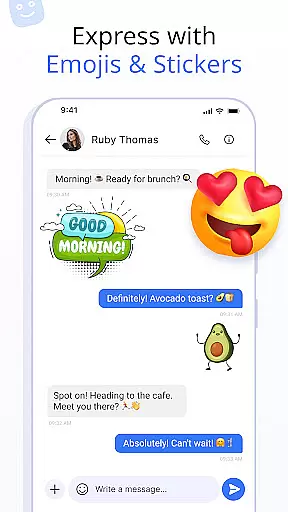
With over 16 million users, Messages stands out for its customization options and user-friendly interface. It supports expressive communication through emojis, stickers, and GIFs, while also offering practical features like delivery confirmation and auto-deletion of conversations. Whether you're looking to stay connected with family or organize important notifications, this app provides the tools necessary to enhance your messaging experience on Android devices.
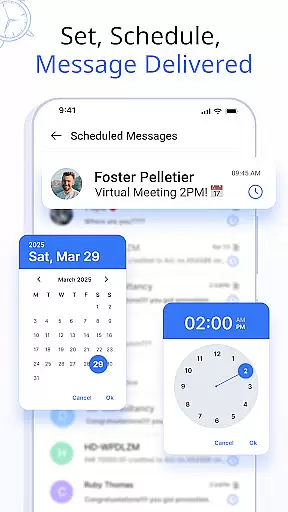
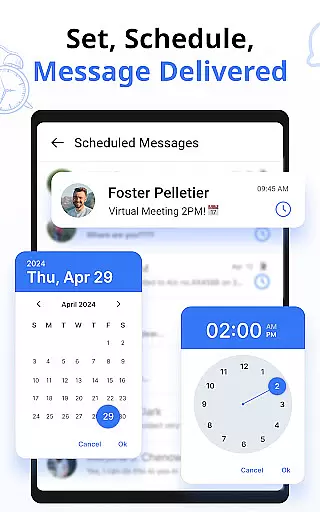
Messages offers an array of advanced features tailored to streamline communication. One standout capability is the ability to customize notification alerts for individual contacts or chats, allowing users to personalize settings such as ringtones, vibration patterns, and Do Not Disturb modes. Additionally, the Schedule Messages feature enables users to plan birthday greetings or work reminders in advance, ensuring timely delivery without manual intervention.
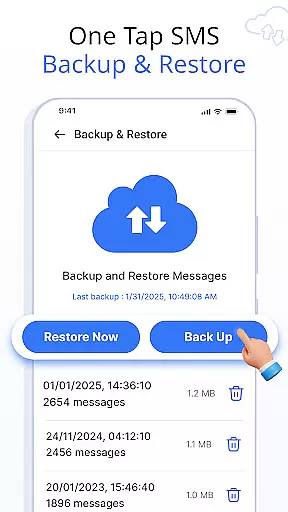
The app also includes robust data management tools, such as SMS Backup and Restore, which allow users to save their conversations securely and retrieve them whenever needed. Swipe Actions further simplify inbox organization by letting users archive, delete, or mark messages as read with simple gestures. These innovative features combine convenience with functionality, making Messages a versatile choice for modern smartphone users.
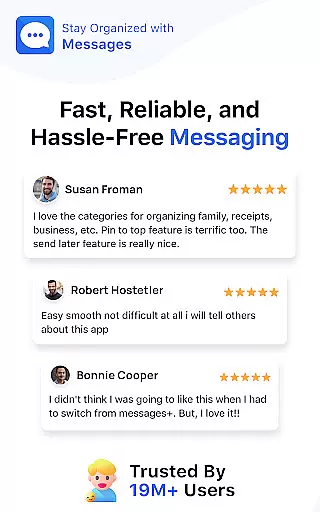
Real-time messaging speed and reliability are crucial for maintaining seamless communication in any messaging app. The Messages app ensures that your SMS and MMS messages are delivered promptly and reliably, providing a dependable platform for staying connected with friends and family.
This app employs advanced technologies to optimize message delivery times, ensuring that texts reach their recipients as quickly as possible. Whether you're sending important updates or casual chats, the app's infrastructure is designed to handle high volumes of messages without delay.
Users benefit from the peace of mind that comes with knowing their communications are being sent and received in real time. This reliability fosters trust in the app, encouraging more frequent and meaningful interactions.
The Messages app stands out by offering consistent performance across different devices and network conditions, making it an ideal choice for those who prioritize fast and reliable messaging capabilities.
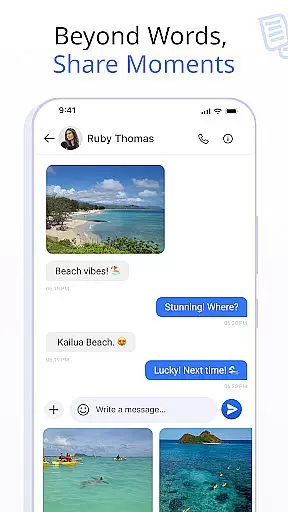
Media sharing support is a vital feature in modern messaging apps, allowing users to exchange photos, videos, and other files seamlessly. The Messages app excels in this area by providing robust support for various media formats, enhancing the way you communicate with friends and family.
This app enables users to send high-quality images and videos without worrying about compatibility issues. It supports a wide range of file types, ensuring that you can share content from different sources without hassle. Additionally, the app optimizes media files for quick uploading and downloading, improving the overall user experience.
With built-in tools for previewing media before sending, users can ensure they're sharing exactly what they intend to. This level of control enhances personal expression and helps maintain the integrity of shared content.
By focusing on comprehensive media sharing capabilities, the Messages app not only meets but exceeds user expectations, making it a top choice for those who value rich, multimedia communication experiences.
User-friendly interface
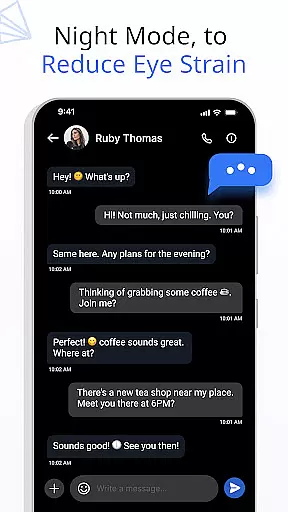
Advanced customization options
Secure backup and restore
Wide device compatibility
Expressive communication tools
Limited iOS support
Occasional sync issues
Ads in free version
Large file size
Requires constant updates

Fast and simple walkie talkie app
 4.20
4.20
Identify unknown numbers, block spam calls, customize calls with cool themes.
4.60
Use this Dialer app alone or as a TREK: Total Interface companion.
4.70
Messenger for SMS - texting message app, faster, simpler & safer, for you.
4.70
Messenger app for faster and simpler SMS text messaging, and personalized themes
4.10
Fast Dialer & Contact Manager with Caller ID and Spam Protection
4.00
Smart and simple anti-wiring application - IMSI-catchers catcher
4.40
FolderSync enables easy sync of files between cloud storage and Android devices.
4.60
A browser that does more than load page, like keeping your privacy safe.
4.70
Fast internet with AI, Adblock & VPN. Browse on a safe, incognito web browser.
4.70
Stay in touch with the people who matter most.
4.60
Phone Dialer with Caller ID, Address Book & Contacts Manager.
4.30
Our Black Friday sale is here. Unlock special discounts on Proton Mail now.
4.30
Call Blocker app: Identify unknown callers, block spam calls, fraud & robocalls
4.30
2nd Phone Number Line for Anonymous Texting, Calling, and Picture Messages
4.30
HD Video Meeting app is a fast & unlimited video conferencing app across world.
4.30
Send SMS and chat messages easily with a fast text messaging app for Android.
4.10
TeamSpeak - Secure Chat for Gaming & Business
3.10
Manage Phone Calls, call history, and contacts easily with Phone Pro.
4.0


User Reviews