
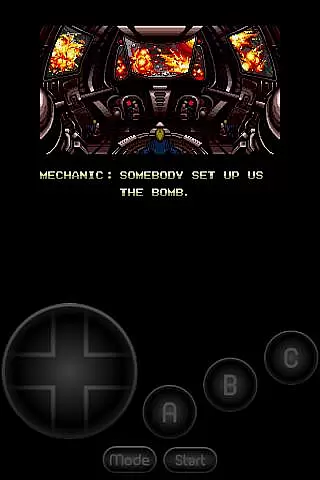
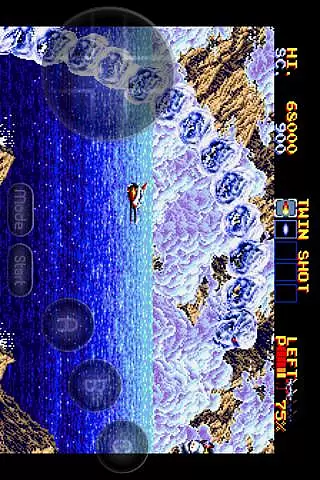
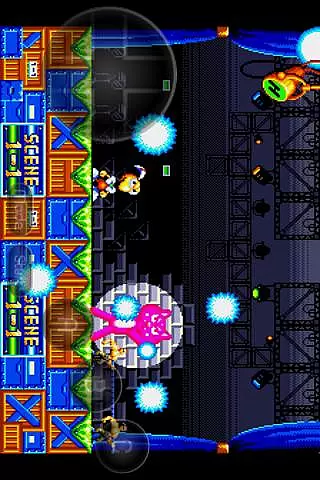
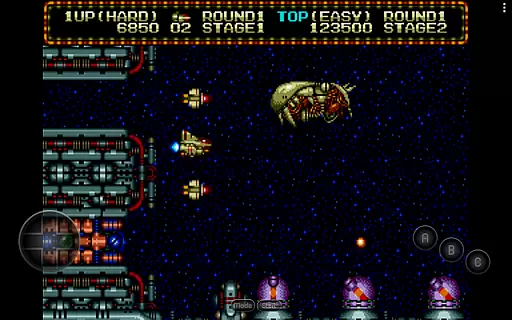
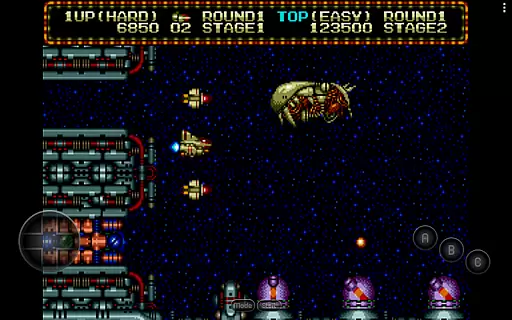
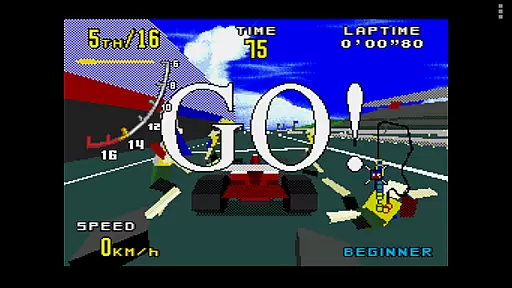
MD.emu is an advanced emulator for Sega Genesis/Mega Drive, Sega CD, and Master System/Mark III. It offers a minimalist UI with low audio/video latency, making it suitable for a wide range of devices from Xperia Play to modern ones like Nvidia Shield and Pixel phones. While Sega CD support is in beta, the app provides a robust platform for retro gaming enthusiasts.
The emulator supports various file formats including .bin, .smd, .gen, and .sms, with optional compression using ZIP, RAR, or 7Z. With features like SVP chip support for Virtua Racing and compatibility with Bluetooth/USB gamepads, MD.emu delivers an authentic and flexible gaming experience. Its configurable on-screen controls and cheat code support enhance user engagement and customization.
MD.emu stands out with its comprehensive feature set tailored for retro gaming aficionados. The app supports multiple file formats such as .bin, .smd, .gen, and .sms, which can be optionally compressed with ZIP, RAR, or 7Z, providing flexibility in managing game files.
One of the notable features is the SVP chip support for Virtua Racing, ensuring compatibility with a wider array of games. Additionally, the emulator supports CD emulation via .cue or .bin files, although this functionality is still in beta. Users can enjoy enhanced gameplay with support for 6-button controllers, 4-player multitap, and gun peripherals like Menacer and Justifier.
MD.emu also includes configurable on-screen controls and extensive Bluetooth/USB gamepad support, accommodating HID devices such as Xbox and PS controllers. This makes it versatile for different gaming preferences and setups.
Arcade authenticity and nostalgia are crucial elements for any emulator aiming to recreate the classic gaming experience. MD.emu, as an advanced Sega Genesis/Mega Drive emulator, excels in delivering this by supporting a wide array of original hardware features.
The app supports multiple file formats including .bin, .smd, .gen, and .sms, optionally compressed with ZIP, RAR, or 7Z, ensuring that users can enjoy games from different regions and eras. This compatibility breathes life into classic titles, allowing gamers to relive the golden age of arcade gaming on modern devices.
Moreover, MD.emu goes beyond basic emulation by incorporating support for peripherals like 6-button controllers, 4-player multitap, and even gun accessories such as Menacer and Justifier. These features not only enhance gameplay but also preserve the authentic arcade feel that enthusiasts crave.
By focusing on low audio/video latency and providing a minimalist UI, MD.emu ensures that the nostalgic experience is not hindered by modern complexities, making it an ideal choice for both retro gaming veterans and newcomers alike.
Control responsiveness is a vital aspect of any gaming emulator, directly impacting the user's gaming experience. MD.emu addresses this by offering highly reactive and precise controls that cater to both casual and hardcore gamers.
The emulator supports Bluetooth and USB gamepads, including popular models from Xbox and PlayStation, ensuring that users can enjoy a seamless gaming experience with their preferred controllers. This compatibility with HID devices recognized by the OS significantly enhances control accuracy and responsiveness.
Additionally, MD.emu provides configurable on-screen controls, allowing users to customize the layout and size of virtual buttons according to their preferences. This flexibility ensures that touch controls are just as responsive and comfortable as physical ones.
With its focus on low audio/video latency and support for a wide variety of input methods, MD.emu delivers a control experience that feels both modern and true to the original arcade systems, enhancing overall gameplay satisfaction.
Wide device compatibility
Low audio/video latency
Supports multiple file formats
Configurable on-screen controls
Active development and support
Sega CD support in beta
No ROMs included
Complex setup for beginners
Limited customer support
Requires technical knowledge

GBA Emulator
 4.40
4.40
Gameboy Color Emulator
4.60
Granny keeps you locked in her house.
4.30
John GBC is GB/GBC emulator. This emulator is easy to use.
3.80
Collect layers in running game & build the biggest slinky toy to beat the giant!
4.30
Premium version. Save the galaxy from alien shooter in this classic game
4.50
Jump and fly your way through danger in this rythm-based action platformer!
4.70
Original Space Adventure Experience
4.60
Save the galaxy from alien shooter in classic galaxy shooter-classic arcade game
4.80
Full featured version of Pizza Boy A (GBA emulator)
4.80
Bomb the communists back to 1916!
4.70
Flip and flail a rag doll through endless levels and plunge into outlandish fun!
4.60
Save the Galaxy from galaxiga alien - Classic arcade shooter game
4.60
NES Emulator
4.40
Slice up a juicy storm!
4.20
Enter Double Dragon Trilogy, a compilation of the beloved arcade series
4.10
Monster Run its a game for relax.
4.3
A retro-flavoured infinite scroller Glyph toy for the Nothing Phone (3)
4.3
Divine powers at your fingertips! An innovative and frantic shoot-'em-up!
4.4


User Reviews