
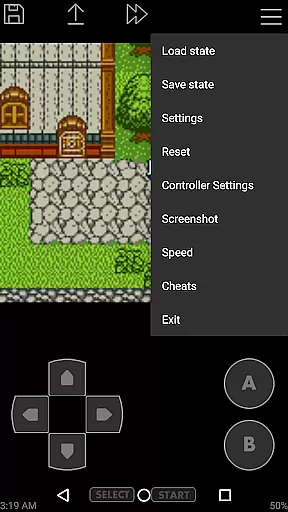
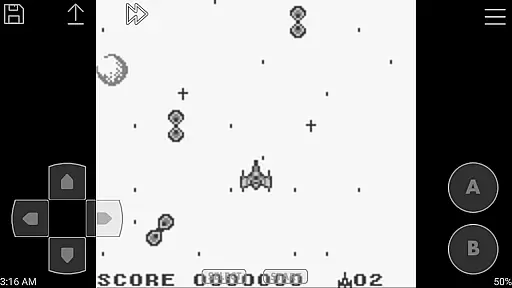
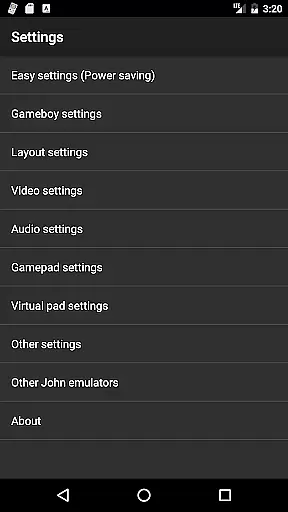
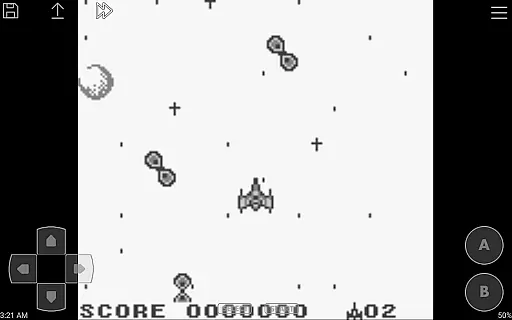
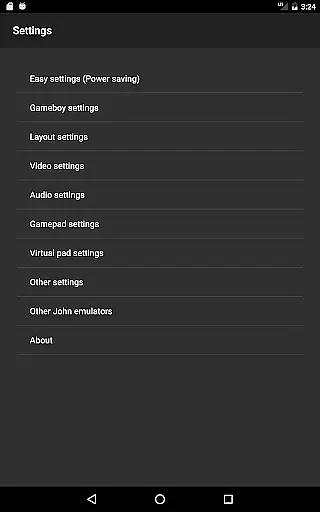
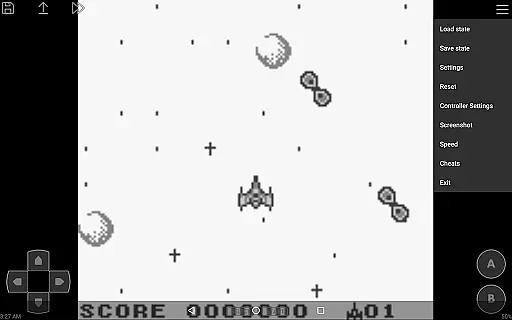
John GBC is a high-performance Game Boy/Game Boy Color emulator designed for Android 6.0 and above. This app offers an authentic emulation experience with its original GBC engine, allowing users to play classic games on modern devices.
The emulator supports various advanced features such as high-quality rendering, save states with previews, customizable controls, and turbo buttons. It also includes support for zipped game files, screenshots, and even cheat codes. With Bluetooth controller compatibility and Dropbox integration (via John DataSync), it provides a versatile gaming experience without ads or internet requirements.
Ideal for retro gaming enthusiasts, John GBC ensures smooth gameplay through fast forward and slow down options ranging from 0.25x to 16x speed. The virtual on-screen keypad and Super Game Boy borders further enhance the nostalgic experience, making it perfect for playing your favorite classics anytime, anywhere.
One of the standout features of John GBC is its powerful emulation capabilities. The app uses an original GBC engine that delivers accurate and fast performance, ensuring that games run smoothly without lag or interruptions.
Users can enjoy enhanced graphics with high-quality rendering options and take advantage of practical functionalities like save states with previews, which allow gamers to resume their progress easily. The app supports both zipped files and a wide range of controllers, including MOGA and Bluetooth devices, offering flexibility in how you play.
Additional notable features include customizable keys, turbo buttons for rapid inputs, and screenshot functionality. Advanced options such as fast forward/slow down (ranging from 0.25x to 16x) and cheat code support (Game Genie/Game Shark/PAR) provide users with extensive control over their gaming experience. Furthermore, Dropbox support via John DataSync ensures seamless data management across devices.
Arcade authenticity and nostalgia are crucial elements for any arcade-style gaming experience. John GBC, as a GB/GBC emulator, brings the classic arcade feel to modern Android devices. The app's original GBC engine ensures that games run just as they did on the original Game Boy Color hardware.
With features like Super Gameboy borders and high-quality rendering, John GBC enhances the visual experience while maintaining the nostalgic charm of classic games. This attention to detail allows users to relive their favorite gaming moments from the past with improved graphics and performance.
The emulator supports zipped game files and offers fast forward/slow down functionality ranging from x0.25 to x16 speeds. These features not only preserve the original gameplay but also provide modern conveniences that enhance the overall gaming experience without compromising authenticity.
Control responsiveness is essential for an optimal gaming experience, particularly in arcade games where precision and timing are critical. John GBC addresses this need by offering customizable keys and turbo buttons, allowing players to tailor the controls to their preferences.
The virtual on-screen keypad provides intuitive and responsive touch controls, ensuring that every action is registered accurately and promptly. For those who prefer physical controllers, John GBC supports Bluetooth and MOGA controllers, delivering a seamless and lag-free gaming experience.
Additionally, the app's fast performance and ability to search game files across SDCard and Internal Storage contribute to its overall control responsiveness. Players can quickly load and start their games without delays, making each gaming session smooth and enjoyable.
Fast emulation
High-quality graphics
Customizable controls
No ads
Offline use
Requires game files
Paid version
No native iOS support
Limited touchscreen optimization
Complex setup

R-TYPE game
 4.60
4.60
BallStack is a vibrant match-3 game where you stack and match colorful balls!
4.1
Flip the bottle! Do tricks and don't let the bottle fall!
4.50
M64Pro FZX Classic Emulator for Android
4.3
Jump and fly your way through danger in this rythm-based action platformer!
4.50
Flip and flail a rag doll through endless levels and plunge into outlandish fun!
4.60
Shoot the web, jump and teleport! Be a stickman hero and destroy your enemies!
4.50
This app is a very fast emulator
3.40
NEOGEO's masterpiece game is now available in the app!
4.10
Play fun multiplayer games with friends on one device! Two, Three, Four players!
4.60
Save the Galaxy from galaxiga alien - Classic arcade shooter game
4.60
Challenge your friends across the world to see who can jump the farthest!
4.50
Motorcycle racing games! Prove your paperboy can win in the bike race 3D!
4.50
GBA Emulator
4.40
Sega Saturn Emulator
4.20
Slice up a juicy storm!
4.20
Frenetic party game, pass the bomb to the other players!
3.80
Sharpen your mind and reflexes while playing 4Way Dash
4.4
A fluid, action-packed arcade space shootout!
4.3


User Reviews