
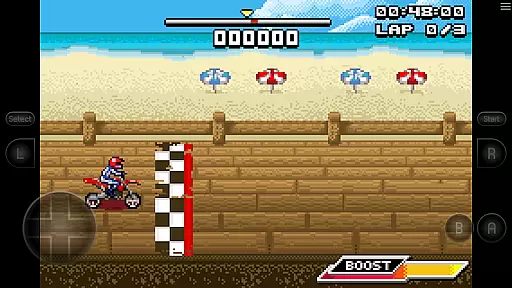
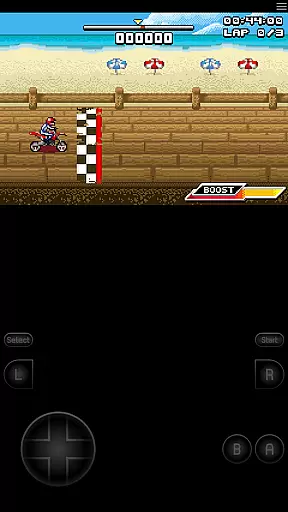
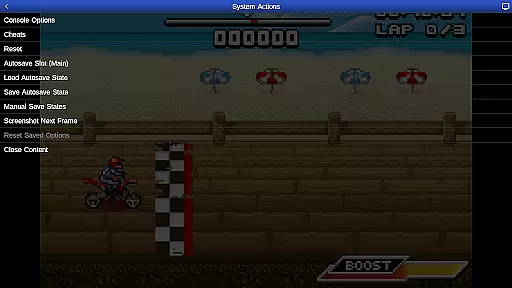
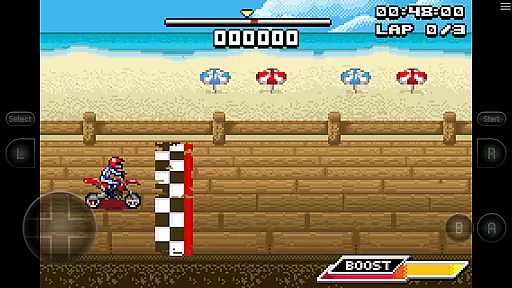
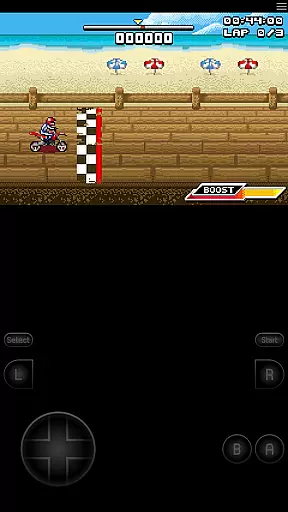
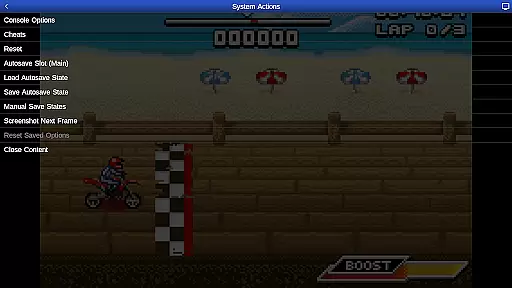
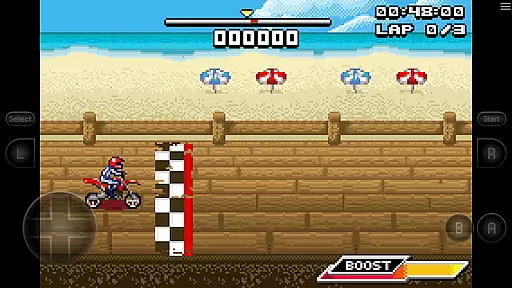
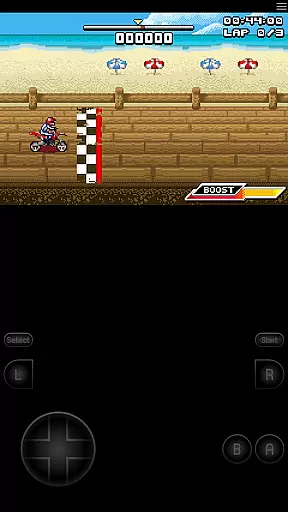
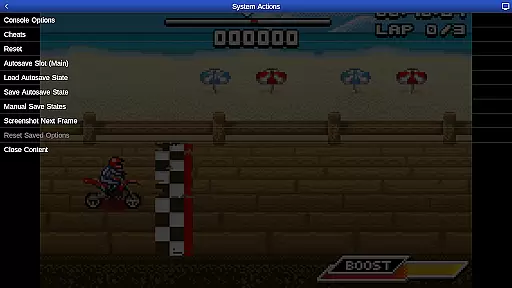
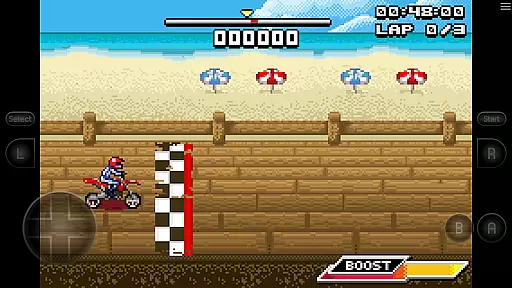
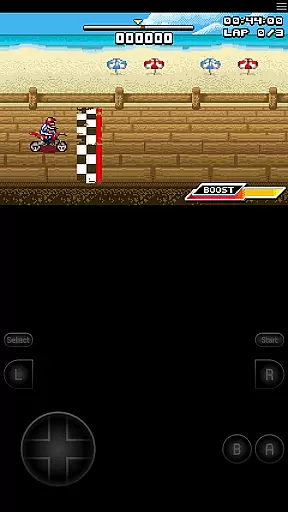
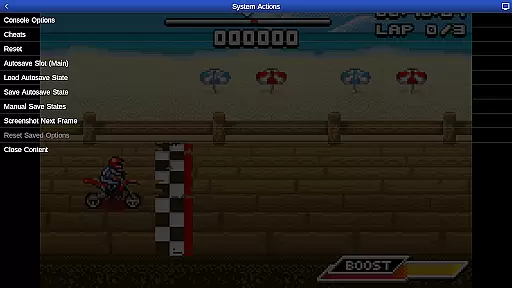
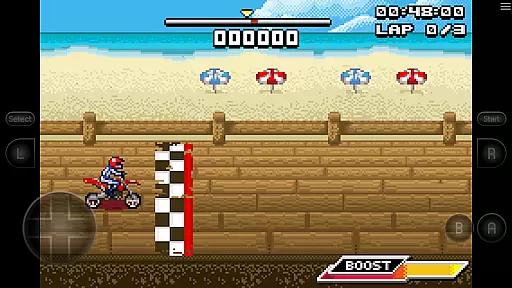
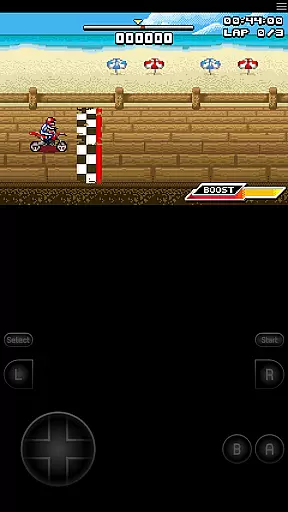
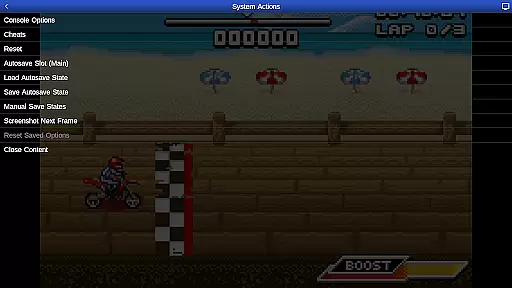
GBA.emu is an advanced open-source Gameboy Advance emulator that offers a minimalist UI with a focus on low audio and video latency. It supports a wide range of devices, from the original Xperia Play to modern devices like the Nvidia Shield and Pixel phones. The app provides high-level BIOS emulation without the need for a BIOS file and supports .gba file formats, optionally compressed with ZIP, RAR, or 7Z.
One of its standout features is the support for hardware sensors such as the accelerometer, gyroscope, and light sensors, which enhances gameplay interaction. Configurable on-screen controls and Bluetooth/USB gamepad & keyboard support make it versatile for different gaming preferences. Additionally, the bike racing game Motocross Challenge is included, offering immediate entertainment upon installation.
GBA.emu boasts several key features that set it apart from other emulators. Firstly, it includes high-level BIOS emulation, eliminating the need for a BIOS file, and supports a variety of file formats including .gba, ZIP, RAR, and 7Z. This flexibility allows users to enjoy their games without worrying about compatibility issues.
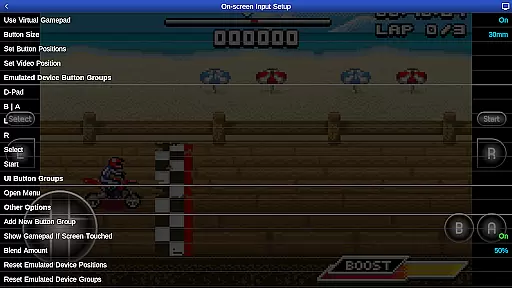
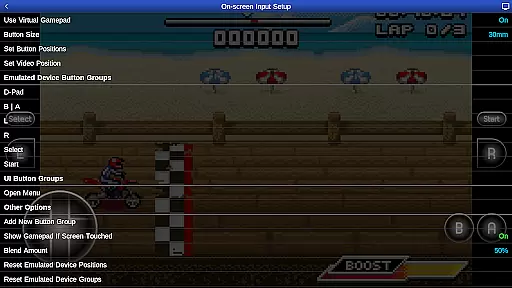
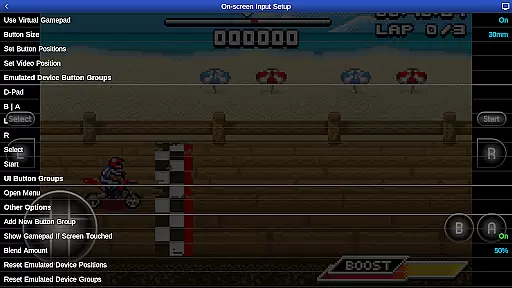
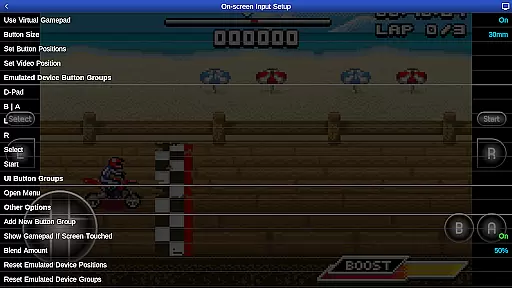
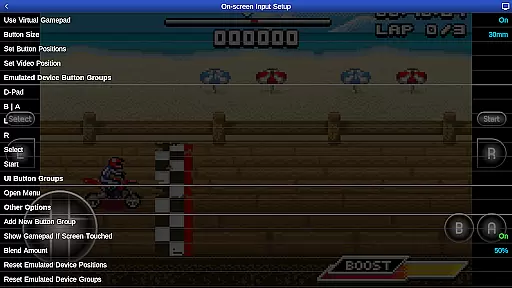
The emulator also supports cheat codes using VBA-M-compatible files (.clt extension) and does not require any 'Master' codes. Hardware sensor support, including the accelerometer, gyroscope, and light sensors, adds another layer of interactivity to the gaming experience. Furthermore, configurable on-screen controls and Bluetooth/USB gamepad & keyboard support ensure that users can customize their setup according to their preferences.
For those interested in development, GBA.emu's source code is available on GitHub, allowing for community contributions and improvements. Users are encouraged to report any crashes or device-specific problems via email or GitHub to ensure future updates continue to support as many devices as possible.
GBA.emu brings authentic arcade experiences to your mobile device by emulating the beloved Gameboy Advance system. This emulator is meticulously designed to recreate the original gaming experience, ensuring that classics feel just as they did on their native hardware.
The app achieves this through high-level BIOS emulation, eliminating the need for additional BIOS files while maintaining accurate game behavior. With support for the .gba file format and optional compression formats like ZIP, RAR, or 7Z, users can enjoy a wide variety of games with minimal setup.
By including configurable on-screen controls and supporting external controllers such as Xbox and PS4 gamepads, GBA.emu ensures that players can engage with their favorite titles in a way that feels both nostalgic and modern. The inclusion of Motocross Challenge further enriches this experience, offering immediate access to an exciting bike racing game.
One of the standout features of GBA.emu is its exceptional control responsiveness, which is crucial for an immersive arcade experience. The emulator supports hardware sensors like accelerometers and gyroscopes, allowing games that rely on motion controls to function seamlessly.
Configurable on-screen controls provide a customizable interface that caters to individual preferences, ensuring that every player can optimize their setup for maximum comfort and efficiency. These controls are designed to be highly responsive, minimizing input lag and enhancing gameplay fluidity.
For those who prefer physical controllers, GBA.emu offers robust Bluetooth and USB gamepad support. Compatible with any HID device recognized by the operating system, this feature allows users to connect their preferred controllers, from classic arcade sticks to modern console gamepads, ensuring precise and reliable input during intense gaming sessions.
Low audio/video latency
Wide device compatibility
No BIOS file needed
Supports multiple file formats
Included game for instant play
Limited to Gameboy Advance
No built-in ROM library
Requires manual updates
Complex for beginners
Occasional bugs reported

R-TYPE game
 4.60
4.60
Nostalgia.GBC is a high quality GBC emulator.
4.50
Get into your tractor to cut grass and harvest the crops in our mowing simulator
4.10
Granny keeps you locked in her house.
4.30
Infinite Arcade
4.4
PC Engine/TurboGrafx-16 Emulator
4.50
Suck the other’s blood and be the longest surviving mosquito!
4.40
Play fun multiplayer games with friends on one device! Two, Three, Four players!
4.60
A fast, full-featured GBA emulator with link cable emulation.
3.90
Save the Galaxy from galaxiga alien - Classic arcade shooter game
4.60
Merge bowmasters to win the bow and arrow war! Play the fun archery game!
4.60
Use superpower in your magic hands. Defeat the enemies in a fun elemental game.
4.50
A Ball Bouncer With Depth
4.00
Dad doesn’t let you go out, can you outwit your parents and escape?
4.00
Neogeo MVS/AES Emulator
3.30
Restore peace and order in the city
3.20
Spaceship racing on a rocky planet — pure action and challenge.
4.3
Play retro games with ease – NES, SNES, PSX, PSP & more supported
4.5
Reach high, and shine in the neon world in 3D!
4.2


User Reviews