
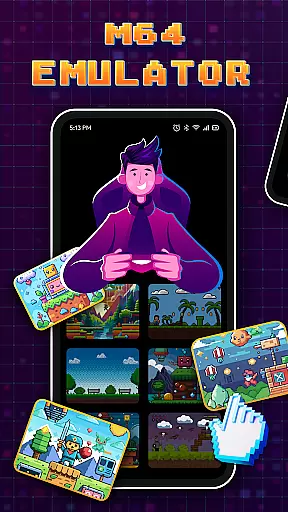

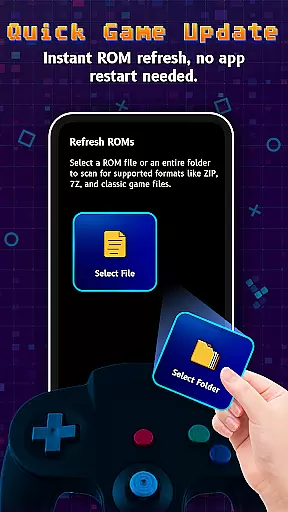
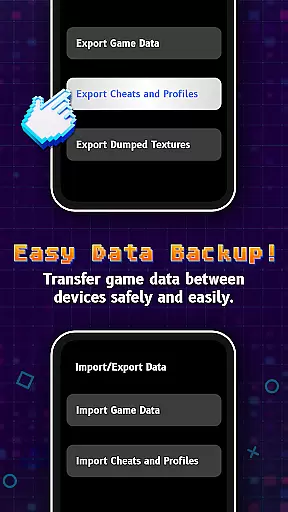
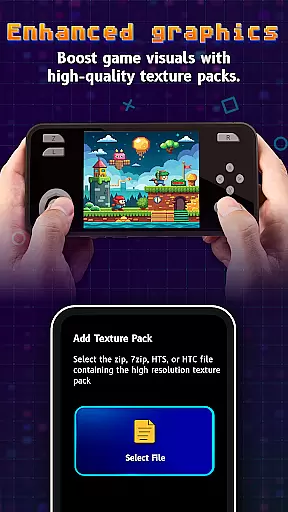
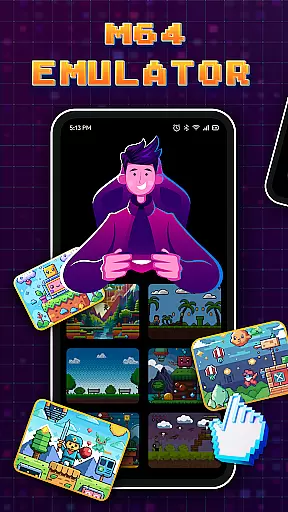

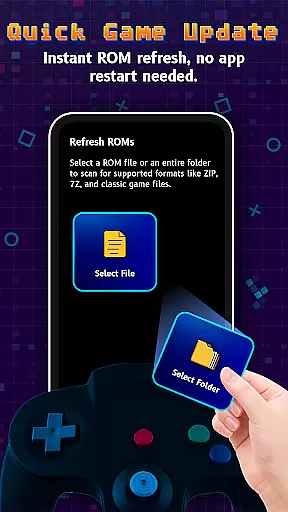
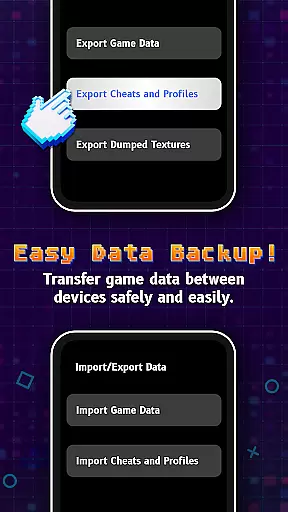
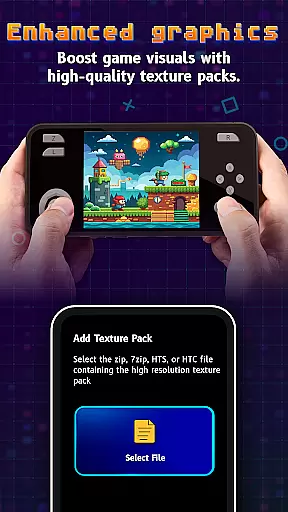

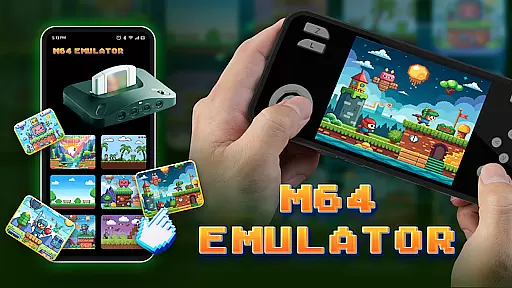
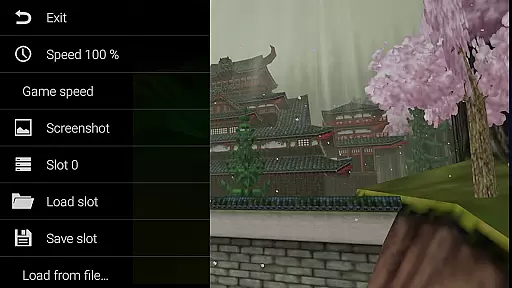
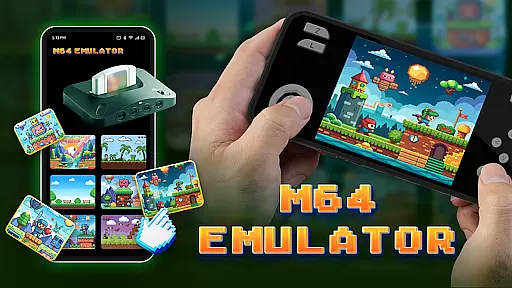
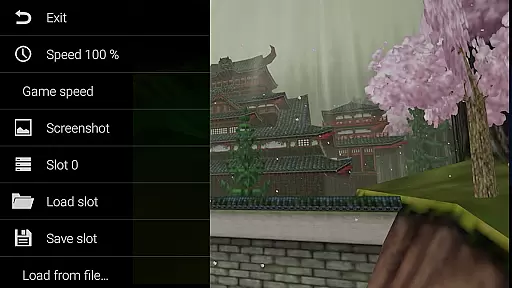
M64Pro FZX Plus+ Emulator is a versatile arcade gaming emulator that brings classic console experiences to mobile devices. This app includes all essential cores and plugins, allowing users to play a wide range of games directly on their smartphones or tablets. Designed for both casual gamers and nostalgic players, the emulator offers extensive compatibility with various game titles.
While most games run smoothly, some may require additional configuration or plugin adjustments. The app supports multiple video plugins to optimize performance across different devices, though graphical glitches may occasionally occur. With its comprehensive feature set, M64Pro FZX Plus+ delivers an authentic retro gaming experience while maintaining user-friendly accessibility.
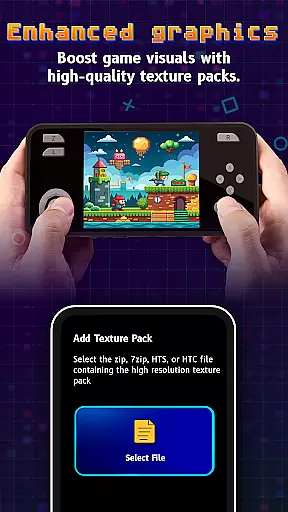
The M64Pro FZX Plus+ Emulator stands out with its comprehensive collection of built-in cores and plugins, enabling seamless emulation of numerous classic games. Users can choose from multiple video plugins to customize their gaming experience, ensuring optimal performance on their specific devices. The app's flexible configuration options allow for fine-tuned control over graphics and gameplay settings.
A key feature is its broad game compatibility, supporting both original releases and fan translations. While not every translation works perfectly, the emulator maintains strong performance across most titles. Advanced users will appreciate the ability to experiment with different plugin combinations to achieve the best results. The app also provides detailed technical information about each game's compatibility status.
Arcade authenticity and nostalgia are crucial elements for any emulator, as they ensure the gaming experience remains true to the original arcade versions. M64Pro FZX Plus+ Emulator strives to deliver this by including all essential cores and plugins that replicate the classic arcade feel.
Despite some compatibility issues with certain games and devices, the emulator supports a wide range of titles, allowing users to relive the golden era of arcade gaming. The developers have worked to maintain the integrity of each game's original release, offering an authentic experience that resonates with both past enthusiasts and new gamers alike.
Users may need to experiment with different video plugins to achieve optimal performance across various devices. This flexibility allows players to tailor their experience, ensuring that the nostalgic journey is not hindered by technical limitations.
Control responsiveness is vital in the realm of arcade gaming, where precision and timing can make or break the gaming experience. M64Pro FZX Plus+ Emulator places a strong emphasis on delivering responsive controls that mimic the instantaneous reactions one would expect from original arcade machines.
While not every video plugin is compatible with every device, the emulator offers a selection of plugins that cater to different hardware capabilities. This ensures that users can find a setup that provides tight control schemes, closely mirroring the tactile response of arcade cabinets.
Although some graphical glitches may occur, these do not detract from the overall control experience. Players can focus on enjoying their favorite classics with confidence, knowing that their inputs are registered accurately and without noticeable delay.
User-friendly interface
Wide game compatibility
Multiple video plugins
Regular updates
Customizable settings
Occasional glitches
Incomplete translations
Device limitations
Complex setup
Performance issues

Monster Run its a game for relax.
 4.4
4.4
Genesis, Mega Drive, Mega CD, Master System, Game Gear Emulator!
4.20
Enter Double Dragon Trilogy, a compilation of the beloved arcade series
4.10
Flip the bottle! Do tricks and don't let the bottle fall!
4.50
Eat & evolve your shark in the ultimate shark survival game!
4.50
PC Engine/TurboGrafx-16 Emulator
4.50
Master the skies in this epic airplane shooting game! Join the air force now!
4.80
A fast, full-featured GB/GBC emulator with link cable emulation.
3.80
A fast, full-featured GBA emulator with link cable emulation.
3.90
*Try for free.* Survive alone in a Roguelike Reverse Bullet Hell.
4.80
Gameboy Color Emulator
4.60
Save the Galaxy from galaxiga alien - Classic arcade shooter game
4.60
Jump and fly your way through danger in this rythm-based action platformer!
4.50
Shoot the web, jump and teleport! Be a stickman hero and destroy your enemies!
4.50
Join the art challenge: Guess the word and draw fast before the timer runs out!
4.20
Slice up a juicy storm!
4.20
Get into your tractor to cut grass and harvest the crops in our mowing simulator
4.10
It's quite possibly the world's hardest game!
3.90
John GBA is GBA emulator. This emulator is easy to use.
3.10


User Reviews