
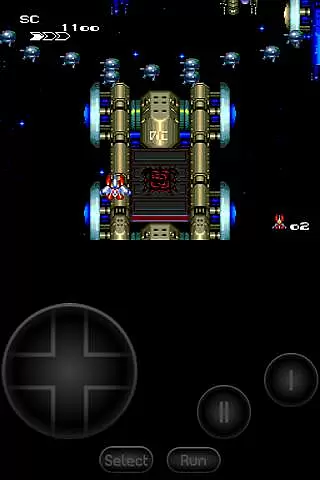
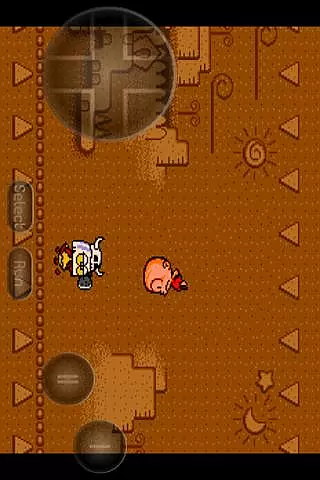
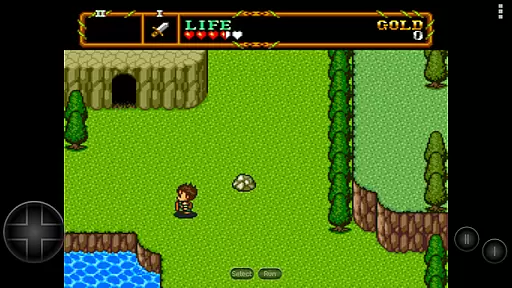
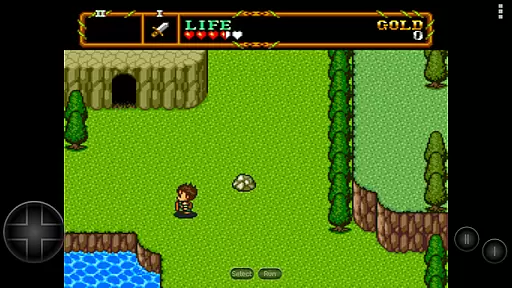
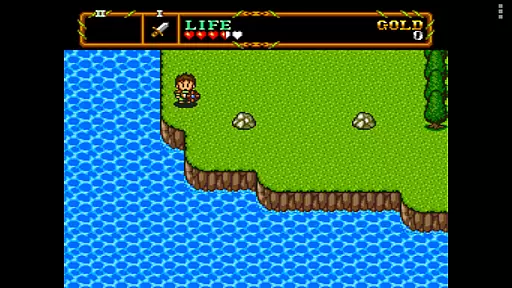
PCE.emu is an advanced open-source emulator for PC Engine and TurboGrafx-16 systems, designed with a minimalist UI to ensure low audio and video latency. It caters to retro gaming enthusiasts who want to relive classic games on modern devices like the Nvidia Shield and Pixel phones.
The app supports various file formats including .pce, .sgx, and compressed files through ZIP, RAR, or 7Z. With CD emulation via .cue files and support for multiple audio track formats, users can enjoy a wide range of gaming experiences. Configurable on-screen controls and compatibility with Bluetooth/USB gamepads enhance user interaction.
Whether you're revisiting nostalgic titles or exploring these classic consoles for the first time, PCE.emu offers a seamless way to enjoy your favorite games on the go.
PCE.emu stands out with its comprehensive feature set tailored for retro gaming aficionados. The app supports both .pce and .sgx file formats, allowing users to play a variety of games. Optional compression with ZIP, RAR, or 7Z ensures efficient storage and quick access.
One of the key highlights is the CD emulation capability through .cue files, which requires a Super CD-ROM System card. This feature expands the library of playable games significantly. Additionally, the emulator supports high-quality audio tracks in FLAC, Ogg Vorbis, and Wav formats, ensuring an immersive sound experience.
For control options, PCE.emu provides configurable on-screen controls and extensive support for Bluetooth/USB gamepads and keyboards. This compatibility covers a wide array of HID devices recognized by the OS, such as Xbox and PS4 controllers, making it versatile for different user preferences.
Arcade authenticity and nostalgia are crucial elements for any emulator aiming to recreate the classic gaming experience. PCE.emu delivers this by accurately emulating the PC Engine/TurboGrafx-16 systems, ensuring that games run as they did in the original arcade settings.
This emulator supports a wide array of devices, from older models like the Xperia Play to modern ones such as the Nvidia Shield and Pixel phones. By maintaining low audio and video latency, it captures the responsiveness and feel of true arcade machines, providing an immersive experience.
Users benefit from the meticulous recreation of hardware interactions, including support for .pce, .sgx, and .cue file formats. This ensures compatibility with various game releases, preserving the integrity of the original gaming content while offering the convenience of digital access.
Control responsiveness is vital for an optimal gaming experience, especially in arcade-style games where precision and timing are key. PCE.emu excels in this area by supporting both on-screen controls and external devices like Bluetooth or USB gamepads.
The emulator's compatibility extends to any HID device recognized by the operating system, including popular controllers like Xbox and PS4. This versatility allows users to choose their preferred input method, enhancing comfort and performance during gameplay sessions.
By focusing on minimizing input lag and ensuring instant feedback, PCE.emu provides a seamless control experience. Gamers can enjoy their favorite titles with confidence, knowing that their actions will be accurately reflected in the game environment without delay.
Low audio/video latency
Wide device compatibility
Supports multiple file formats
CD emulation via .cue files
Configurable on-screen controls
No ROMs included
Requires technical knowledge
Limited to specific consoles
Occasional crashes reported
Dependent on external storage

Dig yourself a way to gold, diamonds and success with this addictive mining game
 3.90
3.90
Payback 2 includes everything from tank battles to high speed helicopter races!
4.50
Nostalgia.GBA Pro is a high quality GBA emulator.
4.40
It's quite possibly the world's hardest game!
3.90
Stack the blocks as high as you can!
4.30
Create your restaurant story & make food on a crazy kitchen in this cooking game
4.70
Jump and fly your way through danger in this rythm-based action platformer!
4.70
Jump and fly your way through danger in this rythm-based action platformer!
4.50
Draw your legs to win the race!
4.20
Flip and flail a rag doll through endless levels and plunge into outlandish fun!
4.60
Merge bowmasters to win the bow and arrow war! Play the fun archery game!
4.60
Flip the bottle! Do tricks and don't let the bottle fall!
4.50
Shoot the web, jump and teleport! Be a stickman hero and destroy your enemies!
4.50
Outrun cops, ignite the thrill of a high-speed chase!
4.50
NES Emulator
4.40
Sega Saturn Emulator
4.20
Bounce through platforms. Avoid obstacles. Get the bouncing ball to the finish.
4.00
Snake Legacy, sans pub, repensé pour une expérience fluide et élégante.
4.4
Machine Gun Fire Rumbles in the Jungle
4.0


User Reviews