
John GBA is a high-performance Game Boy Advance emulator designed for Android devices running version 6.0 and above. This application allows users to relive their favorite classic games with an authentic emulation experience. It requires users to provide their own game files to function, ensuring legal compliance while delivering an engaging gaming experience.
The emulator boasts advanced features such as cheat code support, high-quality rendering, and customizable controls. With its user-friendly interface and robust functionality, John GBA is perfect for both casual gamers and retro gaming enthusiasts who want to enjoy their favorite titles on the go.
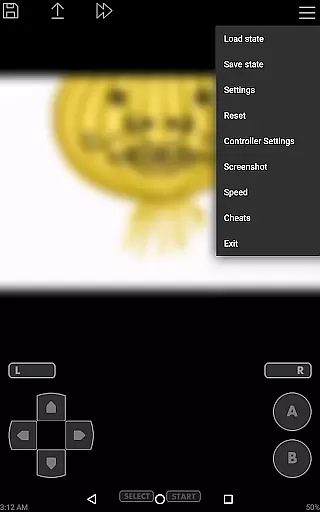
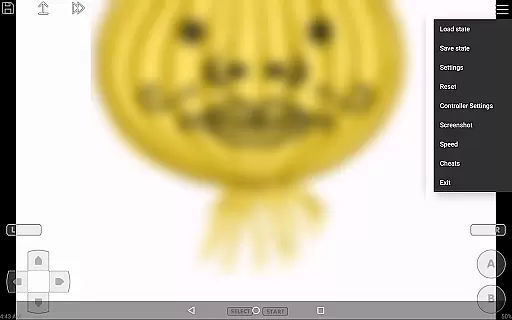
John GBA stands out with its original GBA engine that ensures accurate gameplay. The app supports various cheat formats including Raw, GameShark, and CodeBreaker, allowing players to enhance their gaming sessions. Its high-quality rendering capabilities make every pixel of the classic games look crisp and clear on modern displays.
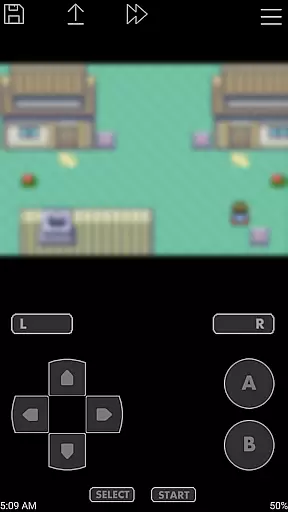
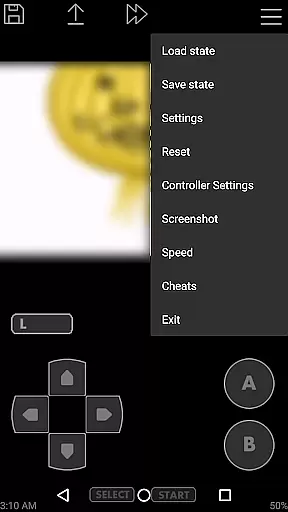
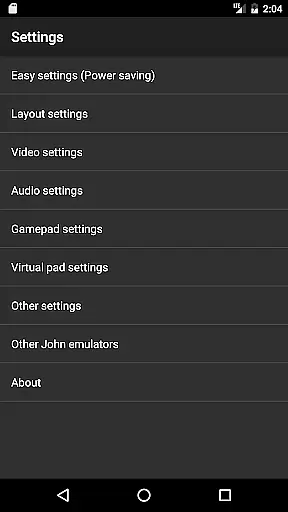
Additional notable features include virtual on-screen keypads, turbo buttons, and save states with previews. Users can also enjoy fast forward and slow down options ranging from x0.25 to x16 speed. With support for Bluetooth controllers and MOGA gamepads, John GBA offers versatile control options. The app's ability to handle zipped files and integrate with Dropbox via John DataSync further enhances its usability.
Arcade authenticity and nostalgia are crucial elements for any gaming emulator, as they ensure the original experience is faithfully recreated. John GBA, a Game Boy Advance emulator for Android 6.0+, excels in this area by offering an original GBA engine that preserves the classic gameplay.
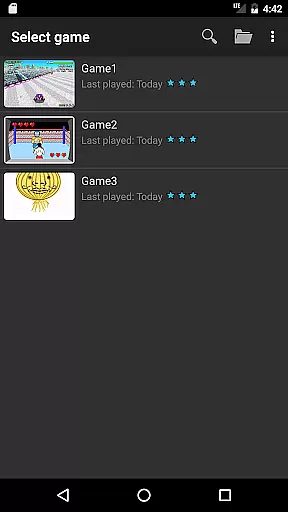
With features like high-quality rendering and support for cheats such as Raw, GameShark, and CodeBreaker, users can relive their favorite gaming moments just as they remember them. The emulator also supports zipped game files, making it convenient to manage and load games stored on both SD cards and internal storage.
Players benefit from customizable controls with virtual on-screen keypads and turbo buttons, allowing for a personalized setup that enhances the nostalgic experience. This attention to detail ensures that gamers can enjoy an authentic arcade-like adventure on modern devices.
Control responsiveness is vital for an immersive gaming experience, especially when emulating classic arcade games. John GBA addresses this need by providing fast forward and slow down options ranging from x0.25 to x16 speed, giving players precise control over gameplay pacing.
The emulator supports external controllers via Bluetooth or MOGA, ensuring low-latency input that reacts instantly to player commands. Additionally, save states with previews allow gamers to pause and resume their progress seamlessly without losing momentum.
With hardware requirements of at least a 1.0GHz dual-core CPU and 1GB RAM, John GBA guarantees smooth performance across compatible devices. These technical specifications ensure that even demanding games run smoothly, maintaining tight control throughout intense gaming sessions.
Authentic GBA experience
Customizable controls
No advertisements
Save state functionality
Controller support
Requires game files
No in-app purchases
High system requirements
Limited to Android 6.0+
Complex setup

Bomb the communists back to 1916!
 4.70
4.70
Enter Double Dragon Trilogy, a compilation of the beloved arcade series
4.10
Playing venom RPG alien games? Set spider alien isolation base, with no survivor
4.30
Challenge your friends across the world to see who can jump the farthest!
4.50
Stack the blocks as high as you can!
4.30
Collect layers in running game & build the biggest slinky toy to beat the giant!
4.30
Venture into the galaxy to fight against the invasion of space invaders.
4.60
Outrun cops, ignite the thrill of a high-speed chase!
4.50
Challenge your friends in this game! Two players on one device!
4.70
Join the breathtaking chase!
4.80
Save the Galaxy from galaxiga alien - Classic arcade shooter game
4.60
R-TYPE game
4.60
Flip the bottle! Do tricks and don't let the bottle fall!
4.50
Frenetic party game, pass the bomb to the other players!
3.80
Restore peace and order in the city
3.20
Turn-based pixel game where jumping is the only weapon!
4.3
Machine Gun Fire Rumbles in the Jungle
4.1
A retro-flavoured infinite scroller Glyph toy for the Nothing Phone (3)
4.4
Reach high, and shine in the neon world in 3D!
4.0


User Reviews