
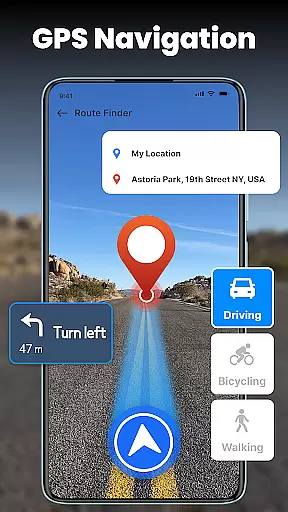
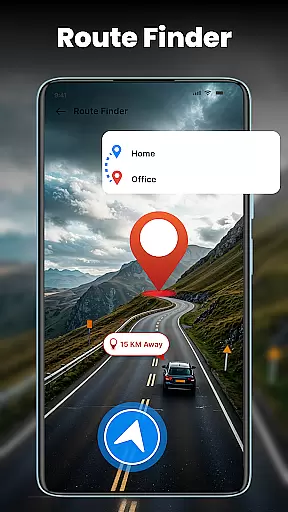
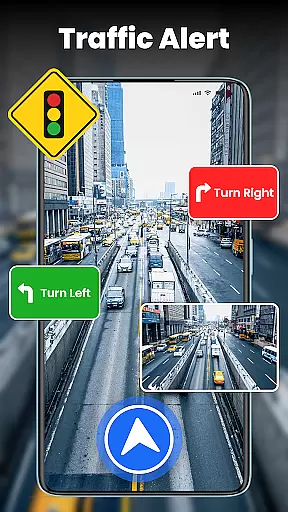




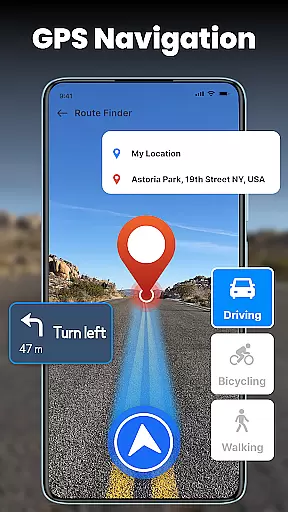
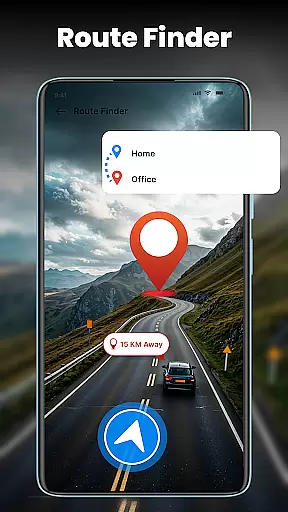
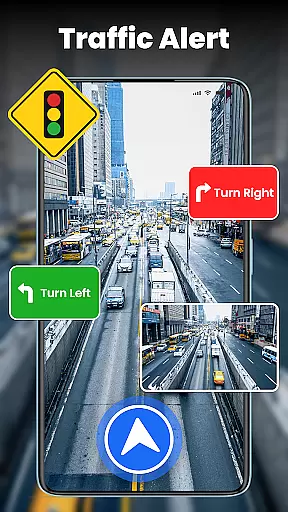

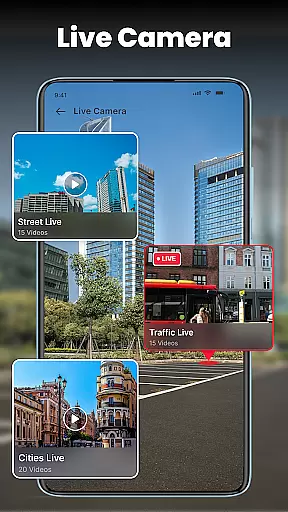

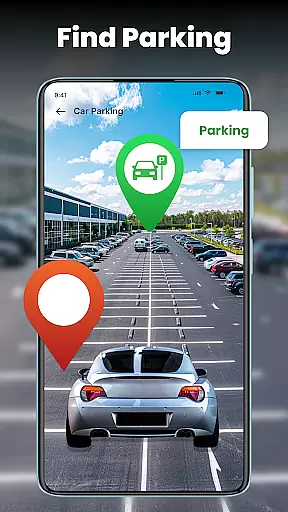
GPS Voice Navigation is a comprehensive navigation app designed to provide turn-by-turn live navigation, voice-guided directions, and real-time traffic updates. The app helps users find the shortest routes, avoid traffic jams, and locate nearby points of interest such as hospitals, hotels, and gas stations. With features like Live Street View and a built-in compass, it ensures accurate route guidance in both urban and remote areas.
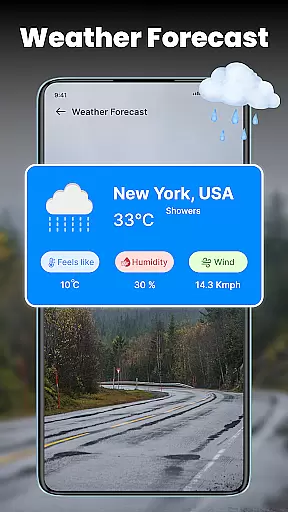
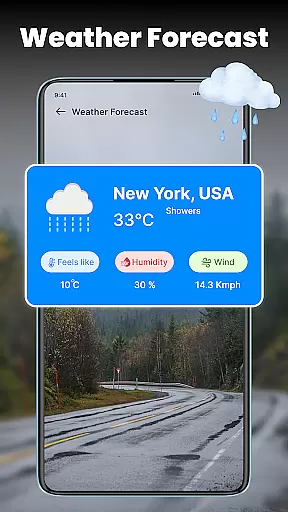
The application's key strength lies in its ability to deliver reliable navigation through simple, voice-activated commands. This makes it particularly useful for drivers who need hands-free operation. Additionally, the app offers real-time weather updates, helping users plan their journeys according to current weather conditions. Whether traveling locally or internationally, GPS Voice Navigation provides an efficient way to reach destinations quickly and safely.
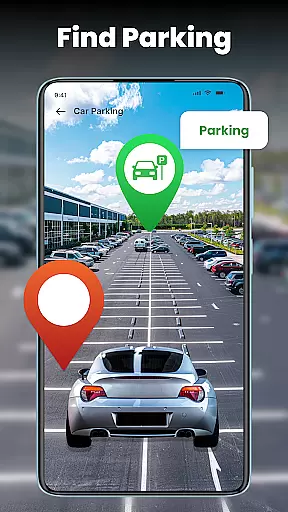
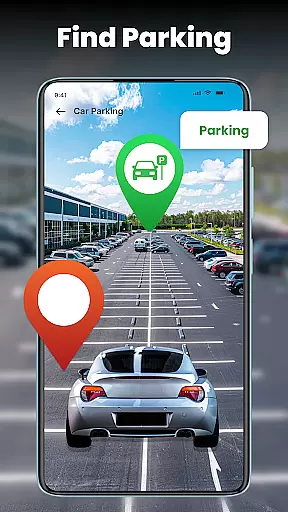
Perfect for travelers and daily commuters, this app combines advanced GPS technology with user-friendly features. It allows users to share their location with friends and family, personalize map styles, and save parking spots for future reference. These capabilities make GPS Voice Navigation an essential tool for anyone looking to simplify their travel experience while staying informed about road conditions and weather changes.
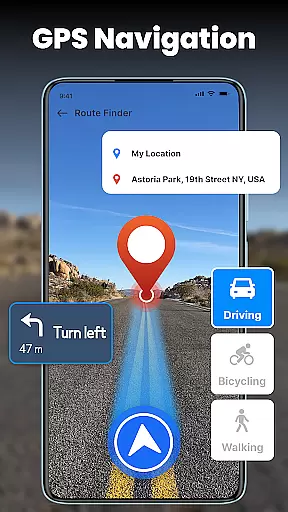
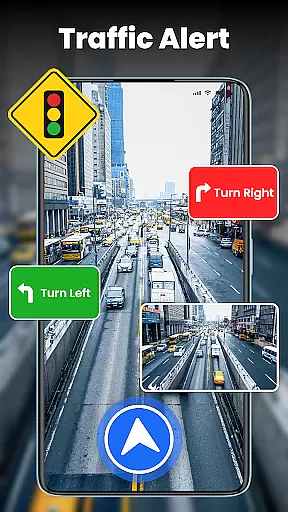
GPS Voice Navigation stands out with its robust feature set tailored for seamless travel experiences. One of its core functionalities is the turn-by-turn voice navigation, which guides users effortlessly to their destinations without requiring constant visual attention. This feature is complemented by live traffic updates that help drivers avoid congestion, roadblocks, and accidents, ensuring a smoother journey.
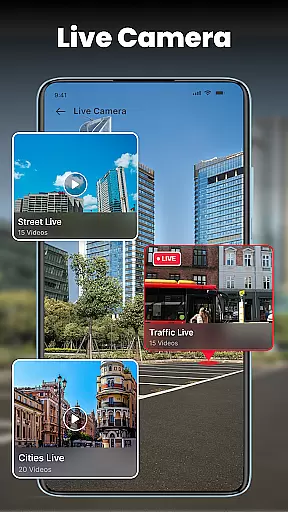
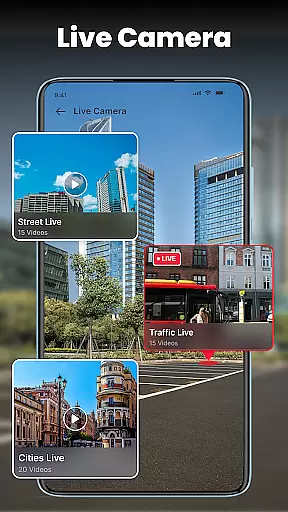
In addition to navigation, the app provides a Live Street View feature, allowing users to explore areas virtually before traveling. This is particularly helpful when visiting unfamiliar locations. The built-in compass further enhances directional accuracy, whether driving in the city or hiking in nature. Moreover, the app's ability to locate nearby amenities such as restaurants, ATMs, and hospitals adds significant convenience for travelers.
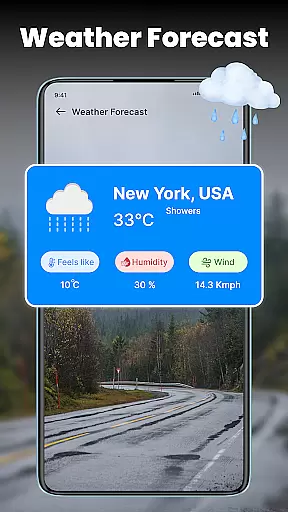
Personalization options are another highlight of GPS Voice Navigation. Users can customize map styles, choose preferred routes, and save frequently visited locations. Real-time weather updates ensure that users are prepared for changing conditions during their trips. By combining these innovative features with intuitive usability, the app delivers a highly efficient navigation solution suitable for various travel needs.
Map accuracy is essential for any navigation app, and GPS Voice Navigation excels in this area. The application provides precise location data, ensuring users can trust the route suggestions provided. This precision is achieved through advanced GPS technology that updates in real-time, adapting to the user's movements and changes in the environment.
The app covers extensive geographical areas, offering reliable navigation not only in well-mapped cities but also in remote locations. This wide coverage ensures that no matter where you are traveling, you will receive accurate directions. Furthermore, frequent updates to the map data guarantee that users have access to the latest road networks and points of interest.
For travelers and daily commuters alike, having an accurate map means reaching destinations faster and with fewer detours. GPS Voice Navigation reduces travel stress by providing dependable maps that users can count on, whether they're driving in familiar neighborhoods or exploring new territories.
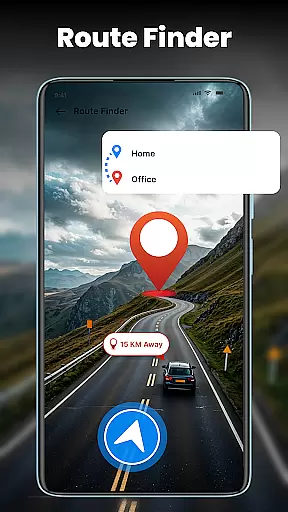
Effective route planning is a cornerstone of GPS Voice Navigation, designed to make journeys as efficient as possible. By analyzing live traffic conditions, the app suggests optimal routes that avoid congestion, roadblocks, and other delays. This feature is particularly beneficial during peak travel times when traffic can significantly impact travel duration.
Users can customize their route preferences within the app, choosing alternatives based on scenic value, road type, or avoiding tolls. Such flexibility allows for personalized travel experiences tailored to individual needs and preferences. Additionally, turn-by-turn voice navigation guides users along their chosen path, making it easier to follow directions without needing to look at the screen constantly.
Ultimately, GPS Voice Navigation transforms how people plan their trips by combining sophisticated algorithms with user-friendly features. Whether commuting to work or embarking on a cross-country adventure, the app ensures every journey is smooth, timely, and enjoyable.
User-friendly interface
Accurate GPS tracking
Voice-guided navigation
Live traffic updates
Customizable map styles
Occasional voice delay
High battery consumption
Limited offline functionality
Subscription fees apply
Heavy data usage

Find 93 Octane Gas: Locate Gasoline Stations Selling Premium 93 Octane or Higher
 4.5
4.5
Find trails, organize your locations and navigate with offline maps.
4.60
Route tracker, Speedometer, Odometer, Fuel, HUD mode, save route as .GPX
4.40
Voice GPS with driving directions, offline maps navigation GPS for safe travel
4.50
Get directions, Maps, GPS navigation & GPS Maps using GPS App
4.10
Affordable rides and food delivery with incredible discounts in just one app.
4.50
Navigate seamlessly with Real-Time Traffic, Offline Maps, and Voice Navigation.
4.10
Use GPS Maps and GPS Voice Navigation to find your way and get directions
4.10
Navigation, weather, offline maps & tools for smarter, safer travel planning.
4.00
Offline maps & GPS for hiking, travel, fieldwork & outdoor adventures
4.70
GPS Speedometer & Odometer: Track car, bike, truck speed & distance in real-time
4.70
Ride or drive at YOUR price
4.70
GPX Viewer PRO shows tracks, routes and waypoints from gpx and kml files.
4.60
Explore with GPS Navigation with GPS offline, voice GPS, speed camera radar
4.60
Turn your Android device into a real off-road GPS using off-line topo maps!
4.40
CamSam PLUS - The speed and red light camera warning system!
4.40
Use GPS maps or search by property owner, address or parcel to view parcel data
4.30
MapQuest is your go-to app for maps, GPS, voice navigation & live traffic.
3.80
Live Satellite view app for find GPS navigation Direction and live location map
3.70


User Reviews