
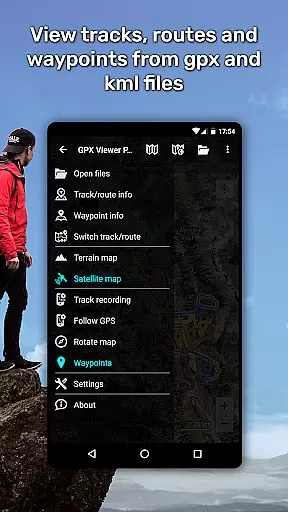
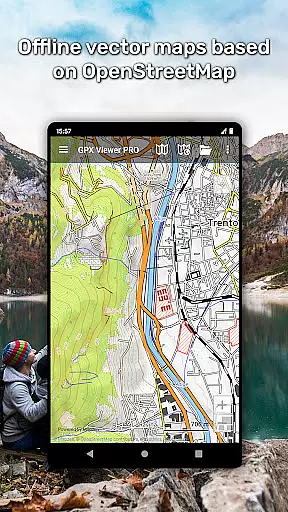
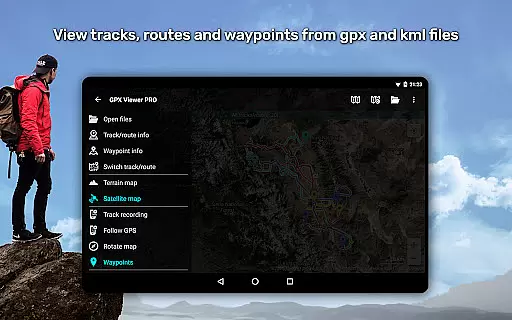
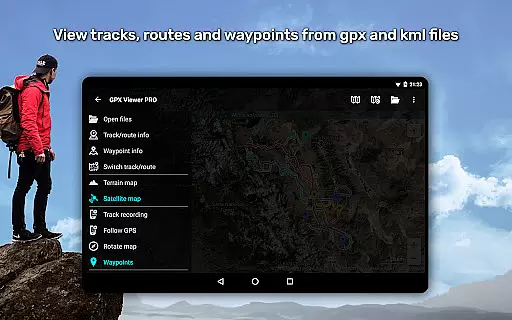
GPX Viewer PRO is a comprehensive GPS and mapping application designed for outdoor enthusiasts and travelers. This app allows users to view GPX, KML, KMZ, and LOC files with ease while offering advanced features such as detailed trip statistics, elevation profiles, and speed graphs. The app stands out with its offline vector maps functionality, ensuring users can access maps without an internet connection.
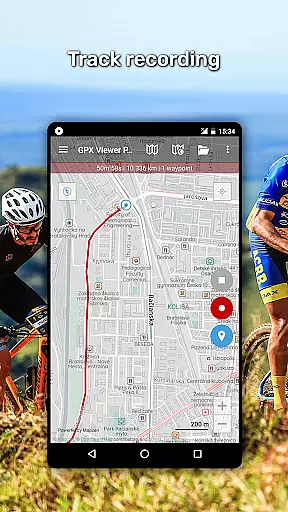
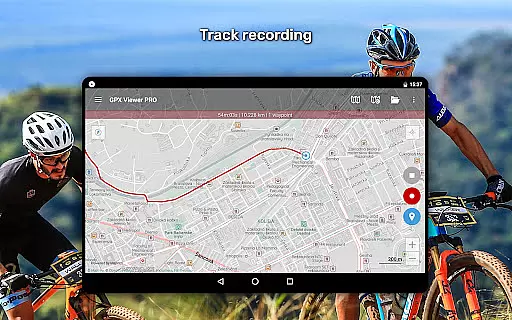
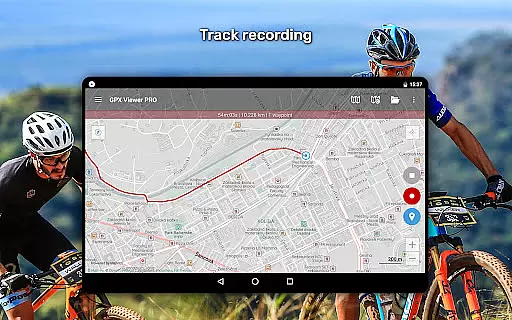
In addition to viewing tracks and waypoints, GPX Viewer PRO serves as a simple navigation tool by displaying the current GPS position and providing continuous tracking. Users can customize map styles, rotate maps based on device orientation, and receive notifications when nearing waypoints. With support for online maps like Google Maps and specialized weather layers, this app caters to a wide range of mapping needs for various outdoor activities.
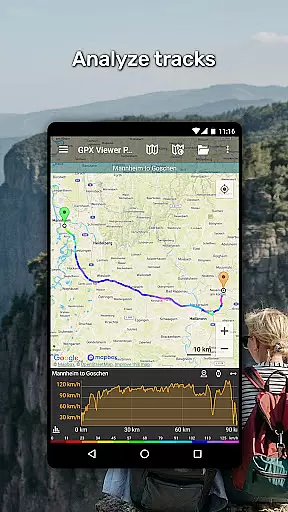
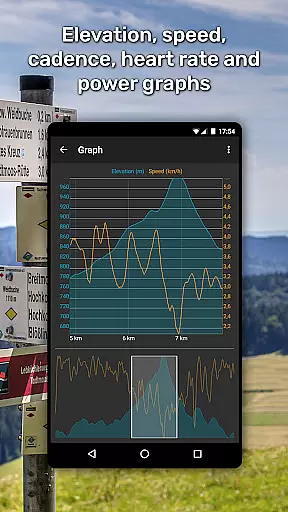
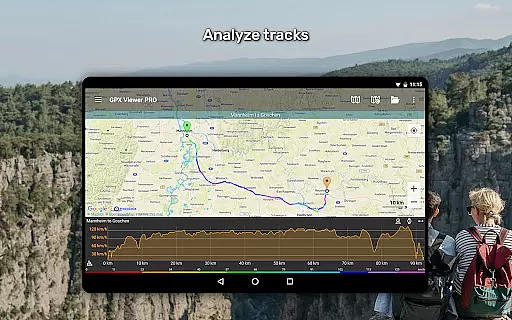
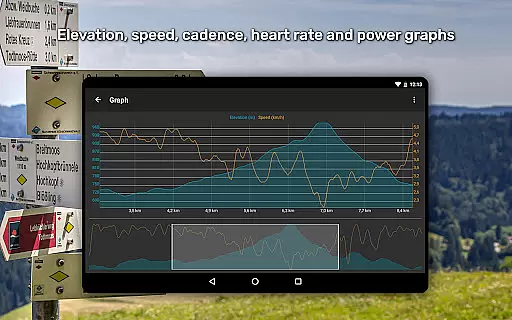
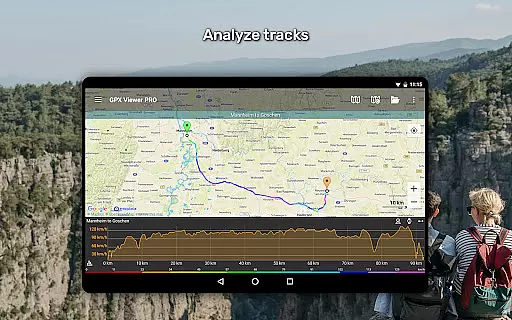
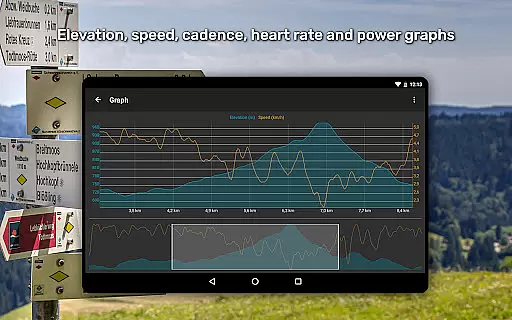
One of the standout features of GPX Viewer PRO is its ability to provide detailed analytics for trips. Users can analyze track data including elevation, speed, cadence, heart rate, and air temperature through intuitive graphs and charts. This functionality makes it an invaluable tool for athletes and adventurers who require precise performance metrics.
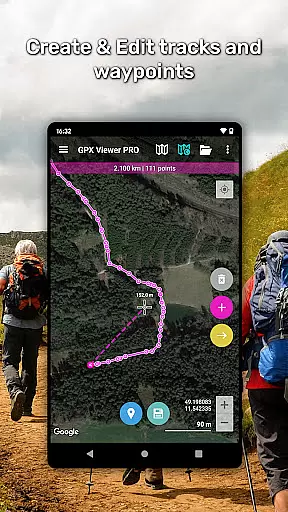
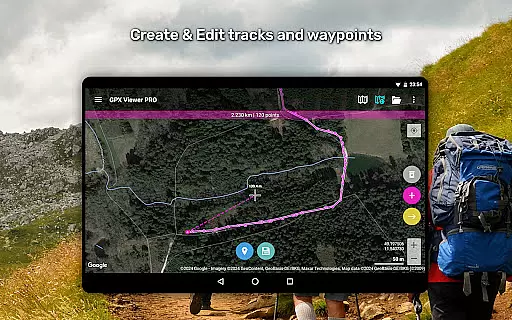
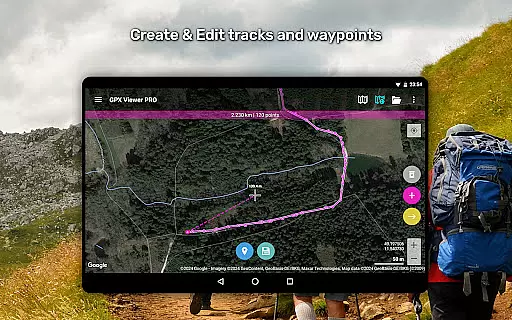
The app also offers extensive customization options for maps and tracks. Users can change track colors, compress files into GPZ or KMZ formats, and even colorize routes based on different data parameters. Additionally, GPX Viewer PRO supports integration with Trackbook, allowing seamless synchronization of tracks and waypoints created on that platform. These robust features ensure users have a personalized and efficient mapping experience tailored to their specific needs.
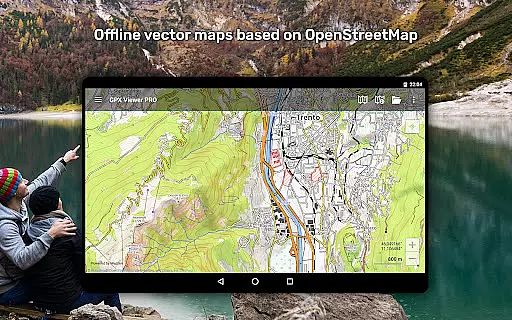
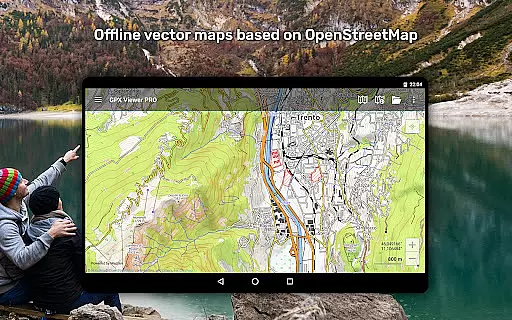
Map accuracy is a crucial feature for any navigation app, and GPX Viewer PRO excels in this area. The application offers both online and offline maps with impressive precision. Online maps include popular services like Google Maps, Mapbox, HERE, and Thunderforest, all based on OpenStreetMap data. These maps are updated regularly to ensure the highest level of accuracy.
For users requiring offline functionality, GPX Viewer PRO provides detailed worldwide vector maps. These maps are based on OpenStreetMap data and come in various styles tailored for city and outdoor use. With monthly updates, users can trust that their maps remain current and reliable even without an internet connection. This dual capability ensures that whether you're navigating urban streets or remote trails, GPX Viewer PRO delivers accurate mapping data.
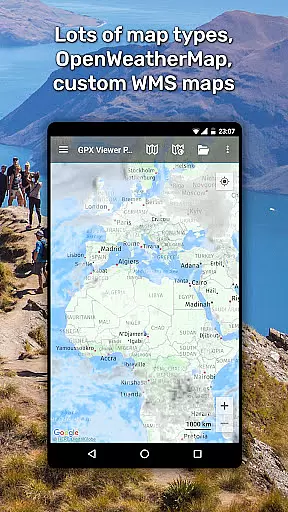
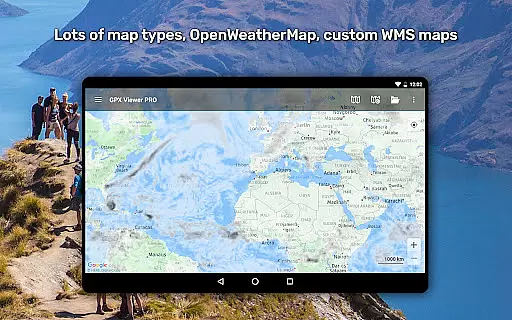
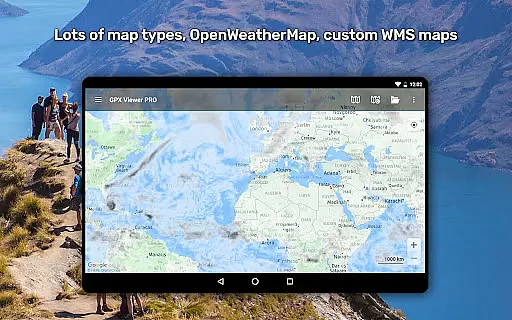
The app also supports custom online TMS or WMS maps, allowing advanced users to integrate specialized map layers. Additionally, features like OpenWeatherMap weather layers provide real-time environmental data overlays. This comprehensive approach to map accuracy empowers users to make informed decisions during their travels and outdoor activities, regardless of their location or connectivity status.
Route planning is where GPX Viewer PRO truly shines as a versatile navigation tool. The app allows users to view and analyze tracks, routes, and waypoints from various file formats including GPX, KML, KMZ, and LOC. This capability enables detailed trip preparation and analysis, making it invaluable for both casual travelers and serious outdoor enthusiasts.
One of the standout features is the ability to visualize route information through comprehensive graphs and charts. Users can examine elevation profiles, speed profiles, and other critical data such as cadence, heart rate, and power metrics. This analytical approach to route planning helps users understand the terrain and conditions they'll encounter, allowing for better preparation and safer journeys.
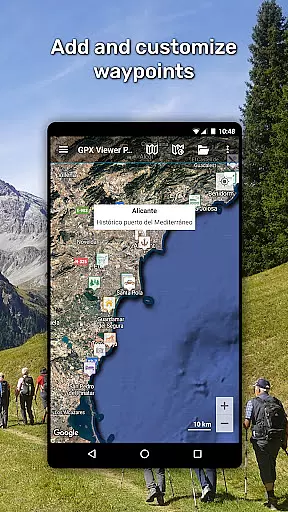
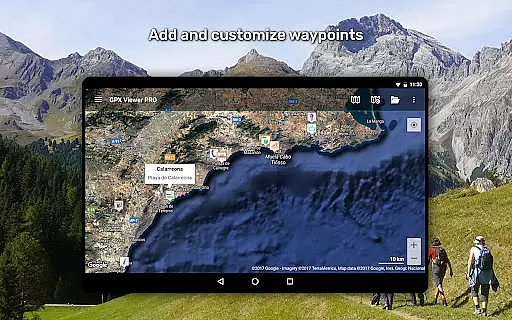
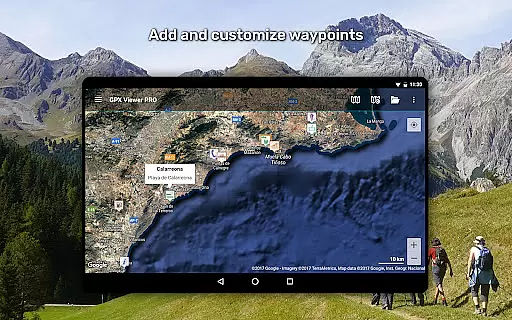
Additionally, GPX Viewer PRO offers advanced customization options for routes. Users can adjust track colors, colorize lines based on different parameters like elevation or speed, and modify waypoint icons. The app's simple navigation tools, including continuous GPS position tracking and map rotation features, further enhance the route planning experience. These professional-grade features make GPX Viewer PRO an essential tool for anyone seeking precise and flexible route planning capabilities.
User-friendly interface
Offline map availability
Comprehensive trip analysis
Customizable map styles
Wide file format support
Premium features locked behind paywall
Occasional syncing issues
Steep learning curve for beginners
Limited free version functionality
High system resource usage

Explore the world with Live Satellite View, 3D Maps, GPS Navigation & Earth Map.
 2.90
2.90
Offline maps for phone and smart watch: topographic maps, satellite images...
3.30
This app is military GPS coordinate systems helper. (MGRS, UTM & DMS Maps)
4.80
Your guide to the recreational opportunities of the Bureau of Land Management!
3.40
Route tracker, Speedometer, Odometer, Fuel, HUD mode, save route as .GPX
4.40
Parcel map, property lines, owner, acres, land use, zoning and more from Regrid.
4.60
Phone Tracker and GPS Location Sharing
4.20
Bolt is a ride-hailing app for requesting fast, safe, and affordable transport
4.80
Avoid delays. Get real-time GPS navigation, safety alerts and live traffic.
4.10
Truck Safe GPS Navigation & Maps: Parking, Fuel, Diesel, Weight Station
4.80
Find EV & Tesla charging stations with PlugShare
4.70
Rideshare, taxi cabs, and more for your airport travels and everyday trips.
4.50
Instant diesel discounts - save big with each fill up!
4.40
"Balad" is a map and navigator with a Persian voice assistant and a complete city guide
4.40
Route schedules, maps, and real-time tracking of MTA buses in New York City.
4.20
GPS phone tracker, family locator, secure location sharing app
4.20
Find routes fast with GPS Maps, GPS Navigation & driving directions.
4.10
Live Satellite view app for find GPS navigation Direction and live location map
3.70
Fully offline 1:50k New Zealand topographical map North Island
4.2


User Reviews