
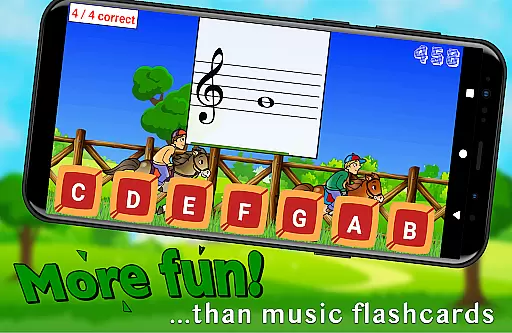
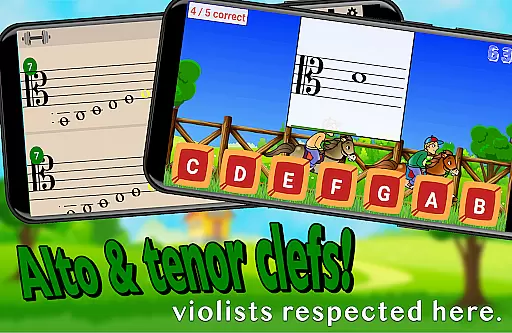
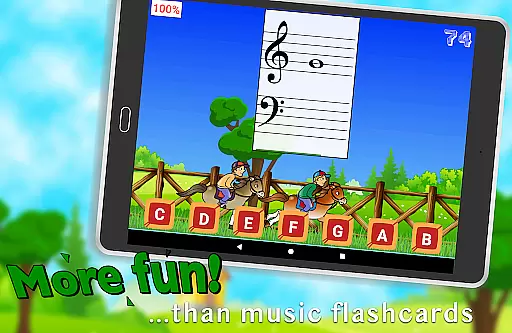
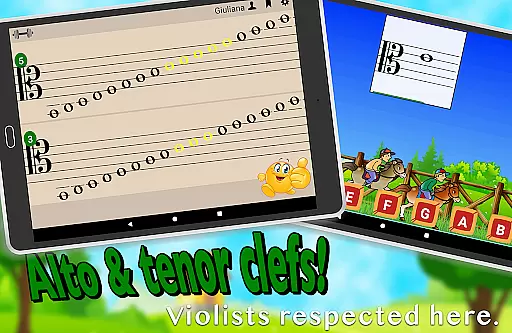
Flashnote Derby is an educational app designed to make learning music notes enjoyable for children. The core functionality revolves around a timed game where students identify musical notes to advance their horse in a race. This interactive approach not only makes learning fun but also reinforces quick recognition of notes across different clefs including treble, bass, alto, and tenor.
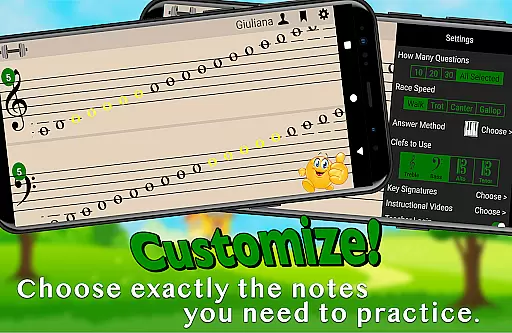
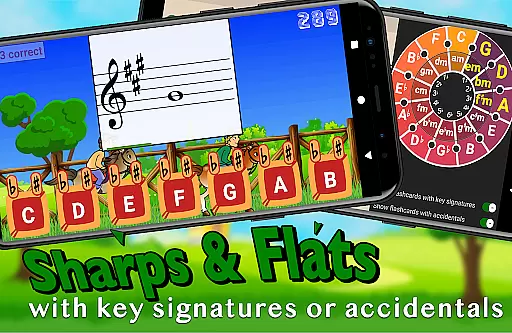
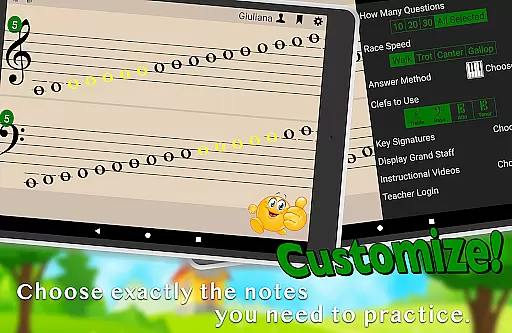
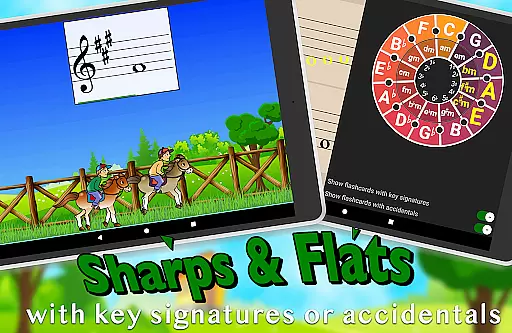
The app offers customization options allowing educators and learners to focus on specific areas of improvement by selecting ranges of notes or individual ones. With features like adjustable time limits per flashcard and the ability to include sharps, flats, and key signatures, Flashnote Derby caters to various skill levels from beginners to more advanced students.
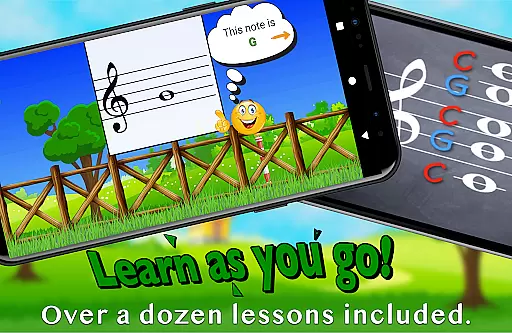
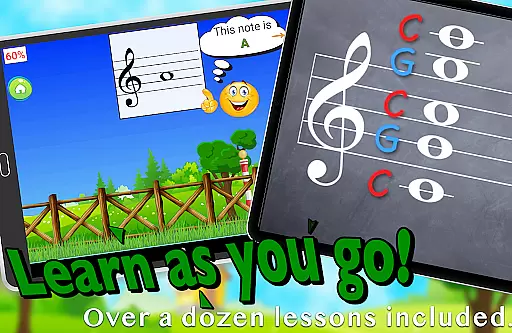
By integrating over a dozen instructional video lessons directly within the app, Flashnote Derby ensures that even those without prior music instruction can start learning immediately. Its use as a motivational tool by music teachers further enhances its value, providing a seamless way to track progress and assign homework, ensuring continuous engagement and improvement in music reading skills.
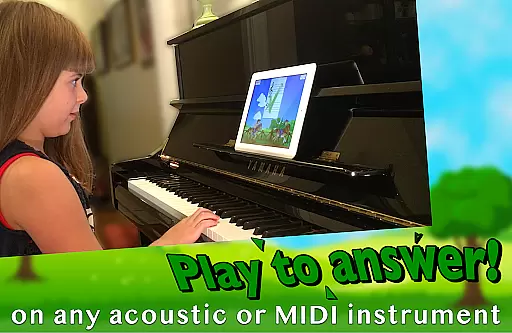
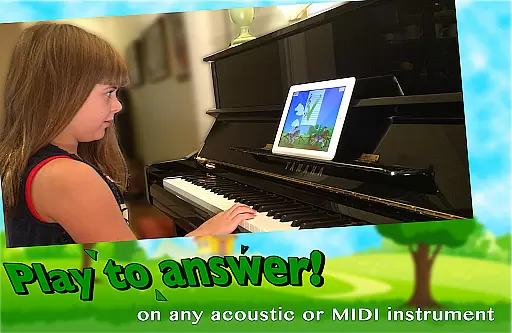
One of the standout features of Flashnote Derby is its adaptability to different learning styles. Students can respond to flashcards by playing notes on their acoustic or MIDI instruments, tapping letter buttons, or using an on-screen piano. This flexibility ensures that learners can engage with the material in a way that suits them best, promoting better retention and understanding.
The app's customization capabilities are extensive, allowing users to tailor drills to their specific needs. Whether it's adjusting the range of notes, focusing on ledger lines, or incorporating key signatures, Flashnote Derby provides a comprehensive platform for mastering music notation. Additionally, the competitive element of racing games adds an engaging twist, motivating students to improve their speed and accuracy.
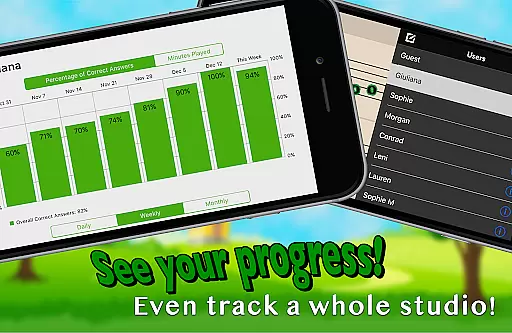
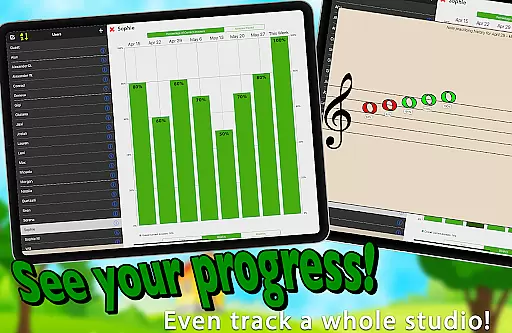
Tracking progress is made easy with performance records that highlight areas needing review. Teachers can utilize this data to provide targeted instruction and encouragement, while the option to email homework assignments ensures continuity between lessons. These features collectively contribute to a robust learning experience that supports both independent study and classroom integration.
Flashnote Derby ensures content accuracy by focusing on correct music note identification, which is essential for any music learner. The app provides a customizable and interactive environment where students can practice reading notes in various clefs including treble, bass, alto, and tenor. This adaptability allows users to concentrate on specific areas that need improvement, ensuring the information they receive is both accurate and relevant to their learning stage.
The inclusion of over a dozen instructional video lessons within the app further enhances its authoritative content. These lessons cover fundamental topics such as the music alphabet and staff recognition, supporting beginners with no prior music instruction. By integrating these educational resources, Flashnote Derby establishes itself as a comprehensive tool for acquiring foundational music knowledge.
Teachers can utilize Flashnote Derby to create tailored homework assignments, reinforcing classroom teachings. With the ability to track each student's progress, educators can identify which notes require additional review. This feature not only supports content accuracy but also enables personalized learning paths, enhancing the overall educational experience.
Flashnote Derby excels in creating personalized learning paths by allowing full customization of the notes and clefs presented to the learner. Whether focusing on a range of notes or specific individual ones, the app adapts to the studentu2019s needs, making it an invaluable tool for targeted practice. This customization extends to adjusting the time given for each flashcard, catering to different ages and experience levels, thus fostering an individualized learning journey.
As students become more proficient, Flashnote Derby permits the gradual increase of difficulty settings, awarding more points for challenging tasks. This approach encourages learners to master simpler concepts before advancing to complex ones, effectively scaffolding their musical education. The ability to add sharps, flats, and key signatures further enriches this personalized experience, accommodating beginners through advanced students.
Moreover, performance tracking within Flashnote Derby supports personalized learning by recording each player's progress. Teachers and students can review which notes are most in need of practice, enabling focused efforts on weak areas. This data-driven method ensures that learning paths are continually refined, promoting mastery and confidence in music reading skills.
User-friendly interface
Customizable learning paths
Engaging game mechanics
Comprehensive progress tracking
Integrated instructional videos
Limited to music education
Requires initial setup
Premium features may require purchase
Interface might overwhelm beginners
Dependent on external instruments for full functionality

Childcare Management App: Daily sheets, sign in-out, billing and learning tools
 4.70
4.70
2026 DVSA Driving Theory Test revision with Hazard Perception + Highway Code
4.60
Practice Casino Roulette Payouts for Table Game Dealers and Croupiers
4.40
An interactive enhancement of the Sesame Street classic.
4.50
Quiz App to help case managers studying for CCMC Certification, 200+ Questions
3.40
An aviator’s preparation, study and test tool for FAA Knowledge Exams.
3.80
Hasbro’s classic CANDY LAND game is now a gorgeous interactive storybook app.
2.30
Learn & Speak New Languages
4.70
Plant identifier: Identify plants, trees, weeds, flowers. Disease diagnosis.
4.30
Stack the States makes learning about the 50 states fun!
4.70
Guitar chord finder, analyzer, smartly visualized theory, progressions, quizzes.
4.70
Learn Words Daily in Just Minutes - Boost Your Language Skills Fast!
4.60
An easy to use yet powerful and full-featured flashcard study app.
4.50
The FE Clock is a way to track sun & moon around the circle of the earth.
4.30
For medical training - Visualize complex vein maps and structures in real-time.
4.10
Learn to make peaceful contact with extraterrestrial civilizations
4.10
Bebefinn and Baby Shark educational, animated videos & games for kids
3.40
THE MOST COMPREHENSIVE JUMPMASTER STUDY RESOURCE AVAILABLE.
3.40
scanner body part for fun Prank friends realistic scan effects
3.00


User Reviews