
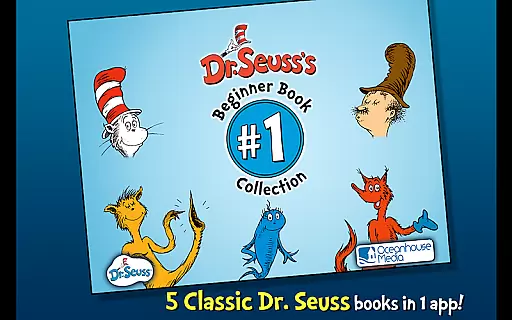
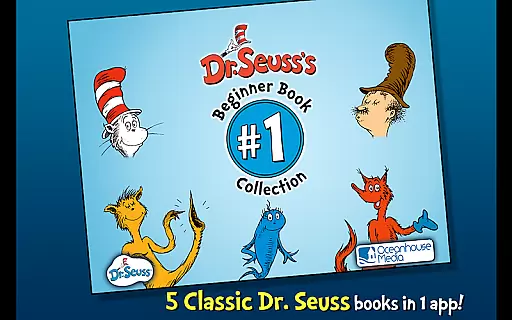
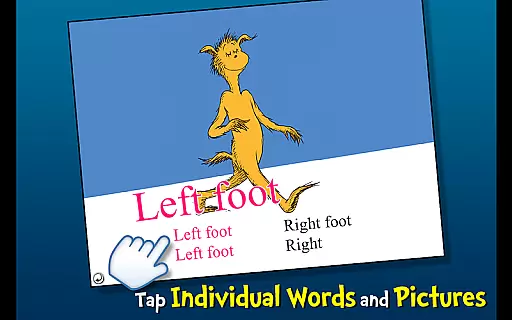
Dr. Seuss Book Collection #1 is an interactive book app that brings together five beloved Dr. Seuss stories for young readers. This app offers a unique reading experience by combining engaging narration, interactive elements, and educational features. Designed for children aged 2-6, it helps develop literacy skills through highlighted narration and provides three different ways to read the stories. The collection includes classics such as The Cat in the Hat, One Fish Two Fish Red Fish Blue Fish, The FOOT Book, Mr. Brown Can MOO! Can You?, and Fox in Socks.
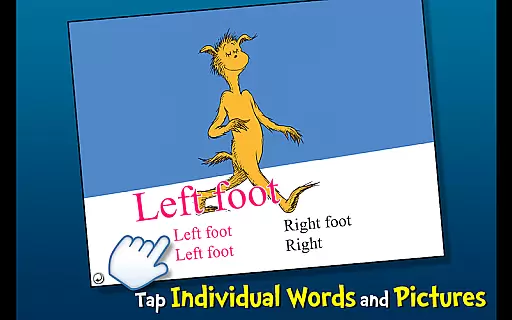
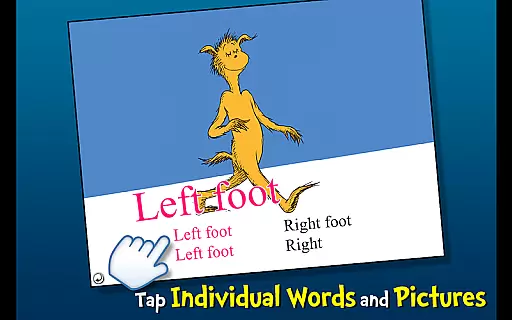
The app encourages learning new vocabulary with tappable words and objects that can be tapped to hear their names read aloud. Each book in the collection presents a unique story, from the chaotic adventures of The Cat in the Hat to the whimsical rhymes of Fox in Socks. These interactive features make reading fun and educational, ensuring that young readers remain engaged while developing essential literacy skills.
Parents and educators will appreciate how this app makes learning enjoyable and accessible. Whether at home or on the go, Dr. Seuss Book Collection #1 provides a convenient way to introduce children to the world of reading. With its vibrant illustrations and interactive elements, this app is perfect for fostering a love of books in young children.
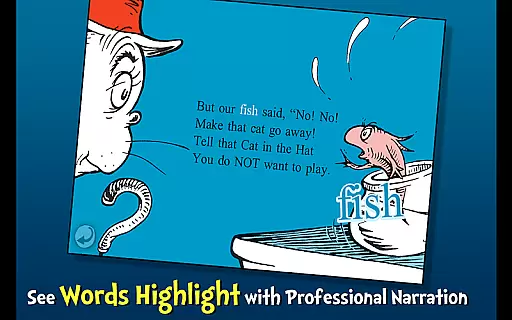
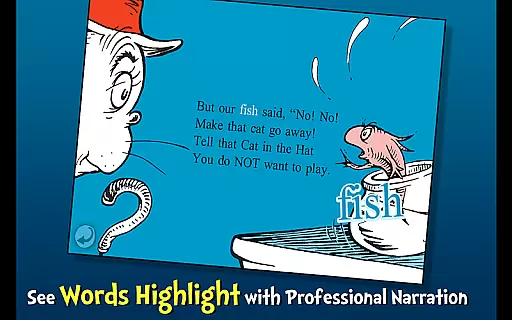
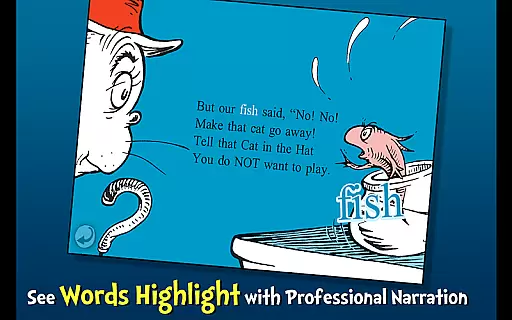
Dr. Seuss Book Collection #1 stands out with its rich set of features designed to enhance the reading experience for young children. One of the key features is the highlighted narration, which helps improve literacy skills by visually guiding readers through the text. This feature is particularly beneficial for early readers who are still developing their reading abilities.
In addition to highlighted narration, the app offers three fun ways to read: Read to Me, Read It Myself, and Auto Play. These options cater to different reading levels and preferences, allowing children to either follow along with a narrator, read independently, or listen to the story without turning pages manually. The app also includes interactive elements such as tappable words and objects, which provide additional information and auditory feedback when touched.
Another notable feature is the educational aspect of the app. By tapping on various objects within the illustrations, children can learn new vocabulary and hear the words pronounced correctly. This interactive approach not only makes reading more engaging but also supports language development. Overall, these features create an immersive and educational environment that encourages young readers to explore and enjoy the magical world of Dr. Seuss.
Dr. Seuss Book Collection #1 offers a curated selection of five beloved Dr. Seuss interactive book apps, providing young readers with an engaging literary experience. The collection includes timeless classics such as The Cat in the Hat and One Fish Two Fish Red Fish Blue Fish, ensuring that children have access to a rich variety of stories that are both entertaining and educational.
The app guarantees copyright authenticity, being an officially licensed Dr. Seuss product. This means users can trust the content they are accessing, with stories that remain true to the original works of Dr. Seuss. Parents and educators can feel confident in offering these books to children, knowing they are experiencing genuine Dr. Seuss narratives.
With this app, literacy skills are encouraged through features like highlighted narration, which helps young readers follow along with the text. The availability of three different reading modes further supports various learning styles, making it a versatile tool for developing early reading skills.
This digital library is designed with format compatibility in mind, ensuring that all included titles are accessible on a wide range of devices. Whether using a smartphone or tablet, children can enjoy the complete Dr. Seuss Beginner Book Collection #1 without any loss of functionality or visual appeal.
Each book within the app is optimized for digital reading, featuring interactive elements such as tappable words and objects that enhance the learning experience. These interactive features are seamlessly integrated into the reading experience, regardless of the device being used.
Parents will appreciate the convenience of having multiple formats available within one app, allowing their children to explore pictures, learn new vocabulary, and engage with the stories in a way that suits their individual preferences. This flexibility ensures that young readers remain engaged and excited about reading.
Interactive storytelling
Educational content
Multiple reading modes
Vibrant illustrations
Engaging narration
Limited book selection
No offline access
Ads between books
Requires internet
Paid upgrades

Track your Star Wars book collection across Canon & Legends
 4.80
4.80
Read the romance stories on the go. Take my breath away, The Spoiled Girl
4.30
Discover Stars and Planets: Live Map Shows Current Constellations in Full Detail
4.70
Research your family history to explore ancestors and search for your heritage
4.50
What’s that bird? Just answer 5 questions, snap a photo, or record its song!
4.90
King James Bible read offline, AI Priest, Bible Quiz, Guiding Prayers & Plans
4.80
Read Trending Romance Stories
4.00
Enjoy daily devotionals, Bible verses, audio courses, and more.
4.80
Build family tree & discover DNA, family history heritage, origins and ancestors
4.60
Audiobook player with cross-device progress sync, playlists, and widget support.
4.80
Personalized Chat with Bible
4.80
Holy Bible, a KJIV Bible study, audios & daily verses, talk with God now.
4.80
Read books PDF, EPUB, WORD, KINDLE, MOBI! Your ebook reader among reading apps.
4.80
Contains the 365 daily readings and everything other thing needed for catholics
4.70
Werewolf novels & romance stories in audiobooks for book lovers! Werewolf storie
4.60
Bible Spiritual Companion
4.40
Zerobooks Light Novel Reader by GOLDENAGATO
4.20
WebNovel - Read Solo Leveling novel and comic
4.10
Unlock more features in Lithium and show your support. Expand for details.
4.00


User Reviews