
ReadEra is a versatile eBook reader app that supports an extensive range of formats including PDF, EPUB, Microsoft Word, Kindle, DJVU, FB2, TXT, ODT, and CHM. This application allows users to read books offline without any cost or advertisements, ensuring a seamless reading experience. With its multi-format support, ReadEra acts as an all-in-one solution for readers who engage with various types of digital content.
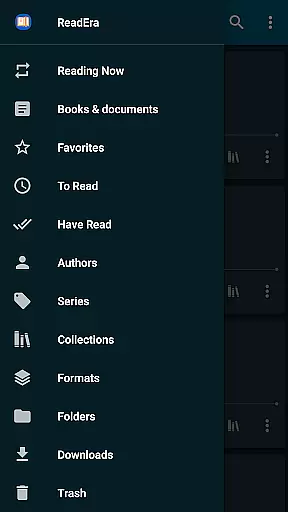
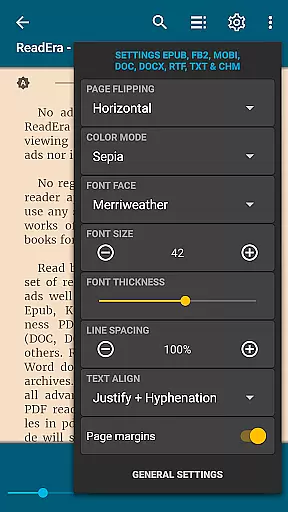
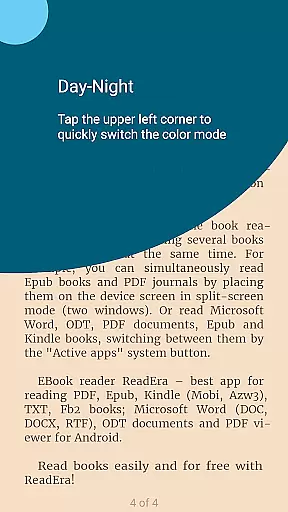
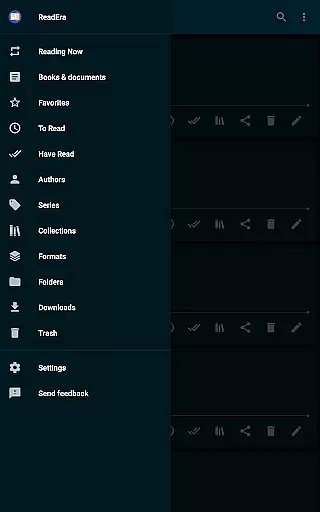
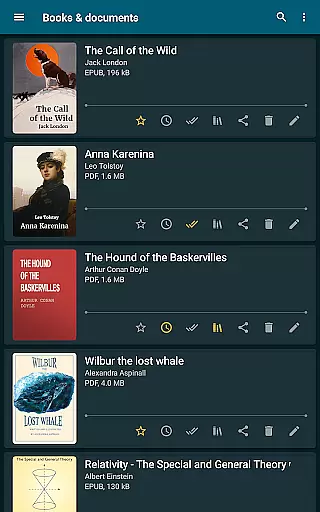
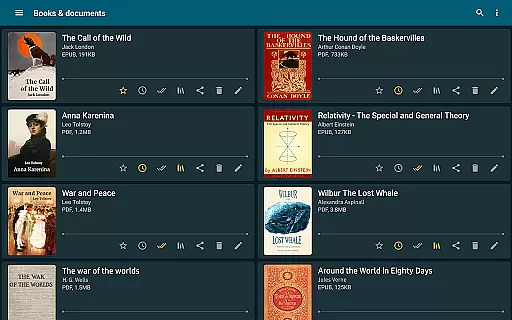
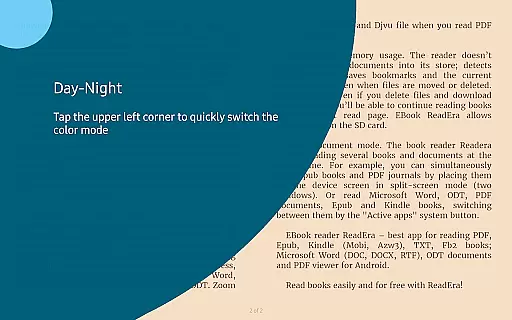
The app offers advanced features such as automatic book detection, easy navigation through folders, and grouping books by authors or series. It also includes convenient reading settings like day and night modes, customizable fonts, and adjustable page margins. Whether you're reading a novel in EPUB format or reviewing a business document in PDF, ReadEra provides the tools necessary to manage and enjoy your library efficiently.
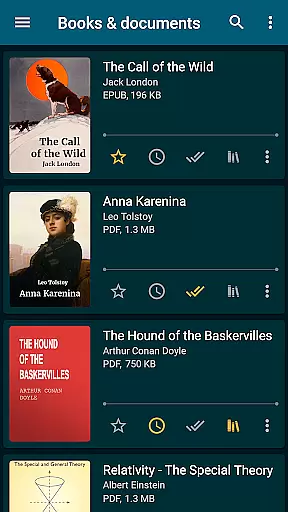
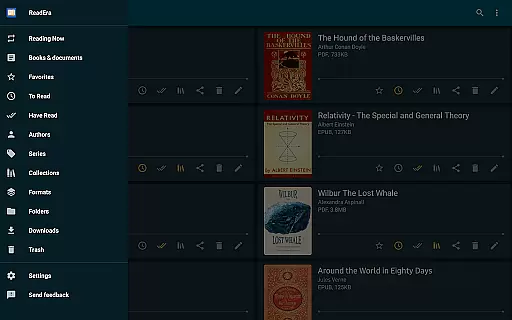
ReadEra stands out with its comprehensive feature set tailored for avid readers. One notable feature is its ability to handle large documents smoothly, even when they are in complex formats like PDF or DJVU. The app's intelligent organization tools allow users to create personalized collections, making it easier to categorize and retrieve their favorite books.
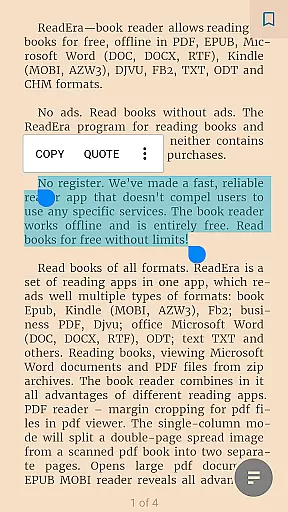
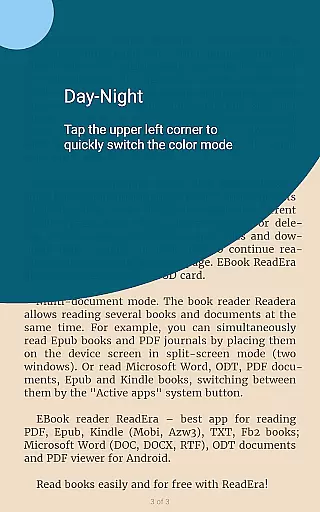
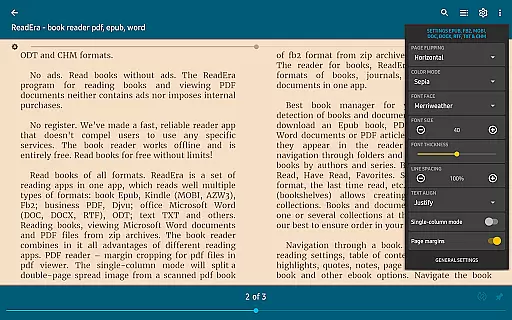
Another significant aspect is the app's customization options. Users can adjust font sizes, styles, and spacing to suit their preferences. Additionally, ReadEra supports split-screen functionality, enabling multitasking between different documents or eBooks. These features collectively enhance the user experience by providing both flexibility and control over how content is consumed and managed.
ReadEra offers an extensive e-book library that supports multiple formats including PDF, EPUB, Microsoft Word, Kindle, DJVU, FB2, TXT, ODT, and CHM. This wide-ranging compatibility ensures users can access a vast collection of books and documents without restrictions.
The application guarantees copyright authenticity by allowing users to import their legally acquired files. It does not host or distribute content directly but focuses on providing tools for optimal reading experiences with personal libraries.
Users benefit from the assurance that their digital libraries remain legal and respectful of intellectual property rights. The ability to manage and read various formats enhances the versatility of this reader app.
This approach underscores ReadEra's commitment to delivering a comprehensive and lawful reading solution, empowering users to curate their collections while respecting authorship and copyright laws.
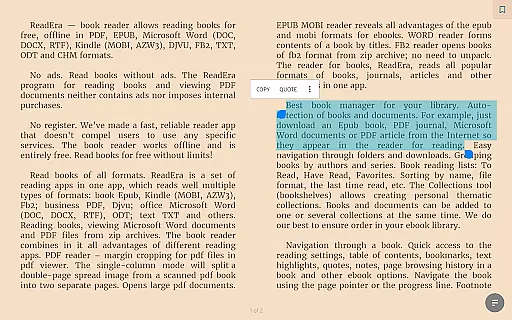
ReadEra excels in format compatibility, accommodating numerous document types such as PDF, EPUB, Microsoft Word (DOC, DOCX, RTF), Kindle (MOBI, AZW3), DJVU, FB2, TXT, ODT, and CHM. This adaptability allows users to consolidate their reading materials into one convenient platform.
The app's robust support extends to advanced features like margin cropping for PDFs, single-column modes for scanned books, and footnote display at the bottom of pages. These functionalities ensure an uninterrupted and enriched reading experience across different file formats.
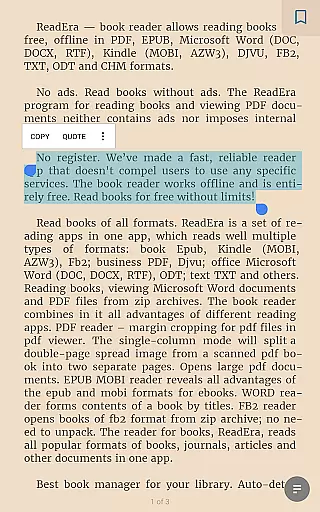
By offering adjustable fonts, sizes, boldness, line spacing, and hyphenation options, ReadEra caters to individual preferences and enhances readability. Users can customize their interface for maximum comfort regardless of the document type they are viewing.
This high level of format compatibility positions ReadEra as a versatile tool for both casual readers and professionals who require reliable access to various document formats on-the-go.
User-friendly interface
Multi-format support
Offline reading capability
No ads or in-app purchases
Advanced customization options
Limited cloud integration
No built-in store for new books
Occasional performance lags
Complex settings for beginners
Interface may feel outdated

Offline dictionary for learning Cantonese as a second language
 4.90
4.90
Mirror Bible - eye-opening paraphrase translation of the NT by Francois du Toit
4.30
Read the romance stories on the go. Take my breath away, The Spoiled Girl
4.30
Battle Royale Chapter 5 Season 2 HD Wallpapers Emotes Skins and BattlePass
3.00
The dynamic dictionary/reference app for piano chords and scales!
4.80
Read unlimited novels, audiobooks, stories & Unlock ebooks, fanfiction and more!
4.70
Daily rosary and gospel reflections for catholic
4.90
Learn to tie more than 200 knots in 3D!
4.90
ARC Raiders Companion: Map, Quests, ARC/Item Info. Track everything instantly!
4.00
Discover Stars and Planets: Live Map Shows Current Constellations in Full Detail
4.70
Unlock unlimited access to bestselling ebooks, novels, stories, and audiobooks
4.60
7 Languages, Google, Wiki, Vocabulary.com, Cambridge & Urban Dictionary!
4.50
The ultimate military vehicle identification (Equipment ID) guide.
4.40
Manage collectibles, survey and treasure maps in Elder Scrolls Online.
4.40
Pretty Moon information App with Complications and Tile
4.30
"BIG A, little a. What begins with A?"
4.10
Knots 360 Pro ( 3D ) shows you animated 192 knots in 3D perspective
4.10
A companion for prayer, with Azan alarm, Quibla direction, and Holy Quran book
4.10
A story reading app: Read stories, novels and books, or write your own.
3.90


User Reviews