
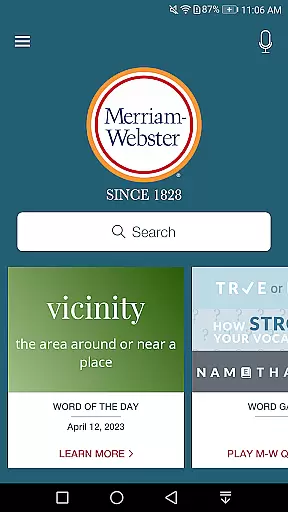
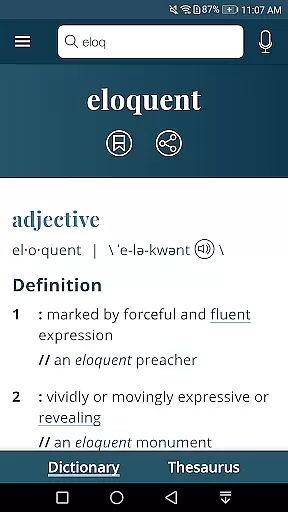
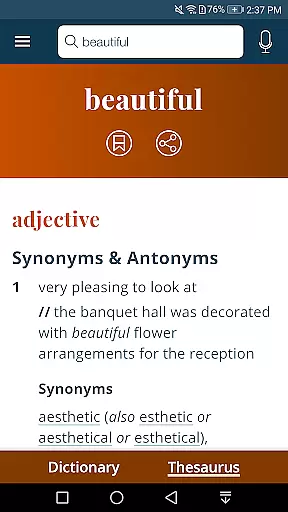
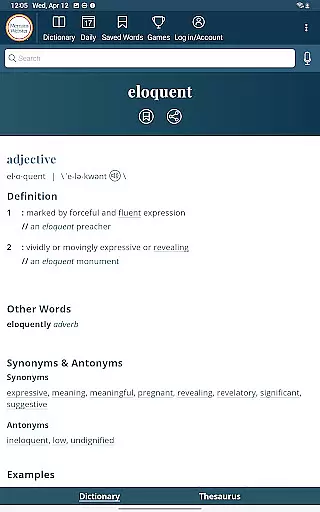
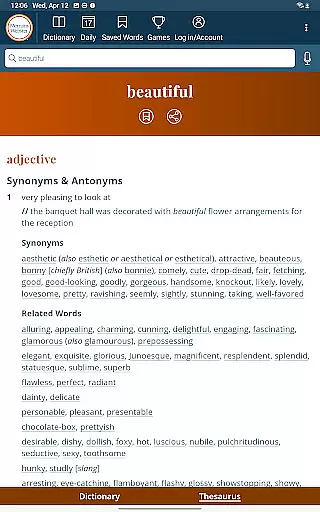
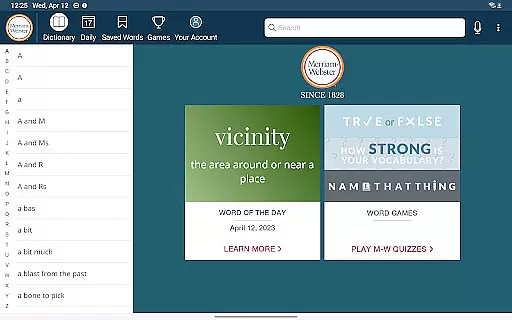
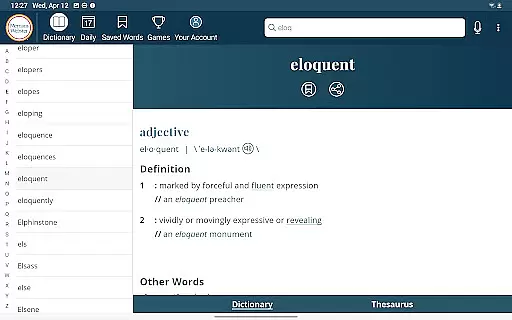
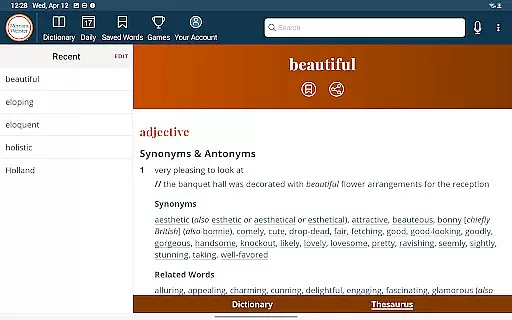
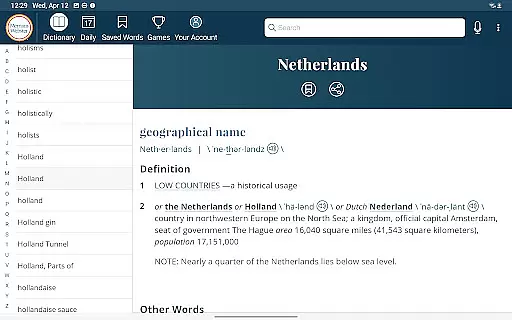
Dictionary is a premier Android app for English language reference, education, and vocabulary building. It provides America’s most useful and respected dictionary optimized for your Android device. Continuously updated with the newest words and meanings, this app offers comprehensive language tools including an integrated thesaurus with over 200,000 word choices, audio pronunciations voiced by real English speakers, and example sentences to understand word usage in context.
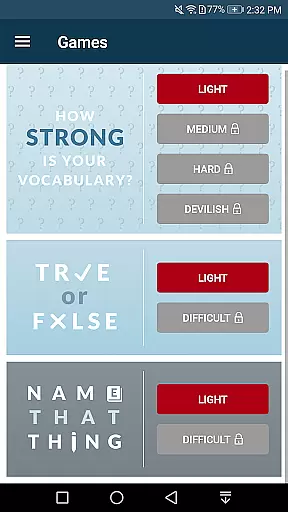
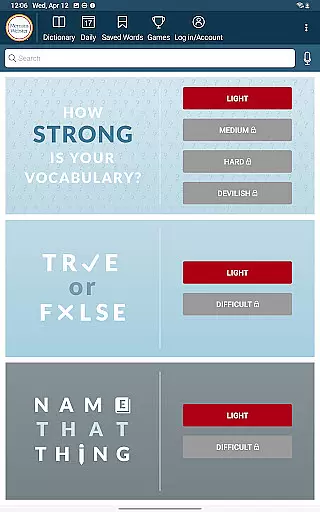
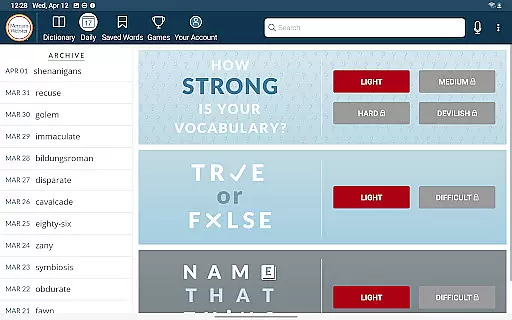
One of its standout features is the new Vocabulary-Building Quizzes that make learning fun and engaging. The app also supports offline access for definitions and synonyms, ensuring users can reference essential information anytime, anywhere. With additional premium content such as graphical illustrations and expanded entries covering people and places, Dictionary is an indispensable tool for everyone from English learners to word enthusiasts.
Dictionary offers a rich set of features designed to enhance language learning and reference. The app includes an integrated thesaurus with more than 200,000 word choices and examples of their use, making it easier to find the right word. New Vocabulary-Building Quizzes provide a fun and interactive way to expand your lexicon or test your existing knowledge.
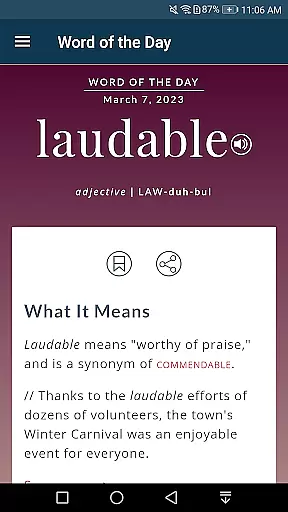
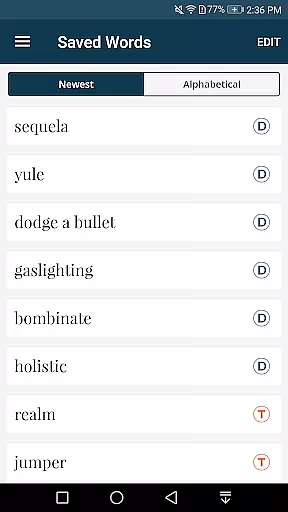
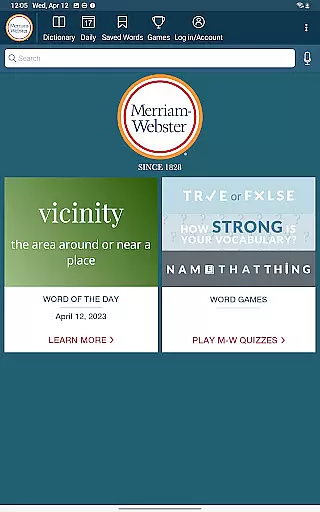
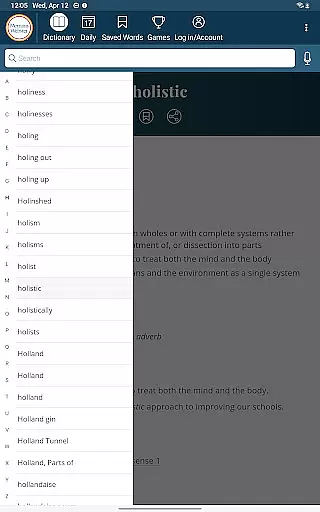
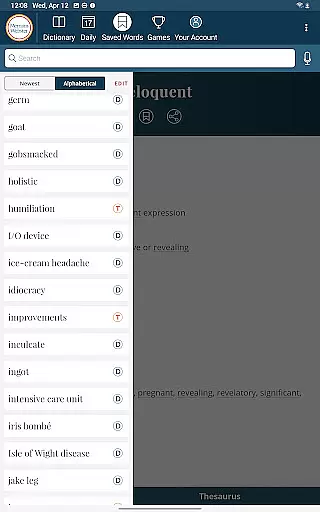
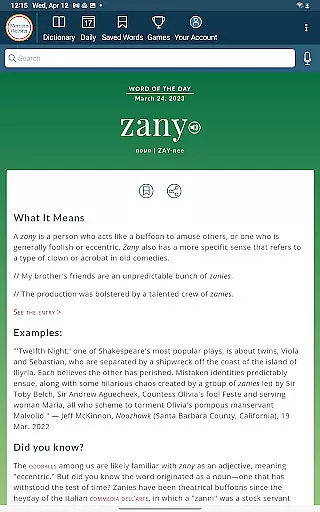
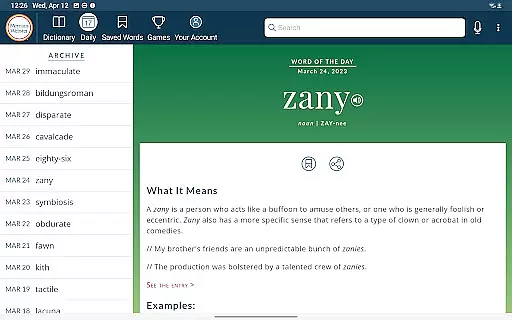
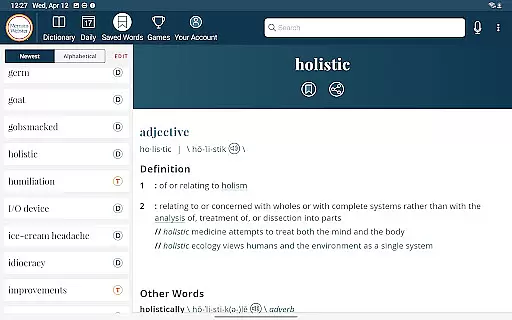
Voice search functionality allows users to look up words without needing to spell them, while Word of the Day helps you learn a new word daily. Audio pronunciations are provided by real English speakers, ensuring accurate pronunciation guidance. Users can also save Favorite Words and sync them across devices, providing a seamless experience whether on a phone or tablet.
For those seeking richer content, Dictionary offers over 1000 graphical illustrations and more than 15,000 additional entries covering people and places. These features collectively ensure that Dictionary stands out as a comprehensive and user-friendly reference tool.
When it comes to digital dictionaries, the size of the e-book library and the authenticity of copyrights are crucial factors. Dictionary by Merriam-Webster offers an extensive collection that is continuously updated with the newest words and meanings, ensuring users have access to the latest language references.
The app provides over 1000 graphical illustrations and more than 15,000 additional entries covering people and places as premium content. This vast repository ensures that users have a comprehensive resource for English language reference, education, and vocabulary building at their fingertips.
With integrated thesaurus featuring more than 200,000 word choices and examples, this application stands out in terms of both volume and legitimacy. Users can trust that all content is properly licensed and sourced, which adds to the reliability expected from America's most respected dictionary.
Compatibility with various formats enhances user experience by allowing seamless integration into different workflows or study environments. The Dictionary app supports multiple functionalities that cater to diverse user needs on Android devices.
Notably, it offers offline access to definitions and synonyms without requiring an internet connection. However, for illustrations, audio pronunciations, and voice search features, connectivity is necessary. This selective format support enables users to engage with text-based content anytime while enjoying rich media when online.
In addition to textual definitions, the app includes audio pronunciations voiced by real English speakers, example sentences demonstrating word usage in context, as well as interactive elements like vocabulary-building quizzes. Such multi-format support makes learning engaging and accessible across various contexts.
Comprehensive dictionary
Vocabulary-building quizzes
Offline access available
Real voice audio
Integrated thesaurus
Premium subscription required
Limited free features
Ads in free version
Occasional bugs
Heavy on storage

"Five Dr. Seuss titles in one omBook!"
 4.60
4.60
The Bible Audio Guide
4.80
Essential Technical Rescue Field Operations Guide 6, the Industry Standard Guide
4.20
University of North Carolina Herbarium presents the flora of TN, AL, & MS.
4.5
Prime novels await! Fantasy & Romance on JoyRead. Immersive reads!
4.20
Scan. Price. Grade.
4.60
The Original & Authentic Crystals, Gemstones, Rocks & Minerals Encyclopedia.
4.60
Unlock more features in Lithium and show your support. Expand for details.
4.00
Provides location information of vehicle Shift Interlock releases.
4.30
What’s that bird? Just answer 5 questions, snap a photo, or record its song!
4.90
Bible, Catechism, Study, Saints, Mass Readings, Rosary, Prayer, Bible in a Year
4.80
Audiobook player with cross-device progress sync, playlists, and widget support.
4.80
Watch real short episodes in just minutes— addictive, you won't be able to stop!
4.70
Daily Devotional Widgets & Hourly Verses. Listen to Bible & Watch Holy Stories
4.70
Crowd-sourced listing of businesses with anti-gun signs, and pro-2a alternatives
4.60
Master AKC Rally signs with in-depth hints, diagrams, and expert guidance.
4.50
Cute bedtime story for kids
4.30
Improve your vocabulary and grammar with the 15 biggest Oxford Dictionaries.
4.30
The Psalms for singing
4.3


User Reviews