
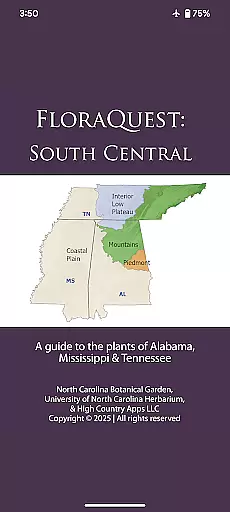
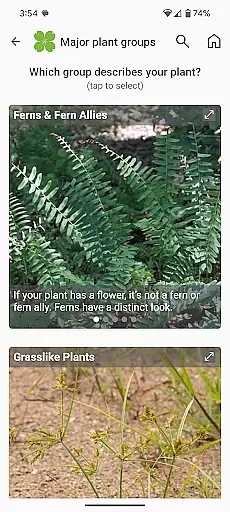
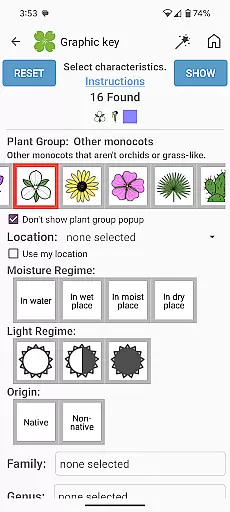
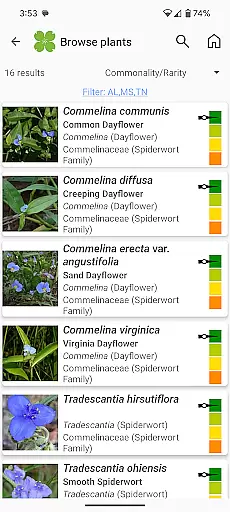
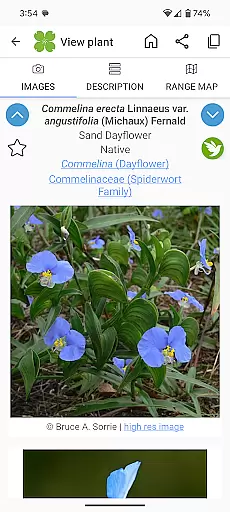
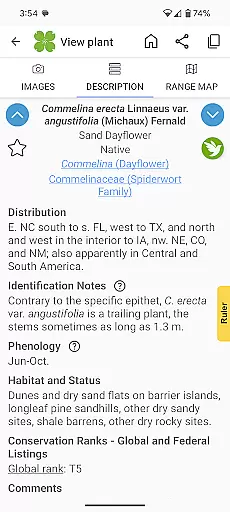
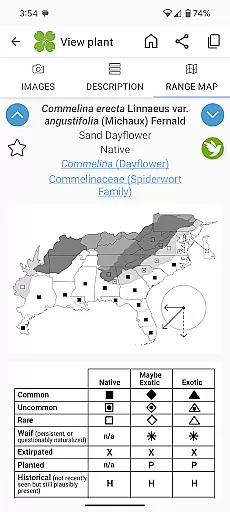
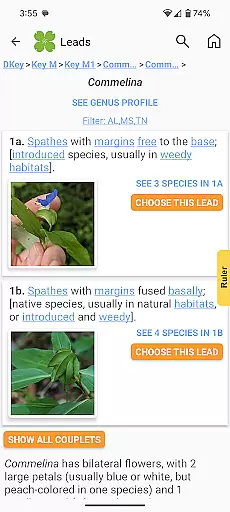
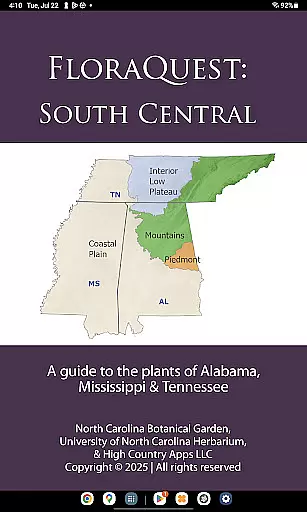
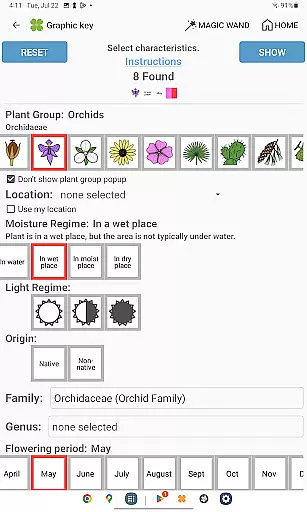
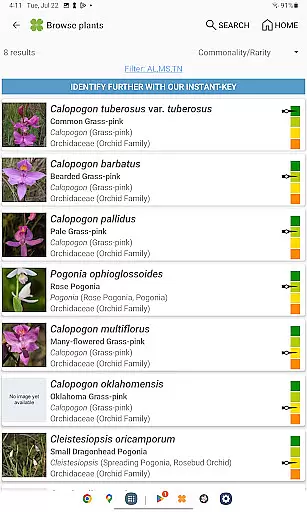
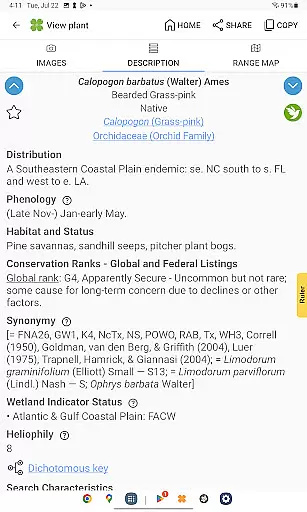
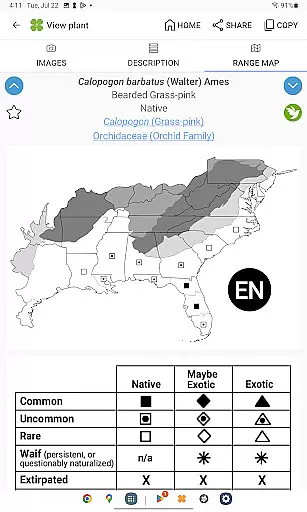
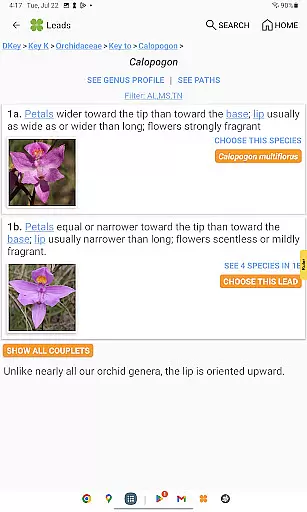
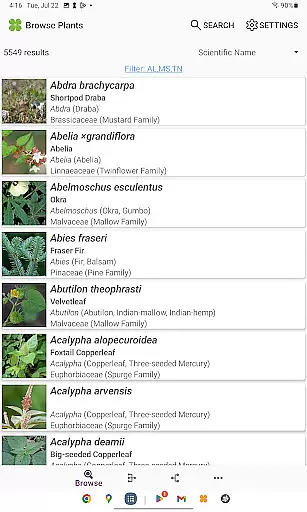
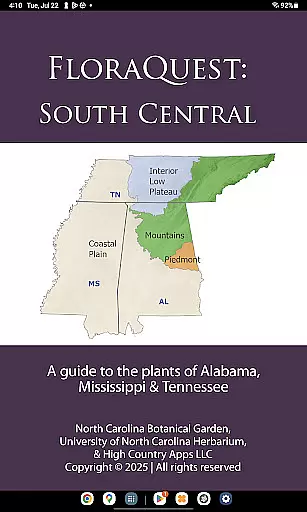
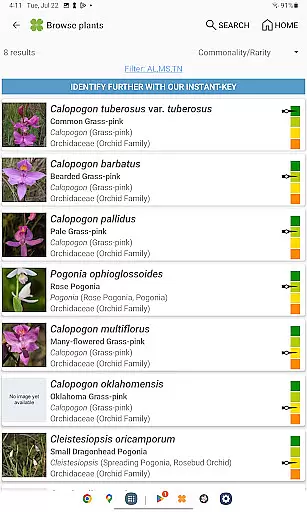
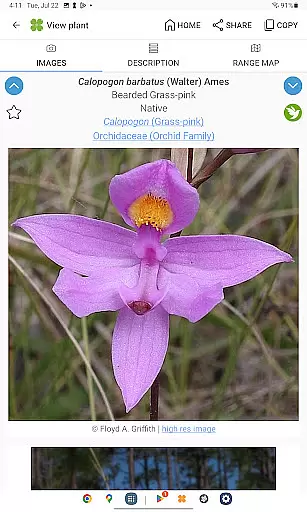
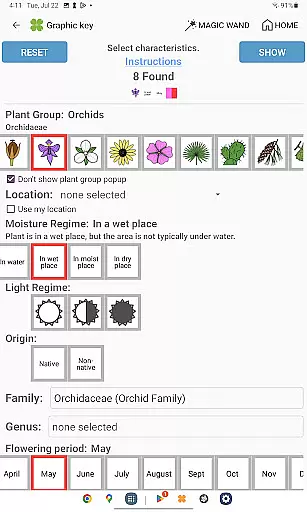
FloraQuest: South Central is an extensive plant identification app developed by the University of North Carolina's Southeastern Flora Team. This comprehensive guide covers 5,549 plant species across Alabama, Mississippi, and Tennessee, making it an essential tool for botanists, ecologists, and nature enthusiasts. The app features multiple identification methods including graphic keys, dichotomous keys, and detailed habitat descriptions.
One of the standout features is its offline functionality, allowing users to identify plants without an internet connection. The app also includes a vast library of 38,000 diagnostic photographs and comprehensive range maps. Its recent updates introduce illustrated glossary terms, dark mode support, and enhanced search capabilities with base 2 and base 3 codes. These features make plant identification more accessible and efficient for both professionals and hobbyists in the field.
The app serves as a valuable resource for educational purposes and botanical exploration. With its 'Great Places to Botanize' feature, users can discover recommended sites for plant observation across the covered states. As part of the larger FloraQuest initiative, this app represents a significant step toward creating comprehensive flora guides for all 25 states in the research region.
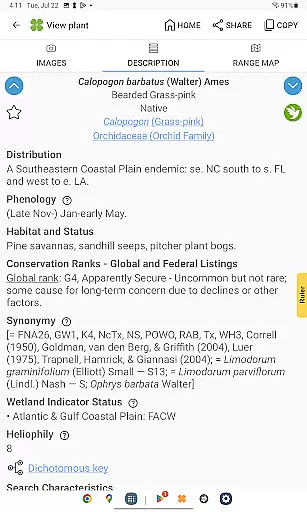
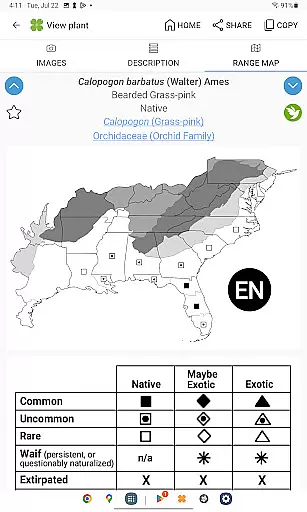
FloraQuest: South Central distinguishes itself through its diverse and sophisticated features designed for optimal plant identification. The app offers easy-to-use graphic keys alongside powerful dichotomous keys, providing multiple pathways for accurate species identification. Its comprehensive range maps and detailed habitat descriptions help users understand plant distribution and ecological preferences.
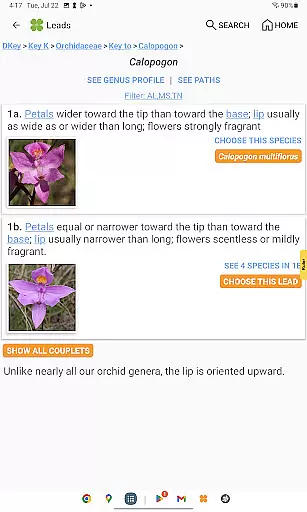
A notable innovation is the inclusion of illustrated glossary terms and image-enhanced dichotomous keys, which improve the identification process through visual learning. The app's enhanced search functionality, featuring base 2 and base 3 codes, allows for more precise queries. Additionally, the introduction of dark mode support ensures comfortable use in various lighting conditions, while plant sharing capabilities enable collaboration among researchers and enthusiasts.
The app's offline functionality sets it apart from many digital field guides, as it allows uninterrupted use in remote areas. The vast collection of 38,000 high-quality diagnostic photographs provides crucial visual references for identification. Furthermore, the 'Great Places to Botanize' feature offers curated recommendations for botanical exploration, enhancing users' field experiences across Alabama, Mississippi, and Tennessee.
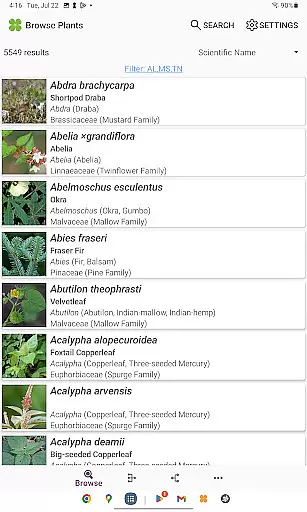
FloraQuest: South Central offers an extensive e-book library comprising detailed information on 5,549 plant species found across Alabama, Mississippi, and Tennessee. This vast collection ensures that users have access to a comprehensive resource for plant identification and study.
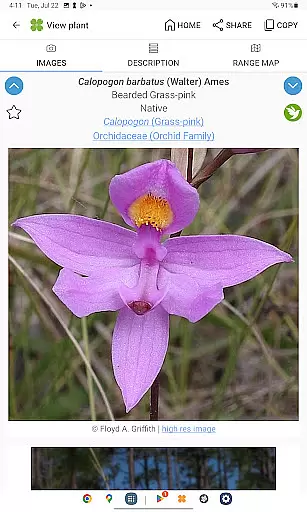
The app includes over 38,000 high-quality diagnostic photographs, providing visual references that enhance the learning experience. These images are not only numerous but also carefully curated to ensure accuracy and relevance in identifying various flora.
Copyright authenticity is guaranteed as FloraQuest is developed by the University of North Carolina's Southeastern Flora Team. The involvement of academic professionals ensures that all content is original and properly licensed, giving users peace of mind when using the materials for educational or professional purposes.
By offering such a robust and authentic library, FloraQuest: South Central becomes an indispensable tool for botanists, students, and plant enthusiasts who require reliable information at their fingertips without needing an internet connection.
One of the standout features of FloraQuest: South Central is its superior format compatibility, which allows users to engage with the appu2019s content seamlessly across different devices. Whether you're using a smartphone or tablet, the app provides a consistent and high-quality user experience.
The app supports illustrated glossary terms and image-enhanced dichotomous keys, making complex botanical information more accessible through visually engaging formats. This compatibility extends to various types of media within the app, including photos and graphic keys, ensuring they display correctly regardless of screen size or resolution.
Additionally, FloraQuest: South Central offers enhanced search functionality with base 2 and base 3 codes, allowing for precise queries that yield accurate results quickly. Users can efficiently navigate through the extensive database thanks to this versatile formatting.
With these capabilities, FloraQuest: South Central sets itself apart from other reference apps by prioritizing user convenience and accessibility, ensuring that every feature functions smoothly and enhances the overall usability of this indispensable botanical guide.
User-friendly interface
Offline functionality
Comprehensive plant database
High-quality diagnostic images
Enhanced search features
Limited to three states
Large app size
Advanced features may overwhelm beginners
Occasional performance issues
Some technical terms not explained

Knots 360 Pro ( 3D ) shows you animated 192 knots in 3D perspective
 4.10
4.10
Discover Stars and Planets: Live Map Shows Current Constellations in Full Detail
4.70
Bible Study App with Audio Book, Verse of the Day, and Devotionals.
4.80
Unlock more features in Lithium and show your support. Expand for details.
4.00
What’s that bird? Just answer 5 questions, snap a photo, or record its song!
4.90
Read books PDF, EPUB, WORD, KINDLE, MOBI! Your ebook reader among reading apps.
4.80
Daily rosary and gospel reflections for catholic
4.90
Daily Devotional Widgets & Hourly Verses. Listen to Bible & Watch Holy Stories
4.70
Learn to tie more than 200 knots in 3D!
4.90
Flora of Virginia Project (www.floraofvirginia.org)
5.00
Offline dictionary for learning Cantonese as a second language
4.90
Daily thoughts, meditations, and prayers for living a sober life in recovery.
4.90
Learn Thai with 195,000+ entries, crisp Thai sounds, big text; works offline.
4.80
Crowd-sourced listing of businesses with anti-gun signs, and pro-2a alternatives
4.60
Scan. Price. Grade.
4.60
Offline translator from english to spanish, and from spanish to english.
4.50
“It is fun to have fun, but you have to know how!”
4.40
Holy Bible with verses and audio for studying and prayer
4.30
Read Trending Romance Stories
4.00


User Reviews