
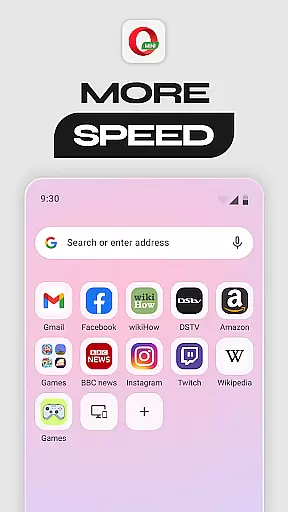
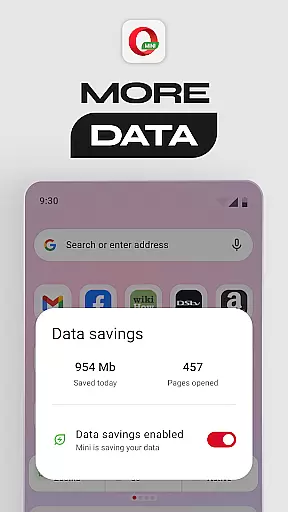

Opera Mini is a fast and efficient mobile web browser designed for smooth browsing experiences, even on slow networks. Its core functionality revolves around data savings, enabling users to save up to 90% of their mobile data while browsing. This makes it an ideal choice for users who frequently experience connectivity issues or have limited data plans.
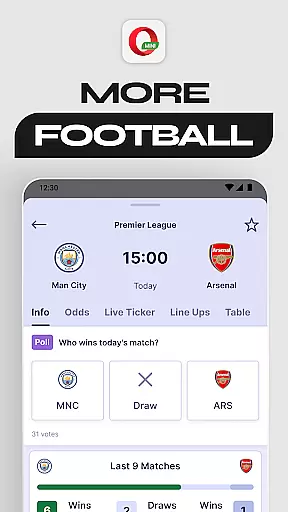
In addition to its data-saving capabilities, Opera Mini offers several standout features such as Football Mode, which provides real-time updates from popular leagues, and Locked Mode, which secures personal browsing behind a PIN. The app also includes a personalized newsfeed, free ad-blocker, offline pages, and extensive customization options like Night Mode and video player integration. These features make Opera Mini not just a browser but a comprehensive tool for both information consumption and secure browsing.
Whether you're looking to browse efficiently on a limited data plan or stay updated with your favorite sports teams, Opera Mini delivers significant value by combining speed, security, and personalization in one compact application.
Opera Mini stands out due to its rich feature set tailored for efficiency and user convenience. One of its most notable features is the Data Savings Mode, which compresses web pages before loading them, allowing users to reduce data usage by up to 90%. This ensures faster page loading times, even on slower networks, providing a seamless browsing experience regardless of connectivity quality.
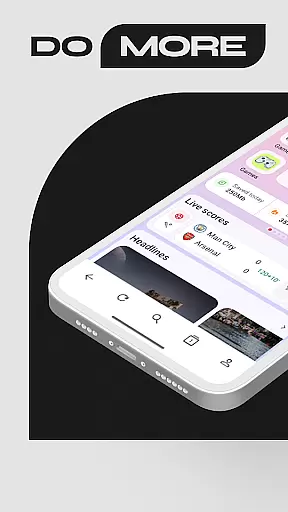
Another key feature is Football Mode, which caters to sports enthusiasts by delivering live scores, news, and updates from major football leagues directly within the browser. For privacy-conscious users, Locked Mode adds an extra layer of security by locking private tabs behind a unique PIN, ensuring that sensitive browsing remains confidential. Additionally, Opera Mini offers a personalized newsfeed, giving users access to content tailored to their interests, along with a built-in ad blocker that enhances browsing speed and reduces distractions.
Other innovative features include offline page saving, night mode for comfortable nighttime reading, and customizable themes. Each of these features is designed to enhance user experience by addressing specific needs such as data conservation, privacy protection, and content personalization.
Opera Mini ensures real-time messaging speed and reliability through its optimized browsing capabilities. The browser's lightweight design and data compression technology allow for faster loading times, even on slow networks.
This means that users can send and receive messages without delay, making communication seamless and efficient. Whether you're chatting with friends or staying updated with news, Opera Mini delivers a smooth experience.
The reliability of Opera Mini is further enhanced by features like Locked Mode, which secures your browsing behind a unique PIN, ensuring that your personal communications remain private and protected.
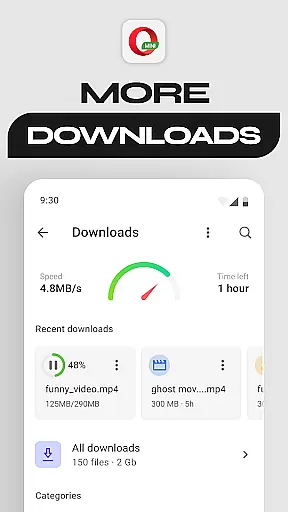
Opera Mini offers robust media sharing support, allowing users to easily share photos, videos, and other files. With its fast browsing and download capabilities, you can quickly access and share media without consuming excessive data.
The browser's built-in ad-blocker and night mode enhance the media sharing experience by providing a cleaner and more comfortable viewing environment. Additionally, features like Offline Pages enable you to save content for later, ensuring you can share media anytime, anywhere.
Opera Mini's user-friendly interface and customization options make media sharing not only efficient but also enjoyable, catering to both casual and power users alike.
Fast browsing speeds
Data saving mode
Secure locked mode
Personalized newsfeed
Free ad-blocker
Limited desktop sync
No cloud storage
Fewer extensions
Basic UI design
Occasional bugs

Manage your data, talk & text - affordable phone plans & data usage made simple
 4.30
4.30
فیلتر شکن قوی پرسرعت کلید جدید برای اندرویدسریع ترین وی پی ان برای همه اپراتورها
4.70
Identify unknown numbers, block spam calls, customize calls with cool themes.
4.60
SMS Messenger ensures that communication become effortless and accessible.
3.80
Messenger for SMS - texting message app, faster, simpler & safer, for you.
4.70
Quickly and easily identify and block unknown callers
3.70
Message and video call your family and friends in HD!
3.80
Chill zone on your phone: relax with fun reels & hype shorts!
4.20
Call & Text Anywhere With A Canadian Number.
3.60
Use this Dialer app alone or as a TREK: Total Interface companion.
4.70
Save 10% automatically on your first international mobile top up.
4.60
Stay in touch with the people who matter most.
4.60
Caller ID App! Add names & photos to unknown calls & Call Recording
4.40
Get through your inbox faster with the mail app designed to simplify your life.
4.40
Fast and simple walkie talkie app
4.20 3.90
3.90
Secure Messaging App to Enhance Messenger Texting Experience and Organize SMS.
3.50
Fast, Simple And Secure Application That Provides SMBv3 Server On Your Device
3.30
Chat on the Jabber network (XMPP protocol); support for SMS and other gateways
2.10


User Reviews