
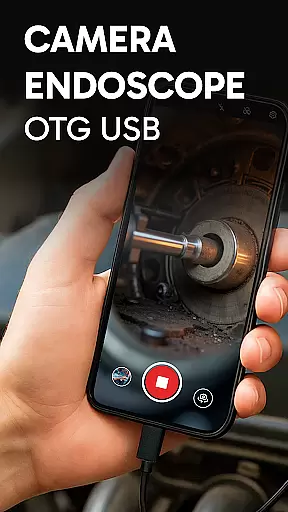
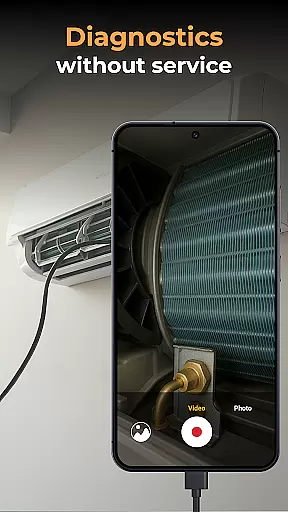
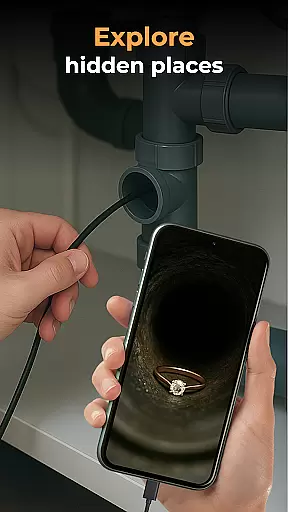
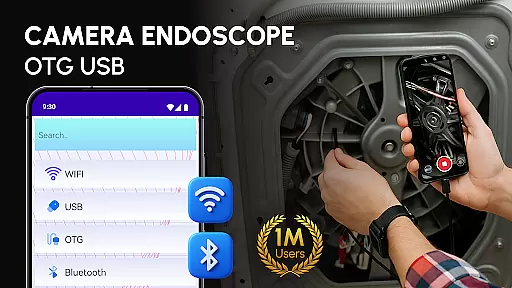
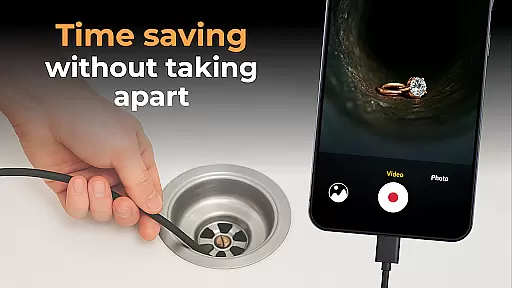
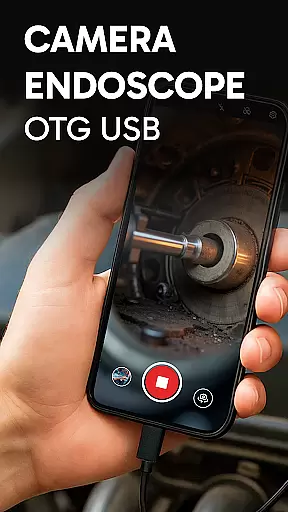
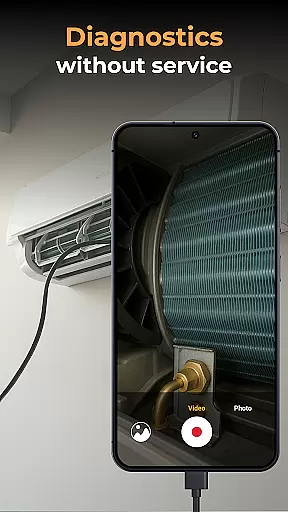
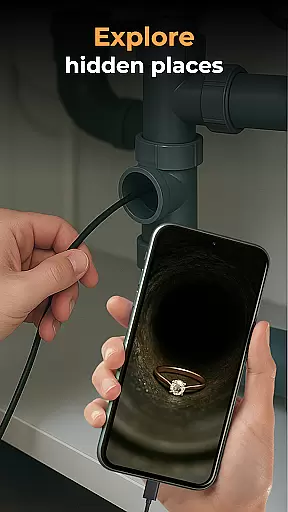
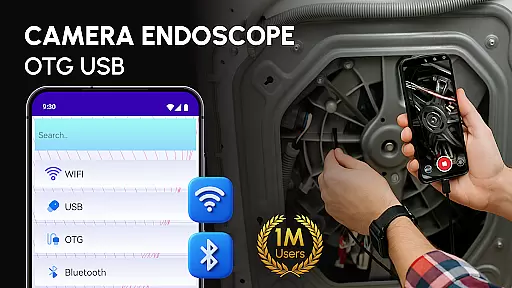
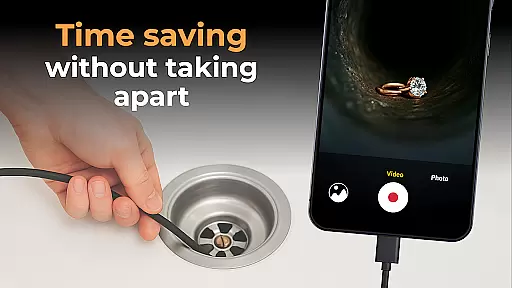
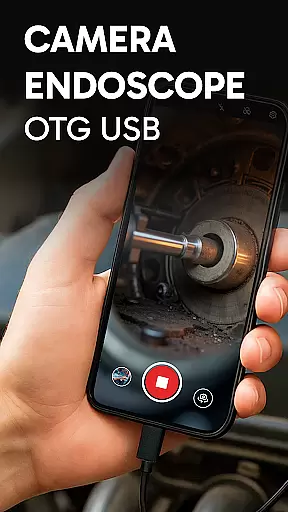
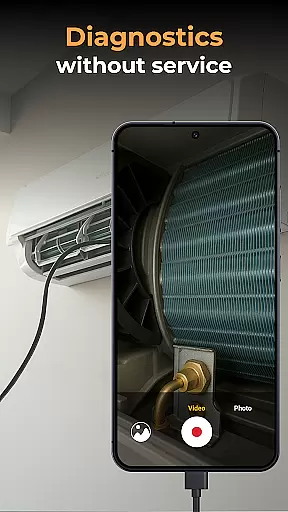
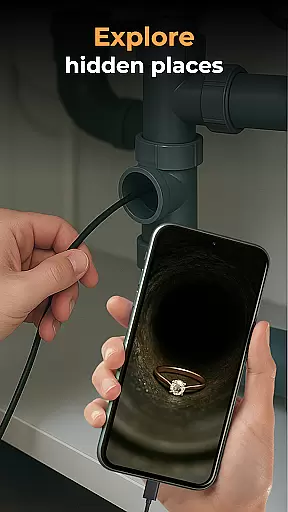
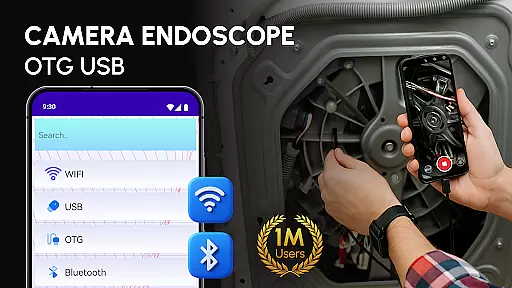
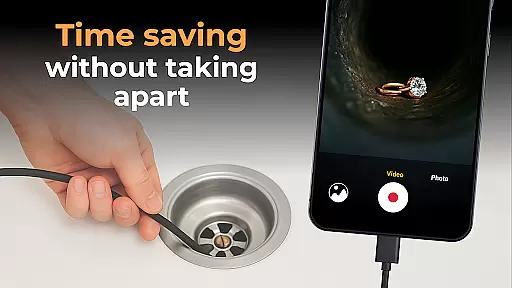
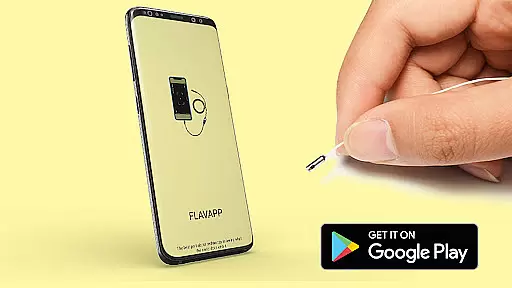
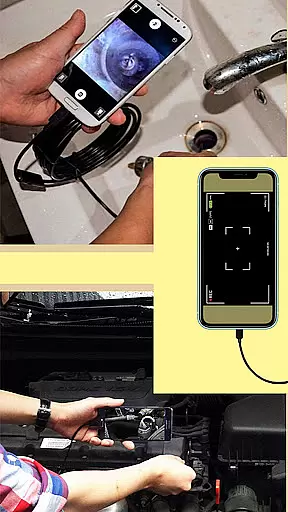
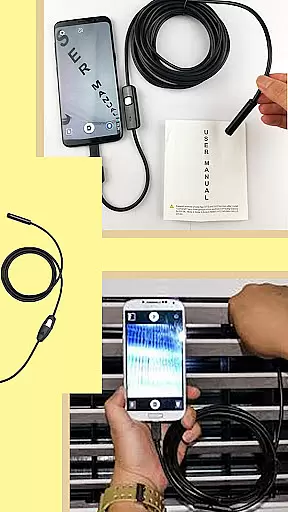
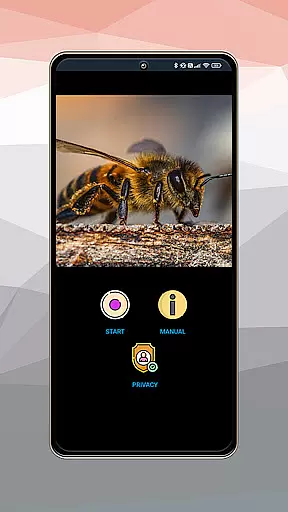
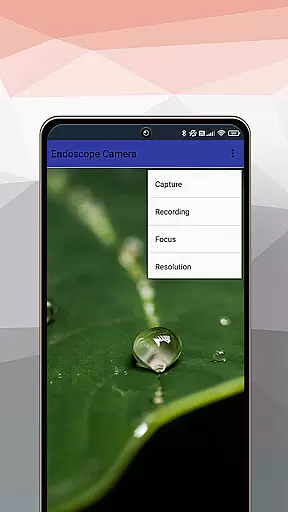
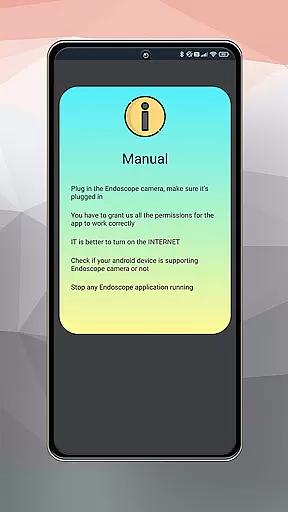
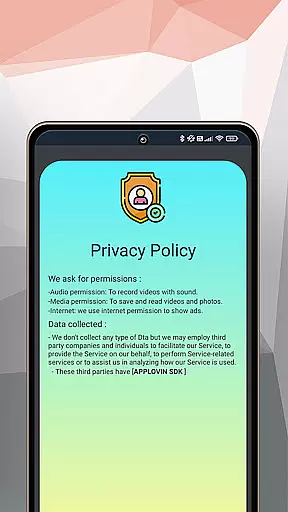
Camera endoscope / OTG USB is an innovative inspection tool that transforms your Android device into a professional diagnostic instrument. This app supports various external cameras, including borescopes and microscopes, allowing users to capture real-time images and videos.
The application's key strength lies in its ability to work seamlessly with USB OTG devices, providing stable connections for detailed inspections. Whether you're examining plumbing issues or conducting electronic diagnostics, this app offers clear visuals and precise control over your external camera equipment.
With its user-friendly interface and comprehensive media management features, Camera endoscope / OTG USB becomes an essential companion for technicians and DIY enthusiasts who need to investigate hard-to-reach areas without guesswork.
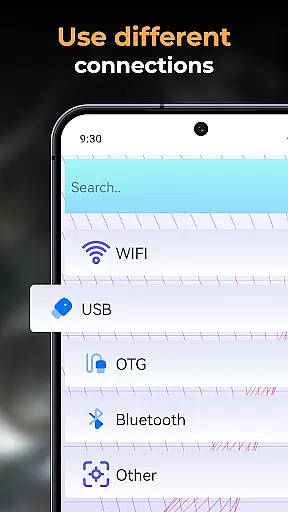
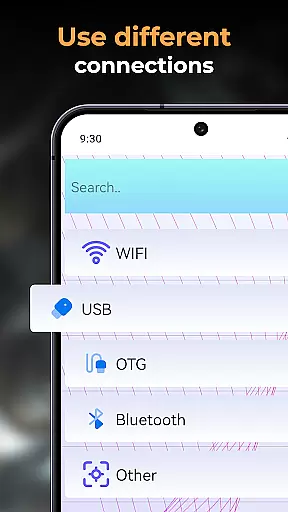
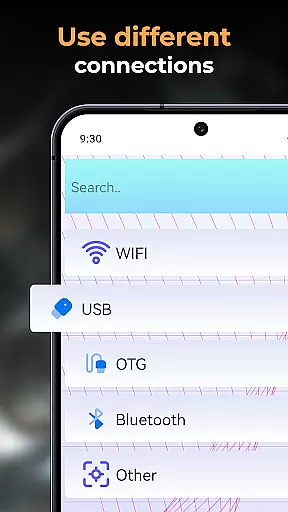
One of the standout features of Camera endoscope / OTG USB is its robust compatibility with various external inspection tools. The app supports real-time video capturing through endoscope cameras and provides effortless integration with different USB OTG devices.
Users can benefit from its advanced media management system, which includes functions like delete, view, and share options. All captured photos and videos are automatically organized in a built-in gallery, making file management intuitive and straightforward.
The app's plug-and-play functionality ensures easy setup and operation, while its optimized performance guarantees smooth operation even during demanding tasks such as pipe inspection or close-up machine examination.
In the realm of inspection and diagnostic tools, the Endoscope Camera: USB OTG Camera app offers comprehensive functionality that covers a wide array of needs. This application is designed to transform your Android device into a versatile inspection tool, capable of handling various tasks from plumbing work to electronics diagnostics.
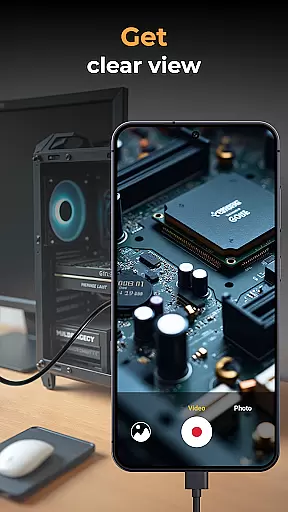
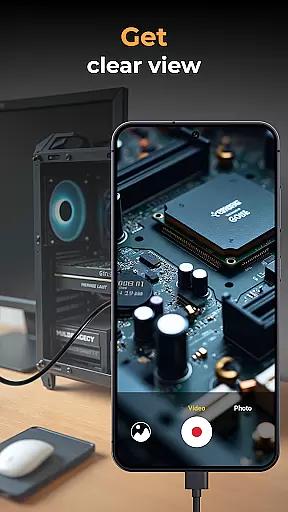
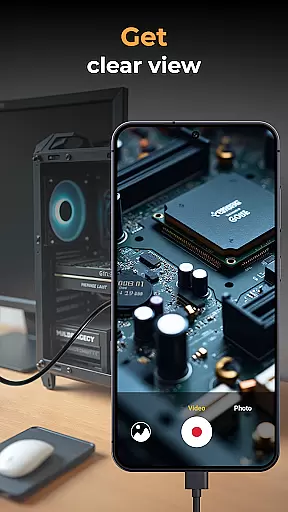
The app supports real-time video image capturing, making it an indispensable companion for detailed inspections. Whether you are examining tight pipes or scrutinizing tiny parts of machinery, the Endoscope Camera ensures that every detail is captured with precision. Its compatibility extends to various external devices like borescopes and microscopes, providing users with the flexibility needed for different inspection scenarios.
Moreover, the app's built-in gallery allows for efficient management of media files. Users can easily store, view, delete, and share their captured images and videos. This feature not only enhances productivity but also simplifies the workflow by keeping all necessary information organized and accessible.
Overall, the Endoscope Camera: USB OTG Camera app delivers extensive coverage of functionalities required for thorough inspections, ensuring that users have all the tools they need at their fingertips.
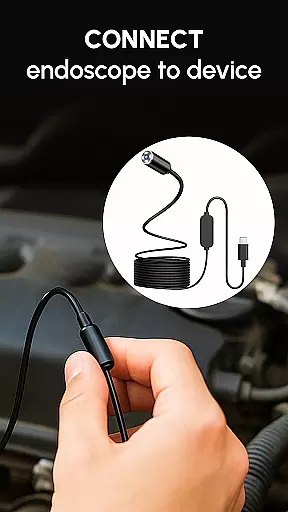
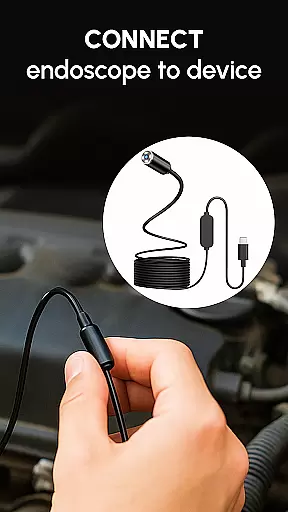
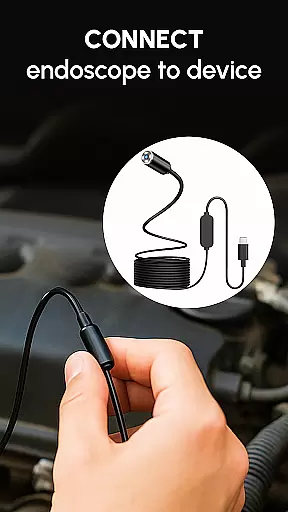
Usability is a critical factor in determining the effectiveness of any application, and the Endoscope Camera: USB OTG Camera excels in providing a smooth operational experience. The setup process is straightforward, requiring only a compatible device and a USB OTG cable to get started. Once connected, users can immediately access a live view of their inspection area, streamlining the entire process.
The app's interface is designed for ease of use, featuring intuitive controls that allow users to capture high-quality videos and images effortlessly. With plug-and-play functionality, it eliminates the guesswork involved in setting up complex equipment, making it ideal for both DIY enthusiasts and professional technicians.
Performance optimization ensures stable and fast connections, whether you're using the app for pipe inspections or detailed close-up work with a microscope attachment. This reliability translates into consistent performance, even in challenging environments where precision is paramount.
By focusing on user-centric design and operational efficiency, the Endoscope Camera: USB OTG Camera app provides a seamless experience that empowers users to focus on their tasks without being hindered by technical difficulties.
User-friendly interface
Real-time video capture
Wide device compatibility
Efficient media management
Stable OTG connection
Limited iOS support
Requires compatible hardware
Occasional connection issues
No cloud backup option
Basic editing tools

Read Holy Quran Feel Like Real Quran & Listen Al Quran Mp3 Audio Online Offline.
 4.70
4.70
If you are looking for melon playground mod that fun you deffinitely try our app
2.70
SmartCast mirrors Android phone to TV screen With Cast Screen, Chromecast.
4.80
The Free Catholic Latin American Bible in complete Spanish
4.60
Easily evaluate the performance of Scandit's barcode and ID scanning SDK
4.10
a wireless controller that provides a seamless and gaming experience for players
3.80
Manage apps & elevate your gaming experience with Game Launcher: Gaming Hub app.
4.30
Ps2 plugins for 64 bit artitechture
3.70
Expo is a free & open source platform to build apps using JavaScript and React.
4.70
An essential GFX utility developed for specific FPS mobile games
4.50
Block, disable and secure phone camera from secretly taking photos by spyware.
4.50
MirrorLink for connecting your Android phone to your car’s infotainment screen.
4.50
An impressive collection of tools, characters, weapons, skins and more!
4.30
Demo version of the mcpro24fps manual video camera. Try and buy a full version!
4.00
The best PS2 games from your childhood come to life in their mobile version!
4.00
Simulator of real black light
3.50
A great tool help you to format Micro SD memory Card
3.10
Collection of high-quality, trendy skins and outfits!
4.4
Enjoy hours of entertainment with our Roblox mobile games app
4.5


User Reviews