
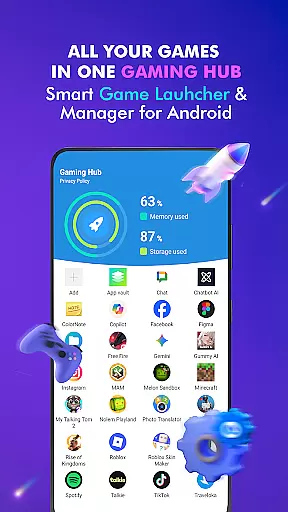

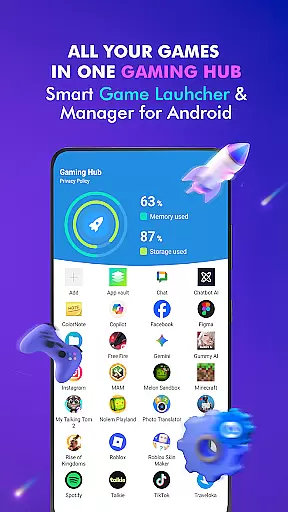

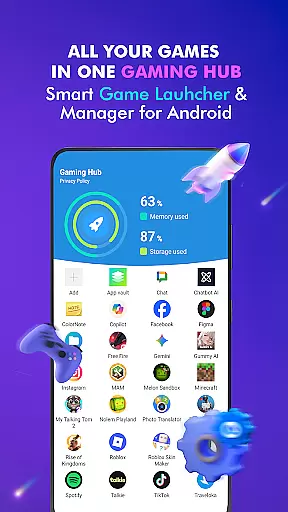

Gaming Hub is a comprehensive app management solution designed to simplify how Android users organize and access their favorite games and apps. The platform offers an intuitive interface that consolidates all your gaming content into one centralized location, making it easier than ever to manage your digital library.
Key features include automatic detection of popular games from top publishers, manual addition options for personalized curation, and performance monitoring tools to track RAM usage and device storage. While the app focuses on organization and accessibility, it does not serve as a game booster or promise performance enhancements like increased FPS.
Ideal for gamers who value convenience and order, Gaming Hub transforms the way you interact with your apps by providing a streamlined experience that saves time and reduces clutter on your device.
Gaming Hub distinguishes itself through its robust organizational capabilities and user-centric design. One standout feature is the Gaming Hub itself, which acts as a centralized repository for all your games and apps, eliminating the need to sift through multiple folders or screens.
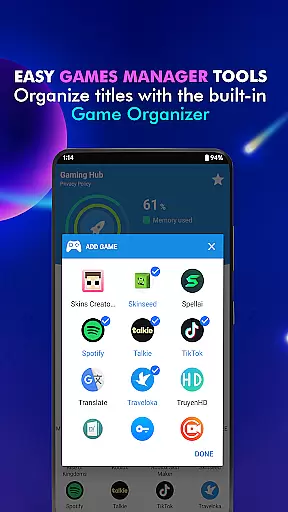
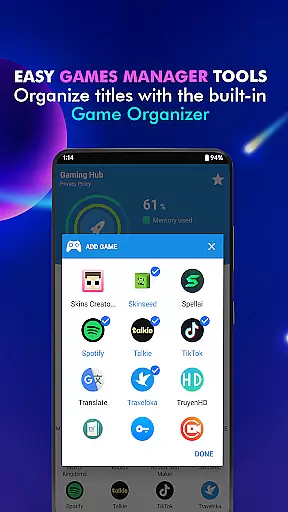
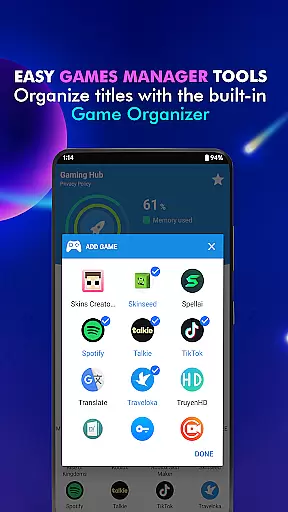
The app also includes an Organizer Master tool that automatically detects popular titles from renowned publishers, while still allowing manual additions for customization. Another notable feature is the performance monitoring system, which provides insights into RAM usage and storage capacity, helping users optimize their devices for smoother gameplay.
While Gaming Hub doesn't boost gaming performance directly, its ability to streamline app launches and maintain an efficient library makes it an invaluable tool for enhancing overall usability. This focus on simplicity and functionality sets it apart in the realm of app management solutions.
Functionality completeness is a critical aspect of any app, ensuring that users have access to all the features they need. Gaming Hub App excels in this area by providing a comprehensive suite of tools designed to simplify app and game management on Android devices. The app includes an intuitive game launcher, automatic detection of popular games, manual addition options, and performance monitoring capabilities.
The Gaming Hub's functionality covers various aspects of app management. With the Organizer Master feature, it automatically identifies and adds well-known games from top publishers, saving users time and effort. Additionally, users can manually include their preferred apps, offering flexibility and personalization. This dual approach ensures broad coverage of user needs while maintaining ease of use.
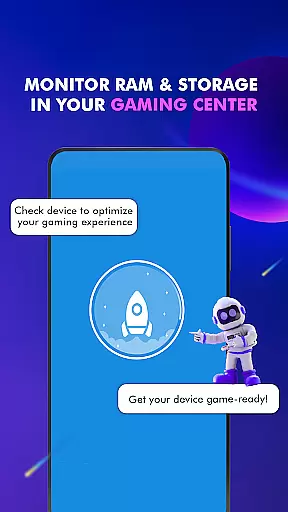
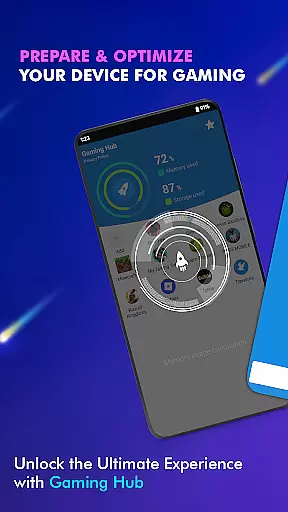
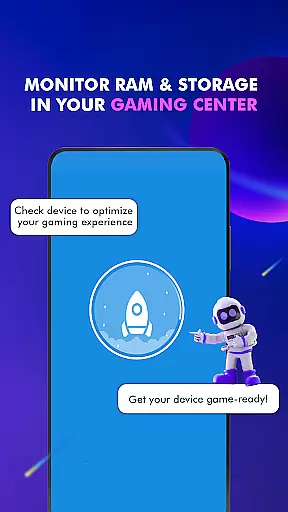
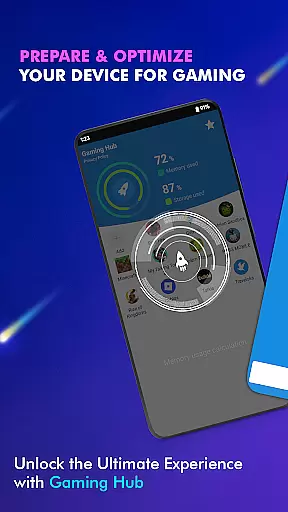
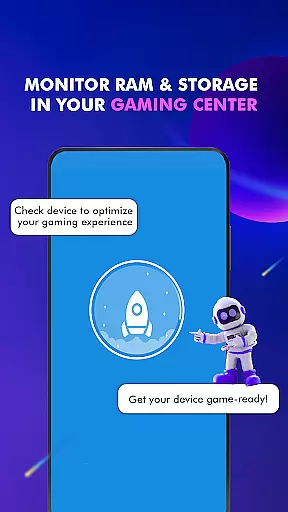
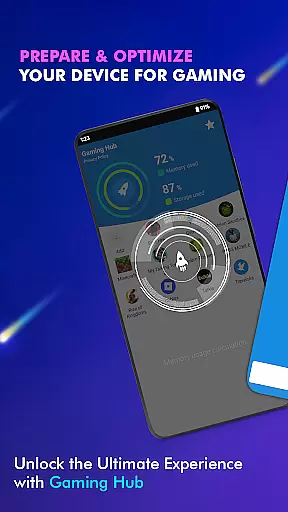
Performance monitoring is another crucial component of the app's functionality. Users can track RAM usage and device storage, helping them optimize their gaming experience. Although not a game booster, these features provide valuable insights into device performance, enabling users to make informed decisions about their gaming sessions. Such comprehensive coverage makes Gaming Hub App a reliable choice for managing apps and games.
Usability and operational smoothness are essential for creating a positive user experience. Gaming Hub App focuses on delivering a user-friendly interface that simplifies the management of apps and games. Its design emphasizes ease of navigation and quick access to frequently used features, making daily operations seamless and efficient.
The app's usability is enhanced through its centralized gaming hub, where all games and apps are organized in one place. This setup allows users to easily locate and launch their favorite titles without hassle. Moreover, the Launcher feature enables swift initiation of apps, reducing wait times and enhancing overall operational flow.
Gaming Hub App also pays attention to detail when it comes to operational smoothness. By providing clear instructions on how to use its features, such as adding games to the library and launching them, the app ensures that even new users can quickly get up to speed. These thoughtful design elements contribute to a smooth and enjoyable user experience, setting Gaming Hub App apart as a leader in usability within the Libraries & Demo category.
User-friendly interface
Centralized app management
Automatic game detection
Manual app addition
Performance tracking tools
No direct performance boosts
Limited to app organization
Requires manual setup
Not a game booster
FPS optimization absent

Block and secure the microphone and protect from secret listening and recording.
 4.50
4.50
Android secret code for smart phone, mobile codes, with secret codes app
4.20
Recite Quran Majeed القران with special 16 line real Kuran page in hand
4.30
Study Bible King James Version: the correct way to learn the Bible with audio
4.80
Mirror Link Car Display to share your screen with car dashboard wirelessly
4.1
Mobs maker Minecraft help MCPE creators make their own mob by using Blockbench
3.50
MirrorLink for connecting your Android phone to your car’s infotainment screen.
4.50
Phone Software Update Quick Checker helps you to keep your phone apps up to date
4.50
Mirror phone to TV effortlessly! Stream, share & connect with Airplay ease.
3.60
Read Holy Quran Feel Like Real Quran & Listen Al Quran Mp3 Audio Online Offline.
4.70
Tune your game graphics with our GFX optimizer for optimal gaming experience
4.50
Block, disable and secure phone camera from secretly taking photos by spyware.
4.50
Barcode scanning made simple!
4.40
Connect your phone to any endoscope camera, USB camera, or borescope with ease.
3.70
Simulator of real black light
3.50
Now Available on Android ™
3.40
Endoscope camera an app to connect with endoscope cam or any device
3.30
Collection of high-quality, trendy skins and outfits!
4.1
Enjoy hours of entertainment with our Roblox mobile games app
4.5


User Reviews