
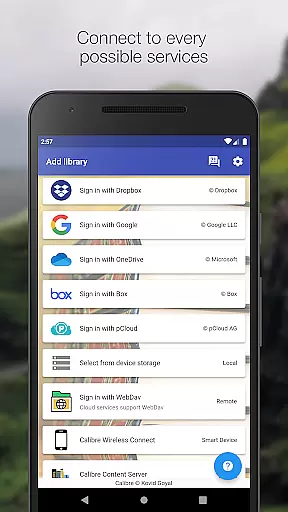
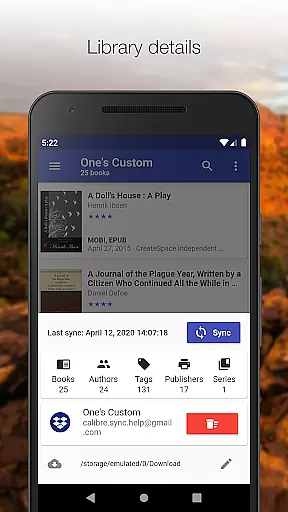
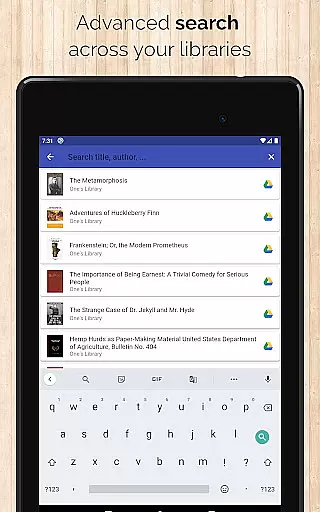
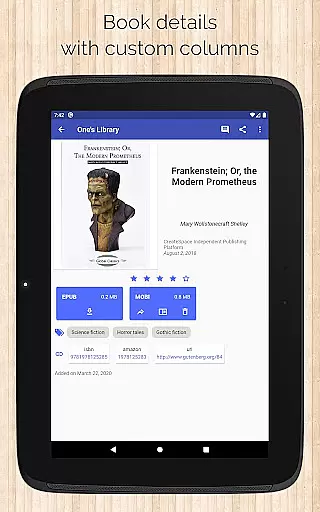
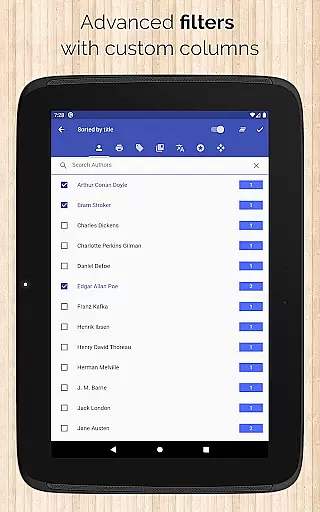
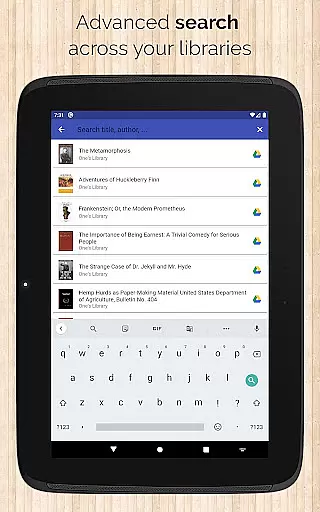
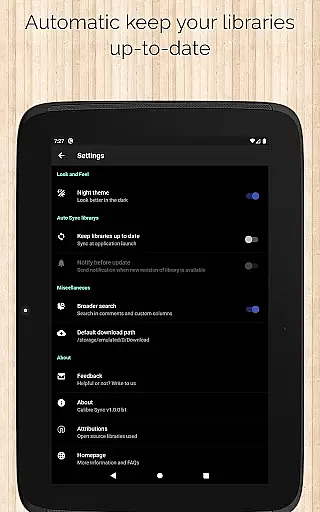
Calibre Sync is a comprehensive solution for managing and accessing your Calibre libraries across multiple cloud services. The app supports popular platforms like Google Drive, Dropbox, OneDrive, and more, allowing users to browse, sort, search, download, and read books directly on their devices. With its wireless connectivity feature, it transforms your device into a smart emulator that connects effortlessly to Calibre, even supporting external storage and Content Server connections.
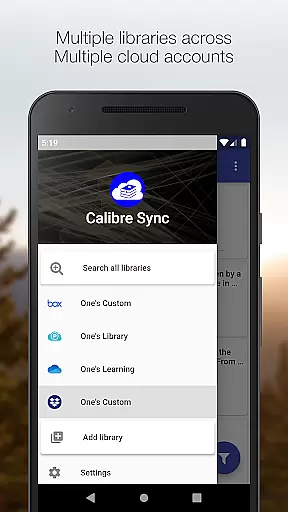
The application's strength lies in its ability to handle unlimited Calibre libraries across various accounts simultaneously. Whether you're looking to move your library to the cloud or local storage, Calibre Sync provides an intuitive interface and powerful performance. Its automatic library updates, flexible book list layouts, and advanced filtering options make it an indispensable tool for avid readers and digital librarians alike.
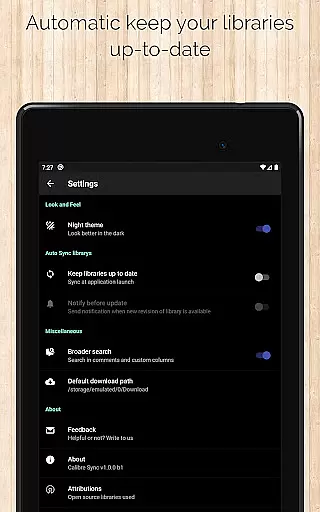
Calibre Sync stands out with its extensive feature set tailored for book enthusiasts. The app offers unlimited access to Calibre libraries and allows easy switching between multiple libraries across different accounts. It automatically checks and updates libraries upon launch, ensuring users always have the latest content at their fingertips.
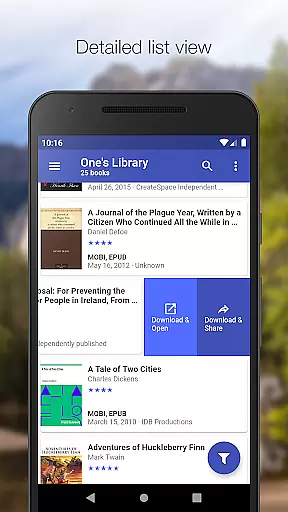
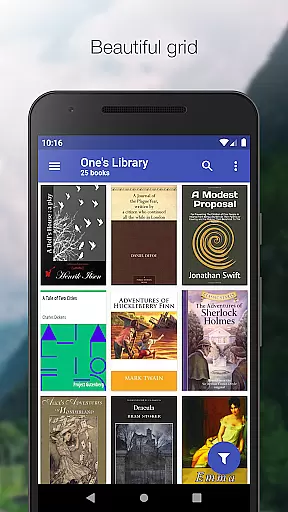
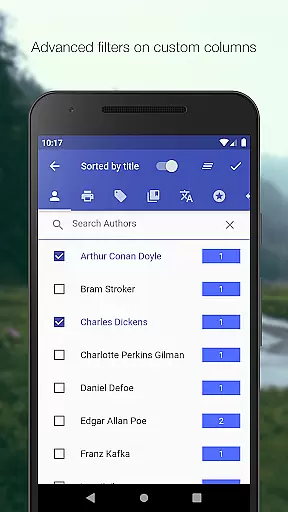
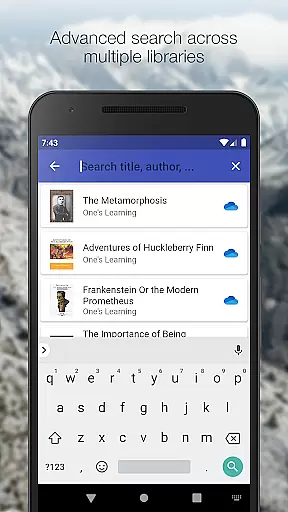
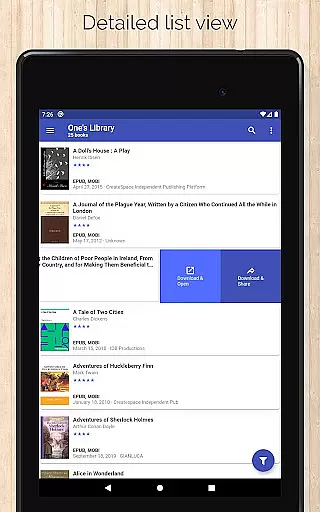
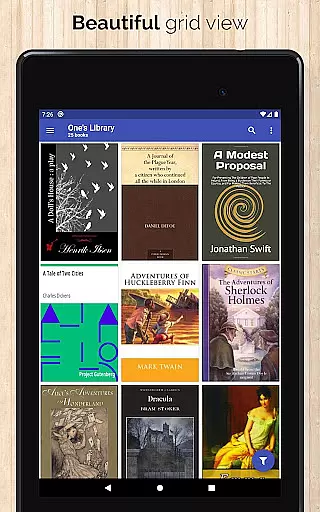
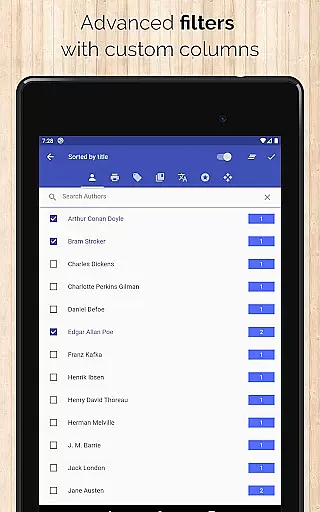
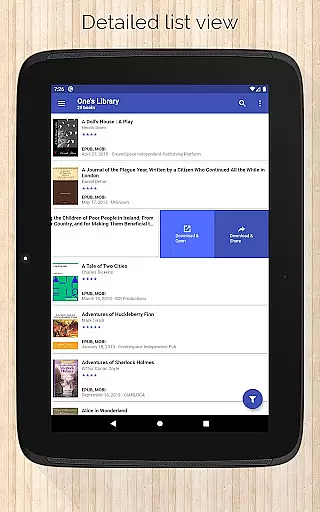
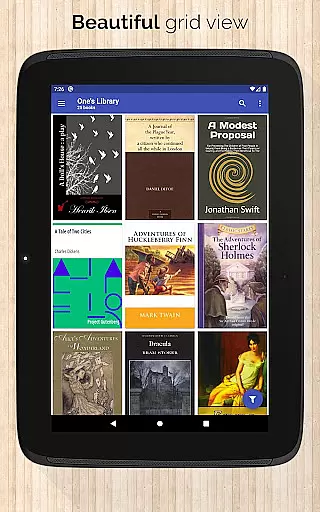
One of the key highlights is the support for various book list layouts including List, Grid, and Carousel views. Users can search across all libraries by title, author, comments, and custom columns. Advanced filtering options enable sorting by authors, series, tags, language, publishers, formats, and custom columns. The app also provides detailed library statistics, quick access to book downloads, and sharing capabilities through a slideable list view.
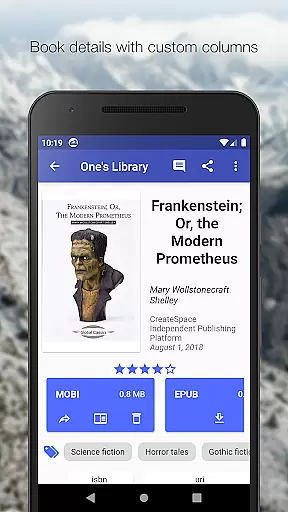
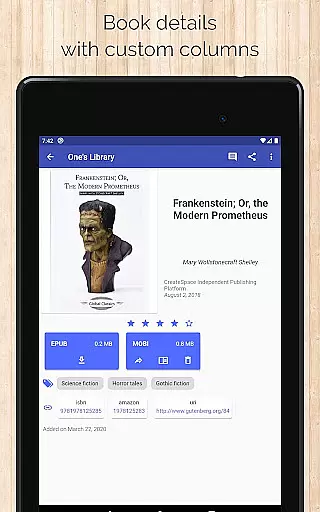
Additional features include zoomable book covers, swipe navigation in book details, email sharing of downloaded books, and integration with third-party reader apps. The app supports dark/light themes and shows book identifiers with links to sources like ISBN, Amazon, and Goodreads. These robust features ensure a seamless and enriched reading experience for users.
Calibre Sync offers an impressive e-book library solution by allowing users to access unlimited Calibre libraries across multiple cloud services. This includes popular platforms like Google Drive, Dropbox, and Microsoft OneDrive, ensuring a vast repository of reading materials.
The application guarantees the authenticity of its content through direct synchronization with Calibre libraries, which are known for their robust metadata management. Users can be confident that the books they access are legitimate copies, preserving copyright integrity.
With support for custom columns and detailed book information, including ISBN and source links, Calibre Sync ensures that every book's origins are traceable and credible. This level of detail supports the app's commitment to copyright authenticity.
By enabling users to move their libraries to supported cloud services while following specific instructions, Calibre Sync provides a seamless experience in maintaining a legally sound and extensive e-book collection.
One of Calibre Sync's standout features is its exceptional format compatibility, supporting various e-book formats without limitations. This ensures that users can download and read books on their preferred reader applications without worrying about format restrictions.
The app facilitates easy access to different book layouts such as List, Grid, and Carousel views, catering to user preferences and optimizing the reading experience. These options allow readers to engage with their library in a way that feels intuitive and visually appealing.
Additionally, Calibre Sync provides essential functionalities like zooming book covers and viewing file sizes for each format. Such features enhance the user's ability to manage their library effectively while maintaining compatibility across devices.
With dark/light themes and comprehensive library statistics, the app further demonstrates its dedication to delivering a versatile and user-friendly environment for e-book management.
User-friendly interface
Extensive cloud support
Advanced filtering options
Automatic library updates
Multiple layout choices
No built-in reader app
Limited OneDrive support
Requires storage permission
Case-sensitive file system needed
Box API write permission required

Novels, audiobooks, ebooks & fanfiction. Read anytime, anywhere!
 3.40
3.40
This is the pro version King James bible Offline that we have
4.70
8 Dr. Seuss short stories in 1 app!
4.70
The Original & Authentic Crystals, Gemstones, Rocks & Minerals Encyclopedia.
4.60
Research your family history to explore ancestors and search for your heritage
4.50
Read the Quran in Arabic alongside its translation, with color coded Tajweed.
4.50
Premium reader for ePub, PDF, and more. TTS and translation. Great on any screen
3.50
A highly sophisticated app for all of your mobile reading—any format, any time
4.50
Follow complex state CCW permit laws and lawfully carry firearms in each state.
4.80
“I am the Lorax. I speak for the trees.”
4.80
Read unlimited novels, audiobooks, stories & Unlock ebooks, fanfiction and more!
4.70
Watch real short episodes in just minutes— addictive, you won't be able to stop!
4.70
"Five Dr. Seuss titles in one omBook!"
4.60
The ultimate military vehicle identification (Equipment ID) guide.
4.40
Essential Technical Rescue Field Operations Guide 6, the Industry Standard Guide
4.20
KJV Bible works offline with Audio, Hebrew & Greek lexicon (concordance) & more!
4.20
Knots 360 Pro ( 3D ) shows you animated 192 knots in 3D perspective
4.10
“There was one last piece of cake. My little sister said ‘Me too!’”
4.00
Unlock more features in Lithium and show your support. Expand for details.
4.00


User Reviews