
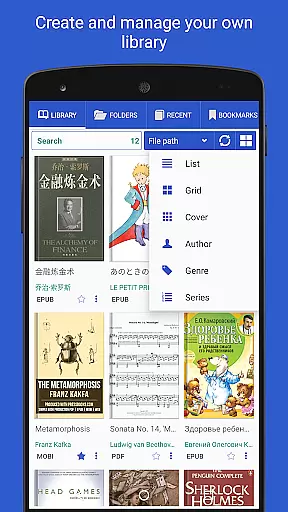
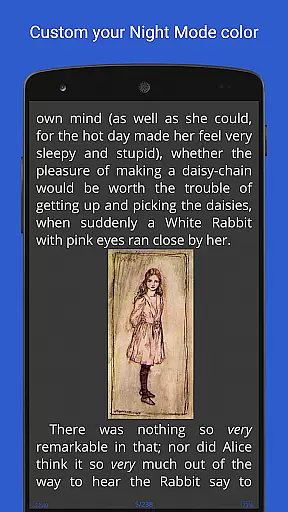
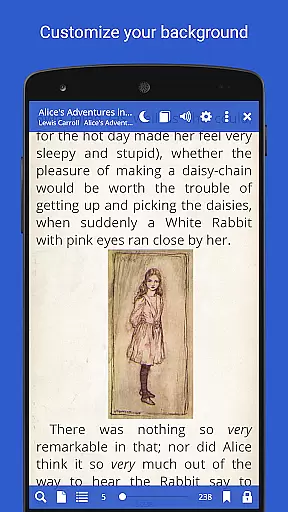
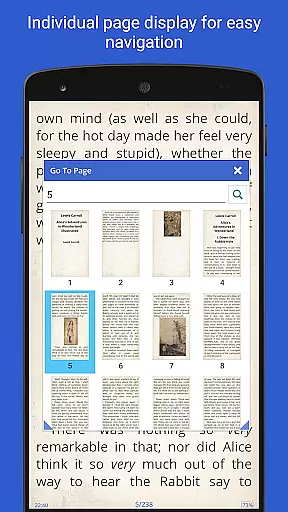
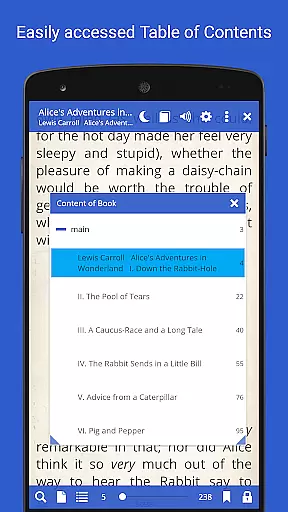
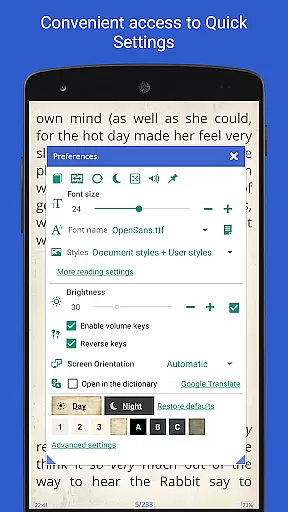
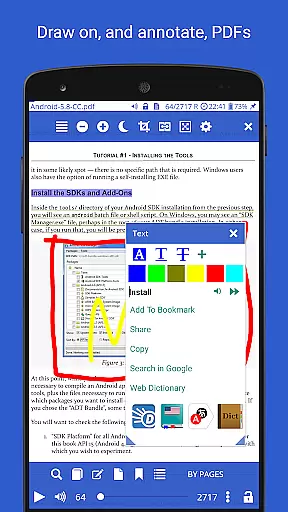
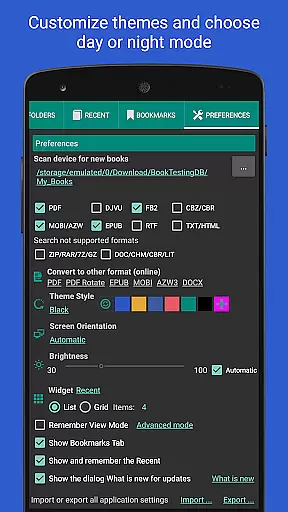
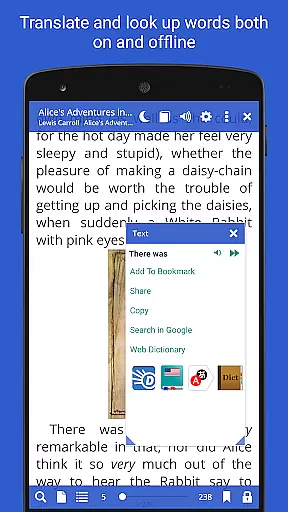
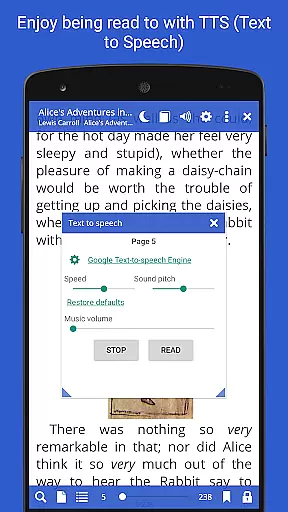
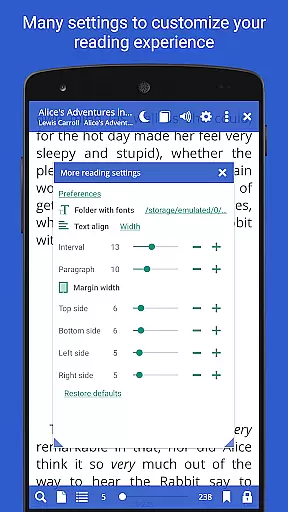
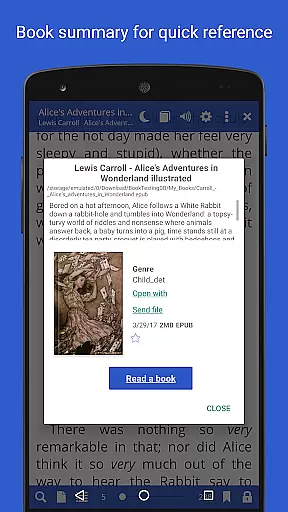
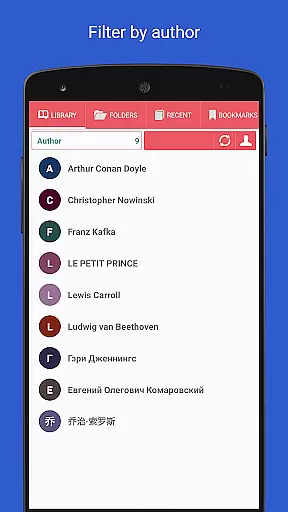
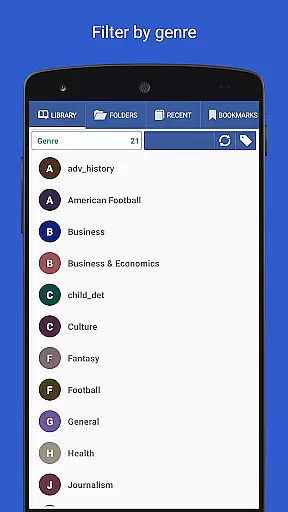
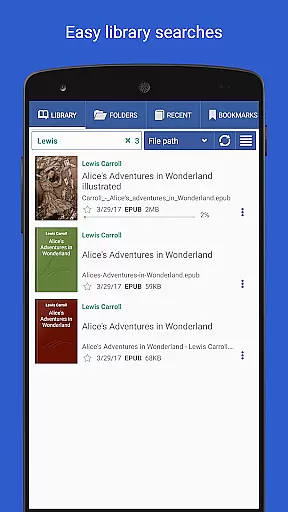
Librera PRO is a versatile reading application designed for book enthusiasts who require support for multiple document formats. This app supports PDF, EPUB, MOBI, and many other formats, making it an essential tool for readers who engage with content across various platforms. Its user-friendly interface offers easy navigation while providing powerful features such as configurable Day and Night modes, bookmarks, annotations, and integration with online translators and offline dictionaries.
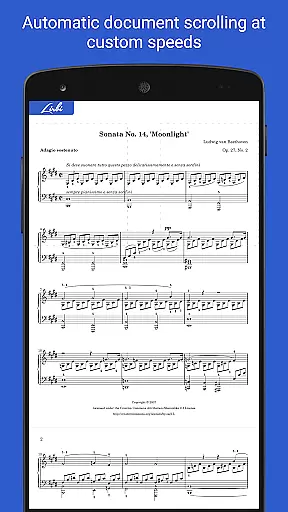
One of the standout features of Librera PRO is its Musician's mode, which allows for hands-free reading with adjustable scrolling speeds. Additionally, users can sync their reading progress and settings across multiple devices, ensuring a seamless experience whether they are reading on a phone, tablet, or any other compatible device. With options like vertical-scroll lock and support for right-to-left languages, Librera PRO caters to a global audience with diverse reading preferences.
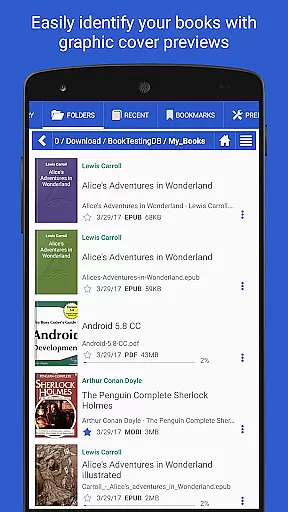
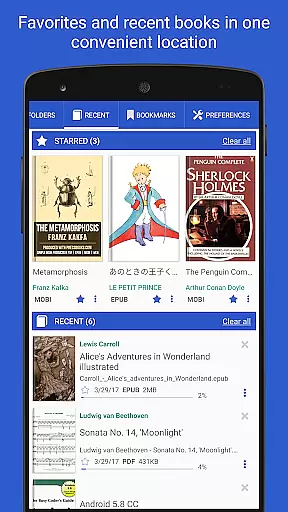
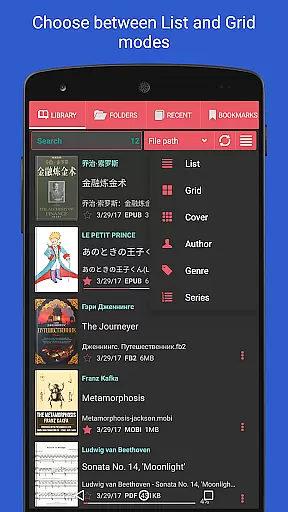
Librera PRO stands out due to its extensive list of features tailored for an optimal reading experience. The app provides automatic scanning of user-specified folders, allowing for effortless document discovery and organization. Users can browse catalogs, disks, and folders directly within the app using the built-in file explorer. The Recent and Favorites folders help keep track of reading progress with percentage bars and quick access to useful commands.
Among its robust capabilities, Librera PRO includes support for bookmarks, annotations, and dual-paged document viewing. It also offers read-aloud functionality through customizable TTS engines and integrates with major offline dictionaries for quick reference. The app's support for custom CSS and tags enhances personalization, while features like online document format conversion and syncing of reading progress ensure that users have flexibility and convenience in managing their digital libraries.
Librera PRO offers an extensive e-book library that supports a wide range of document formats including PDF, EPUB, MOBI, and more. This ensures users have access to a vast collection of reading materials tailored to their preferences.
The app emphasizes copyright authenticity by allowing users to import their legally acquired documents. It provides tools for organizing these files into a personalized library system with options for tagging and categorizing books.
With features like online document format conversion and support for archived books, Librera PRO enhances the management of your digital library while maintaining legal integrity. Users can be confident in the legitimacy of their collection.
Additionally, integration with online catalogs (OPDS) allows for seamless book search and download, expanding the library's reach while ensuring all content is properly licensed and sourced.
One of Librera PRO's standout features is its exceptional format compatibility, accommodating over ten different file types such as EPUB3, DjVu, FB2, DOCX, and TXT. This versatility makes it a powerful tool for readers who engage with diverse content sources.
The app not only reads various formats but also optimizes them for an enhanced reading experience. For instance, it supports text reflow in PDFs and vertical-scroll lock for easier navigation through specific document types.
Librera PRO further extends its utility by offering customizable CSS code support, enabling users to tailor the presentation of compatible formats according to their aesthetic preferences or readability needs.
This broad compatibility empowers users to consolidate their entire library within one platform without worrying about format restrictions, making Librera PRO a comprehensive solution for all reading requirements.
User-friendly interface
Extensive format support
Customizable reading modes
Syncing across devices
Hands-free Musician's mode
Some features locked behind PRO version
Interface may overwhelm new users
Occasional performance lags
Limited free version functionality
Ads in free version

CleverBook Pro makes the popular guide for the game even better!
 4.00
4.00
The Psalms for singing
4.3
The favorite Christmas story comes to life!
4.80
Liturgy of the Hours totally off-line
4.80
ISAIAH EXPLAINED with Avraham Gileadi Ph.D.
4.00
"Do you like green eggs and ham?"
4.70
Watch real short episodes in just minutes— addictive, you won't be able to stop!
4.70
Daily rosary and gospel reflections for catholic
4.90
Learn to tie more than 200 knots in 3D!
4.90
Flora of Virginia Project (www.floraofvirginia.org)
5.00
The Bible Audio Guide
4.80
Track your Star Wars book collection across Canon & Legends
4.80
Universal Zoom, learn about sizes & distances of the universe and microcosmos
4.80
King James Bible read offline, AI Priest, Bible Quiz, Guiding Prayers & Plans
4.80
8 Dr. Seuss short stories in 1 app!
4.70
Words spoken by native English speakers and full definitions.
4.60
Master AKC Rally signs with in-depth hints, diagrams, and expert guidance.
4.50
Pretty Moon information App with Complications and Tile
4.30
Read Trending Romance Stories
4.00


User Reviews