

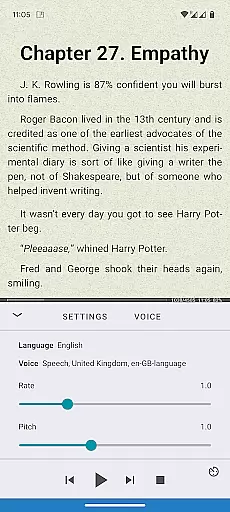
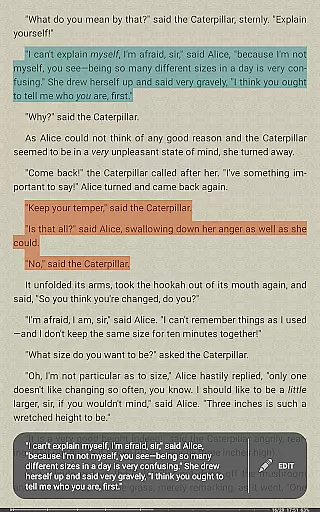
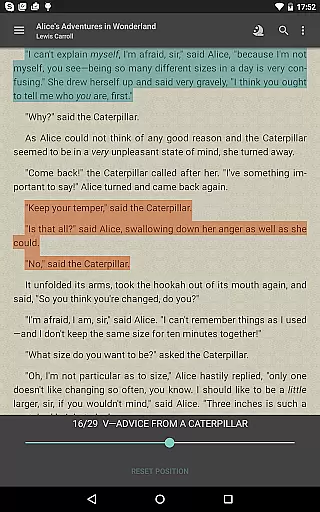
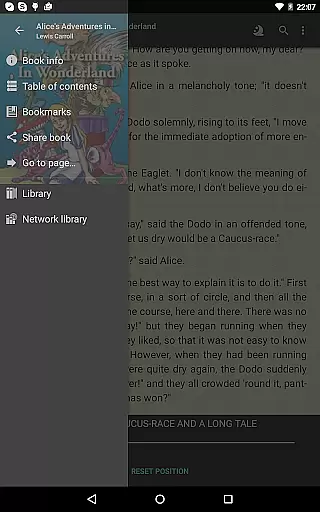
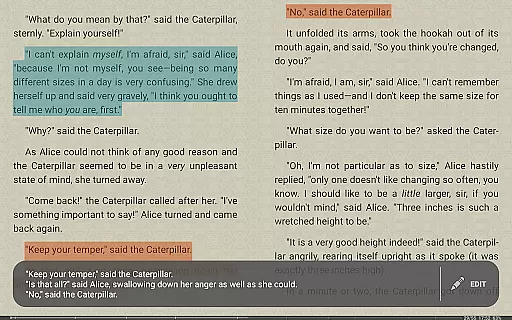
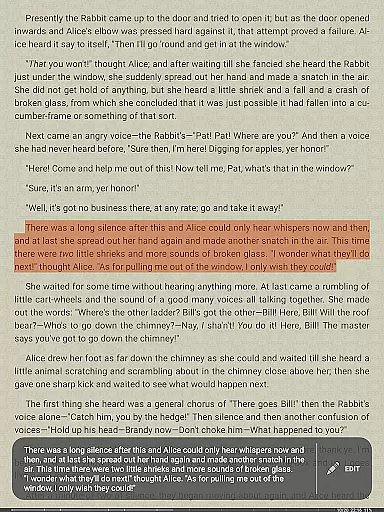
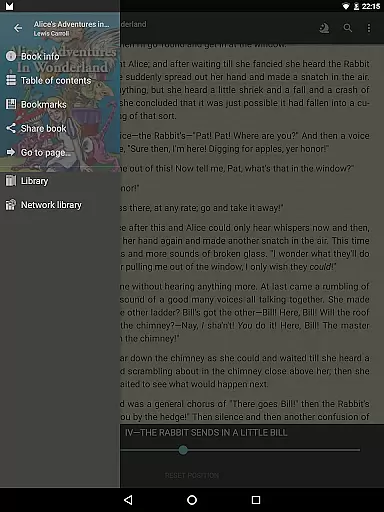
FBReader Premium is a comprehensive ebook reader designed for book enthusiasts who value flexibility and advanced features. This paid version offers an exceptional reading experience across various devices, including LCD and e-ink screens. With support for numerous formats like ePub, PDF, Kindle azw3, and more, it ensures compatibility with almost any ebook. The app includes premium features such as text-to-speech functionality and instant translation through Google Translate or DeepL.
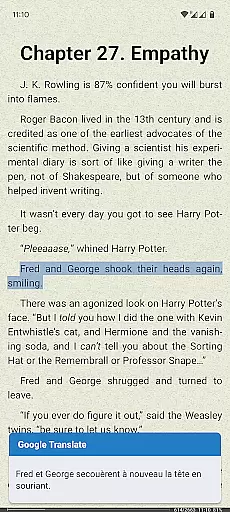
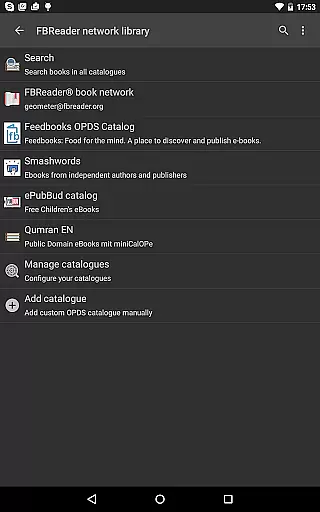
Beyond basic reading, FBReader Premium provides smart tools to enhance your experience. Users can perform quick dictionary lookups, sync their library via cloud services, and customize visual settings extensively. Whether adjusting brightness with a swipe or choosing specific fonts and themes, the app caters to personalized preferences. Its built-in browser allows easy access to online catalogs while supporting custom OPDS catalogs for seamless content discovery.
This application is particularly beneficial for global readers, offering localization in 34 languages along with hyphenation patterns for 24 languages. By combining powerful reading tools with high customization options, FBReader Premium stands out as an indispensable tool for avid readers seeking both convenience and quality in their digital reading journey.
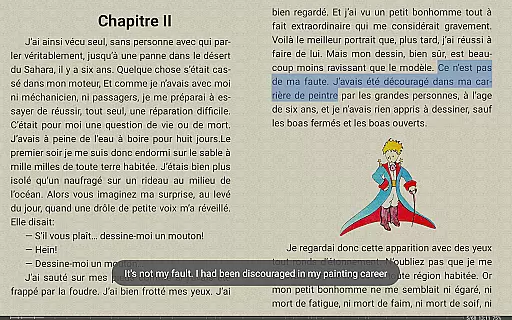
FBReader Premium distinguishes itself through its rich feature set tailored to meet diverse reader needs. One of its standout capabilities is the support for a wide array of ebook formats including ePub, PDF, Kindle azw3, fb2(.zip), CBZ/CBR, DOC, RTF, HTML, and TXT. This extensive format compatibility ensures that users can access virtually any ebook without conversion hassles. Additionally, the app supports DRM-free books and titles protected with Readium LCP, broadening its utility.
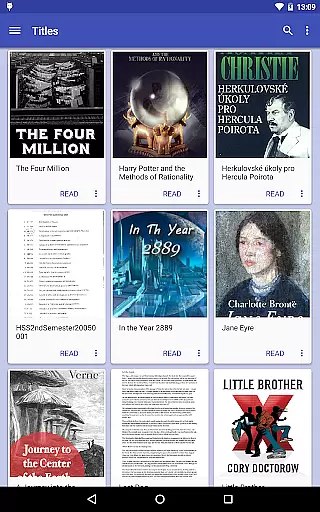
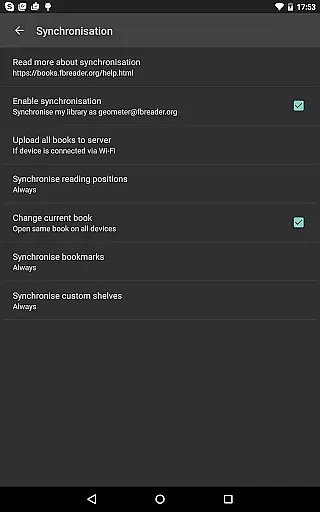
The application also excels in providing smart reading tools. For instance, it integrates with preferred dictionary apps for quick word lookups, enhancing comprehension during reading sessions. Another notable feature is the optional cloud sync functionality using Google Drive via the FBReader Book Network. This allows users to maintain their library and reading positions across multiple devices effortlessly. Furthermore, FBReader's built-in browser facilitates direct access to online catalogs and OPDS stores, streamlining content acquisition.
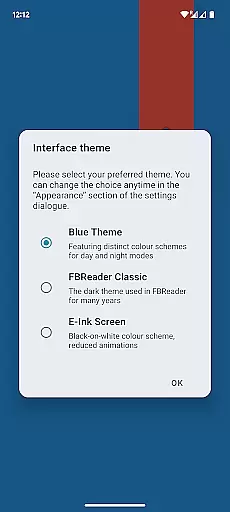
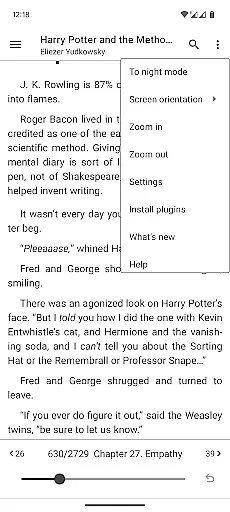
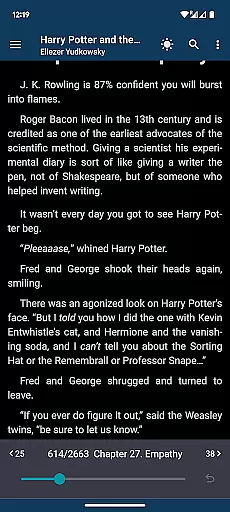
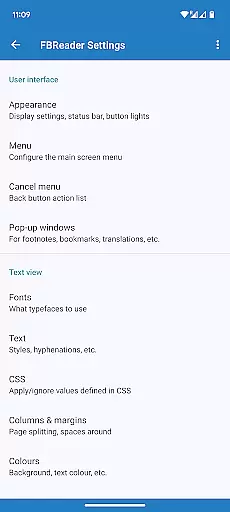
Customization is at the heart of FBReader Premium's design philosophy. Users have the freedom to adjust brightness with simple swipes, select from day and night themes, and even use personal fonts and backgrounds. These options ensure a comfortable reading experience tailored to individual preferences. With localized interfaces available in 34 languages and hyphenation patterns supporting 24 languages, this app truly serves a global audience by breaking language barriers effectively.
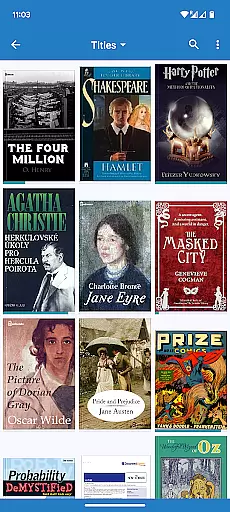
FBReader Premium offers an extensive e-book library with support for a wide range of formats including ePub, PDF, Kindle azw3, fb2(.zip), CBZ/CBR, DOC, RTF, HTML, and TXT. This ensures that readers have access to almost any ebook they wish to read.
The application respects copyright laws by supporting DRM-free books as well as titles protected with Readium LCP. This commitment to copyright authenticity provides users with legal access to a vast array of literature while ensuring authors and publishers are rightfully acknowledged.
With built-in support for PDF and comic books, alongside the ability to open various text formats, FBReader Premium caters to diverse reading preferences and needs. Readers can enjoy everything from novels to academic papers without worrying about format compatibility.
One of the standout features of FBReader Premium is its broad format compatibility. The app supports an impressive array of file types such as ePub (including ePub3), PDF, Kindle azw3, fb2(.zip), CBZ/CBR, DOC, RTF, HTML, and TXT, making it a versatile choice for avid readers.
This level of format compatibility ensures that no matter where or how you obtain your ebooks, FBReader Premium can handle them seamlessly. Whether you're downloading from online catalogs, OPDS stores, or placing files directly in your device's Books folder, you'll experience smooth integration and uninterrupted reading sessions.
Additionally, FBReader's support for custom OPDS catalogs and its localized interface in 34 languages demonstrate its dedication to accessibility and convenience. Users worldwide can easily access and manage their digital libraries with intuitive tools designed for effortless navigation and management.
Extensive format support
Advanced customization options
Smart reading tools integration
Cloud sync functionality
Multilingual support
Paid version only
No free trial available
Limited offline translation
Complex interface for beginners
Occasional performance lags

The Original Tropical Freshwater Aquarium Fish And Plant Care Guide
 4.80
4.80
A guide for the Court of Atonement spiritual healing process.
4.0
Cute bedtime story for kids
4.30
Crowd-sourced listing of businesses with anti-gun signs, and pro-2a alternatives
4.60
Essential Technical Rescue Field Operations Guide 6, the Industry Standard Guide
4.20
Discover Stars and Planets: Live Map Shows Current Constellations in Full Detail
4.70
Enjoy daily devotionals, Bible verses, audio courses, and more.
4.80
Liturgy of the Hours and Mass for every day of every year. No Internet needed!
5.00
A highly sophisticated app for all of your mobile reading—any format, any time
4.50
A KJV Bible with Apocrypha and precept-based study concordance
5.00
"When tweetle beetles fight, it's called a tweetle beetle battle."
4.90
“I am the Lorax. I speak for the trees.”
4.80
Read the KJV Bible with Strong’s offline: reading plans, audio Bibles, and more.
4.70
Read unlimited novels, audiobooks, stories & Unlock ebooks, fanfiction and more!
4.70
Daily Devotional Widgets & Hourly Verses. Listen to Bible & Watch Holy Stories
4.70
Werewolf novels & romance stories in audiobooks for book lovers! Werewolf storie
4.60
7 Languages, Google, Wiki, Vocabulary.com, Cambridge & Urban Dictionary!
4.50
“It is fun to have fun, but you have to know how!”
4.40
Mirror Bible - eye-opening paraphrase translation of the NT by Francois du Toit
4.30


User Reviews