
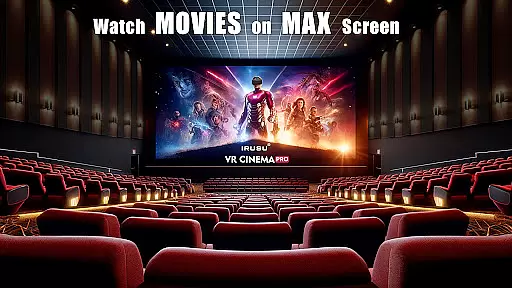
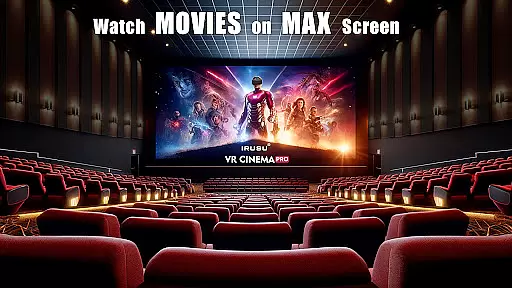
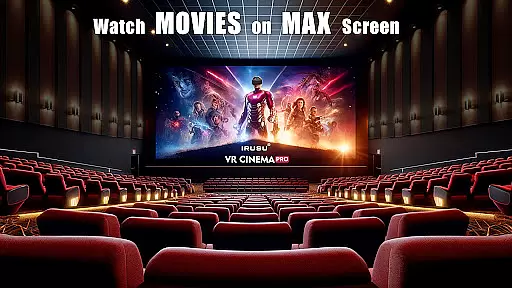
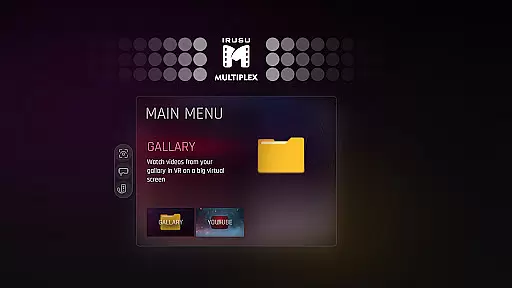
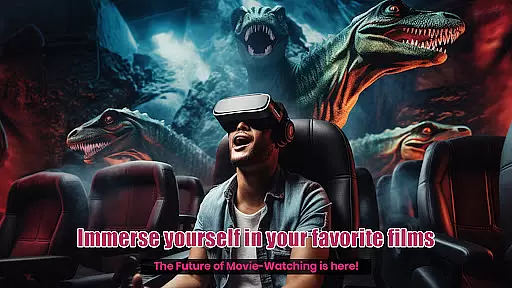
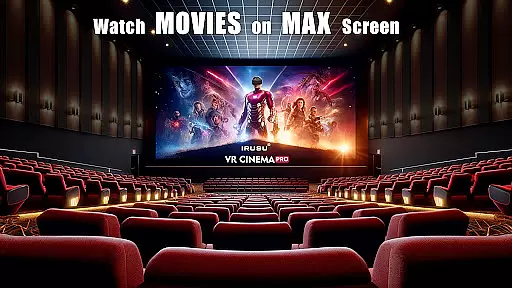
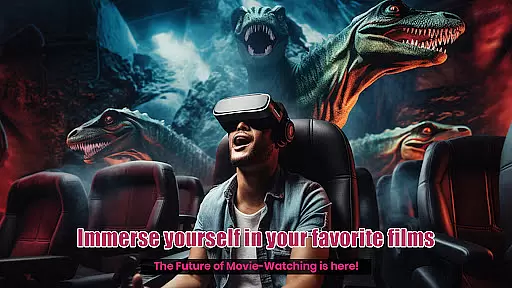
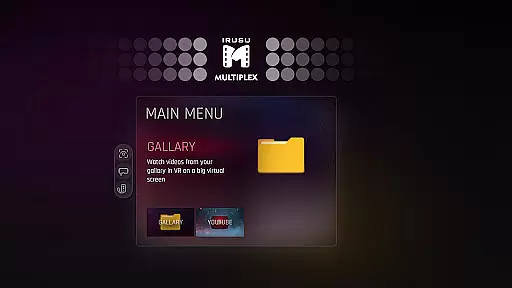
VR Player Pro is a premium VR video player app that transforms your smartphone into a private virtual theatre. With support for 2D, 3D SBS, and 360° videos, the app offers an immersive viewing experience on massive virtual screens. Compatible with popular VR headsets like Google Cardboard, Irusu, VR Box, and Shinecon, it delivers high-quality playback of up to 4K resolution (hardware dependent).
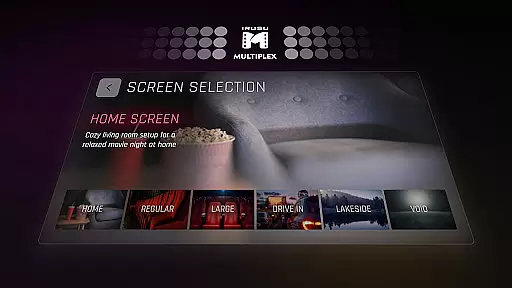
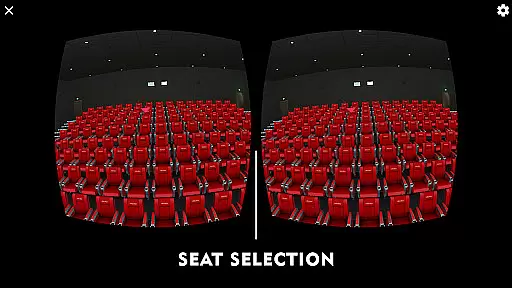
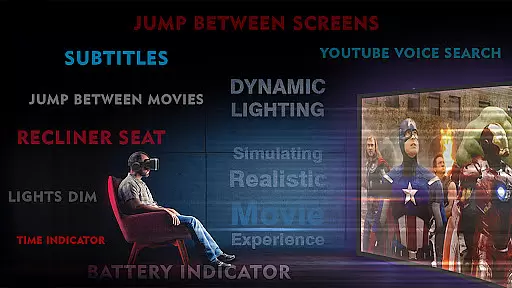
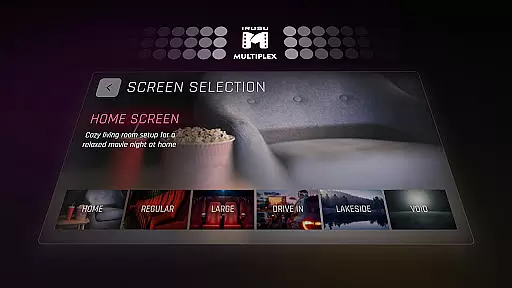
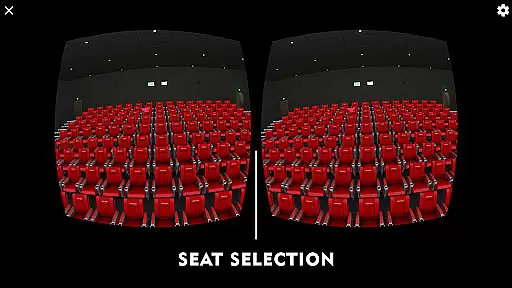
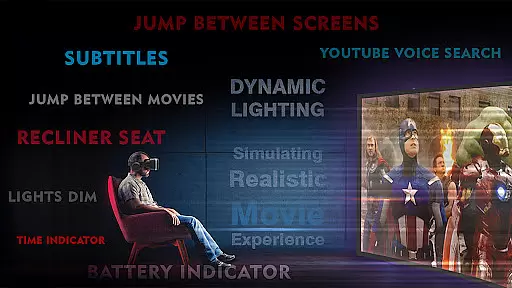
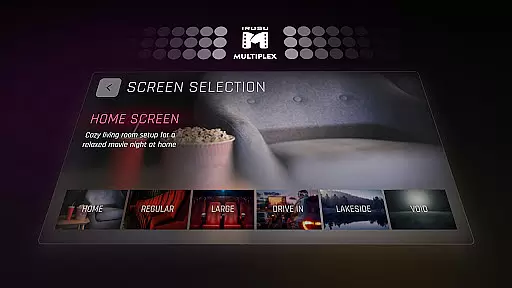
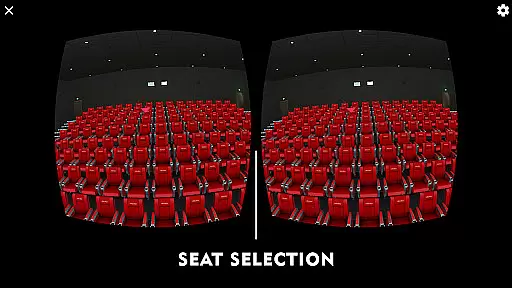
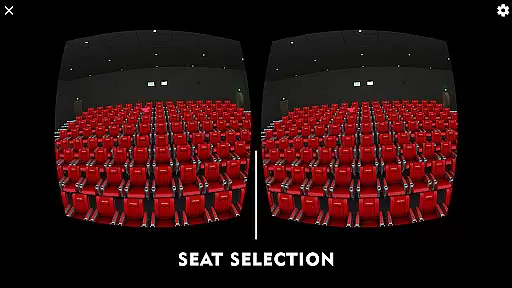
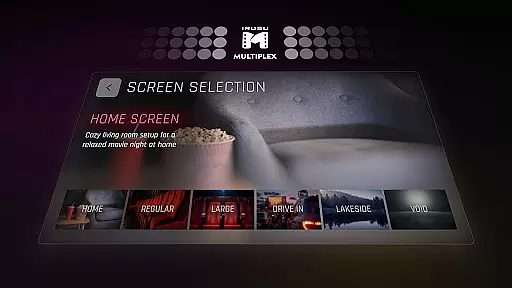
One standout feature is its customizable environments, allowing users to choose from multiple viewing locations such as a classic movie hall, drive-in lot, or serene winter lake view. The dynamic lighting system enhances immersion by adjusting ambient light based on video content. Additionally, users can select their preferred seat and adjust angles for optimal comfort.
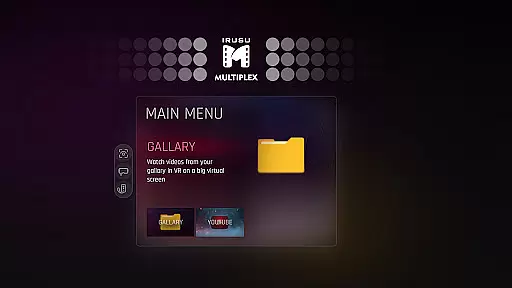
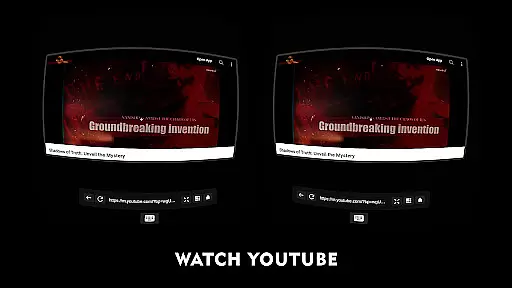
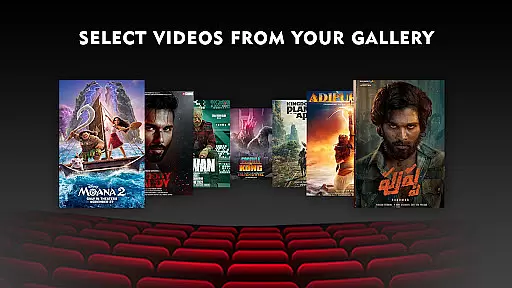
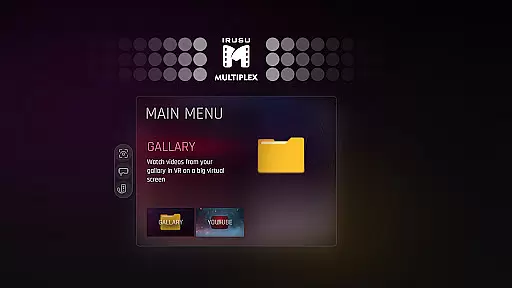
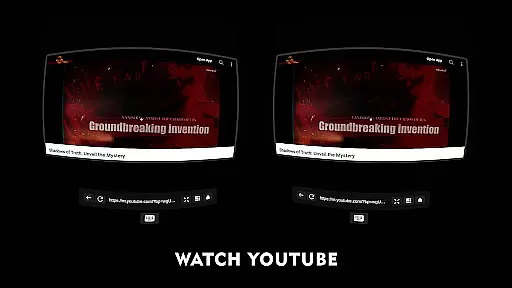
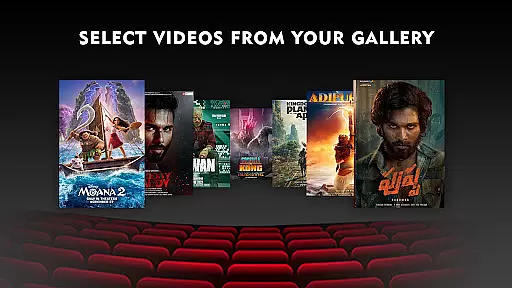
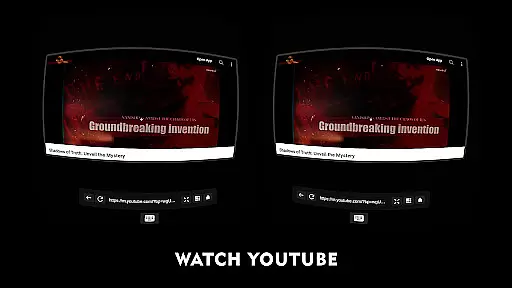
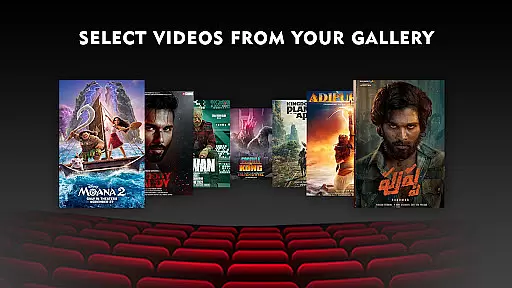
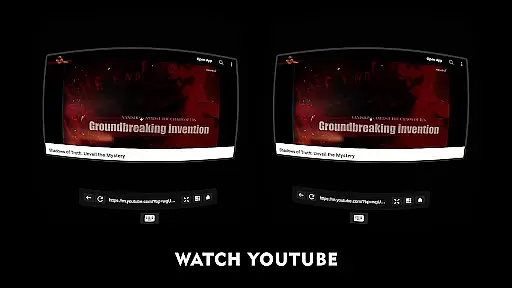
Whether you're watching downloaded videos or streaming YouTube content via the built-in browser, VR Player Pro ensures a seamless and engaging entertainment experience. Its innovative features make it ideal for VR enthusiasts seeking a cinematic escape in the comfort of their home.
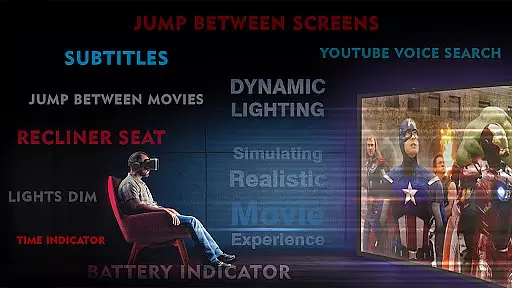
VR Player Pro boasts a range of advanced features designed to elevate your virtual reality experience. At its core is the Irusu VR Cinema Player, which simulates a private theatre environment complete with realistic ambient lighting and adjustable seating options. Users can choose from various immersive scenes, including a classic movie hall, drive-in cinema, or tranquil winter lake setting.
The app supports multiple video formats, including 2D, 3D SBS, and 360° videos, ensuring compatibility with diverse media libraries. A built-in browser allows direct YouTube playback in VR mode, enhanced by voice search functionality for added convenience. Real-time dynamic lighting adapts to video content, creating a more lifelike atmosphere.
With angle adjustment tools and multi-seat selection, users can customize their viewing position for maximum clarity and comfort. These features collectively deliver a cutting-edge VR entertainment solution tailored to modern audiences.
In the realm of virtual reality entertainment, content diversity is key to maintaining user interest and satisfaction. VR Player Pro rises to the occasion by offering an extensive range of viewing environments that cater to every taste. From classic movie halls to serene winter lake views, the app ensures that your virtual cinema experience is anything but monotonous.
Moreover, the inclusion of a built-in browser with YouTube VR playback significantly broadens the content spectrum. Users can explore the web or enjoy their favorite YouTube videos in a fully immersive VR setting. This feature not only enhances convenience but also keeps the content fresh by providing access to the latest online media.
The app's compatibility with various VR headsets adds another layer of versatility. Whether you own a Google Cardboard or a more advanced Irusu headset, VR Player Pro delivers a seamless experience across devices. This cross-device support guarantees that users can enjoy a wide array of content without hardware limitations.
User engagement is crucial for any entertainment platform, and VR Player Pro excels in this area through its innovative features. The dynamic lighting system, which adjusts based on video content, creates an immersive atmosphere that captivates viewers. This real-time environmental interaction keeps users engaged longer as they become part of the cinematic experience rather than mere spectators.
Another standout feature contributing to prolonged engagement is the seat selection system. By allowing users to choose from multiple viewing angles and distances, the app mimics the experience of selecting the perfect seat in a real theatre. This level of customization encourages extended viewing sessions as users experiment with different perspectives.
Furthermore, the angle adjustment functionality ensures maximum comfort during long viewing periods. Users can fine-tune their position for optimal clarity and ergonomic support, reducing fatigue and enhancing overall retention. These thoughtful design elements work together to create an engaging environment that keeps users returning to VR Player Pro for their entertainment needs.
Immersive environments
Dynamic lighting effects
Multi-seat selection
Voice search support
High-quality playback
Premium pricing
Hardware limitations
Complex setup
Limited free features
Battery intensive

Heroclix search units with multi filter , team builder, collection manager.
 4.40
4.40
Find out if you're on Santa's Naughty or Nice List with this magical scanner!
4.60
Colorful flows will relax and calm you down, or get you trippy and creative!
4.90
Create and play realistic-looking mock Emergency Alert System messages.
4.30
Experience the video editing experience brought by our intuitive interface
4.10
Official KennysGifs Stickers
4.20
Explore the unknown!
3.00
Hand-drawn, cartoon OC creator - original character creator
4.70
Original short dramas with diverse genres for a rich viewing experience!
4.80
Time tracking, lap counting and much more for Carrera® Digital 132/124
4.80
Scan sets, track your builds, and enjoy intuitive digital instructions.
4.70
Just play games to earn gift cards. Keep playing, keep earning.
4.50
Browser for Chromecast to stream webvideos, online movies, IPTV & HD livestreams
4.40
Real ghost box scanner with echo, reverb, EMF, & multi-stream channels.
3.80
Connect. Discover. Control.
3.60
Create your Songs. Cover Maker with any Voice, Song Generator
3.30
Simulation of Dashboard / Touch Screen for Tesla. (Works without actual Tesla).
4.5
A wonderful collection of the most beautiful sounds of animals and birds
4.4
Stream over 80 hours of exclusive mashups and remixes by DJ Rehab.
4.3


User Reviews