



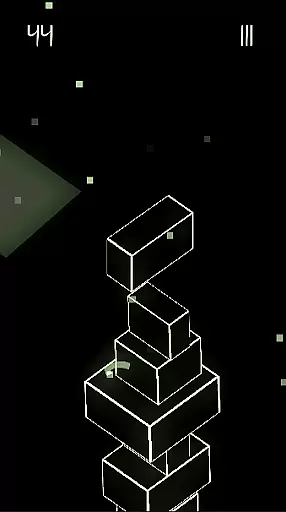
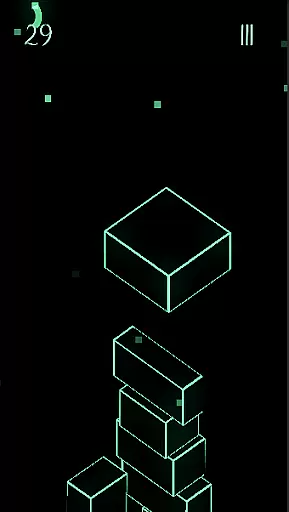



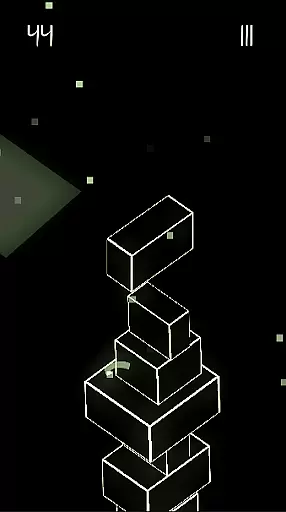
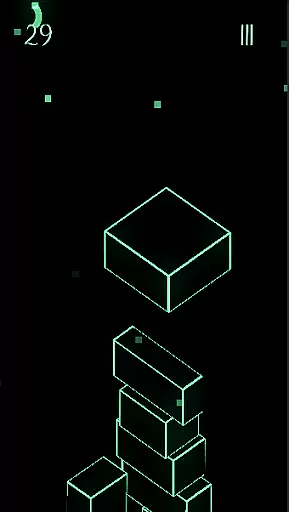



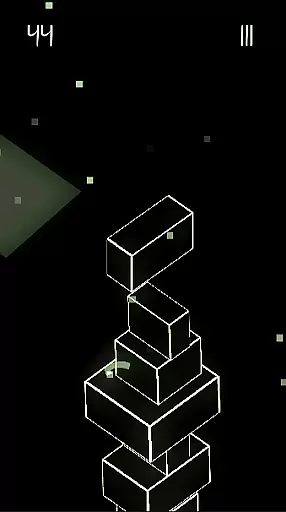
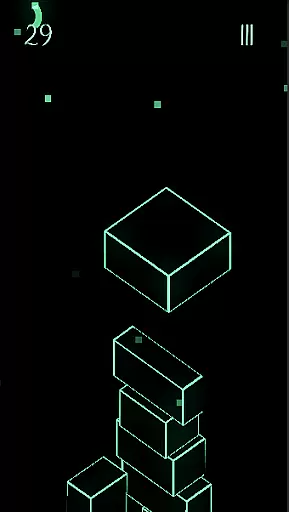
Upping Floors is a premium block stacking game that combines realistic physics with stunning neon visuals, offering an addictive and challenging experience. Designed for both casual gamers and challenge enthusiasts, the game tests your precision, timing, and strategic thinking as you build increasingly taller towers. The inclusion of a global leaderboard adds a competitive edge, allowing players to measure their skills against others worldwide. With its performance-optimized design, Upping Floors runs smoothly even on older devices while maintaining its visual appeal.
The game stands out with its no-ads policy, ensuring uninterrupted gameplay, and its affordable pricing model makes it accessible to a wide audience. Whether you're looking to pass time or aiming to top the leaderboard, Upping Floors delivers a satisfying and visually immersive experience.
Upping Floors offers a rich set of features designed to enhance the block stacking genre. The game incorporates realistic gravity and physics, making every move critical and engaging. Players must carefully balance each block, as one wrong placement can lead to the tower's collapse, providing a true test of skill and patience.
Visually, the game shines with its neon aesthetic, optimized for AMOLED screens. This creates a striking contrast and vibrant color palette that enhances the overall gaming experience, especially in low-light environments. Additionally, the global leaderboard fosters competition, motivating players to improve their stacking abilities and climb the ranks.
As a premium title, Upping Floors ensures a seamless experience by eliminating ads and microtransactions. This approach allows users to fully immerse themselves in the gameplay without distractions, making it an ideal choice for those seeking a pure gaming experience.
Arcade authenticity in Upping Floors brings back the charm of classic block stacking games while infusing modern elements. The game is designed to evoke nostalgia with its simple yet challenging mechanics reminiscent of retro arcade machines.
Every aspect of Upping Floors, from its responsive controls to its progressively difficult levels, mirrors the engaging experience found in traditional arcade games. This connection to the past creates a sense of familiarity for those who appreciate the golden age of arcade gaming.
The inclusion of a global leaderboard amplifies the competitive spirit inherent in arcade culture. Players can measure their skills against others worldwide, reigniting the thrill of vying for the top spot on the leaderboard just like in classic arcade setups.
Control responsiveness is at the heart of Upping Floors, ensuring that every touch and swipe translates into precise movements within the game. With realistic physics and gravity, the blocks respond instantly to player inputs, making each action feel impactful and accurate.
This immediacy in control allows players to fully immerse themselves in the block stacking challenge. As towers grow taller, the need for exact movements becomes crucial, and Upping Floors delivers by providing controls that are both sensitive and reliable.
The seamless interaction between the player's decisions and the game's response establishes a tight feedback loop. This enhances the overall gameplay experience, keeping players engaged with a satisfying test of their reflexes and mental balance.
Premium no-ads experience
Realistic physics engine
Vibrant neon visuals
Global leaderboard competition
Performance-optimized for all devices
Limited appeal for non-gamers
No multiplayer mode
Paid upfront cost
Repetitive gameplay
Requires precision control

Three awesome new levels for The Impossible Game.
 4.30
4.30
Gameboy Color Emulator
4.60
BallStack is a vibrant match-3 game where you stack and match colorful balls!
4.4
Infinite Arcade
4.5
Challenge your friends across the world to see who can jump the farthest!
4.50
Flip and flail a rag doll through endless levels and plunge into outlandish fun!
4.60
Shoot the web, jump and teleport! Be a stickman hero and destroy your enemies!
4.50
Outrun cops, ignite the thrill of a high-speed chase!
4.50
Addictive basketball game with challenging one-touch controls
4.50
*Try for free.* Survive alone in a Roguelike Reverse Bullet Hell.
4.80
Save the Galaxy from galaxiga alien - Classic arcade shooter game
4.60
Jump and fly your way through danger in this rythm-based action platformer!
4.50
Premium version. Save the galaxy from alien shooter in this classic game
4.50
GBA Emulator
4.40
Slice up a juicy storm!
4.20
Get into your tractor to cut grass and harvest the crops in our mowing simulator
4.10
Dad doesn’t let you go out, can you outwit your parents and escape?
4.00
It's quite possibly the world's hardest game!
3.90
A fast, full-featured GB/GBC emulator with link cable emulation.
3.80


User Reviews