
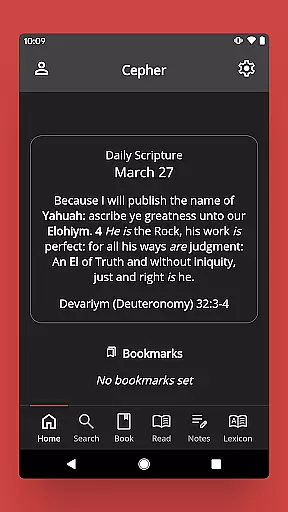
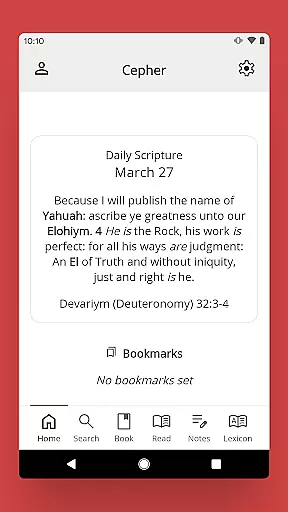
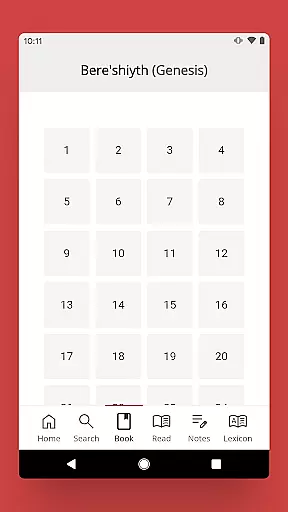
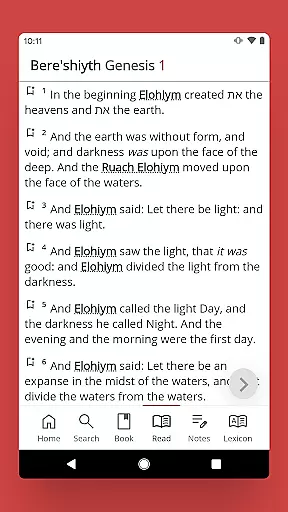
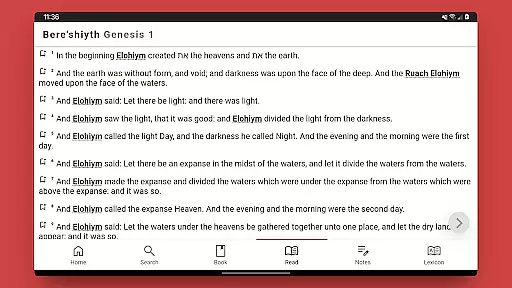
The Cepher is a comprehensive digital scripture library that restores and preserves the original Hebrew names, places, and texts omitted or misinterpreted in traditional Bible translations. This app offers users access to 87 sacred books, including restored texts like Chanok (Enoch), Yovheliym (Jubilees), and others from historical manuscripts such as the Dead Sea Scrolls.
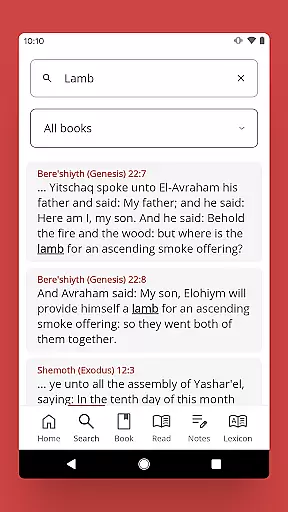
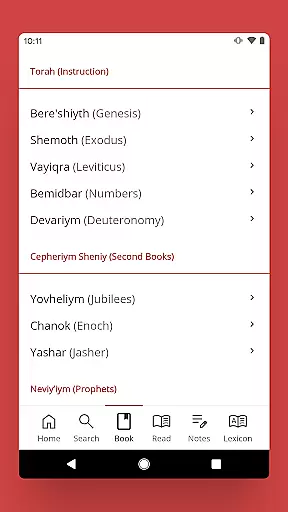
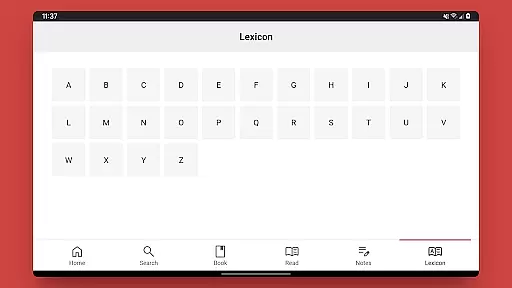
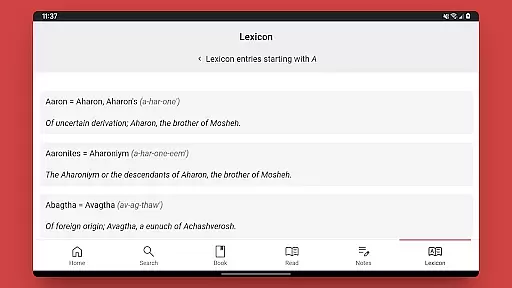
Designed for both scholars and casual readers, The Cepher App provides advanced tools for studying scripture. Users can search by keyword, book, chapter, or verse while enjoying features like note-taking, highlighting, and a lexicon of transliterated Hebrew words. Its intuitive interface ensures ease of use across devices, making it an essential reference tool for those seeking deeper scriptural understanding.
The Cepher App stands out with its meticulous attention to detail in restoring sacred texts. It transliterates over 3,100 Hebrew names and places without substitution, ensuring accuracy. Key restorations include the Aleph Tav (את) symbol throughout the text, missing fragments like 70 verses in 4 Ezra Chapter 7, and additional chapters in Tehilliym (Psalms).
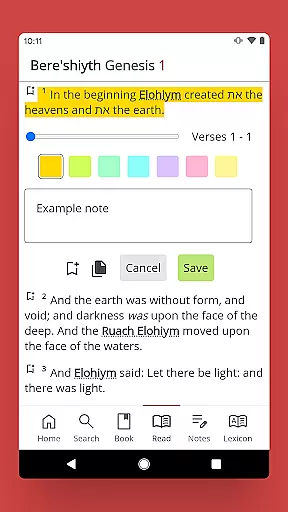
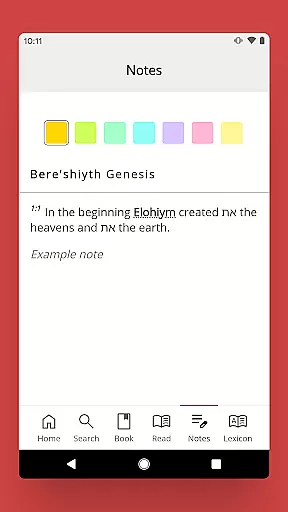
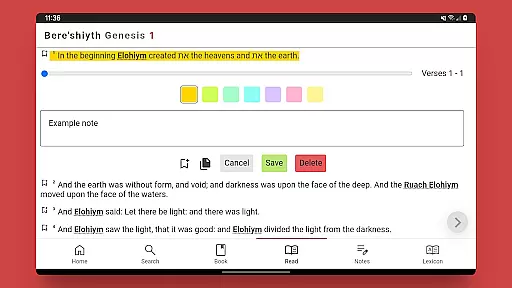
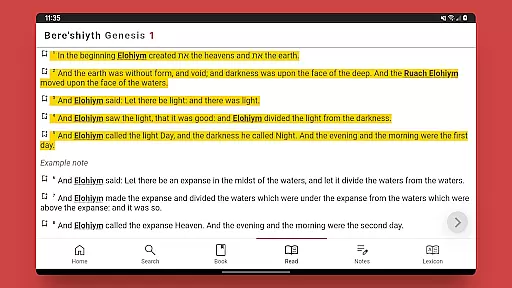
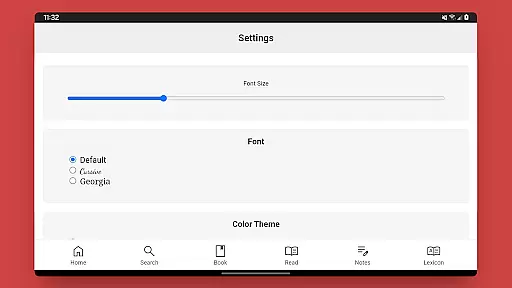
Beyond its textual offerings, the app includes practical study tools. Users can take notes with customizable sorting options, highlight passages in seven colors, and access a lexicon of Hebrew terms. Additional resources such as Daily Hebrew Prayers, links to Dr. Stephen Pidgeon’s blog, and weekly Torah portions enhance the learning experience, providing a holistic approach to scriptural study.
The Cepher app offers an extensive e-book library that includes 87 books, significantly surpassing many traditional Bible compilations. This collection not only encompasses the standard 81 canonized books but also integrates six additional texts of historical and spiritual significance, such as Chanok (Enoch), Yovheliym (Jubilees), and Yashar (Jasher).
Each inclusion within this digital library is meticulously selected to ensure content authenticity and respect for original texts. The app restores transliterations of Hebrew names and places, providing users with a more accurate representation of sacred scriptures.
Users benefit from having access to a comprehensive resource that respects copyright laws while offering unique content like the restored Aleph Tav throughout the text. This dedication to preserving original meanings enhances both scholarly research and personal study.
One of the core strengths of The Cepher app lies in its exceptional format compatibility, ensuring that users can seamlessly engage with its rich content across various devices. Whether accessing the app on smartphones or tablets, readers will find consistent performance and presentation quality.
The application supports multiple search functionalities by keyword, book, chapter, or verse, demonstrating its adaptability to different user preferences and needs. Such versatility is crucial for enhancing accessibility and convenience in studying these ancient texts.
Additionally, features like note-taking capabilities with sorting options and highlighting in seven colors further enrich the user experience. These tools are designed to work smoothly within the app's framework, promoting efficient interaction regardless of device specifications.
Extensive scripture collection
Accurate Hebrew transliterations
Advanced note-taking tools
Seven color highlighting options
One-time purchase for lifetime updates
No offline mode available
Interface may feel dated
Limited multilingual support
Requires prior version for data transfer
Large file size for installation

Bilingual dictionary with English translations of Modern Standard Arabic words.
 4.30
4.30
"Five Dr. Seuss titles in one omBook!"
4.60
Offline dictionary for learning Cantonese as a second language
4.90
Master AKC Rally signs with in-depth hints, diagrams, and expert guidance.
4.50
Read the KJV Bible with Strong’s offline: reading plans, audio Bibles, and more.
4.70
Read and study the Bible and other content in over 1,000 languages.
4.80
F9 Cookbook Mobile App
4.60
A companion for prayer, with Azan alarm, Quibla direction, and Holy Quran book
4.10
Premium reader for ePub, PDF, and more. TTS and translation. Great on any screen
3.50
What’s that bird? Just answer 5 questions, snap a photo, or record its song!
4.90
Daily thoughts, meditations, and prayers for living a sober life in recovery.
4.90
The favorite Christmas story comes to life!
4.80
A lightweight reader for comics and mangas files (.cbr, .cbz, .cbt, .pdf, ...)
4.80
Read unlimited novels, audiobooks, stories & Unlock ebooks, fanfiction and more!
4.70
Discover, track, and share your reading with friends & our community of readers
4.60
Pretty Moon information App with Complications and Tile
4.30
Improve your vocabulary and grammar with the 15 biggest Oxford Dictionaries.
4.30
Read popular romance books and web novels on the fantastic ebook reader
3.50
America's best dictionary and thesaurus - with premium content and no ads
3.40


User Reviews