
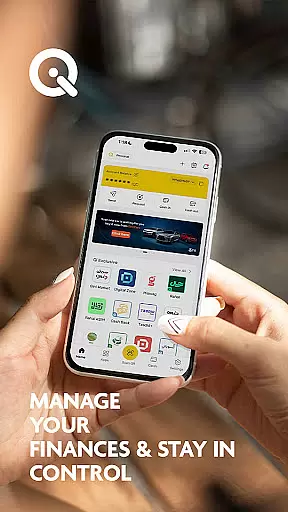
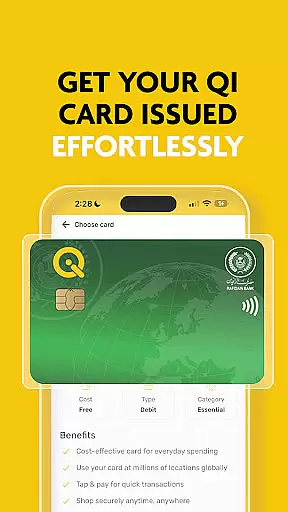
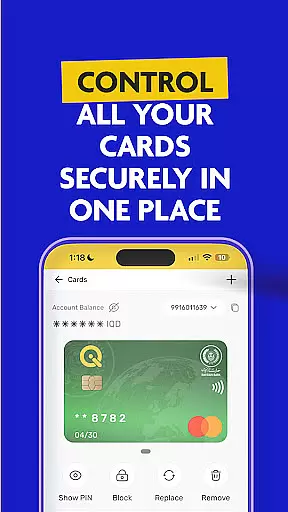

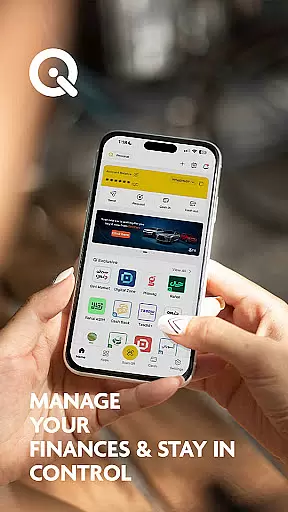
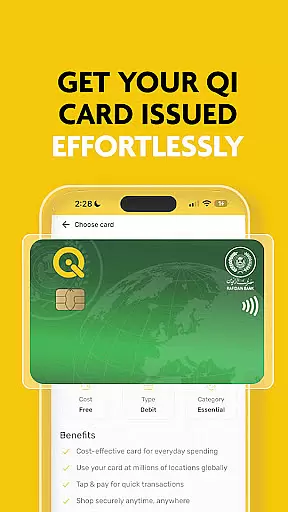
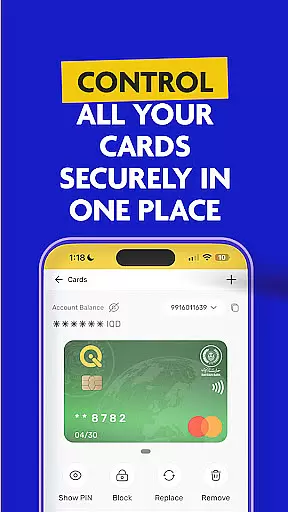
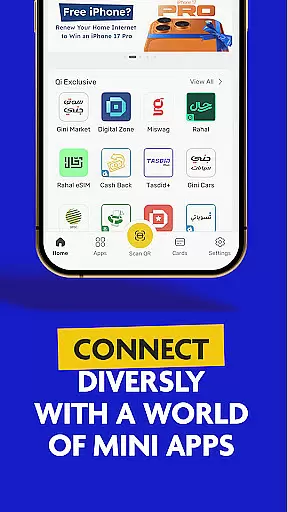

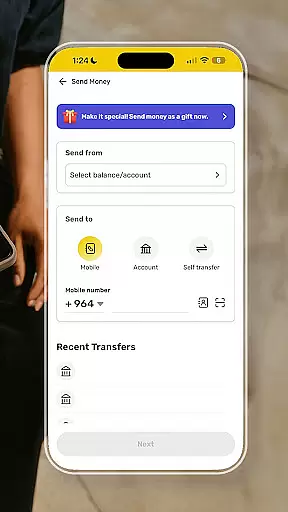
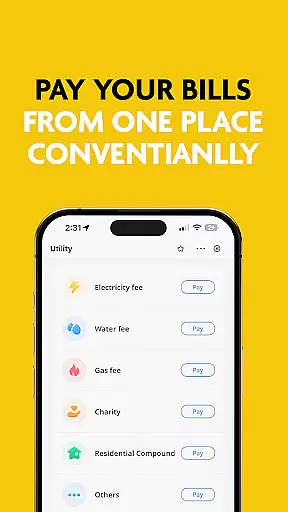
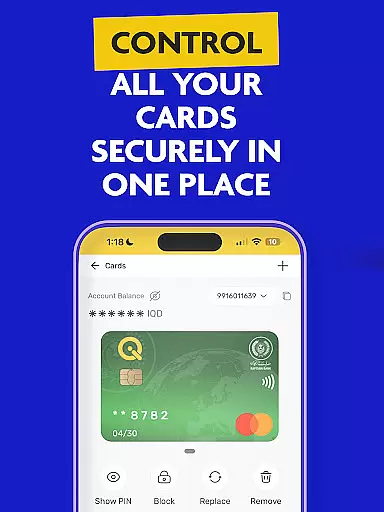

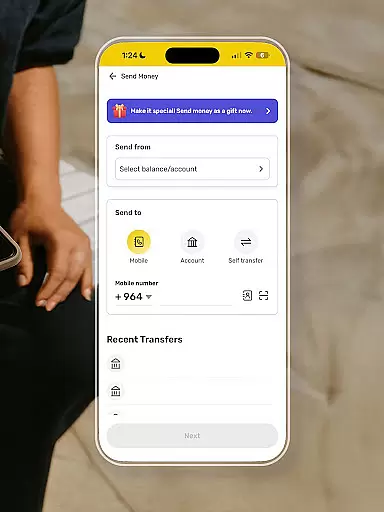
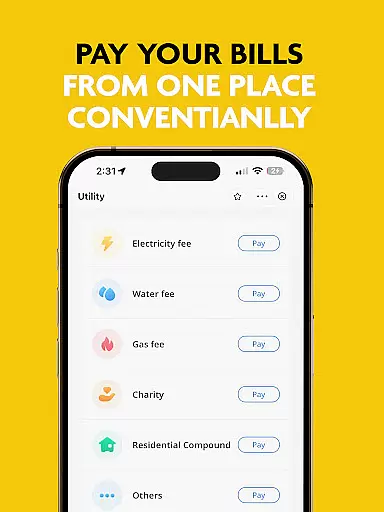
SuperQi stands as Iraq's pioneering super-app, offering an integrated platform for seamless digital transactions without the need for physical cash. This finance application enables users to perform a variety of tasks including money transfers, bill payments, e-commerce activities, mobile recharges, and digital billing within Iraq and globally.
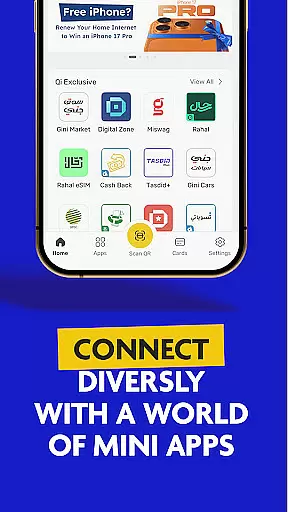
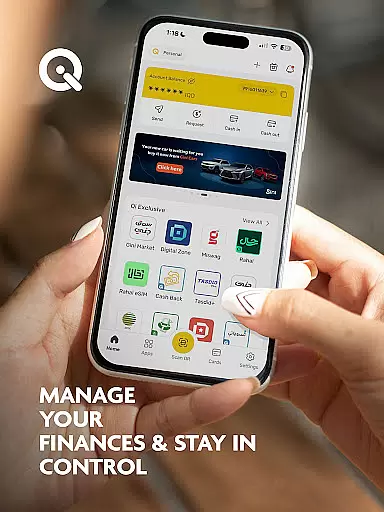
At its core, SuperQi provides secure transaction capabilities, ensuring that user data and financial information remain protected through advanced security protocols. The app also facilitates easy access and management of Qi bank accounts, allowing users to handle their finances efficiently. With features such as mini-apps, users can explore various functionalities aimed at enhancing daily life experiences.
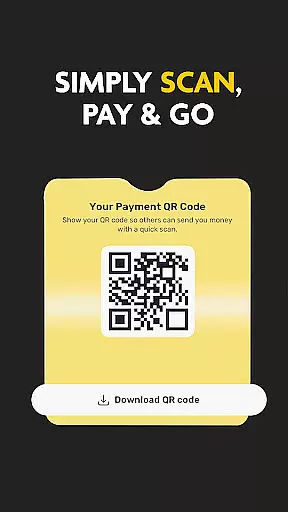
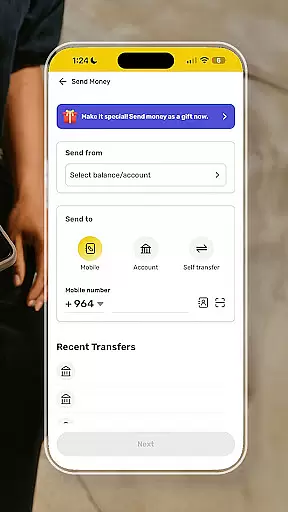
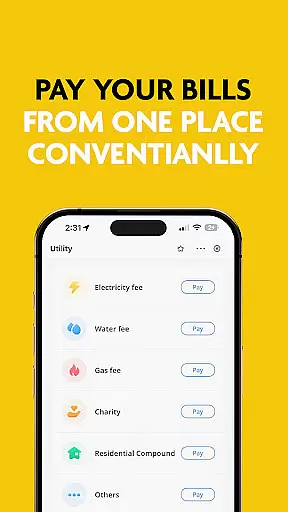
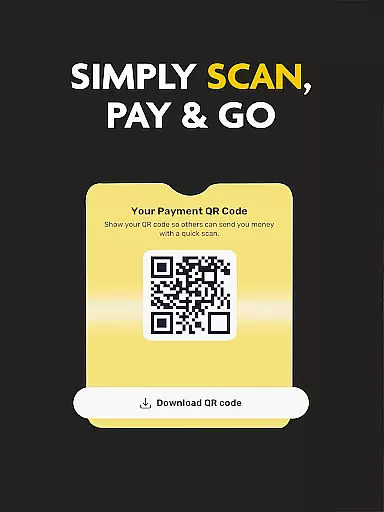
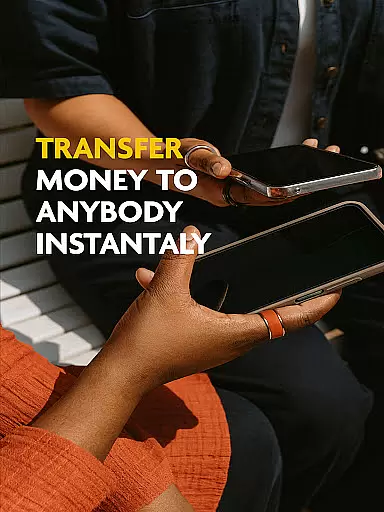
The app's standout feature is its ability to allow users to transfer money easily between different accounts or cards, make payments via QR code scanning, and settle bills with a single tap. Additionally, SuperQi boasts a wide network of trusted merchants spanning multiple sectors, making it a versatile tool for managing everyday needs. Its anytime, anywhere access ensures users have control over their financial activities regardless of location.
SuperQi distinguishes itself through a rich array of features tailored to meet diverse financial needs. One of its primary strengths lies in facilitating secure transactions, employing cutting-edge security measures to protect user data during all financial operations. This commitment to safety instills confidence among users when conducting transactions.
Another significant aspect is the accessibility of Qi bank accounts directly through the app. Users can effortlessly manage their accounts, view balances, and track transaction histories. The inclusion of mini-apps further enriches the user experience by providing specialized tools for various daily activities, thereby consolidating multiple functions into a single platform.
Moreover, SuperQi offers practical solutions such as easy money transfers between accounts, QR code-based payments, and one-tap bill payments. These features not only streamline financial processes but also save time and effort. The extensive merchant network available within the app ensures that users can fulfill a wide range of needs, from grocery shopping to travel bookings, all within a secure and convenient environment.
In the realm of digital finance, security stands as a paramount concern for users. SuperQi addresses this by implementing advanced security protocols to protect your transactions and personal data. The app employs state-of-the-art encryption methods ensuring that all financial activities, from money transfers to bill payments, are safeguarded against unauthorized access.
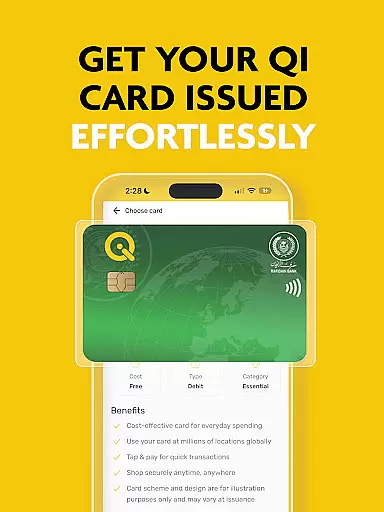
Furthermore, SuperQi provides users with seamless access to their Qi Bank accounts, where they can manage their funds with peace of mind. This level of security extends to the integrated MasterCard or Visa functionalities, making it a reliable digital wallet. By prioritizing security, SuperQi not only protects user assets but also builds trust, encouraging more individuals and merchants to adopt cashless transactions.
The significance of these security measures cannot be overstated. Users benefit from knowing that their daily transactions, whether it's paying bills, recharging mobiles, or engaging in e-commerce, are executed within a secure environment. This robust security framework positions SuperQi as a dependable financial partner in Iraq and globally.
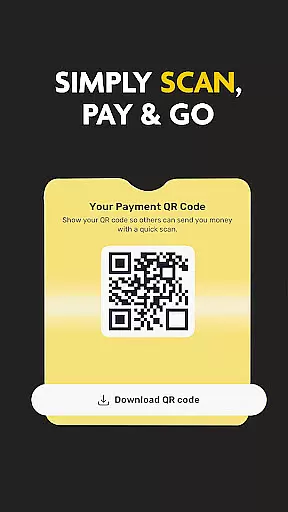
A superior transaction experience is crucial for any financial application, and SuperQi excels in providing just that. With features like 'Scan to Pay,' users can swiftly complete transactions by scanning QR codes, streamlining the payment process significantly. This ease of use enhances the overall user experience, making digital transactions an attractive option for everyone.
SuperQi further simplifies financial management through its intuitive interface that supports effortless organization of daily essentials. Users can easily transfer money between cards or accounts, pay bills with one tap, and access a wide network of trusted merchants. These capabilities ensure that whether you're handling groceries, household needs, or travel expenses, the process is smooth and efficient.
Moreover, the anytime, anywhere access offered by SuperQi means users have full control over their finances without being tied down to physical bank locations. This flexibility, combined with the app's comprehensive suite of services including Western Union money transfers and Rafidain Bank loans, delivers a transaction experience that is both modern and highly convenient.
User-friendly interface
Advanced security protocols
Versatile transaction options
Comprehensive merchant network
Integrated financial services
Limited regional focus
Potential learning curve
Dependence on internet connectivity
Transaction fees may apply
Customer support responsiveness

Get a cash advance instantly. File taxes & cover unexpected bills in minutes.
 4.60
4.60
Debt pay off. Build credit history. AI budget tool. Loan offers.
4.60
Retirement plan, IRA, retail and HSA customers serviced by Empower.
3.10
Payday cash advance & Instant cash advance: Borrow money instantly, Get cash now
4.60
No credit check, no interest, no worries.
4.70
Invest, bank & save in one app. Trade stocks, earn high APY & budget smarter.
4.00
Banking, Budgeting & Investing
4.60
Make Real Cash by Playing Games! Fetch Playful Rewards, Win & Triumph
4.50
Venmo is the fun and easy way to pay and get paid.
4.10
Money transfer made easy. Send money to friends and family with great rates.
4.70
Currency Converter (200+ currencies) with live exchange rates and offline mode.
4.70
Cash Advance, Credit Cards, Credit Lines, Score Monitoring, Saving, Budgeting
4.70
Over 180 currencies conversion rates with live exchange rates and offline mode.
4.60
Easily invest, save, and plan—all in one app.
4.60
Our Chase Mobile App makes it easy for you to bank on the go 24/7.
4.60
Insurance that's quick and easy to buy and use—anytime, anywhere.
4.60
Save, spend & get paid faster²
4.50
Amazing Financial Calculator. Based on HP 10bII, but easier to use!
4.40
StockTiles lets you view prices & charts of your favorite stock assets
2.30


User Reviews