
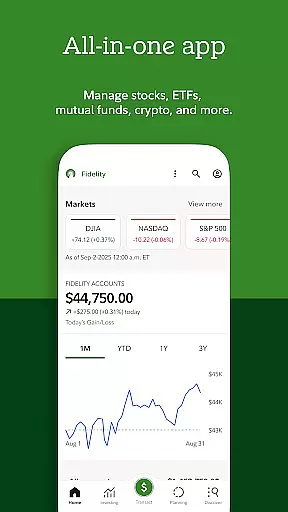

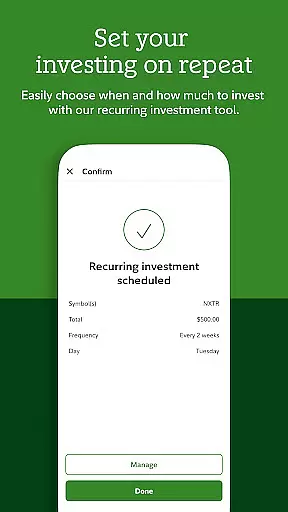
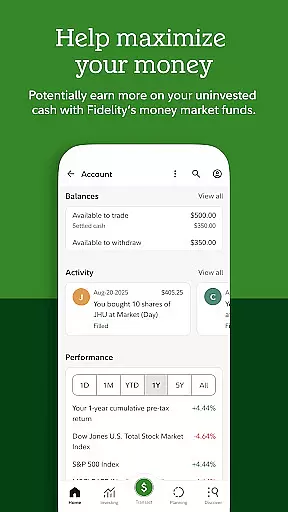
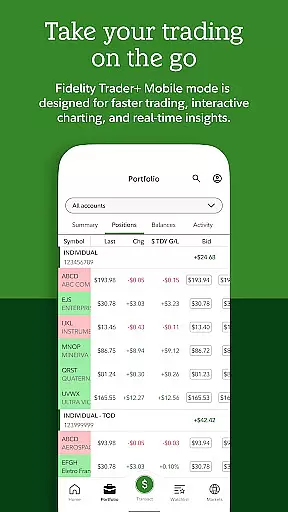
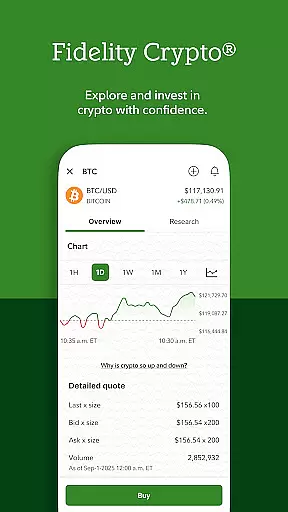
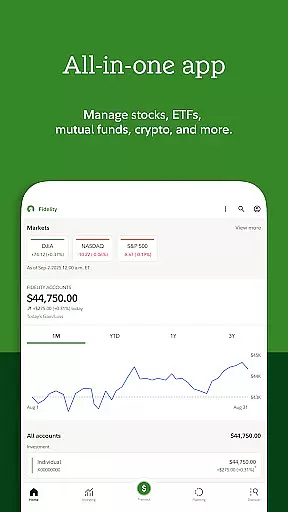

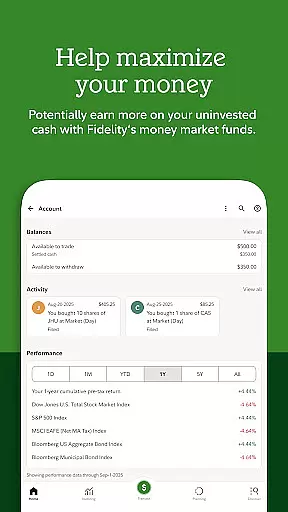
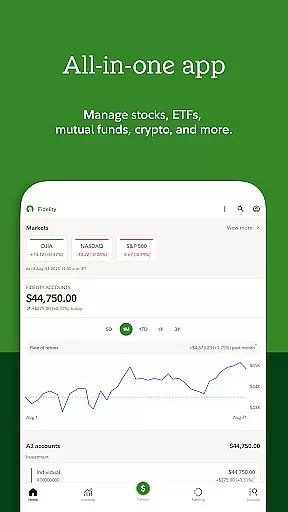

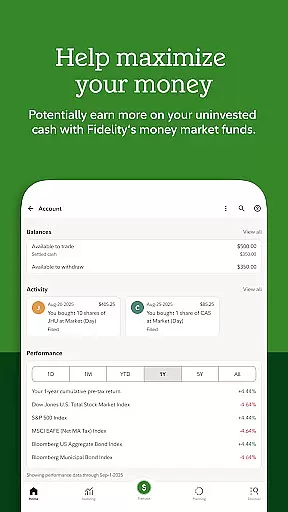
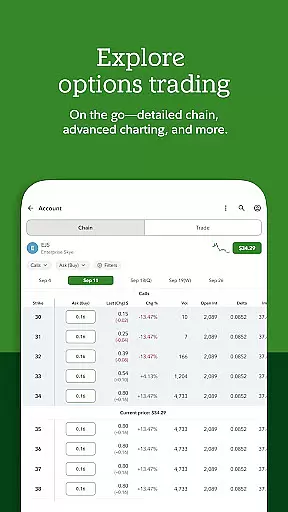
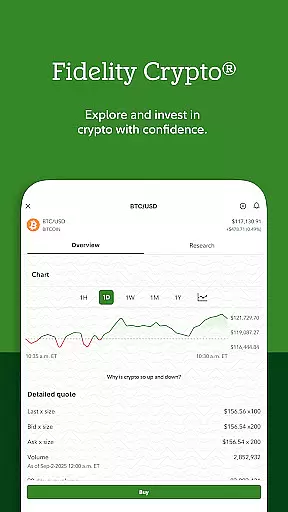
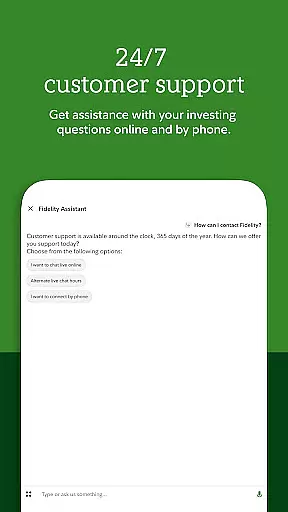
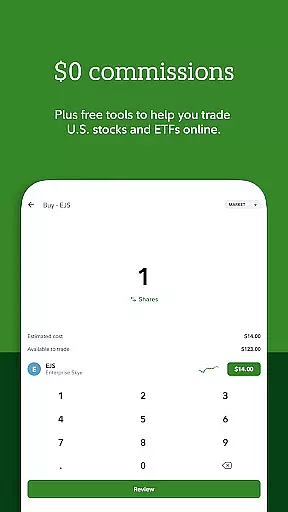
Fidelity Investments offers a comprehensive mobile platform for managing your financial portfolio with professional-grade tools and insights. The app provides powerful investment capabilities, including stock trading, ETFs, mutual funds, and even cryptocurrency trading through Fidelity Crypto®. With integrated cash management features, users can easily transfer funds, deposit checks, pay bills, and automate their investments.
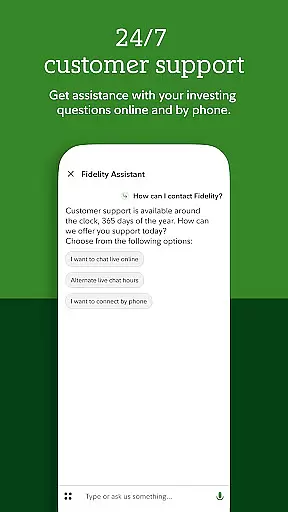
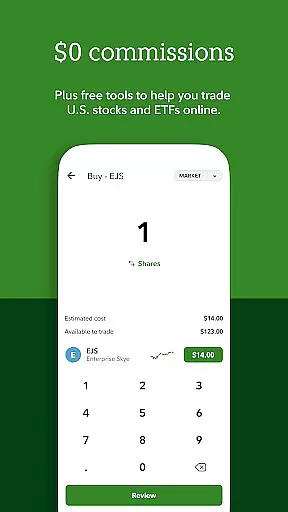
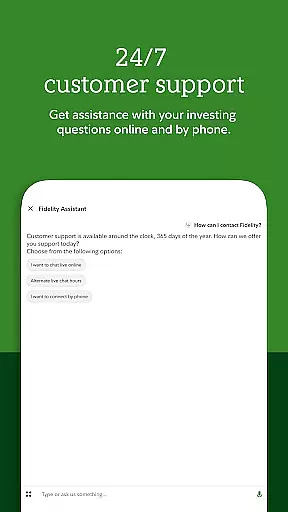
Designed for both novice and experienced investors, the app delivers timely alerts, price triggers, and 24/7 support through virtual assistants and advanced security measures like two-factor authentication. Whether you're looking to trade equities commission-free or manage workplace benefits via the NetBenefits® app, Fidelity Investments ensures a seamless experience across all your devices. This robust functionality makes it an essential tool for anyone seeking to optimize their financial decision-making.
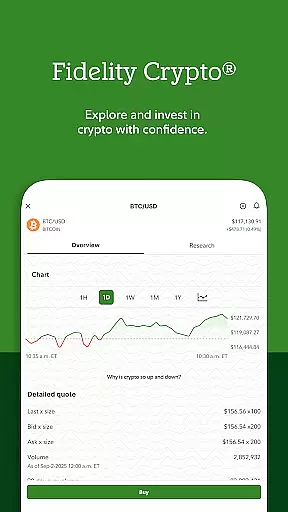
The Fidelity Investments app stands out with its diverse range of features tailored to modern investors. One of its core strengths is the integration of industry-leading research and analysis tools, empowering users to make informed decisions when investing in stocks, ETFs, and mutual funds. Additionally, the inclusion of Fidelity Crypto® allows users to trade popular cryptocurrencies such as Bitcoin and Ethereum, catering to those interested in digital assets.
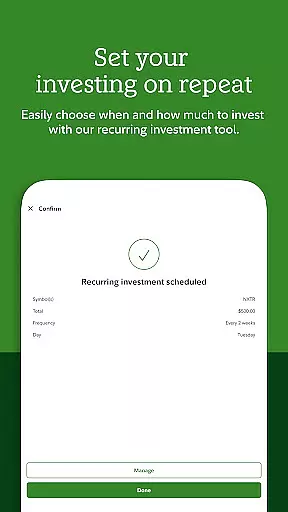
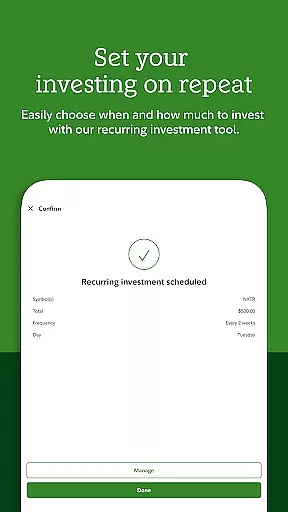
Beyond trading, the app excels in everyday banking functions. Users can deposit checks, schedule recurring transfers, pay bills, and set up automated investment plans. The alert system is particularly valuable, notifying users of market movements and helping them act quickly. Security is another highlight, with state-of-the-art measures like two-factor authentication and voice biometrics ensuring that accounts remain protected at all times.
Account and fund security is a critical aspect of any financial application, ensuring the safety of users' assets and personal information. Fidelity Investments takes this responsibility seriously by implementing state-of-the-art security measures.
The app provides 2-factor authentication and voice biometrics to protect user accounts from unauthorized access. These advanced security protocols create multiple layers of protection, significantly reducing the risk of account breaches.
Additionally, users can engage with a Virtual Assistant at any time for support, reinforcing the commitment to account safety. This around-the-clock assistance ensures that users can quickly resolve any security concerns or questions they may have.
By prioritizing security features, Fidelity Investments not only protects its users but also builds trust, encouraging more confident investment activities within the app.
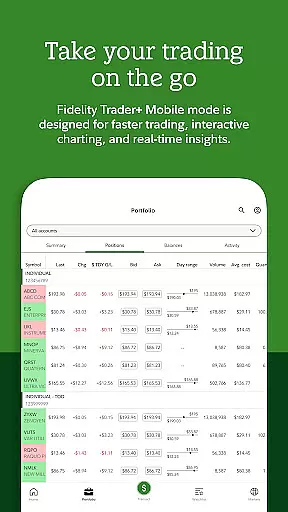
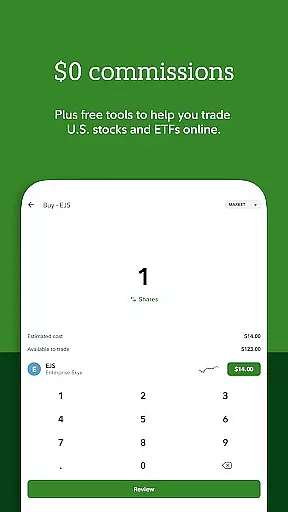
A seamless transaction experience is vital for maintaining user engagement in financial applications. Fidelity Investments excels in providing an intuitive platform for various transactions, including trading stocks, ETFs, mutual funds, and cryptocurrencies.
Users can execute trades, transfer funds, deposit checks, and pay bills effortlessly through the app. The ability to schedule transfers and automate investments adds convenience, allowing users to manage their finances efficiently without constant manual input.
Furthermore, timely alerts and price triggers help users stay informed about their transactions and market movements. This feature enables users to make smarter decisions and respond swiftly to changes in the market landscape.
With a focus on user-centric design, Fidelity Investments enhances the overall transaction experience, making it easier for users to control their financial activities while minimizing potential errors or missed opportunities.
User-friendly interface
Comprehensive investment tools
24/7 customer support
Advanced security features
Crypto trading options
Limited international access
Complex for beginners
Occasional service fees
No direct crypto custody
Market risk disclosure

Currency Converter, Exchange Rates, Widgets
 4.90
4.90
Get a cash advance instantly. File taxes & cover unexpected bills in minutes.
4.60
Need help before payday? Get cash advances with no interest or credit checks.
4.60
Early payday & cash advances with no-fee mobile banking!
4.60
Invest, bank & save in one app. Trade stocks, earn high APY & budget smarter.
4.00
Join 12M+ users. Instant cash advances, personal loans, build credit, save money
4.80
SuperQi, Your all-in-one Super App.
1.30
Earn money as a tester with Testerup, get cash testing apps and games
4.20
Insurance that's quick and easy to buy and use—anytime, anywhere.
4.60
Manage your Discover account conveniently from anywhere.
4.80
No credit check, no interest, no worries.
4.70
Manage your prepaid cards and add to Google or Samsung Wallet.
4.60
The simplest way to budget, bank, save and invest.
4.50
Make Real Cash by Playing Games! Fetch Playful Rewards, Win & Triumph
4.50
Trade NFL, NBA, Crypto, Tech
4.50
BTC, Crypto, Stocks & Options.
4.20
Venmo is the fun and easy way to pay and get paid.
4.10
Your insurance, anytime, anywhere
4.00
Expenses, Bills, Budget and Accounts - All seamlessly integrated in one app!
3.80


User Reviews