
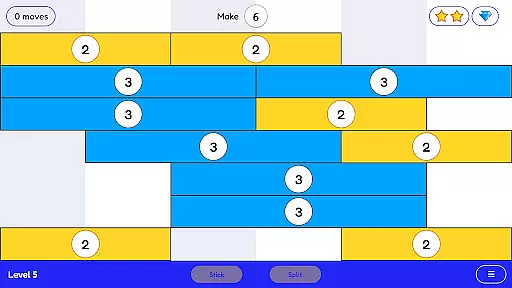
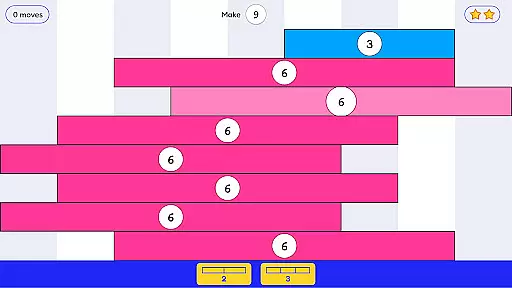
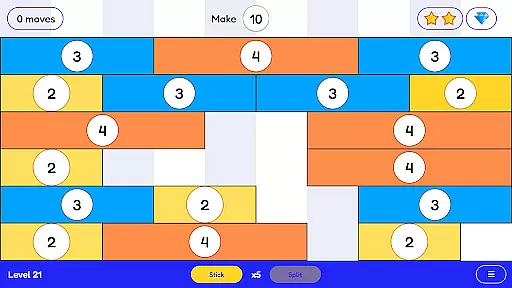
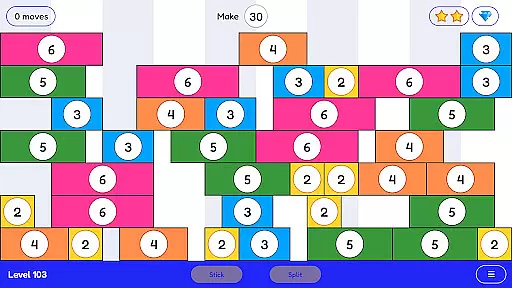
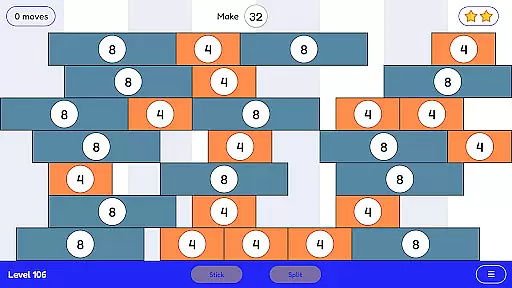
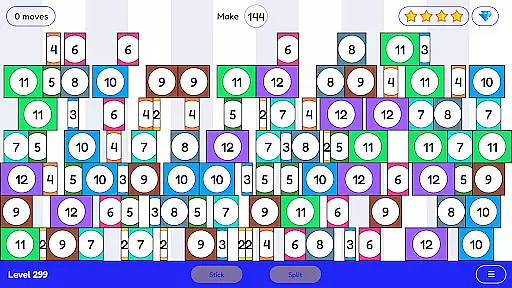
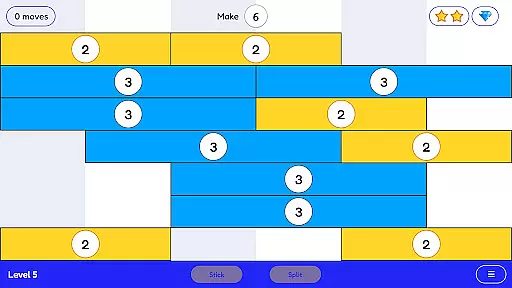
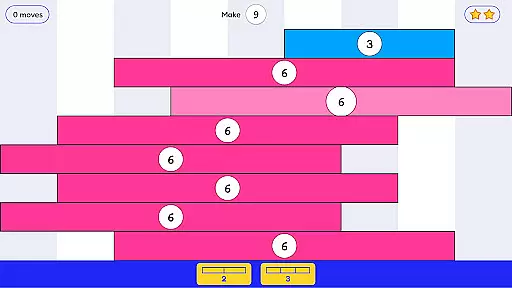
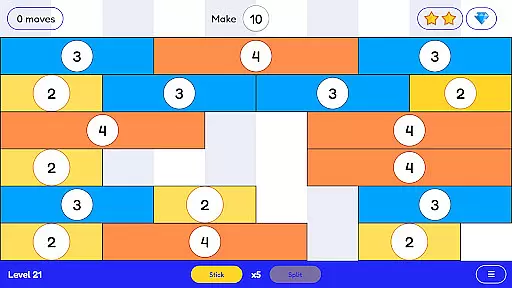
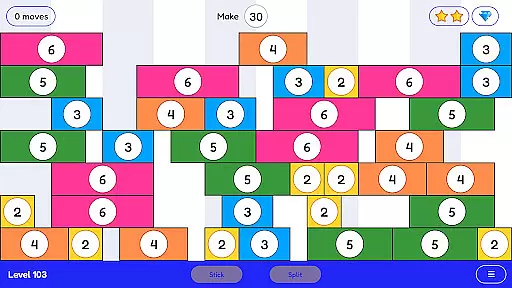
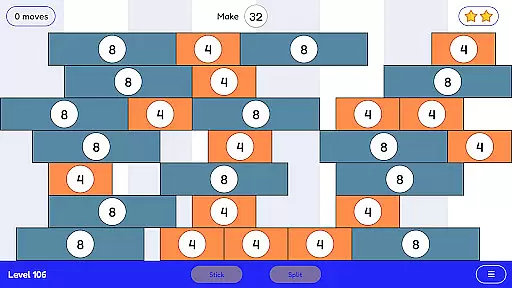
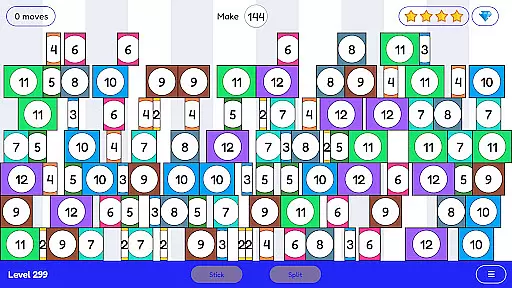
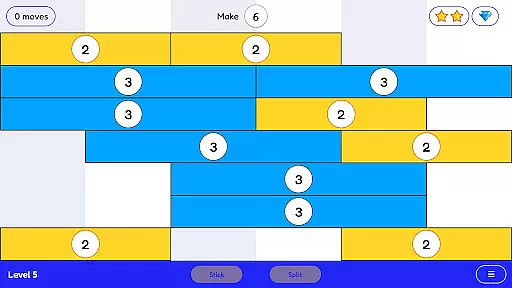
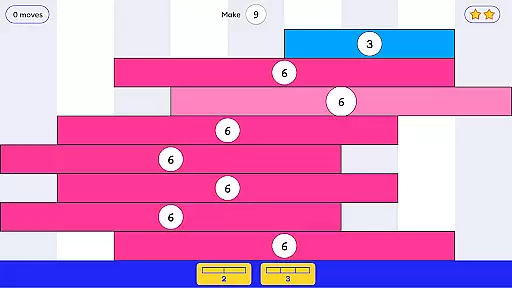
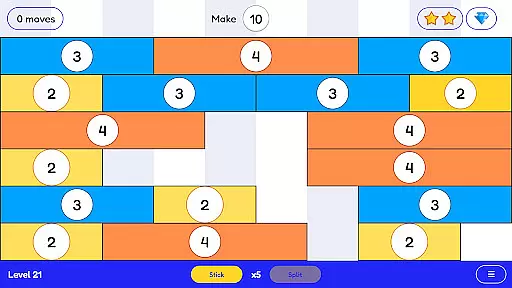
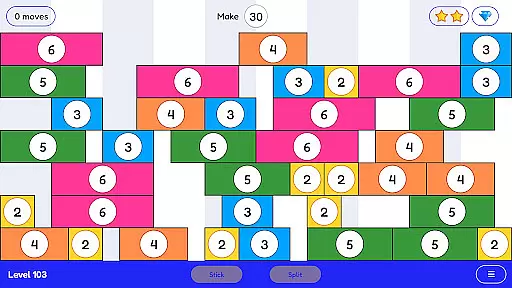
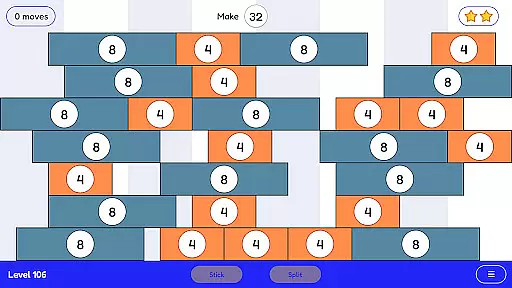
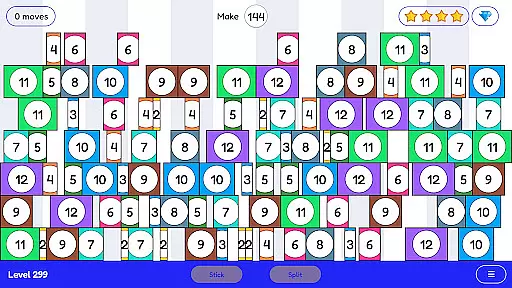
Stick and Split is an innovative educational game designed to make learning math engaging and intuitive. The app focuses on teaching multiplication and division through a highly visual and interactive approach. Users can stick numbers together to form larger values or split them into smaller components, creating an enjoyable learning experience.
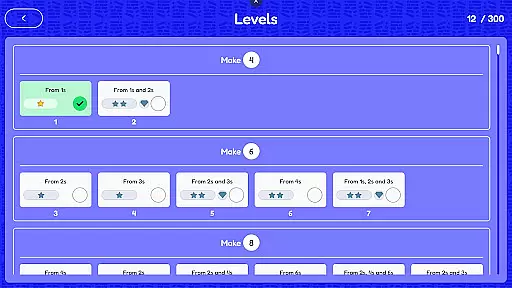
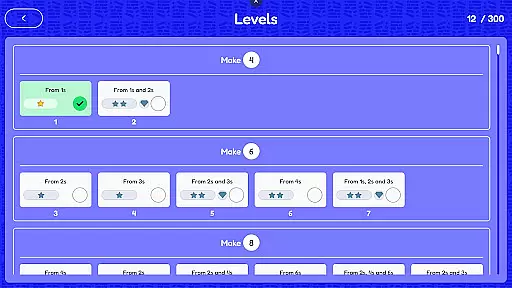
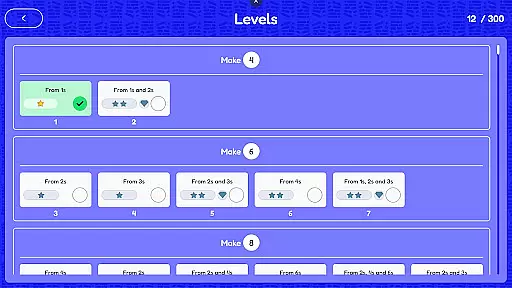
With over 300 levels available, the app provides extensive mathematical practice that is both absorbing and thought-provoking. Its simplicity masks the depth of its educational value, making it suitable for learners of all ages who want to master math concepts with confidence.
Stick and Split stands out with its unique gameplay mechanics tailored for mathematical learning. The core feature allows users to visually manipulate numbers by sticking or splitting them, offering a hands-on understanding of multiplication and division. This method transforms abstract concepts into tangible actions.
The app includes more than 300 progressively challenging levels, ensuring long-term engagement. Each level is crafted to reinforce math skills while maintaining a fun and addictive quality. Additionally, the game's design emphasizes deep cognitive development, helping players build confidence in their arithmetic abilities.
In the realm of educational gaming, content accuracy and alignment with learning objectives are paramount. Stick and Split excels in this area by offering a mathematically rich environment that aligns seamlessly with multiplication and division curricula.
The game's 300+ levels are meticulously designed to enhance understanding of these fundamental operations through engaging gameplay. Each level is crafted not only to challenge but also to reinforce mathematical concepts, ensuring that players develop a solid foundation in arithmetic.
By integrating visual learning methods, Stick and Split provides an immersive experience that aids in the retention of multiplication and division facts. This approach supports diverse learning styles, making it an invaluable tool for both classroom use and individual practice.
Gamification in education transforms traditional learning into an interactive journey. Stick and Split leverages this by turning mathematical practice into a captivating game where numbers stick and split to form new values.
This innovative method encourages learners to experiment with multiplication and division actively. The game mechanics are intuitive, allowing players to manipulate numbers visually, which enhances comprehension and boosts confidence in their mathematical abilities.
Moreover, the progression through levels ensures sustained engagement while gradually increasing the complexity of problems. This balance between fun and challenge promotes deep learning, making Stick and Split an exemplary model of gamified education.
User-friendly interface
Engaging gameplay
Strong educational value
Wide range of levels
Thoughtful design
Limited to basic operations
No multiplayer mode
Graphics are simple
May lack appeal for adults
In-app purchases possible

Get points, learn Spanish, repeat. Speedrun your way to knowledge.
 4.1
4.1
A must-have sequel to our Learn Letter Sounds with Carnival Kids app
4.30
Fun educational jigsaw puzzles for kids and preschoolers.
4.50
Clean the messy house & play with cute kitty in this fun cleaning game for kids!
3.70
Animal games! Adopt virtual pet dog, cat & rabbit to create your pet world!
4.10
Have fun learning Alef Beit
4.0
Find Carmen - Play the classic detective game, stop VILE and find Carmen
4.10
Fun phonics & alphabet tracing game for toddlers, preschool & kindergarten kids!
4.60
Create, customize & explore your Toca Boca story! Endless fun & creativity await
4.30
Kids coloring games for boys! Fun drawing, painting & learning book for kids.
4.60
Tracing, phonics & spelling games for toddlers, preschool & kindergarten kids!
4.50
Creative beauty & fashion
4.50
Kids math games, abc games for kids 4-5 years old. Kindergarten learning games
4.50
Enjoy coloring with wide variety of 1000+ coloring games for kids & drawing game
4.50
Monkey Preschool Fix-It is an early learning game for ages 2 to 5.
4.40
A world for little builders to create, imagine, and learn through play.
4.20
Fun baby care game for kids with dinosaur friends. Enjoy the fun kids game.
4.00
Educational game for children about emergency and other service vehicles
3.80
Explore the world of reading and writing with Booker!
4.2


User Reviews