
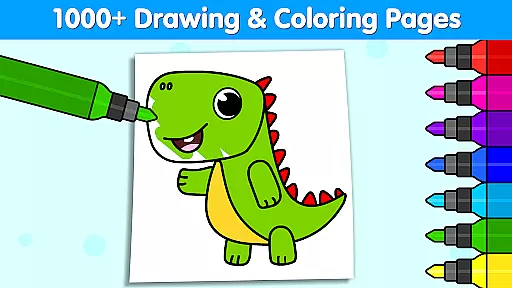
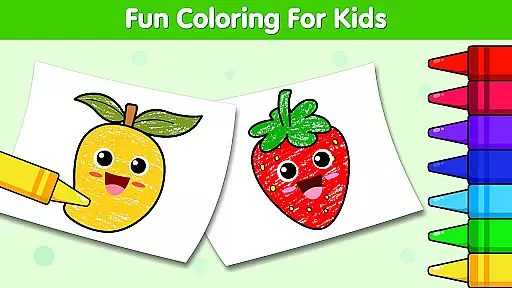
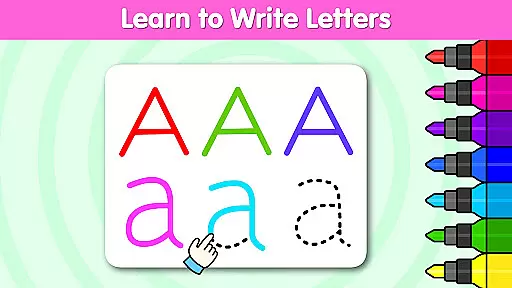
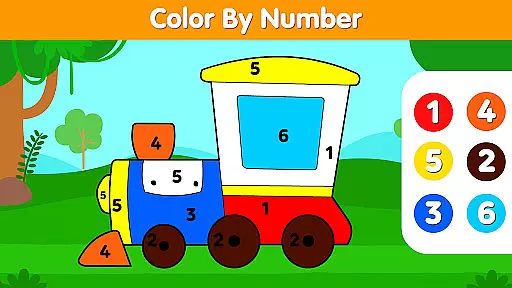
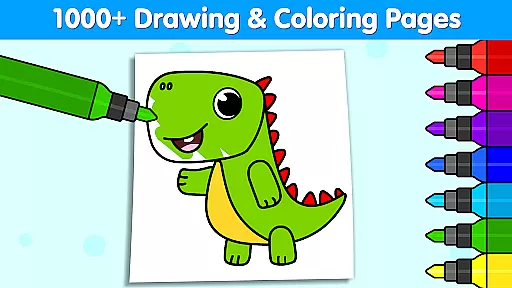
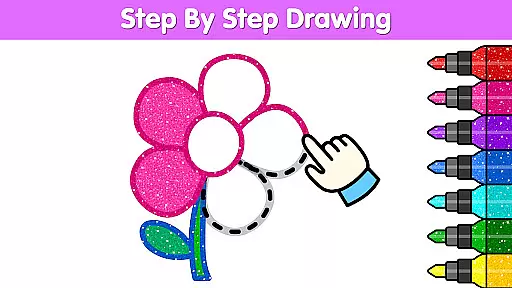
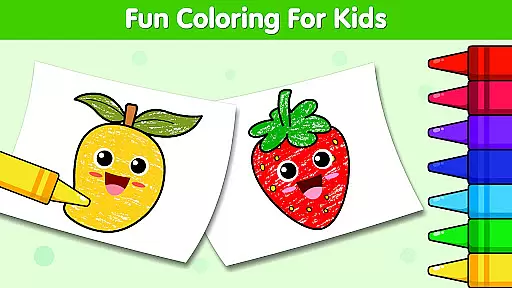
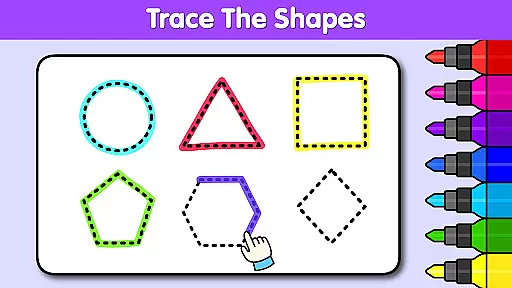
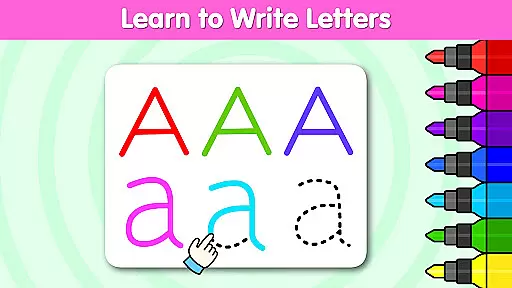
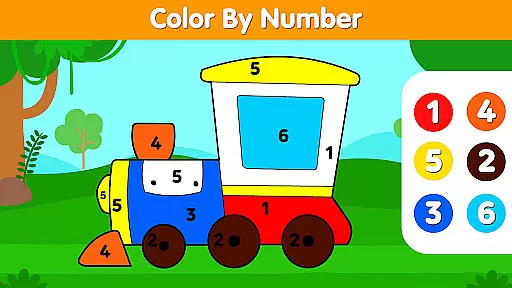
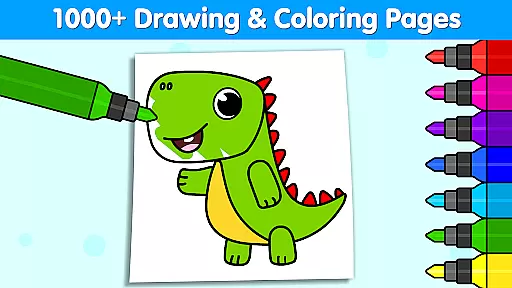
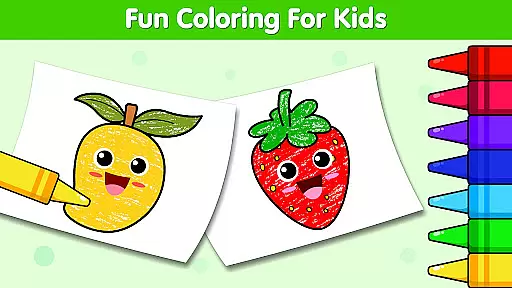
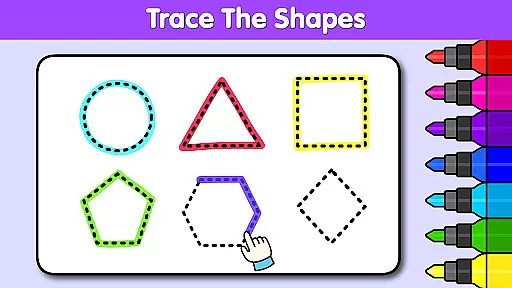
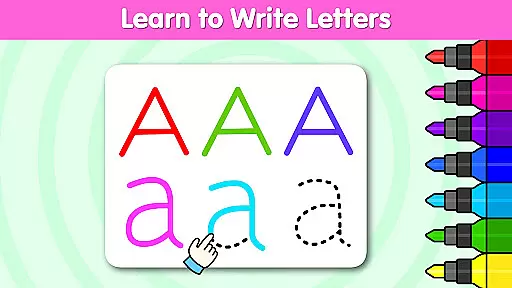
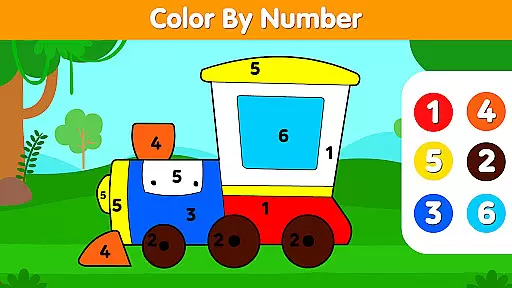
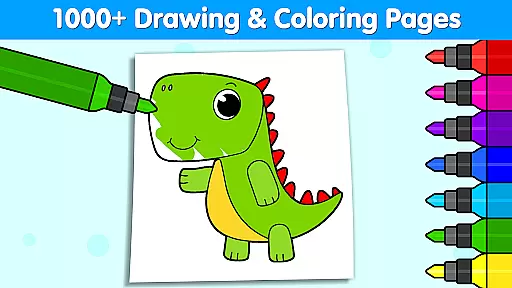

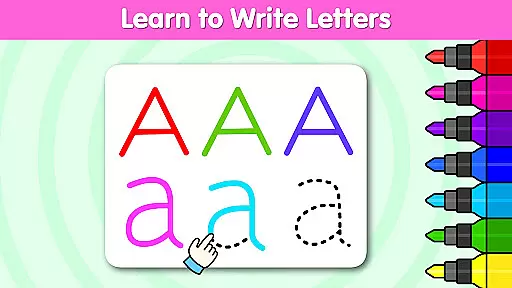
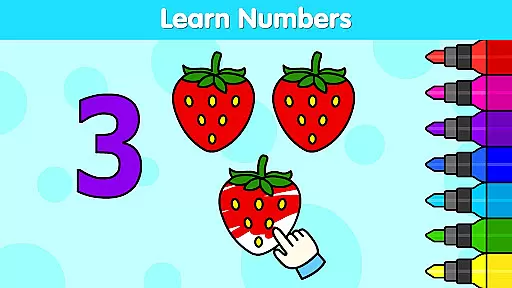
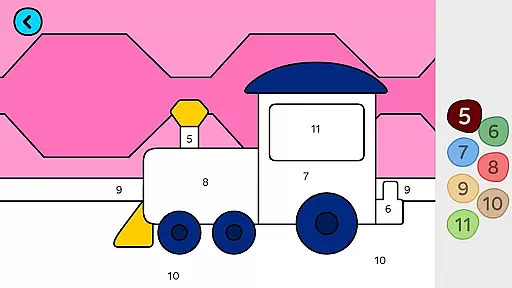
Coloring Games for Kids: Color is an educational app designed to spark creativity and imagination in children through a vast collection of over 1,000 coloring games. This award-winning app caters to kids aged 1 to 6, offering interactive coloring and drawing experiences that help develop essential skills such as cognitive abilities, color recognition, and creativity. With features like color by number, alphabet coloring, and holiday-themed pages, it provides a comprehensive platform for both fun and learning.
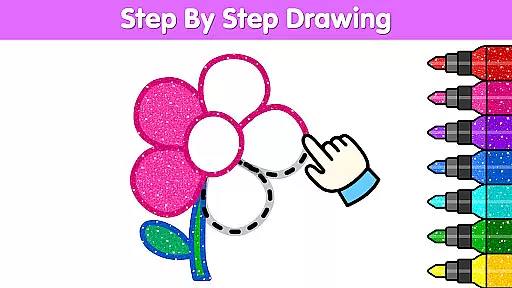
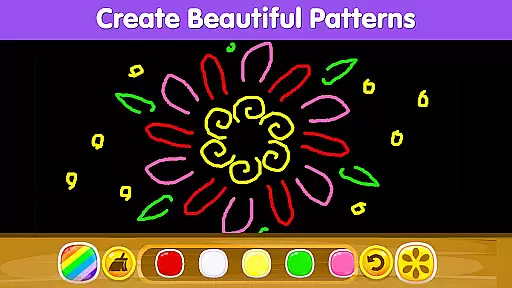
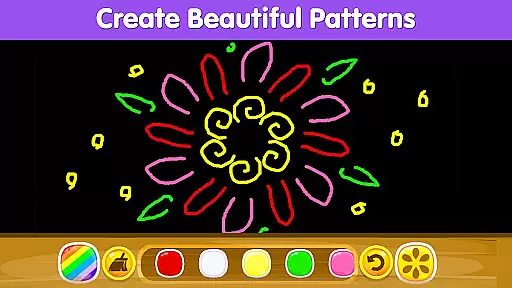
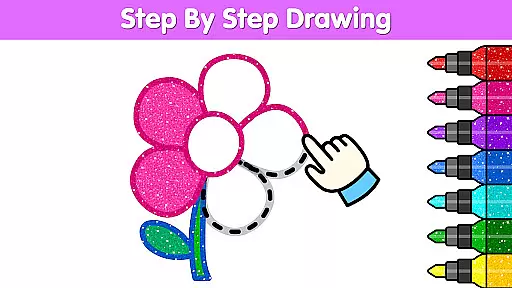
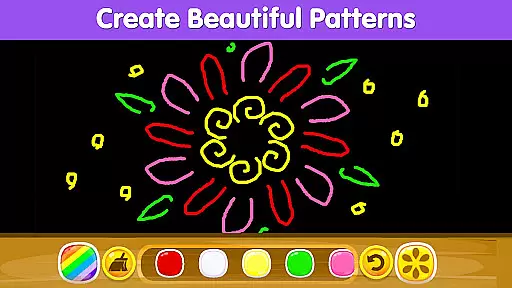
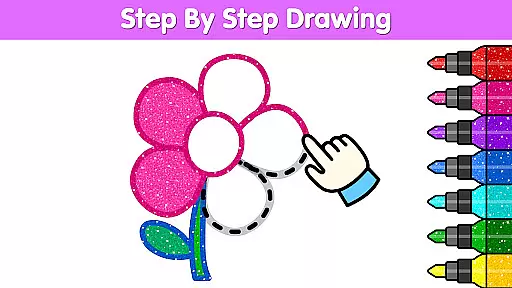
The app stands out with its diverse content including princesses, unicorns, animals, and vehicles, alongside unique options like glow coloring, mandala patterns, and pixel art. Children can enjoy step-by-step drawing tutorials and save their artwork to create a personal gallery. The vibrant design tools, patterns, and glitter effects make every creation visually stunning while nurturing artistic expression.
Perfect for parents seeking a creative outlet for their children, Coloring Games for Kids: Color offers a safe and engaging environment where kids can explore colors, shapes, and characters. Its educational value extends beyond mere entertainment, making it an ideal choice for early childhood development through play.
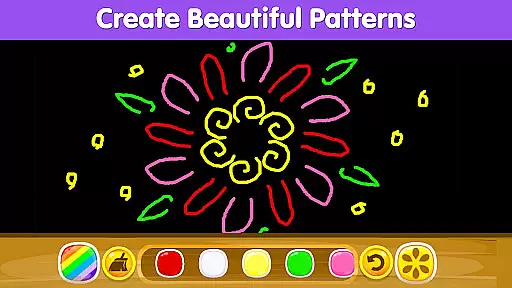
Coloring Games for Kids: Color boasts a rich set of features tailored to enhance the creative and learning experience for young users. One standout feature is the extensive library of coloring pages, which includes categories like animals, princesses, vehicles, and seasonal themes such as Christmas or Halloween designs. These pages are complemented by innovative tools like color by number, alphabet-based coloring, and pattern doodles, ensuring a dynamic and varied experience.
In addition to static coloring pages, the app incorporates interactive elements such as step-by-step drawing tutorials and animated feedback when a child completes a page. Advanced customization options allow kids to experiment with vibrant colors, glitters, and patterns, bringing their artwork to life. The inclusion of special modes like surprise coloring and glow-in-the-dark effects adds an element of excitement and discovery.
Parents will appreciate the ability to save and share their child's creations directly from the app. With all content being free, this app eliminates in-app purchases, providing unrestricted access to its full suite of features. Such thoughtful design ensures that children remain engaged while developing crucial developmental skills in a supportive digital environment.
In the realm of educational apps, content authority and curriculum alignment are crucial for ensuring that children receive accurate and relevant learning experiences. Coloring Games for Kids: Color stands out by offering over 1,000 coloring pages and drawing games that are not only fun but also aligned with early childhood education standards.
The app has garnered numerous prestigious awards, including the Mom's Choice Gold Award and Academics' Choice Smart Media Award, underscoring its commitment to educational excellence. These accolades reflect the app's dedication to providing high-quality, curriculum-aligned content that supports children's cognitive and creative development.
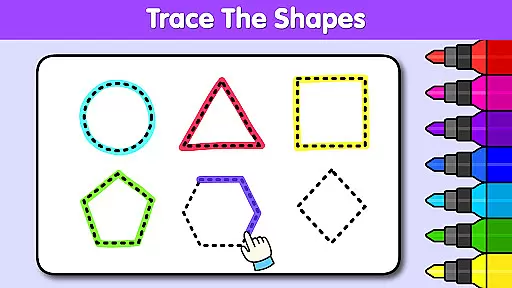
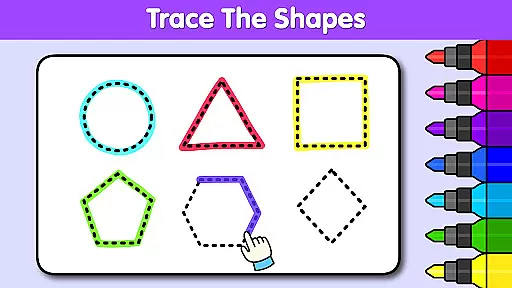
Children can explore a wide range of themes, from animals and vehicles to princesses and unicorns, all designed to spark imagination while subtly incorporating educational elements. This blend of entertainment and structured learning ensures that kids develop essential skills such as color recognition, shape identification, and basic numeracy through engaging activities like color by number and alphabet coloring.
Gamification in learning transforms traditional educational methods into interactive and enjoyable experiences. Coloring Games for Kids: Color excels in this area by integrating gamified elements seamlessly into its platform, making learning an adventure rather than a chore.
The app offers various interactive features such as magical coloring, doodles, glow coloring, and surprise coloring pages. These elements keep children engaged and motivated to continue their artistic journey. By turning learning into a game-like experience, the app encourages kids to spend more time on educational activities without feeling pressured.
Moreover, the step-by-step drawing games help children learn fundamental art skills while fostering creativity and imagination. The ability to save and share their artwork adds another layer of engagement, allowing kids to take pride in their creations and receive positive reinforcement from family and friends. This comprehensive approach ensures sustained interest and effective learning outcomes.
User-friendly interface
Variety of coloring options
Educational and entertaining
Free with no in-app purchases
Encourages creativity and skill-building
Limited advanced tools
Occasional ads may appear
No offline mode available
Designs cater mostly to younger kids
Some features feel repetitive

The Squirrels have been learning how to look after animal, now it's your turn!
 3.90
3.90
Spark your little ones’ imagination!
3.80
A logic puzzle game for 1 - 3 players
4.5
Creative beauty & fashion
4.50
Practice Early Literacy Skills and Build Vocabulary with Elmo & Cookie Monster!
3.90
Fun step-by-step drawing & coloring app to learn and create art!
4.4
Help your child improve their number literacy with Numberblocks: Card Fun!
2.60
Play pretend & explore at the doctor's & school in Daniel Tiger's Neighborhood.
3.30
3D school bus driving game for kids!
4.50
Tons of kids safety games, cartoons, and stories are included in one kids app!
4.70
Learn numbers, letters, and shapes playing toddler balloon pop games ►NoAds◄
4.60
Monkey Preschool Fix-It is an early learning game for ages 2 to 5.
4.40
This will quickly become your kids' favorite animals game!
4.40
A world for little builders to create, imagine, and learn through play.
4.20
Fun drawing games with coloring book, glow and paint by numbers! Color for kids.
4.20
Fun baby care game for kids with dinosaur friends. Enjoy the fun kids game.
4.00
Expert-designed fun interactive learning games to prep kids (2-5) for preschool.
4.00
Find the hidden Numberblocks, add them together and see what happens.
3.50
Companion app for Cozmo, the educational toy robot who’s got a mind of his own.
3.30


User Reviews