
Kids Learn to Read is an educational app designed specifically for preschool-aged children, helping them develop essential reading skills through engaging gameplay. The app features six interactive sections that teach children how to blend sounds into words, read and form simple words, identify spoken words, and learn word families.
With delightful characters like Tommy the Turtle, the app creates a fun learning environment where kids can enjoy success repeatedly. Each section provides positive reinforcement from a likable teacher character, encouraging children to keep learning while having a great time. This ensures that your child remains engaged, happy, and eager to explore more.
Parents can feel confident that their children are not only entertained but also gaining valuable reading skills that will prepare them for future academic success. Kids Learn to Read offers a perfect balance of education and entertainment, making it ideal for young learners who are just beginning their reading journey.
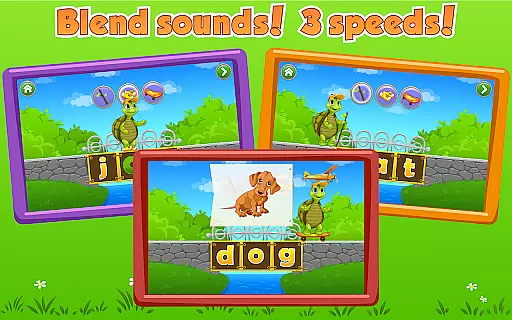
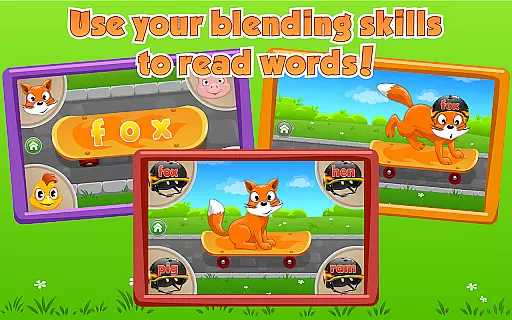
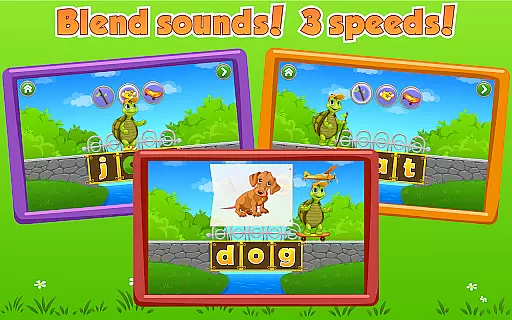
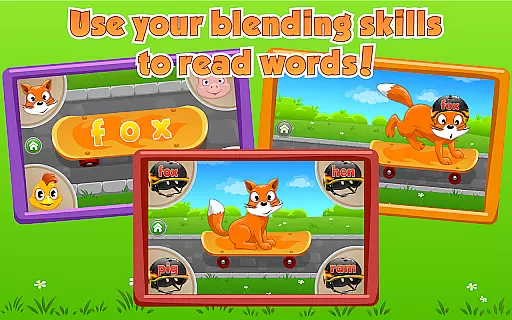
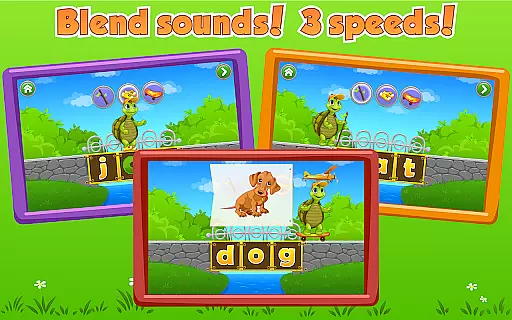
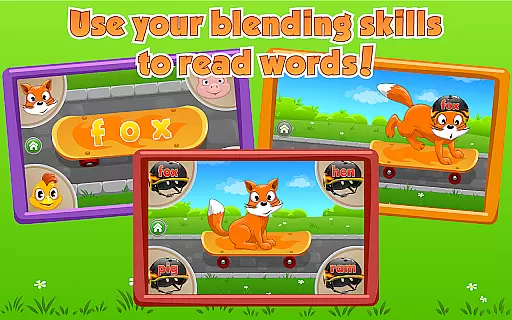
The app includes six unique sections, each focusing on different aspects of reading and language development. In the Magic Letter Bridge section, children learn to blend letter sounds into words by guiding Tommy the Turtle across a bridge. Skateboards and Helmet encourages kids to practice reading as they fit Tommy's animal friends with skateboards and helmets.
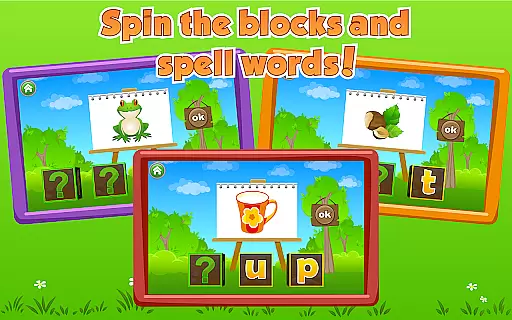
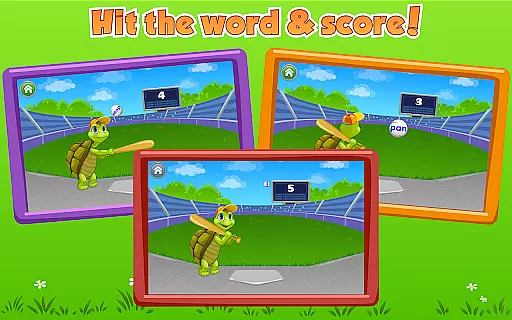
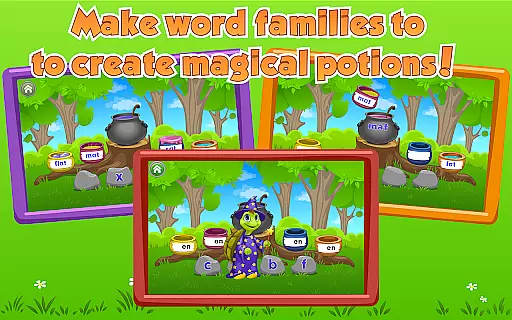
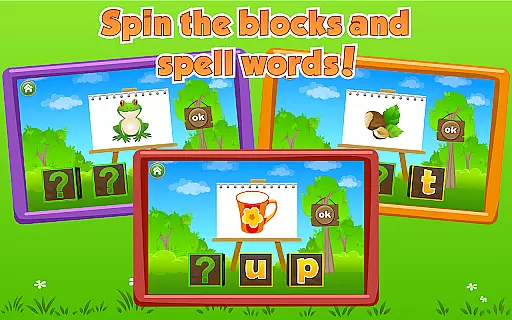
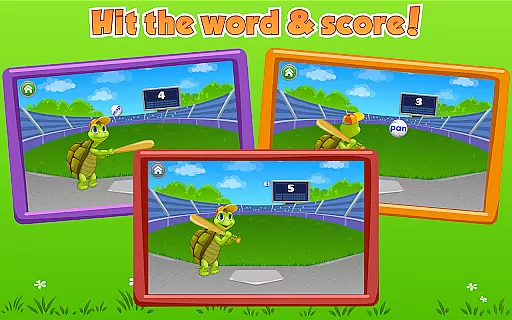
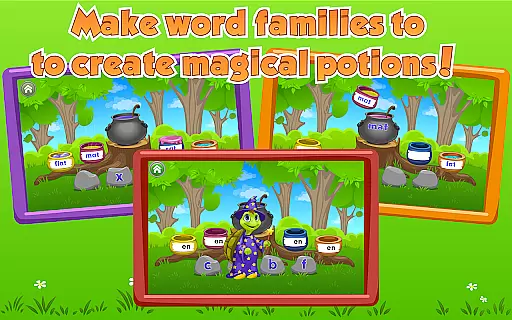
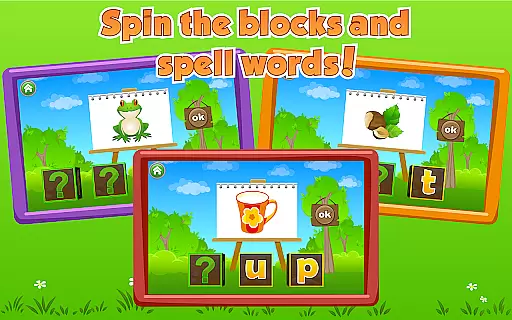
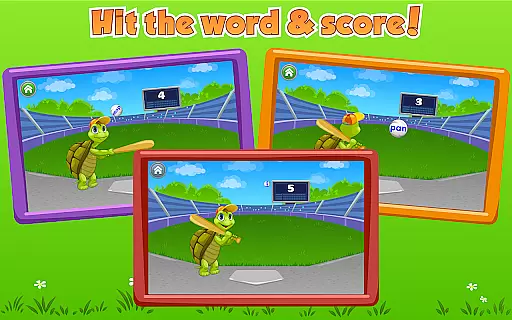
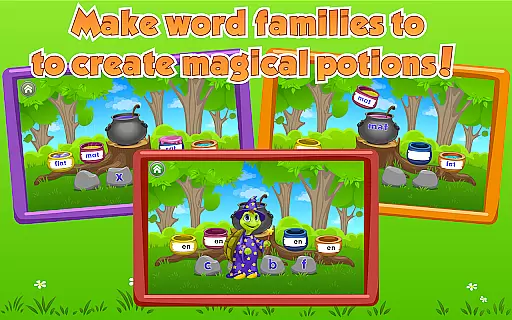
Turn the Blocks allows children to spell out words by rotating blocks with letters on each side, providing a tactile and enjoyable spelling experience. Word Ball helps kids identify spoken words by selecting the correct ball for Tommy to hit. Meanwhile, Word Magic teaches about word families by having children fill a pot with potion and watching magic happen.
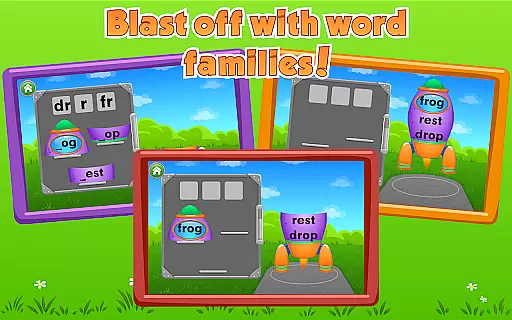
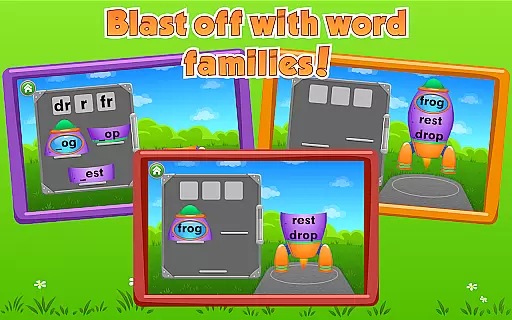
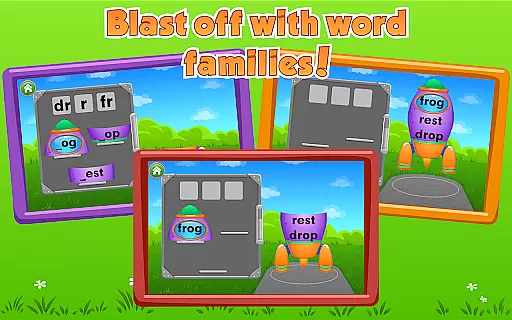
Rocket Words lets kids practice word families further by assembling and launching a rocket into space. These diverse activities ensure that children remain engaged while developing crucial reading skills in a playful manner. With its colorful graphics and interactive design, Kids Learn to Read stands out as an innovative educational tool.
When it comes to educational apps for children, content authority and curriculum alignment are crucial factors. Kids Learn to Read ensures that its content is not only engaging but also pedagogically sound. The app follows established reading methodologies and phonics-based learning, which are essential components of early childhood literacy programs.
The delightful game with Tommy Turtle is designed by educational experts who understand the developmental stages of preschool-aged children. Each of the six sections in the app corresponds to key reading skills such as blending sounds, word formation, and identification of spoken words. This careful structuring ensures that while children have fun with activities like the Magic Letter Bridge and Word Ball, they are also advancing their literacy skills in alignment with educational standards.
Parents can be confident that their children are receiving a high-quality educational experience. With positive reinforcement from the likable teacher character and continuous opportunities for success, kids are motivated to learn and progress. The app's attention to curriculum alignment means that the learning outcomes are clear and support the child's reading development effectively.
Gamification in learning transforms the educational experience into an enjoyable journey, and Kids Learn to Read excels in this aspect. By integrating playful elements with educational content, the app creates an immersive environment where children eagerly participate in reading activities. The use of characters like Tommy Turtle and his animal friends turns learning into a delightful adventure, capturing the interest of young learners.
Each section of the app employs different gamified mechanics to teach various aspects of reading. For instance, in Skateboards and Helmet, children practice reading by helping Tommy's friends, while Turn the Blocks makes word formation a tactile and visual experience. These innovative approaches ensure that children remain engaged and look forward to learning sessions.
The app provides consistent positive reinforcement through its likable teacher character, celebrating each milestone a child reaches. This approach not only keeps children happy but also instills a love for learning. By combining solid educational content with captivating gameplay, Kids Learn to Read successfully integrates gamification with learning, ensuring that children have a great time while acquiring essential literacy skills.
Engaging gameplay
Positive reinforcement
Interactive learning
Fun characters
Educational value
Limited to preschool level
Requires prior knowledge
No advanced features
Simple graphics
Repetitive for older kids

A game to memorize
 4.3
4.3
Join the pirate math adventure!
3.60
Kids letter tracing technique, which is the first step in learning how to write.
4.30
Play educational games for preschool toddlers—plus more to discover ►AdsFree◄
4.60
Educational game for children about emergency and other service vehicles
3.80
Cute coloring games for girls! Draw, paint & decorate with endless colors.
4.70
Have fun learning Alef Beit
4.4
A speed-learning English vocabulary game designed for user to reach proficiency
4.5
Safe, fun, ad-free games for kids! For babies, toddlers, & kids age 2-6
3.60
Amazing learning and educational games for children of all ages.
4.70
Explore, create, and play with Hello Kitty and all her friends!
4.60
A world for little builders to create, imagine, and learn through play.
4.20
Master your phonics letters and sounds with the Alphablocks!
3.80
Find the hidden Numberblocks, add them together and see what happens.
3.50
Play the fun healthy habits game for kids with Cocobi the little dinosaurs.
3.40
Learn and practice multiplication and division
4.3
Absorbing, highly visual, effective learning of multiplication, division
4.4
Get points, learn Spanish, repeat. Speedrun your way to knowledge.
4.5
Creating emotional connections
4.3


User Reviews