
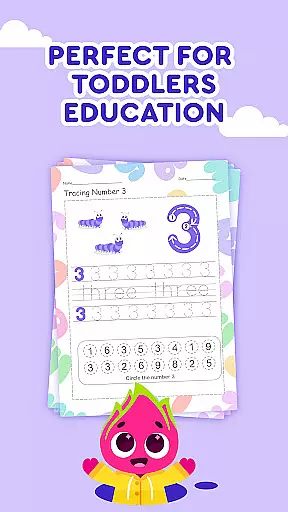

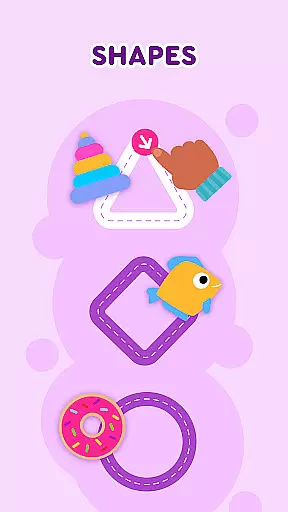
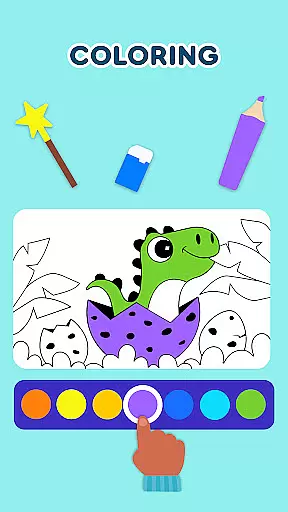
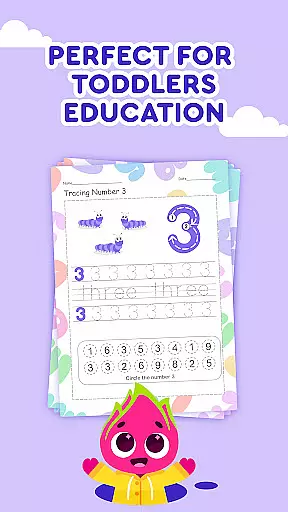
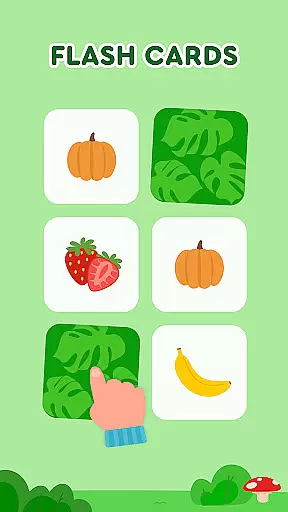

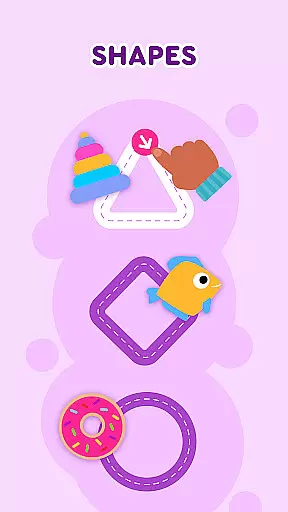
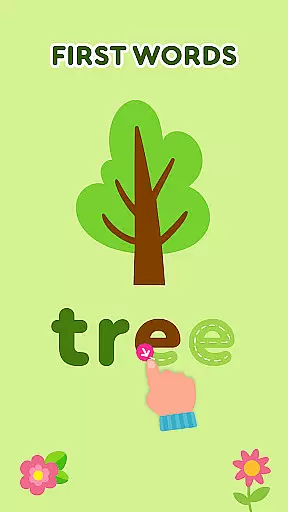
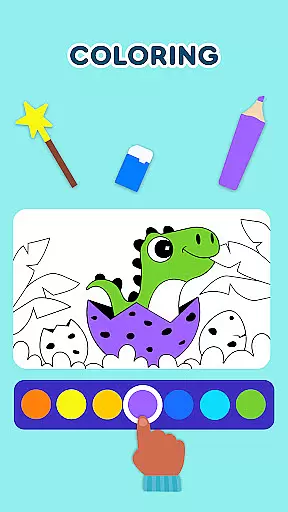
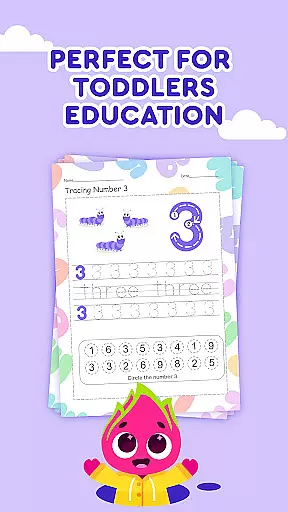
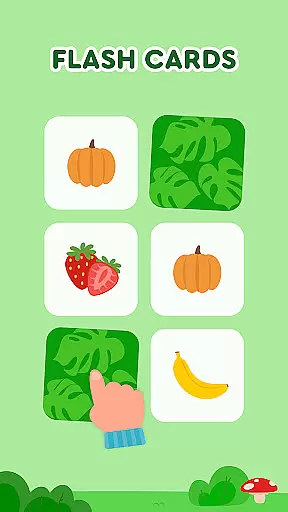

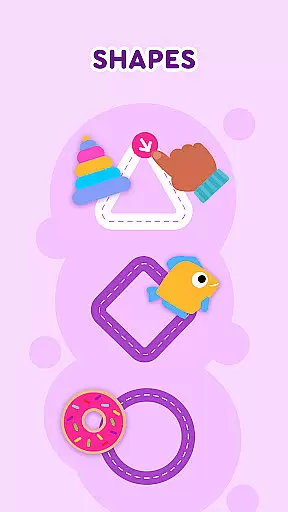
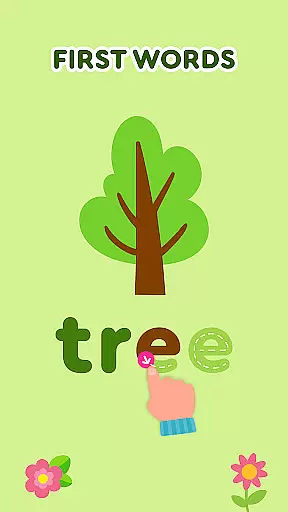
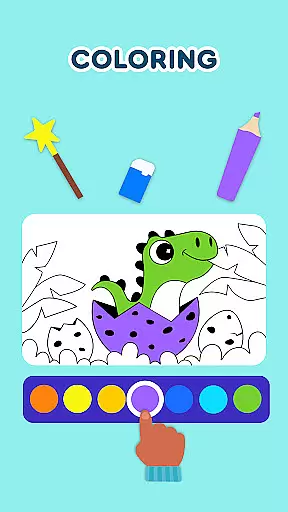
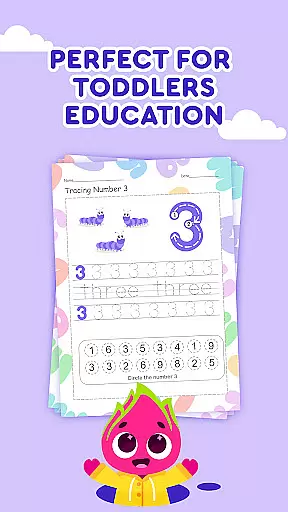

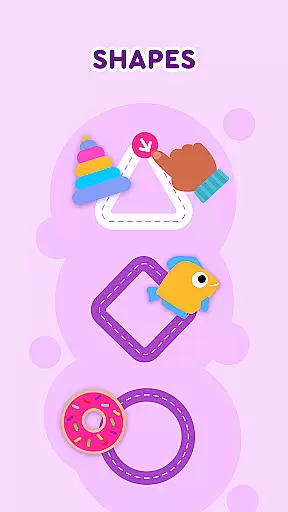
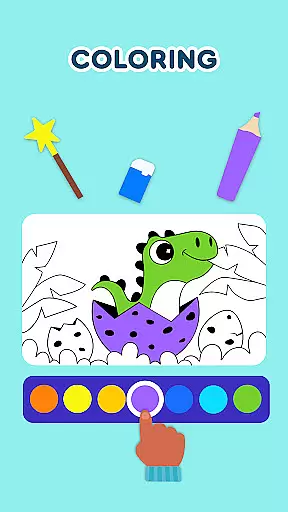
Keiki Learning Games for Kids is an educational app designed to make learning enjoyable and engaging for toddlers and preschoolers. The app offers a variety of interactive games that cover essential early learning topics such as ABCs, numbers, colors, shapes, and more. With content developed by child education experts, Keiki ensures that screen time is both fun and beneficial.
The app features numerous activities including letter recognition puzzles, tracing letters, memory matching games, and interactive songs. These games are crafted to enhance cognitive development, fine motor skills, and basic academic knowledge in young children. Whether it's through solving puzzles or singing along to educational tunes, Keiki provides a comprehensive learning experience tailored for kids aged 2-5 years.
Parents can utilize Keiki as an effective educational tool at home or on the go. Its colorful graphics, engaging animations, and adaptive difficulty levels ensure sustained interest and progressive learning. By incorporating elements like cooking games and harvesting activities, Keiki makes learning relatable and fun, preparing children for their upcoming school journey.
Keiki Learning Games for Kids stands out with its diverse range of educational activities. One notable feature is the ABC Puzzle Games, which help toddlers recognize letters and understand basic phonics by placing letters into corresponding slots. This hands-on approach aids in reinforcing alphabet knowledge through play.
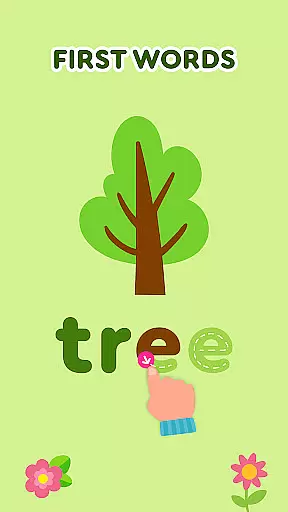
Another highlight is the Tracing ABC Letters section, where children practice writing both uppercase and lowercase letters. This feature not only improves handwriting skills but also strengthens letter memorization. Additionally, the Spin & Turn Toddler Puzzle Educational Games challenge children to rotate puzzle pieces to complete pictures, enhancing problem-solving abilities and spatial awareness.
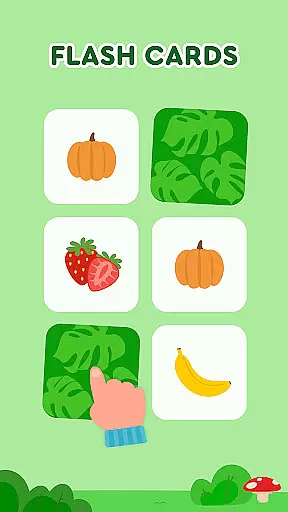
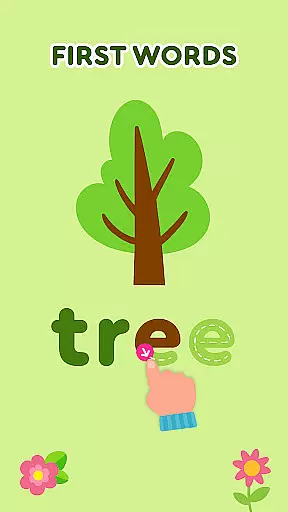
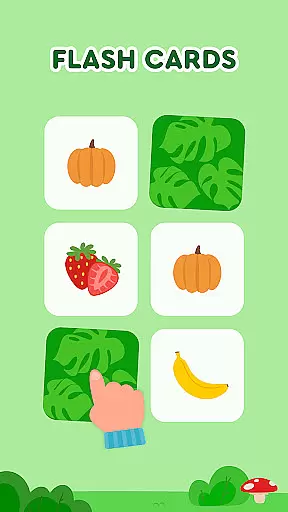
Memory Cards and Spelling ABC Baby Games further enrich the learning experience. Memory Cards improve recall and matching skills across various themes like animals and food, while Spelling ABC Baby Games introduce word formation using letters. With these multifaceted features, Keiki ensures a balanced development of cognitive, motor, and academic skills in young learners.
In the realm of educational gaming, content authority and curriculum alignment are paramount for ensuring that learning is both effective and credible. Keiki Learning games for Kids takes this responsibility seriously, offering a suite of activities designed by child education experts to enrich the early learning journey.
The application encompasses a broad spectrum of educational tools ranging from ABC games for toddlers to math games for kids, all meticulously crafted to align with preschool curricula. Each game is infused with knowledge about numbers, colors, shapes, and phonics, providing a comprehensive foundation for young learners.
Parents can be confident in the educational value of Keiki's offerings, as each activity is constructed to not only captivate but also educate. The app's carefully structured content ensures that while children engage with fun puzzles and songs, they simultaneously absorb essential academic concepts.
Ultimately, Keiki Learning games for Kids stands out as an authoritative source for early childhood education, bridging play and learning seamlessly. By integrating curriculum-based activities, it guarantees that screen time translates into meaningful developmental progress for children.
Gamification has revolutionized the way children interact with educational content, and Keiki Learning games for Kids excels in merging enjoyable gameplay with substantive learning outcomes. This approach not only captures the attention of young minds but also enhances their engagement with critical educational material.
Through a diverse array of interactive games, including toddler puzzles, memory cards, and spelling challenges, Keiki fosters an environment where learning is synonymous with fun. These games are ingeniously designed to reinforce key skills such as letter recognition, color identification, and basic mathematics through playful exploration.
Moreover, the incorporation of catchy educational songs and entertaining cartoons enriches the learning experience, encouraging children to delve deeper into language arts and logical thinking without realizing they're studying. Such methods ensure that cognitive development occurs naturally during play.
Keiki's dedication to gamification-learning integration means that every interaction within the app contributes to a child's growth. By transforming traditional educational exercises into captivating adventures, Keiki secures its place as a leader in innovative digital learning for preschoolers.
User-friendly interface
Educational content
Engaging animations
Adaptive difficulty
Expert-developed
Limited free content
In-app purchases
Occasional bugs
Ads between games
Heavy on graphics

This will quickly become your kids' favorite animals game!
 4.40
4.40
Draw shapes, mix colors, and dodge traps to defeat foes in the vibrant Art Zone!
4.3
Join the pirate math adventure!
3.60
Creative beauty & fashion
4.50
Kids coloring games for boys! Fun drawing, painting & learning book for kids.
4.60
Cute coloring games for girls! Draw, paint & decorate with endless colors.
4.70
Glow Doodle! Baby Coloring & Drawing games for toddlers: Color and Learn! NoAds!
4.40
OG Munchers - Play classic Number Munchers game on Android
4.40
Fun phonics & alphabet tracing game for toddlers, preschool & kindergarten kids!
4.60
Tons of kids safety games, cartoons, and stories are included in one kids app!
4.70
Play virtual baby daycare simulator & be a babysitter, take care of cute babies!
4.60
Enjoy coloring with wide variety of 1000+ coloring games for kids & drawing game
4.50
Math Games For Kids To Learn Addition, Subtraction, Multiplication and Division.
4.30
OG Trail - Lets you play the classic Oregon Trail simulation game on Android
4.20
Fun baby care game for kids with dinosaur friends. Enjoy the fun kids game.
4.00
CASHFLOW - The Investing Game
4.00
Get points, learn Spanish, repeat. Speedrun your way to knowledge.
4.5
A speed-learning English vocabulary game designed for user to reach proficiency
4.3
Discover the infinite cycles of the universe
4.4


User Reviews