
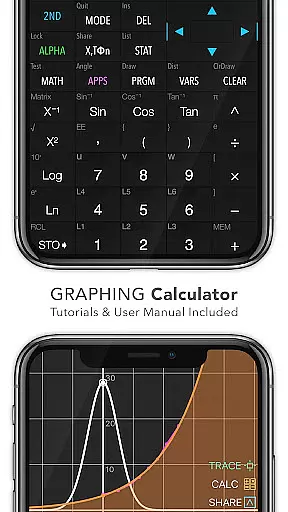
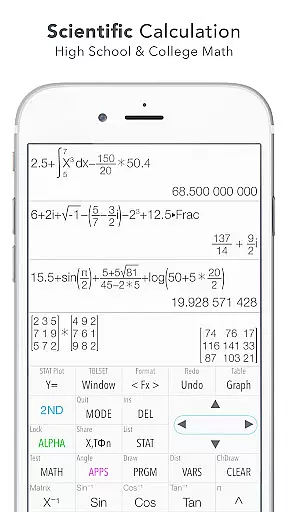
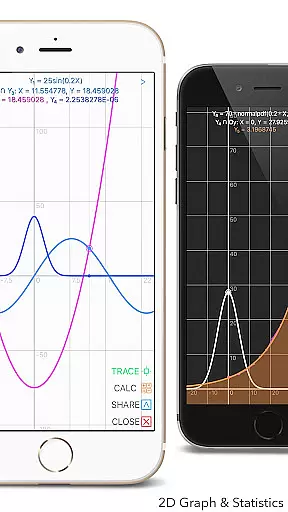
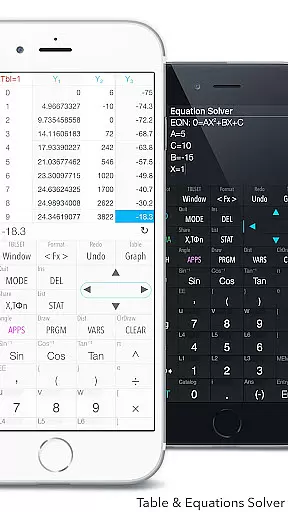
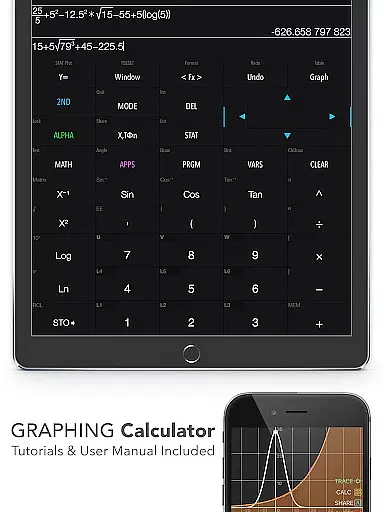
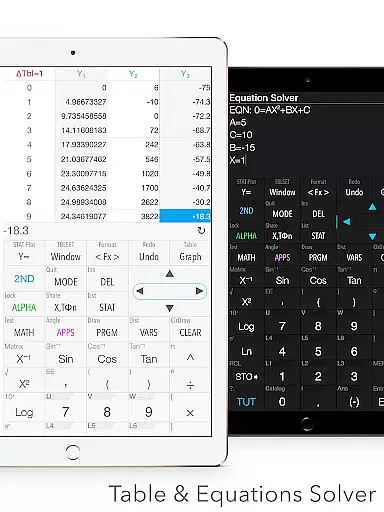
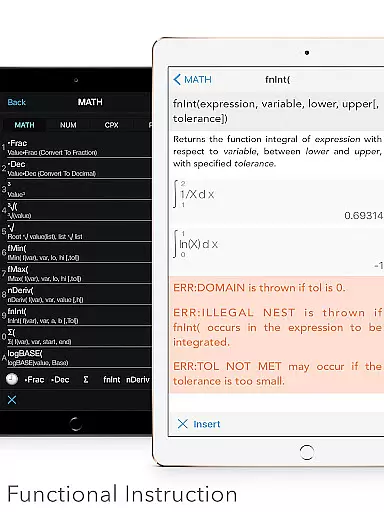
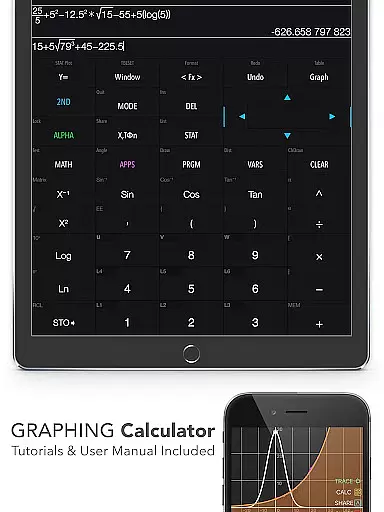
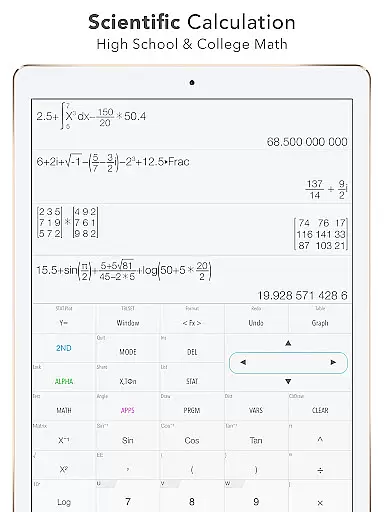
Graphing Calculator Plus stands as a versatile and powerful educational tool designed to cater to the needs of students, educators, and professionals in mathematics and engineering fields. This app mirrors the functionality of traditional TI-84 and TI-83 calculators while enhancing their capabilities with modern mobile technology. Users can perform basic calculations alongside advanced functions such as statistical analysis, matrix operations, and graphing complex equations.
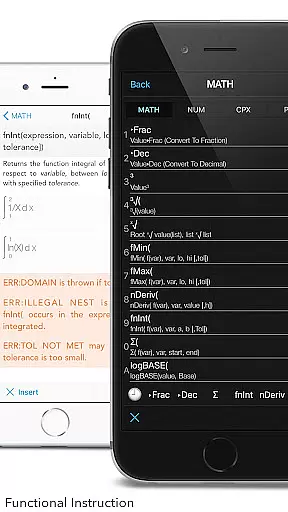
One of its standout features is the built-in documents section that provides comprehensive guidance on various mathematical concepts and calculator functionalities. Whether you need to solve polynomial equations, calculate integrals, or analyze statistical data, this app offers an intuitive interface and robust computational power. Its dual themes and customizable functions make it suitable for both learning environments and professional settings.
The application's value extends beyond simple calculations. With specialized modes like Number Base-N and Financial Calculation, users can tackle computer science problems or manage financial models with ease. The inclusion of geometry and chemistry apps further broadens its educational scope. Graphing Calculator Plus represents an indispensable digital tool that brings sophisticated mathematical operations into the palm of your hand.
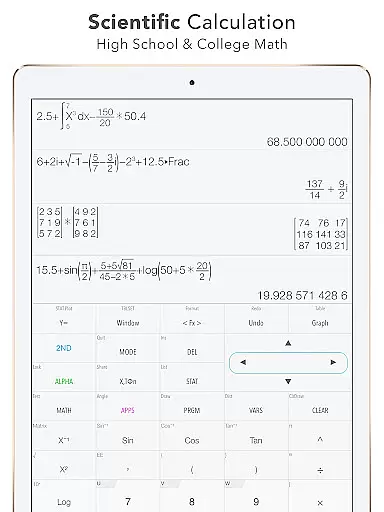
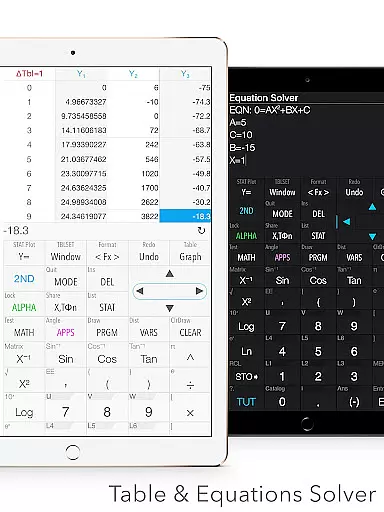
Graphing Calculator Plus boasts an impressive array of features tailored for diverse mathematical tasks. It includes a universal calculator app with a mathematical display that supports complex number calculations, equation solving, and expression editing. Advanced functions such as Sin, Cos, Ln, and E are readily accessible, along with over 40 common constants and unit conversion across 50 categories.
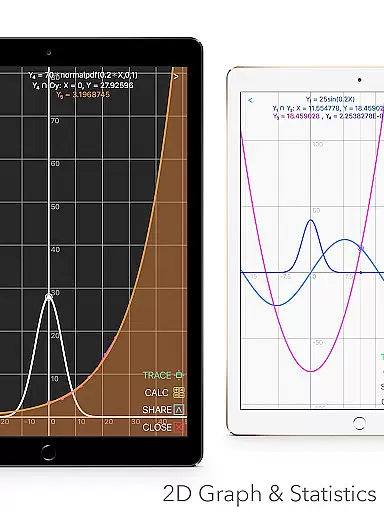
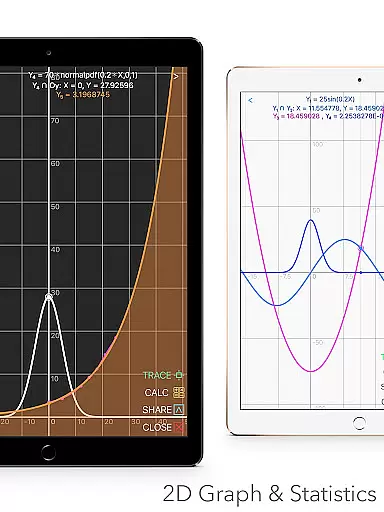
The app excels in graphical representation with its 2D graph feature, allowing simultaneous graphing, smooth zoom, and transformations. It supports parametric, polar, and sequence graphs, providing detailed tracing of intersections, minima, maxima, and special points. For statistical analysis, users can create and edit lists, perform one-variable and two-variable statistics, and execute various regression models including linear, quadratic, and logarithmic regressions.
Additional programming capabilities enable users to implement control and I/O commands, with example source codes included for practical learning. The matrix function allows creation and editing of matrices with both basic and advanced operations. Moreover, the app's financial calculation tools and additional geometry and chemistry applications make it a comprehensive solution for educational and professional mathematical needs.
When it comes to educational tools like Graphing Calculator Plus, content accuracy is paramount. This app ensures precise calculations across all its functions, from basic arithmetic to advanced calculus. The mathematical display support enhances this accuracy by providing clear, textbook-like expressions that leave no room for misinterpretation.
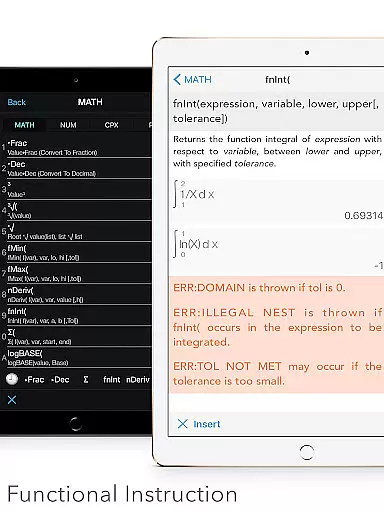
The app includes a comprehensive set of built-in documents and tutorials that have been carefully crafted to guide users through various mathematical concepts and calculator functionalities. These resources are designed not only to show how to use the calculator but also to deepen the understanding of mathematical principles, ensuring that students and professionals alike can trust the educational content provided.
Graphing Calculator Plus stands out with its specialized calculation features such as statistics, regression, matrix operations, and programming capabilities. Each tool has been developed in alignment with academic and professional standards, making it an authoritative resource for learning and applying complex mathematics. Whether you're solving equations or performing numerical integrations, you can be confident in the reliability of your results.
Graphing Calculator Plus offers a unique advantage in personalized learning through its diverse functionality tailored to individual needs. With over 40 common constants and more than 50 unit conversion categories, learners can customize their exploration of different mathematical and scientific fields according to their specific interests or curriculum requirements.
The inclusion of advanced features like dual themes and customizable functions (F1, F2, F3) allows users to tailor the interface to their preferences, creating a more engaging and productive learning environment. This personalization extends to the ability to edit and export expressions and results, empowering students to document their learning journey and progress effectively.
Moreover, the application's support for various mathematical disciplines including algebra, geometry, trigonometry, statistics, and calculus enables a self-paced educational experience. Learners can start with basic calculations and gradually move towards more complex analyses like logarithmic regressions or matrix manipulations, building their skills step-by-step in a manner that suits their personal learning curve.
User-friendly interface
Comprehensive math functions
Advanced graphing capabilities
Robust statistical tools
Customizable settings
Premium pricing model
Occasional performance lags
Limited offline support
Complex for beginners
Heavy on system resources

A 2024 digital study guide for the Expert Infantryman and Expert Soldier's Badge
 4.0
4.0
2026 DVSA Driving Theory Test revision with Hazard Perception + Highway Code
4.60
Deal Craps (Practice Craps Payouts)
3.80
The official CCM Glossary app, including 700+ terms and definitions.
2.90
Intuitive Transformer Lab - By a Lineman, For Linemen & Apprentices
4.50
Experience the sky, planet earth and the solar system like never before
4.90
Enrich the experience of your visit to the Pantheon with our audiotour.
1.60
Stack the Countries makes learning world geography fun!
4.50
The best way to study for your amateur radio license exam.
4.90
Memorize anything efficiently with AnkiDroid! Many pre-built decks available.
4.80
Childcare Management App: Daily sheets, sign in-out, billing and learning tools
4.70
Stargazing Guide App. Stars and constellations map. Solar system planets finder.
4.60
Pass your FAA written with flying colors - Study Buddy can help.
4.30
An aviator’s preparation, study and test tool for FAA Knowledge Exams.
4.10
Watch and Play Elmo's World!
4.00
Quiz App to help case managers studying for CCMC Certification, 200+ Questions
3.40
scanner body part for fun Prank friends realistic scan effects
3.00
Hasbro’s classic CANDY LAND game is now a gorgeous interactive storybook app.
2.30
Learn and joke with the Silly Turkey!
4.2


User Reviews