
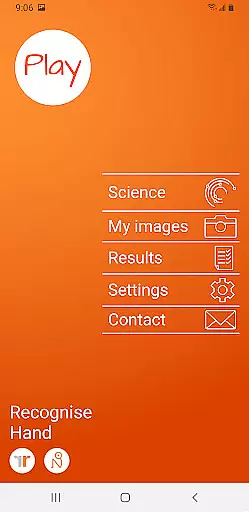
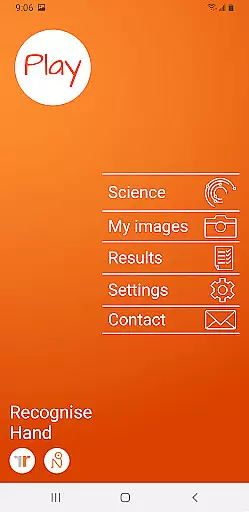
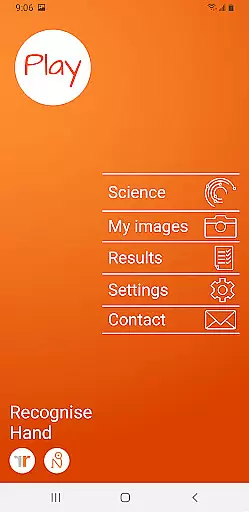
Recognise Hand is a specialized health and fitness application designed to assist users in managing pain, enhancing performance, and supporting rehabilitation through a structured Graded Motor Imagery program. The app focuses on improving the user's ability to discriminate between left and right body parts, which is crucial for recovery from certain injuries.
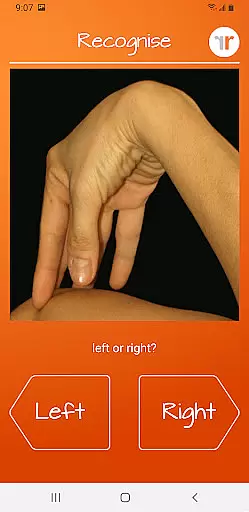
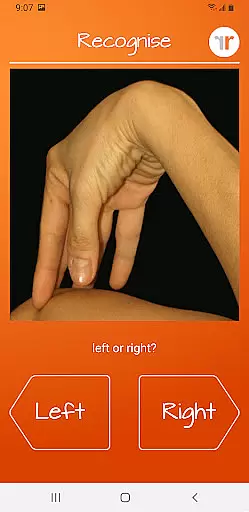
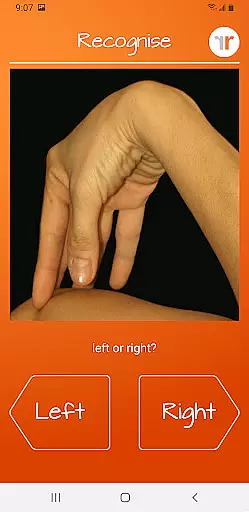
The application offers both testing and training modes. In the test mode, users can assess their proficiency in recognizing images of body areas as either left or right. The training mode helps harness the brain's neuroplasticity using various tools, thus promoting recovery and performance enhancement.
Recognise Hand is particularly beneficial for individuals undergoing rehabilitation due to complex pain or injury states. By integrating clinical tools and providing detailed progress tracking, it ensures that users can effectively monitor their improvement over time.
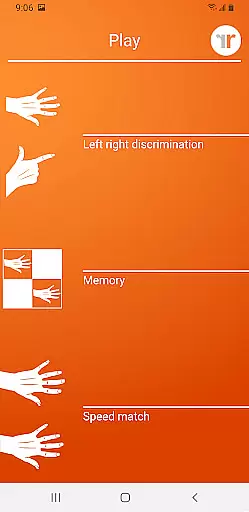
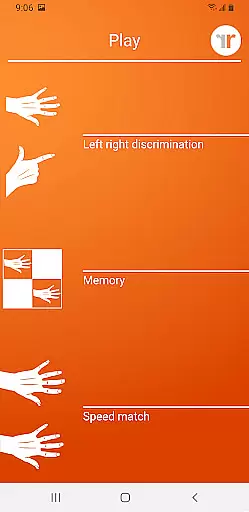
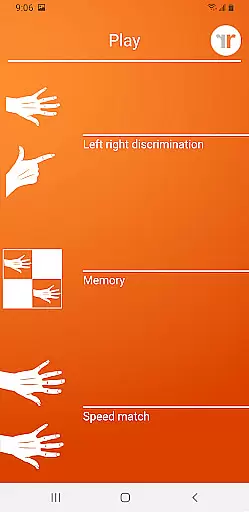
Recognise Hand boasts an array of features aimed at optimizing the user's rehabilitation process. One notable feature is the 'Memory' and 'Speed match' tools, which elevate the training experience by challenging the user's cognitive abilities and reaction times.
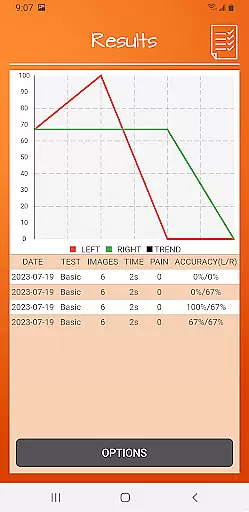
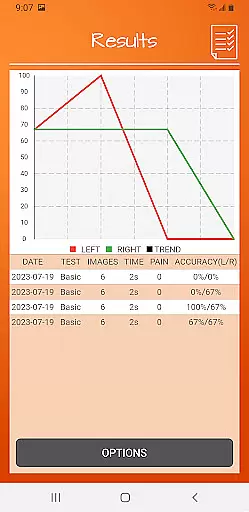
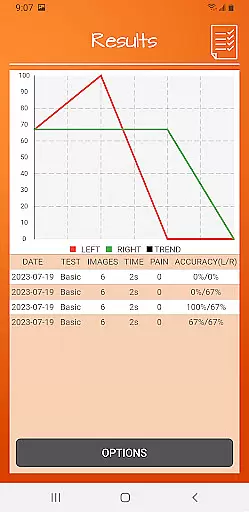
The app includes graded difficulty levels and personal best challenges, ensuring that users remain engaged and motivated throughout their training. Detailed onscreen results and graphs provide a visual representation of the user's progress, making it easier to track improvements over time.
Additionally, Recognise Hand offers powerful clinical integration tools. Users can export and email their results directly to their clinician or therapist, facilitating better communication and more personalized care. The ability to capture and use personal images further enhances the training experience, allowing for customized rehabilitation exercises.
Recognise Hand offers a personalized approach to motor imagery training, which is crucial for effective rehabilitation. The app's graded difficulty levels and personal best challenges ensure that each user progresses at their own pace.
The TEST and TRAIN features allow users to assess their current abilities and create tailored training plans. This customization ensures that the rehabilitation process is adapted to individual needs, maximizing recovery potential.
With tools like 'Memory' and 'Speed match', users can take their training to the next level. These features are designed to harness neuroplasticity, promoting faster and more effective recovery from complex pain and injury states.
Tracking progress is essential in any rehabilitation program, and Recognise Hand excels in progress visualization. The app provides detailed onscreen results and graphs that map your journey over time.
Users can easily monitor improvements in their left/right discrimination abilities thanks to comprehensive performance metrics. This visual feedback not only motivates but also helps in fine-tuning personal training strategies.
Additionally, powerful clinical integration tools allow users to export and email their results directly to healthcare providers. This feature facilitates better communication between patients and clinicians, ensuring that therapy remains on track and adjustments can be made as needed.
Effective pain management
Enhanced performance tracking
Comprehensive training tools
User-friendly interface
Clinical integration capabilities
Requires consistent use
Limited free features
Premium version costly
Steep learning curve
Dependent on device camera quality

For Absolute Novices to Strength Training. Simple. Effective.
 4.40
4.40
Personal Measurements - Track your gains!
4.50
The app helps you address digestive symptoms based on the Fast Tract Diet.
3.50
See what's really going on inside your head! Real time EEG graphs from your Muse
4.40
Using Recognise™ has been shown to reduce pain and improve performance
4.3
Pupillary distance PD with camera quick and easy, checking glasses frames on you
3.70
Walk. Earn: Get rewarded for every step! Walk, move, and earn real rewards.
4.70
Blood Pressure Log, HRV & Heartbeat Tracker. Pulse Checker.
4.40
Understand your body’s most meaningful messages and transform your health.
3.90
Wall Pilates at home & Pilates workout for beginners for core and weight loss.
4.80
Easy to use step counter, calorie counter helps lose weight, count steps offline
4.80
a fun app full of surprises :)
4.70
You deserve easy access to important insurance information. Download for FREE.
4.70
Looking to take control of your health? Our psychology-based programs can help.
4.10
Dexcom G7 Continuous Glucose Monitoring
3.70
Live Heart Rate Pro - Real Time Heart & Workout Data For Wear OS & Bluetooth BLE
3.20
Measure real-time wrist & ambient temperature with your Galaxy Watch (Wear OS)
3.20
Your plan in your pocket 24/7
3.00
Sync your activities of the most popular sports tracking services
2.70


User Reviews