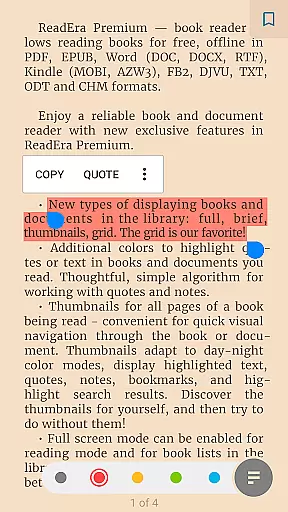
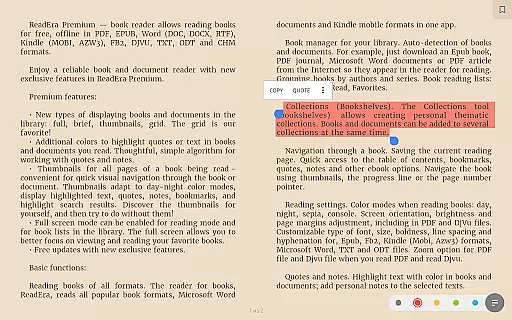
ReadEra Premium is a comprehensive eBook reader and document manager designed for book enthusiasts who require advanced organization and reading features. This app allows users to automatically locate all supported books and documents on their device, search by title and author, and manage files in various formats including PDF, EPUB, Microsoft Word, Kindle, Comic, DJVU, FB2, TXT, ODT, and CHM.
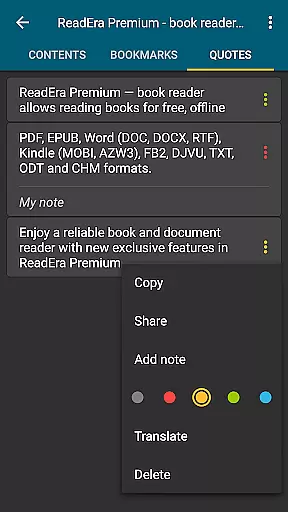
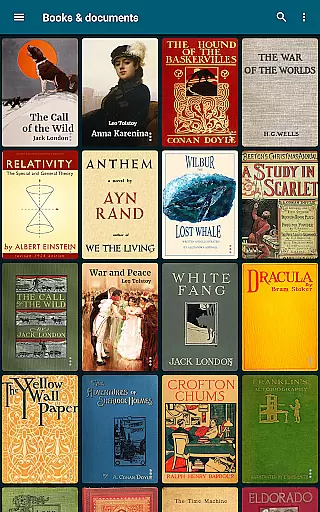
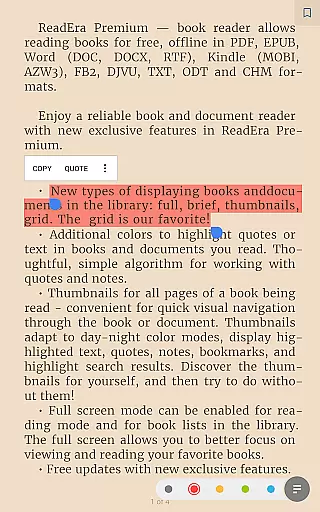
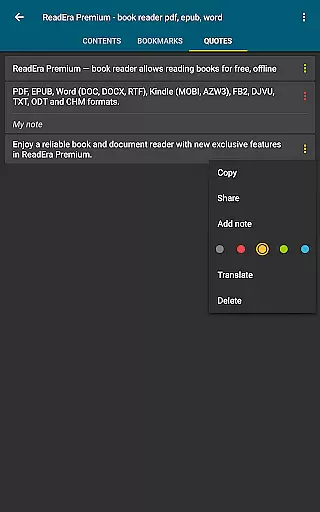
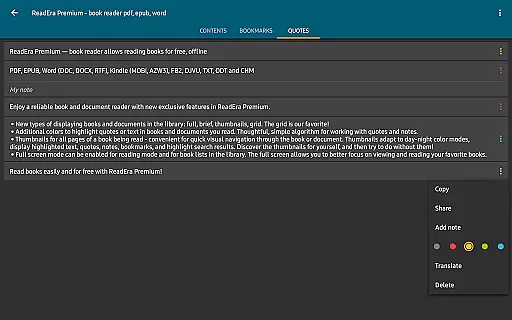
In addition to its core functionality, ReadEra Premium offers premium features such as synchronization with Google Drive, text-to-speech for background listening, and sections dedicated to quotes and notes. Users can customize their library view, upload personal fonts, and highlight text with additional colors. The app's powerful file management capabilities allow for sorting and grouping by authors, series, and formats, making it an ideal tool for organizing extensive digital libraries.
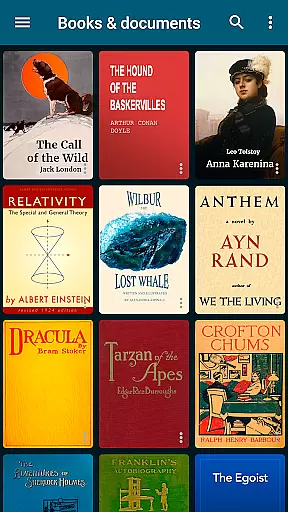
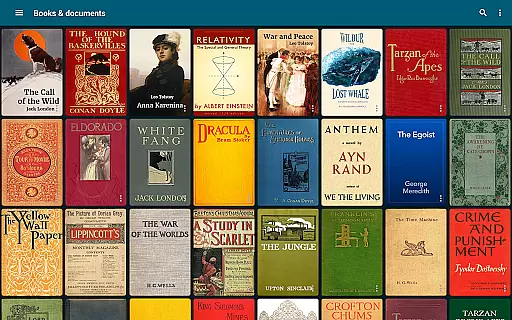
ReadEra Premium stands out with its robust feature set tailored for avid readers and professionals alike. One of its key features is the automatic detection and organization of all compatible books and documents on your device. You can quickly find any book or document by using the search function that filters by title, author, series, format, or language.
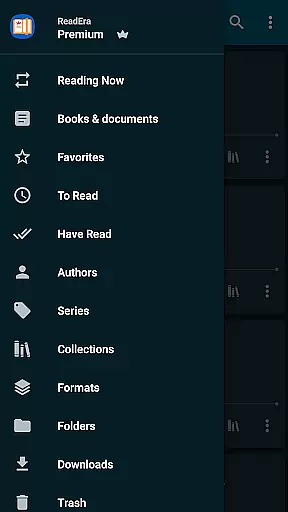
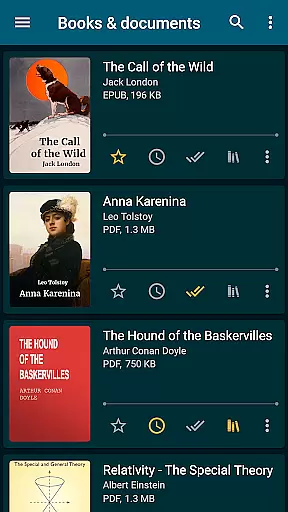
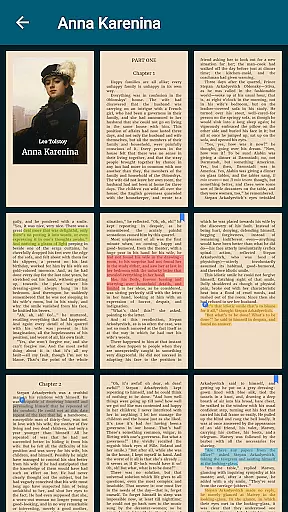
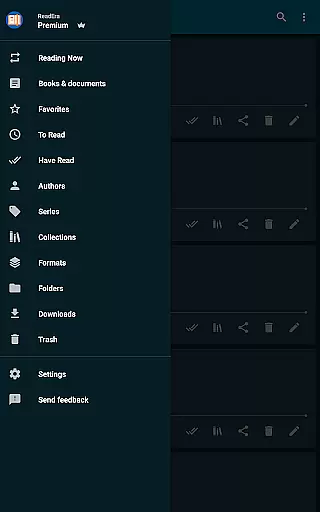
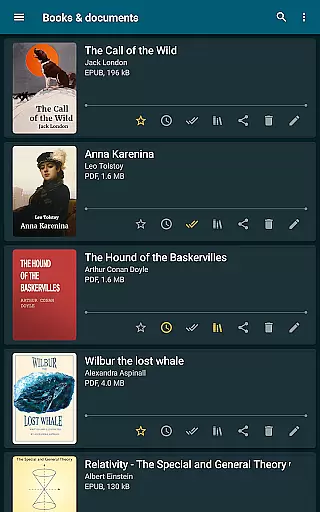
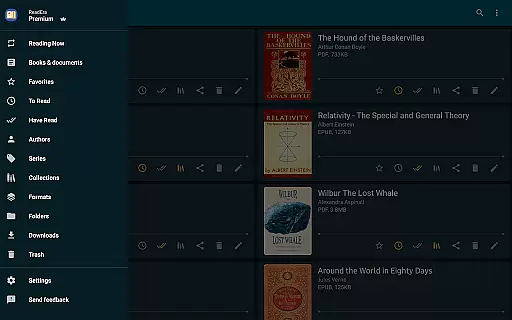
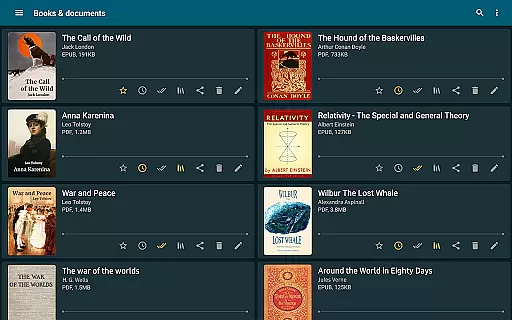
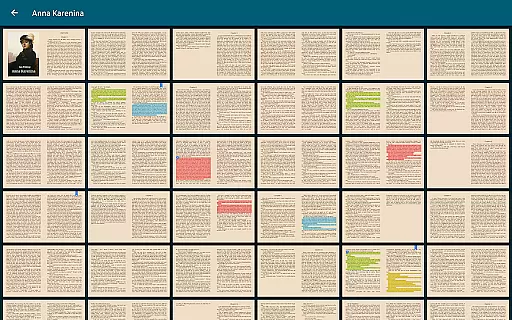
The app provides advanced navigation and management tools. The 'Books & Documents' section displays all supported files, sortable by various criteria like title, filename, and modification date. The 'Folders' section allows you to navigate through external folders, showing the number of supported books and documents in each. Additionally, the 'About Document' section offers detailed file information, enabling quick access, identification of duplicates, and options to copy, rename, delete, move, and share files.
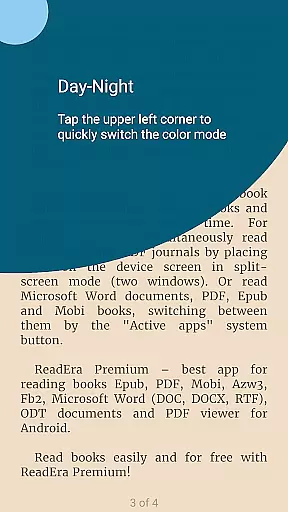
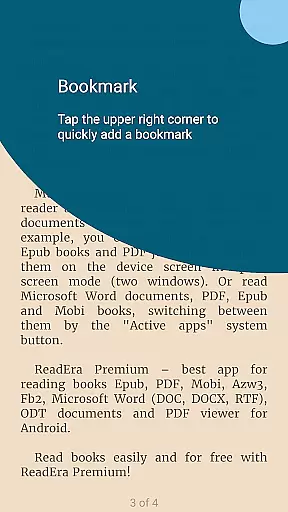
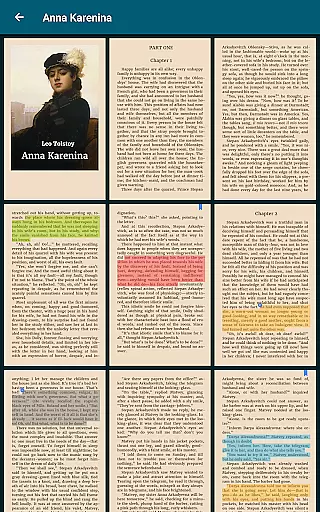
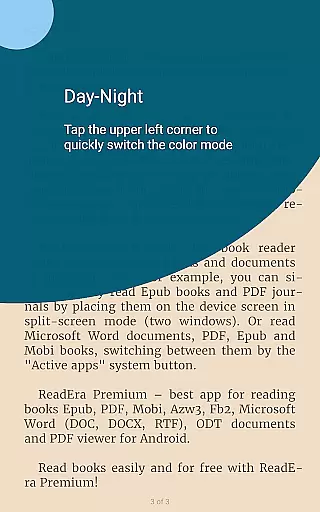
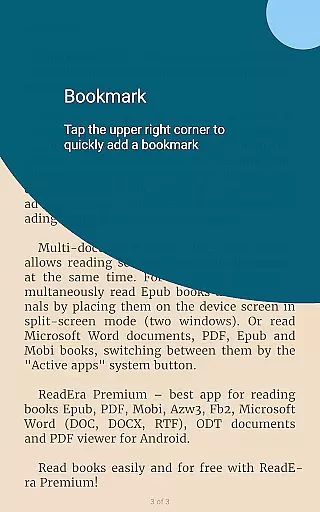
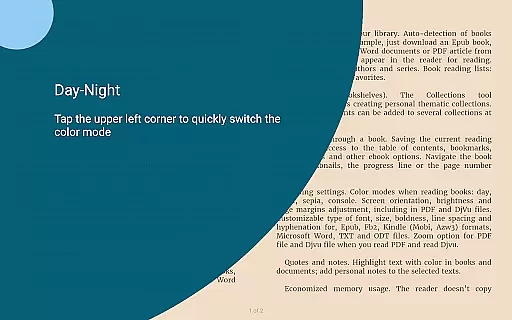
Customization is at the heart of ReadEra Premium. It includes multiple color themes for reading, adjustable orientation, screen brightness, page margins, font size, type, boldness, line spacing, and hyphenation settings. For PDF and Djvu files, zooming is supported. These features ensure a personalized and comfortable reading experience, whether you're managing a small collection or an extensive library.
ReadEra Premium offers an extensive e-book library that supports a wide range of formats including PDF, EPUB, Microsoft Word, Kindle, Comic, DJVU, FB2, TXT, ODT, and CHM. This ensures users have access to a vast collection of reading materials in their preferred format.
The app's automatic detection feature scans your device for all compatible books and documents, making it easy to build a comprehensive personal library. With the ability to search by title, author, series, format, or language, finding specific content is both efficient and user-friendly.
Regarding copyright authenticity, ReadEra Premium respects intellectual property rights by allowing users to manage their legally acquired digital content. The app does not provide or distribute copyrighted material but instead focuses on empowering readers to organize and enjoy their own collections.
This combination of a large supported library and commitment to copyright compliance makes ReadEra Premium a valuable tool for avid readers who want to maintain an organized and legal digital book collection.
One of ReadEra Premium's core strengths lies in its exceptional format compatibility. The application supports an impressive array of document types, including PDF, EPUB, Microsoft Word (DOC, DOCX, RTF), Kindle (MOBI, AZW3), Comic (CBZ, CBR), DJVU, FB2, TXT, ODT, and CHM formats.
This broad format support enables users to access and manage various document types without worrying about conversion or compatibility issues. Whether you're reading novels, technical documents, or graphic-heavy comics, the app maintains the original formatting and quality of each file type.
The reading experience is further enhanced through customizable display options. Users can adjust color themes, font sizes, line spacing, and hyphenation settings according to their preferences, regardless of the document format.
Such comprehensive format compatibility, combined with robust reading customization features, establishes ReadEra Premium as a versatile solution for managing diverse digital reading materials across multiple formats.
User-friendly interface
Extensive format support
Advanced file management
Customizable reading settings
Cross-device synchronization
Premium features locked behind paywall
Occasional performance lags
Limited free features
Complex for beginners
Heavy resource usage

“There was one last piece of cake. My little sister said ‘Me too!’”
 4.00
4.00
Audiobook player with cross-device progress sync, playlists, and widget support.
4.80
Improve your vocabulary and grammar with the 15 biggest Oxford Dictionaries.
4.30
Enjoy your favorite books
3.50
Read popular romance books and web novels on the fantastic ebook reader
3.50
Holy Bible, a KJIV Bible study, audios & daily verses, talk with God now.
4.80
Unlock unlimited access to bestselling ebooks, novels, stories, and audiobooks
4.60
Watch real short episodes in just minutes— addictive, you won't be able to stop!
4.70
Premium reader for ePub, PDF, and more. TTS and translation. Great on any screen
3.50
"When tweetle beetles fight, it's called a tweetle beetle battle."
4.90
The favorite Christmas story comes to life!
4.80
Learn Thai with 195,000+ entries, crisp Thai sounds, big text; works offline.
4.80
World's most comprehensive dictionary app: 13 languages, all online or offline!
4.80
8 Dr. Seuss short stories in 1 app!
4.70
"Do you like green eggs and ham?"
4.70
Scan. Price. Grade.
4.60
Full text, sheet music, and recordings of the print edition
4.60
Discover, track, and share your reading with friends & our community of readers
4.60
WebNovel - Read Solo Leveling novel and comic
4.10


User Reviews