
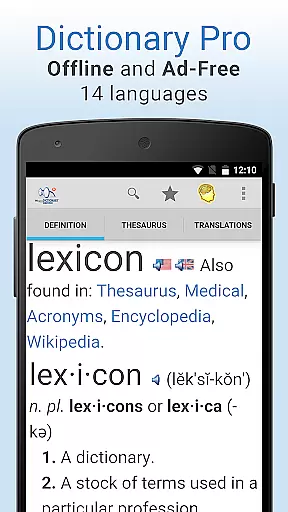
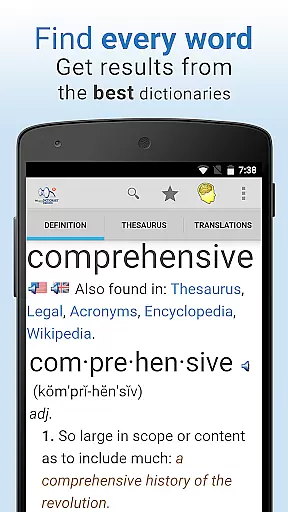
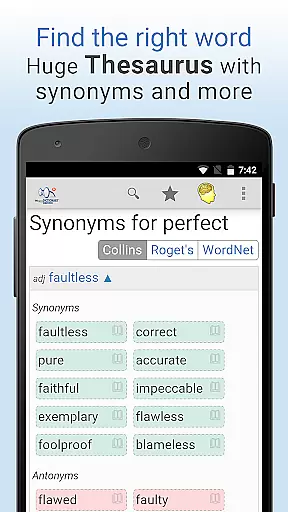
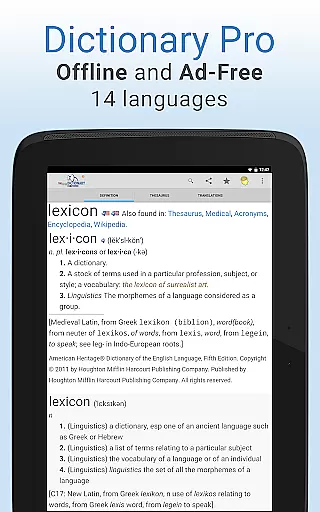
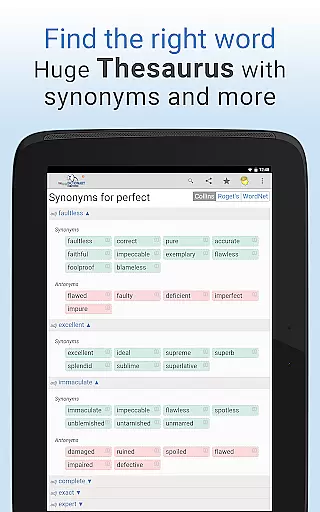
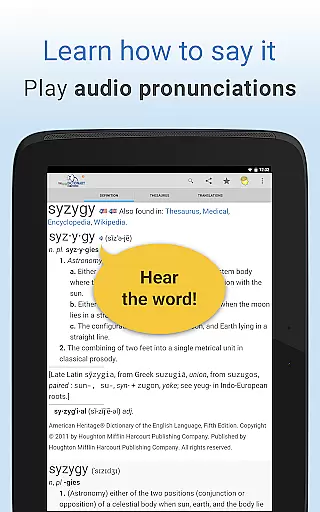
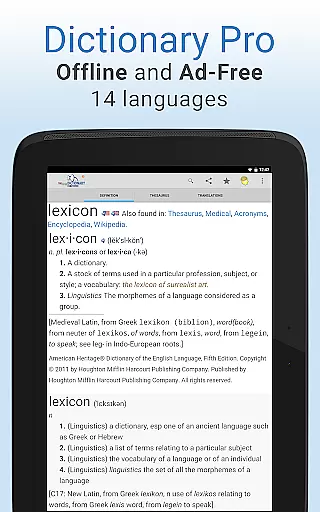
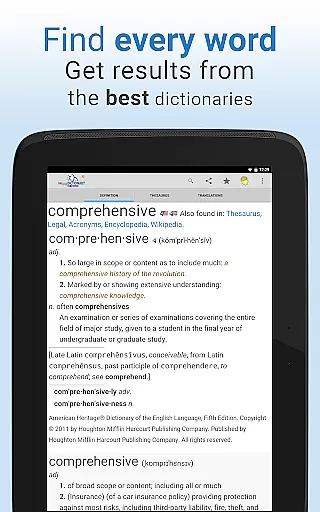
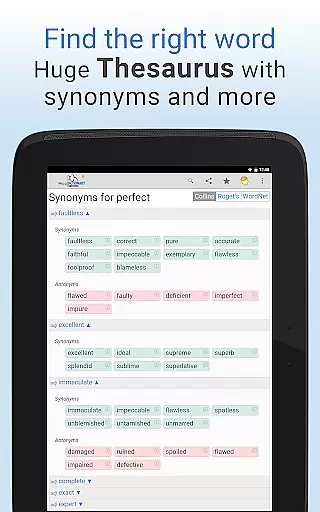
Dictionary Pro is a premium reference application that offers an extensive offline dictionary and thesaurus experience without any advertisements. This app provides users with a vast English dictionary and thesaurus that can be accessed without an internet connection, along with translations into over 40 languages and additional dictionaries in 13 other languages. It includes content from top publishers such as Webster's Dictionary, Roget's Thesaurus, The American Heritage Dictionary, McGraw-Hill, Houghton Mifflin, HarperCollins, Random House, and Cambridge University Press.
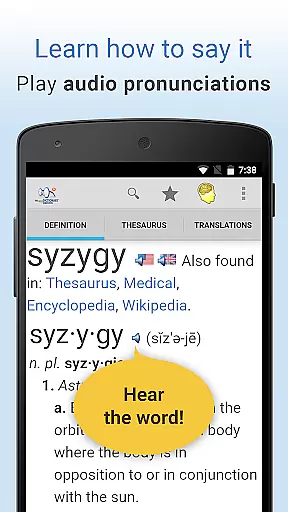
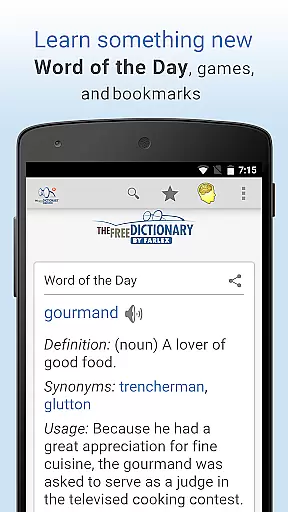
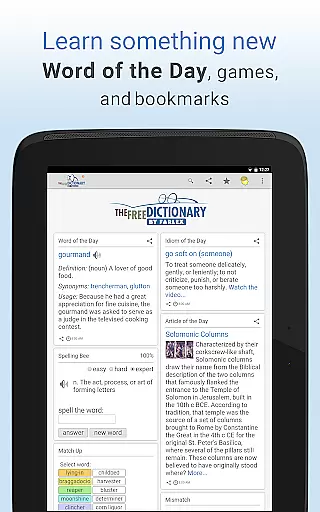
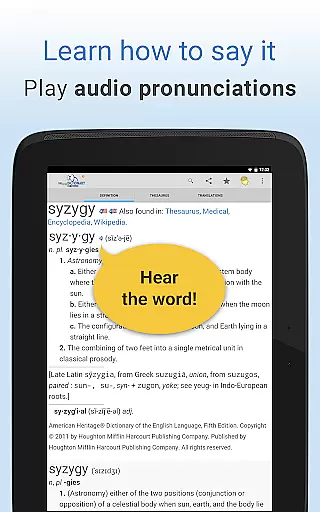
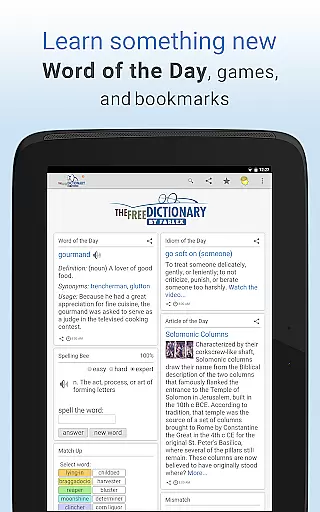
Designed for those who appreciate comprehensive language tools, Dictionary Pro also features audio pronunciations, daily educational content like Word of the Day, and specialty dictionaries covering medical, legal, science, financial terms, idioms, acronyms, and more. Users can engage with word games, idioms videos, and customize their learning experience through advanced search options and personalized homepages.
This app is particularly useful for students, professionals, and language enthusiasts who require quick and reliable access to definitions, synonyms, translations, and various educational materials. Its ability to function offline makes it an indispensable tool for travelers or anyone needing information without internet access.
Dictionary Pro stands out with its rich set of features tailored for an immersive language exploration experience. One of the key highlights is its completely ad-free environment, ensuring uninterrupted learning. The app boasts a robust offline functionality, including a massive English dictionary and thesaurus, as well as bilingual dictionaries and translations for numerous languages.
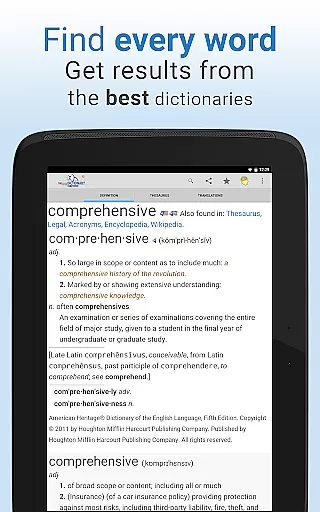
Users benefit from detailed word entries featuring definitions, example sentences, illustrations, etymologies, and audio pronunciations. Specialty dictionaries provide in-depth knowledge in fields such as medicine, law, and finance. Interactive elements like word games and idioms videos enrich the user's vocabulary and understanding of colloquial language. Moreover, Dictionary Pro allows customization of the homepage, voice search capabilities, bookmark syncing across devices, and sharing options via social networks or messaging apps.
The app's innovative approach extends beyond traditional reference tools by incorporating unique features such as earning meals for hungry children through usage, making it not only a practical but also a socially conscious choice among dictionary apps.
Dictionary Pro boasts an extensive e-book library, featuring a vast array of dictionaries and encyclopedias from the most trusted publishers. This includes Webster's Dictionary, Roget's Thesaurus, The American Heritage Dictionary, and content from McGraw-Hill, Houghton Mifflin, HarperCollins, Random House, Cambridge University Press, and more.
The app ensures copyright authenticity by partnering directly with these reputable sources, providing users with reliable and authoritative content. With over 100 dictionaries and encyclopedias available, Dictionary Pro covers a multitude of fields such as medical, legal, science, financial, idioms, acronyms, and abbreviations.
Users benefit from this comprehensive collection by having access to detailed definitions, example sentences, illustrations, etymologies, and more, all within an ad-free environment. This makes Dictionary Pro not just a dictionary app but a complete reference suite that supports in-depth learning and research.
One of Dictionary Pro's strengths is its format compatibility, allowing users to access dictionaries in 13 other languages and translations of English into over 40 languages. This multilingual support caters to a global audience, making it an invaluable tool for language learners, travelers, and professionals alike.
In addition to linguistic diversity, the app offers various ways to interact with content. Users can perform advanced searches, jump to definitions, thesaurus entries, or translations with one button, and adjust font sizes for comfortable reading. These features ensure that regardless of the user's preferred format or device, Dictionary Pro remains accessible and user-friendly.
Furthermore, Dictionary Pro enhances usability through its customizable homepage, where users can add or remove articles, games, and even local weather updates. Sharing favorite words via social networks, email, or text is also possible, demonstrating the app's versatility in format compatibility and integration with other platforms.
Comprehensive offline content
No ads during use
Voice search capability
Customizable homepage layout
Socially responsible feature integration
Premium version cost
Limited free content
Occasional update delays
Advanced features may overwhelm new users
Heavy storage requirements due to offline databases

Bilingual dictionary with English translations of Modern Standard Arabic words.
 4.30
4.30
Guide for dōTERRA® Products
3.60
The Psalms for singing
4.3
Master AKC Rally signs with in-depth hints, diagrams, and expert guidance.
4.50
Read aloud texts, audiobooks, PDFs or any eBook with text to speech AI audio
4.60
ISAIAH EXPLAINED with Avraham Gileadi Ph.D.
4.00
Research your family history to explore ancestors and search for your heritage
4.50
Watch real short episodes in just minutes— addictive, you won't be able to stop!
4.70
Read books PDF, EPUB, WORD, KINDLE, MOBI! Your ebook reader among reading apps.
4.80
A KJV Bible with Apocrypha and precept-based study concordance
5.00
Plan of Life that Saint Josemaría recommended
4.80
Bible Study App with Audio Book, Verse of the Day, and Devotionals.
4.80
The dynamic dictionary/reference app for piano chords and scales!
4.80
Daily Prayer, personalized Bible Study, AI-guided Insights, and Spiritual Growth
4.80
"Do you like green eggs and ham?"
4.70
The Original & Authentic Crystals, Gemstones, Rocks & Minerals Encyclopedia.
4.60
Cute bedtime story for kids
4.30
Provides location information of vehicle Shift Interlock releases.
4.30
University of North Carolina Herbarium presents the flora of TN, AL, & MS.
4.1


User Reviews