
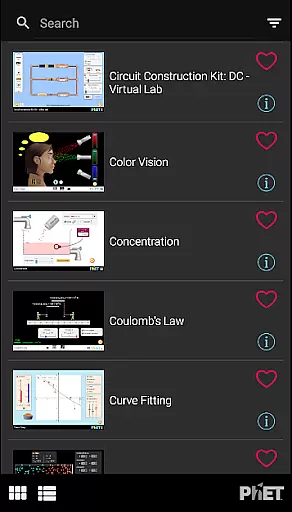
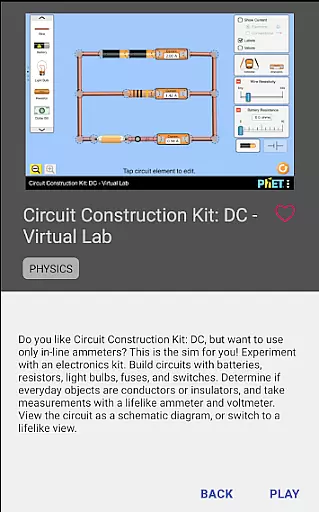
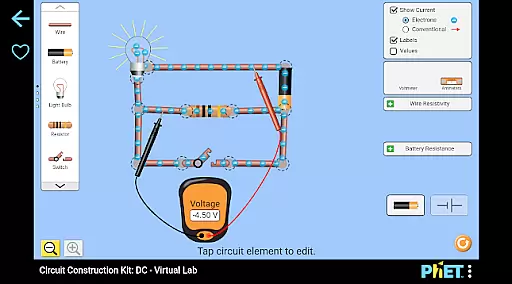
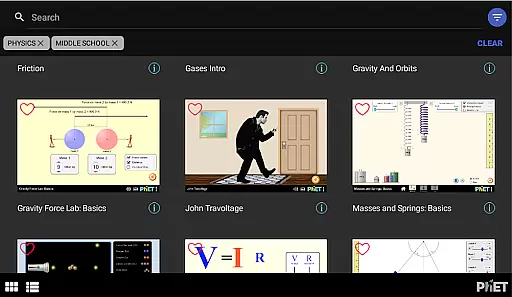
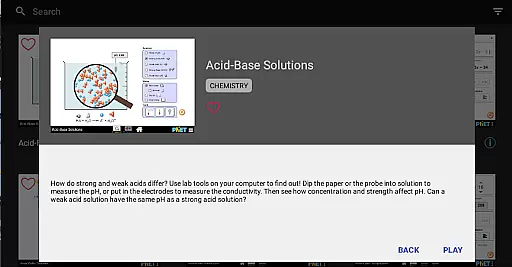
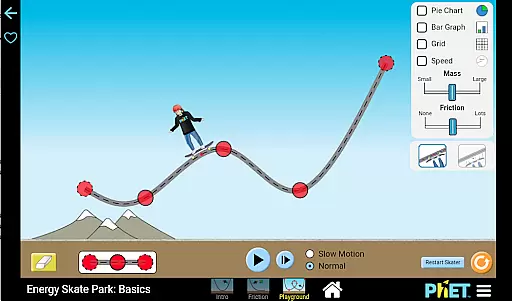
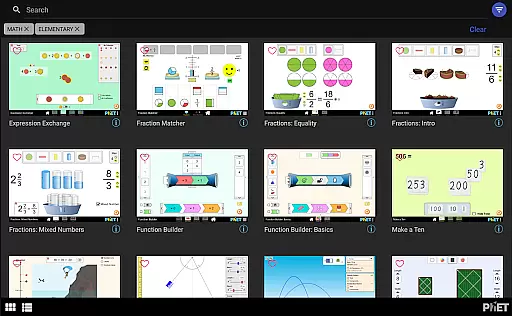
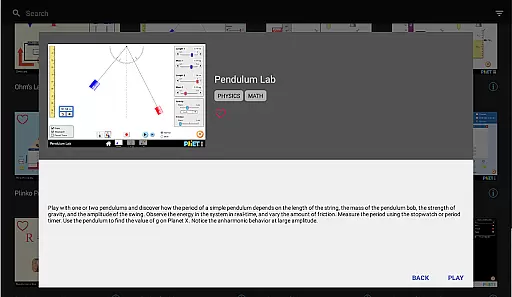
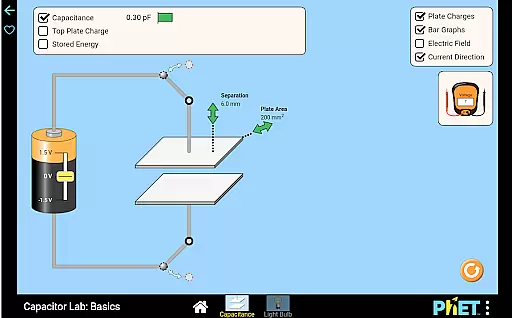
PhET Simulations is an educational app that provides access to over 85 interactive HTML5 simulations, designed for learners of all ages. Developed by experts at the University of Colorado Boulder, this app allows users to explore complex scientific and mathematical concepts through engaging simulations.
The app offers offline play capabilities, making it ideal for use in various settings including classrooms, homes, or while traveling. With support for multiple languages, automatic updates, and easy sorting features, PhET Simulations ensures a seamless learning experience tailored to individual needs.
Whether you're a parent looking to engage your child in science and math discovery, a teacher needing reliable resources even without internet access, or a student eager to learn, PhET Simulations delivers an accessible and comprehensive educational tool.
PhET Simulations stands out with its diverse range of features designed to enhance the learning experience. The app includes over 85 award-winning HTML5 simulations that cover a wide array of scientific and mathematical topics, ensuring there's something for every learner.
One of the key features is the ability to use these simulations offline, which is perfect for environments where internet access might be limited. Additionally, the app supports multiple languages, catering to bilingual learners and making education more inclusive.
Users can also create a personalized collection of favorite simulations, enjoy automatic updates to get the latest content, sort simulations easily, and explore them in fullscreen mode for an immersive experience.
In the realm of educational tools, content accuracy and authority are paramount. PhET Simulations excels in this area by providing over 85 HTML5 simulations developed by experts at the University of Colorado Boulder.
These simulations cover a wide range of topics from atomic structures to energy systems, ensuring that learners receive scientifically validated information. The credibility of these simulations is further reinforced by their widespread use by millions of students annually.
PhET's commitment to excellence means that each simulation is designed not only to educate but also to engage learners through interactive experiences. This dual focus on accuracy and engagement helps solidify complex concepts in science and mathematics.
PhET Simulations offers personalized learning paths that cater to individual student needs. With features like Favorites, users can curate a custom collection of simulations tailored to their specific learning objectives.
The app supports multiple languages, making it an excellent resource for bilingual learners who wish to switch between languages. This flexibility enhances the personalization aspect, allowing learners to choose the language they are most comfortable with.
Additionally, automatic updates ensure that learners always have access to the latest simulations. This feature allows educators and students to stay current with advancements in scientific understanding without needing constant manual intervention.
User-friendly interface
Wide range of simulations
Offline access capability
Multi-language support
Automatic content updates
Limited accessibility features
No Java or Flash simulations
Some advanced options missing
Occasional update delays
Requires storage space

Latest TLC Practice Questions! Multiple languages available!
 4.50
4.50
Designed for Calculator 84 users
4.20
Monkey Preschool Lunchbox: 7 exciting educational games for your preschooler.
4.30
Skelly is a fully poseable, anatomically correct reference skeleton for artists.
4.10
Astronomy Guide To Night Sky
4.30
Learn & Speak New Languages
4.70
A fast and fun way to learn guitar - works with any guitar.
4.60
Learn to pass DMV permit tests. Driver license practice test 2025.
4.60
Reading for kids has never been easier. Learn phonics, letter tracing & more!
4.70
Learning the ancient Viking language made simple
4.70
Gain new skills in 10 minutes
4.70
THE ESTABLISHED "GO TO" ARMY BOARD PREPARATION APP!
4.30
School Communication
4.30
Explore numbers the Starfall way!
4.00
Your guide to thousands of satellites and spacecraft in orbit around Earth!
3.90
Hasbro's Classic Board Game - Make Cavity Sam better or get the buzzer!
3.50
Bebefinn and Baby Shark educational, animated videos & games for kids
3.40
A 2024 digital study guide for the Expert Infantryman and Expert Soldier's Badge
4.3
Learn and joke with the Silly Turkey!
4.0


User Reviews