
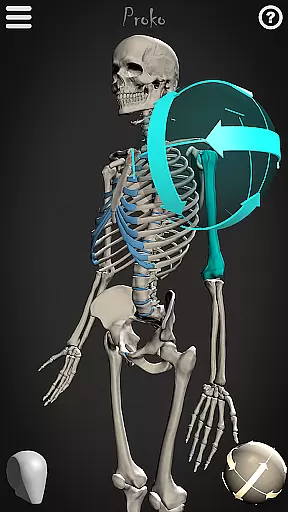
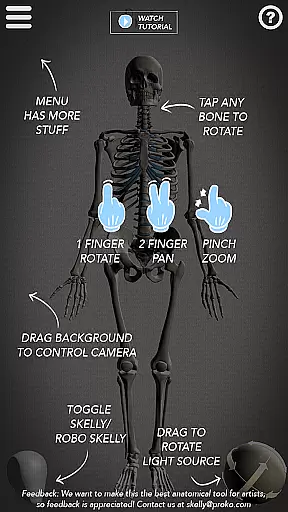
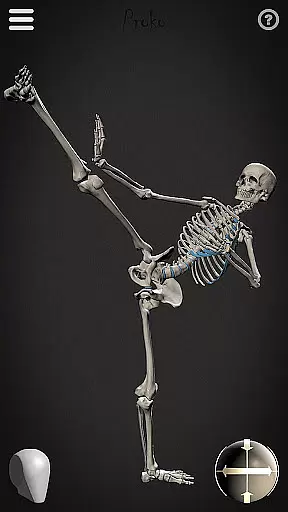
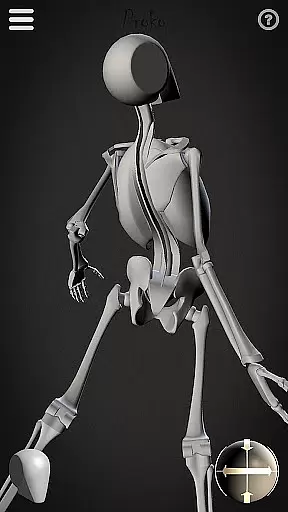
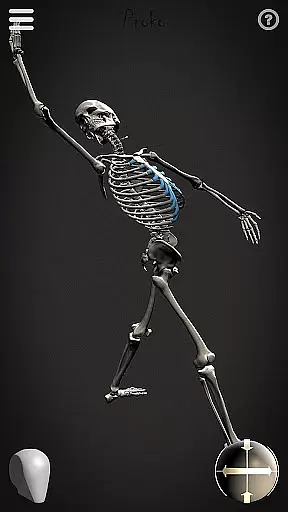
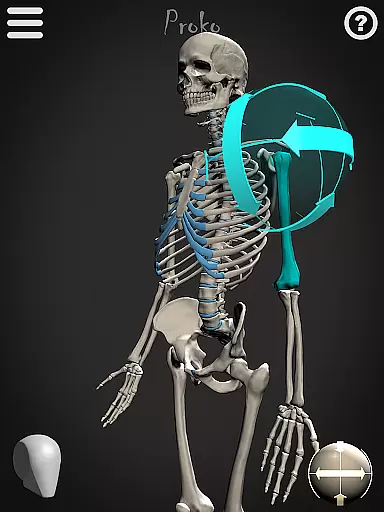
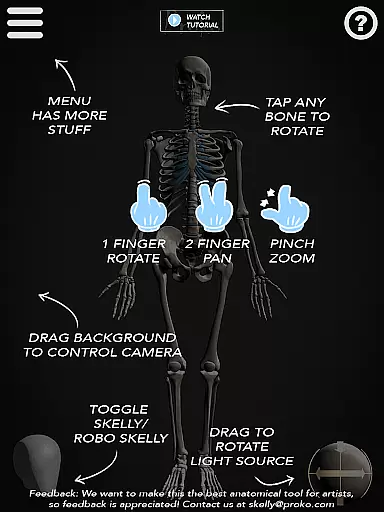
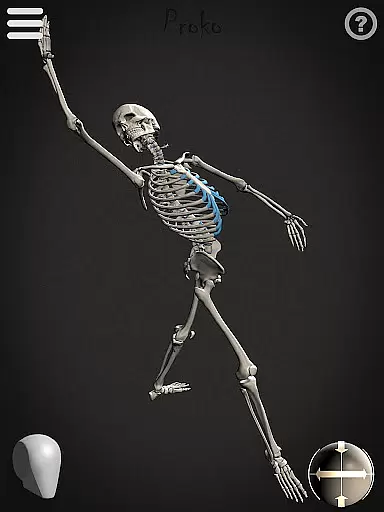
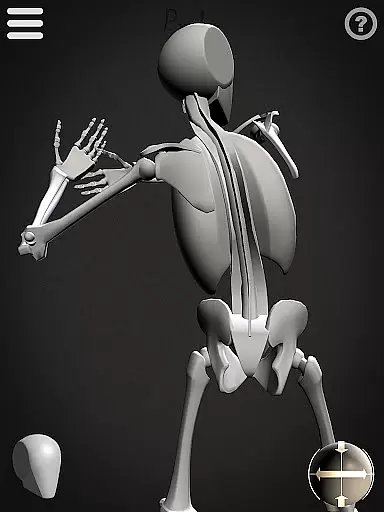
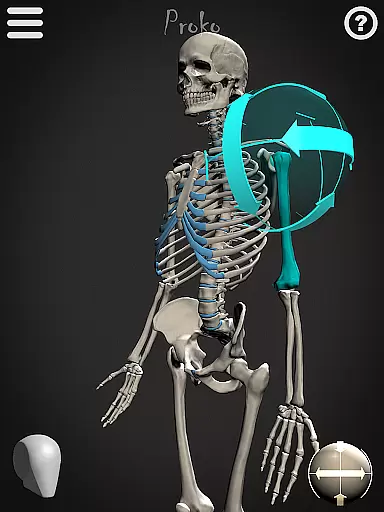

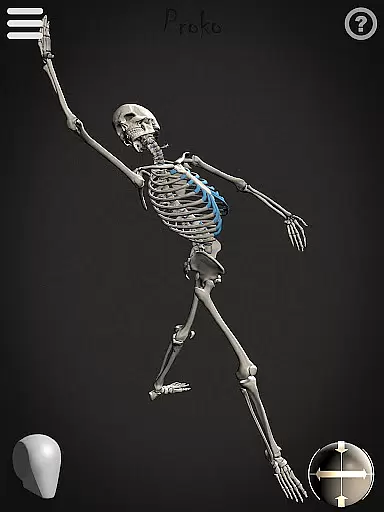
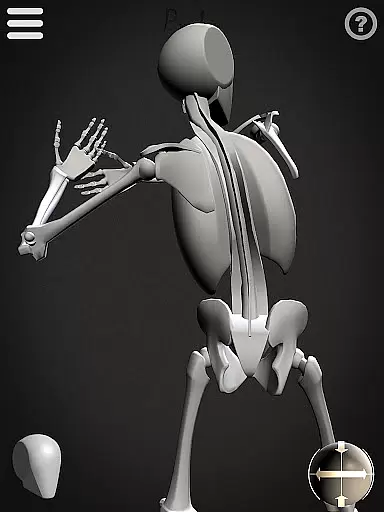
Skelly is an innovative educational app designed specifically for artists and art students who want to master human anatomy. This fully poseable, anatomically correct reference skeleton allows users to study and practice figure drawing without the need for live models or expensive anatomy books. With its simplified "Robo-Skelly" version and advanced features like movable camera and adjustable light source, the app provides a comprehensive learning tool that fits right in your pocket.
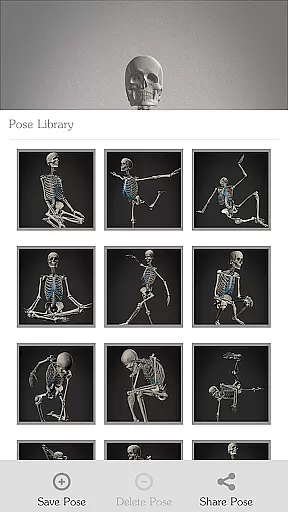
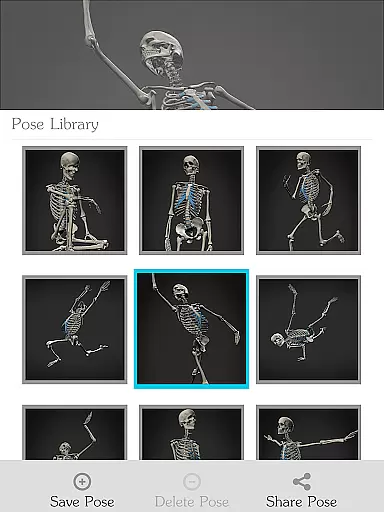
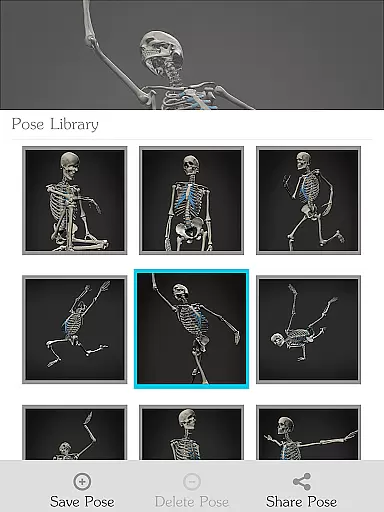
The app's detailed skeletal model is based on Dr. Paul Richer's anatomical proportions and integrates seamlessly with Andrew Loomis' "Loomis Head" concept. Whether you're working on fine art, animation, comics, or storyboarding, Skelly offers the flexibility to create and save custom poses while maintaining anatomical accuracy. The Pose Library feature gives quick access to pre-made positions, making it an invaluable resource for both beginners and professional artists.
Skelly stands out with its comprehensive set of features designed to enhance the learning experience. The app includes two distinct skeletal models - the anatomically precise skeleton and the simplified "Robo-Skelly" - both developed according to established artistic anatomy principles. Users can manipulate these models through a full range of motion, exploring different angles and poses while maintaining correct proportions.
A key feature is the Pose Library, which allows artists to save frequently used positions and quickly access them during drawing sessions. The app's virtual studio environment includes adjustable lighting and movable camera functionality, enabling users to experiment with different lighting conditions and viewing angles. Additionally, the background can be switched between light and dark modes, providing optimal contrast for various drawing styles and environments.
What sets Skelly apart is its attention to detail in anatomical accuracy combined with user-friendly tools. The ability to reset to a neutral "Anatomical Pose" ensures users can always return to a standard reference point, while the integration of established artistic anatomy systems makes it particularly valuable for art education purposes.
When it comes to learning anatomy, having accurate and authoritative content is crucial for artists. Skelly offers an anatomically correct skeleton model that serves as a reliable reference tool. The proportions of the skeleton are based on the teachings of Dr. Paul Richer, ensuring that users are learning from a well-respected source in the field of anatomy.
The app also includes a simplified version called 'Robo-Skelly', which provides another layer of learning by offering a less complex visual aid while maintaining anatomical integrity. With features like the skull fitting perfectly into a 'Loomis Head' as taught by Andrew Loomis, artists can trust they're getting professional-grade instruction without needing to consult additional materials.
Skelly's attention to detail extends to its pose library, where both pre-made poses and user-created ones can be saved with precision. This means that whether you're studying classic poses or experimenting with new ones, the information you receive is both precise and beneficial for your artistic development.
Skelly empowers artists to create their personalized learning paths by allowing full poseability of the anatomically correct skeleton. This feature enables learners to focus on specific areas of interest or difficulty, adapting the learning experience to their unique needs and goals. By manipulating the skeleton into various poses, users can explore different aspects of anatomy at their own pace, making their study sessions more productive.
In addition to poseability, Skelly offers a movable camera and adjustable light source, which further enhance the customization of the learning environment. These tools allow artists to experiment with perspective and lighting, simulating real-life drawing conditions and thus creating a more tailored educational experience that prepares them for actual art projects.
Moreover, the ability to save custom poses in the app's Pose Library means that learners can track their progress over time and revisit previous work to refine their skills continually. With Skelly, each artist has the freedom to construct a learning path that aligns with their personal growth and artistic journey.
User-friendly interface
Accurate anatomy reference
Customizable pose options
Comprehensive feature set
Portable learning solution
Limited to skeletal system
No muscular anatomy
Premium price point
Steep learning curve
Device compatibility issues

Watch and Play Elmo's World!
 4.00
4.00
FAR/AIM, FAR for Flight Crew and FAR for Aviation Maintenance Technicians
3.80
Turns you phone or tablet into TI graphing calculator (ROM required).
4.20
Study the questions most likely to be asked during the Oral & Practical Exams.
2.80
Dinosaurs coloring book game. Drawing and painting dinos.
4.50
2026 DVSA Driving Theory Test revision with Hazard Perception + Highway Code
4.60
Guitar chord finder, analyzer, smartly visualized theory, progressions, quizzes.
4.70
Engage in learning science and math with the award-winning PhET simulations!
4.70
The "Go To" app for Airmen studying for promotion to SSgt and TSgt
4.30
The best way to study for your amateur radio license exam.
4.90
Astronomy Guide to the Night Sky
4.40
The FE Clock is a way to track sun & moon around the circle of the earth.
4.30
Explore numbers the Starfall way!
4.00
An aviator’s preparation, study and test tool for FAA Knowledge Exams.
4.00
An aviator’s preparation, study and test tool for FAA Knowledge Exams.
3.90
Your best partner for learning Japanese words. Based on a best-selling textbook.
2.80
Enrich the experience of your visit to the Pantheon with our audiotour.
1.60
Test prep for Indiana students
4.3
A 2024 digital study guide for the Expert Infantryman and Expert Soldier's Badge
4.5


User Reviews