
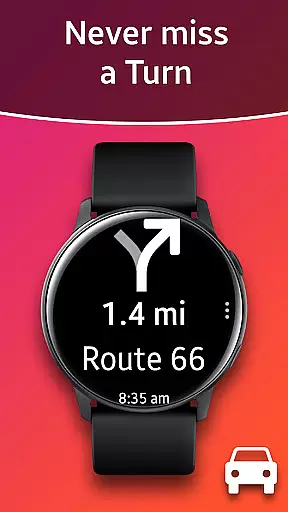
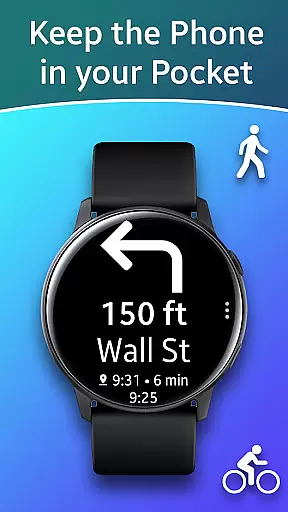
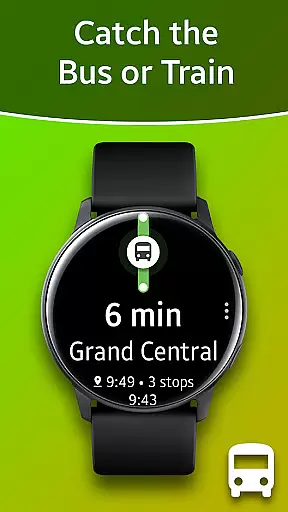
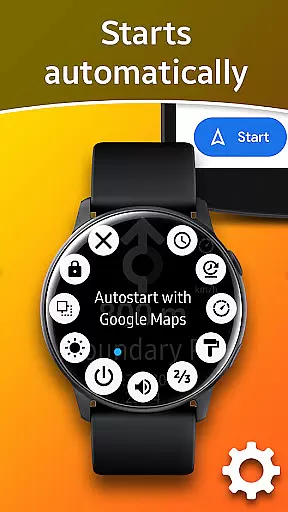
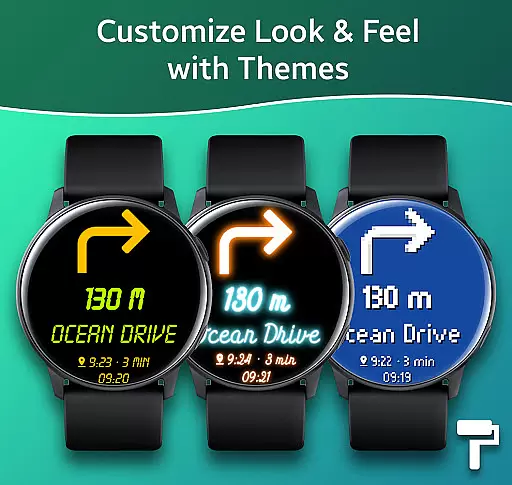
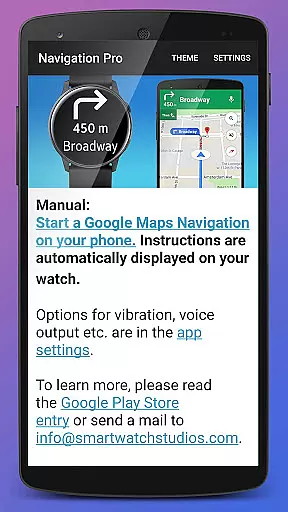
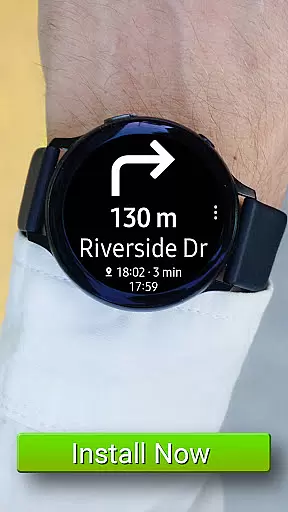
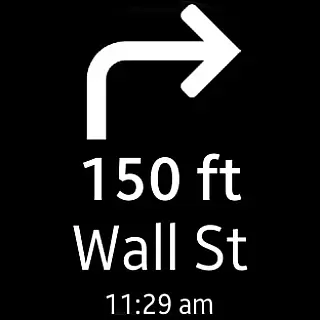
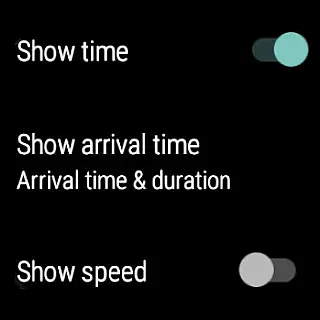
Navigation Pro is a specialized navigation application designed to bring Google Maps Navigation instructions directly to your Samsung smartwatch. This app enhances the navigation experience for users who are driving, cycling, or using public transport by providing clear directions right on their wrists. The app features autostart functionality with navigation, voice output, customizable vibration patterns, and support for 102 languages, making it versatile for various users.
In addition to its core navigation capabilities, Navigation Pro offers advanced features such as theme customization, a speedometer, and much more. It requires a companion app from Samsung Galaxy Apps to function seamlessly. Compatible with all Galaxy Watch models, Gear S2 / S3 / Sport, Gear 1, Gear 2, and Gear S, this app ensures that you stay connected and informed no matter where your journey takes you.
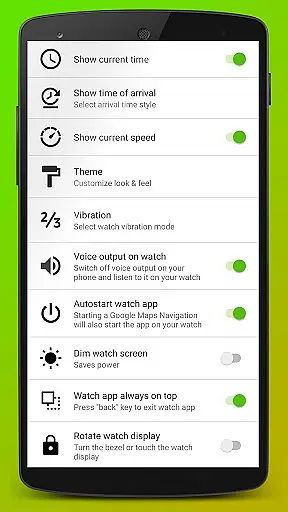
Navigation Pro stands out with its comprehensive feature set tailored for seamless navigation experiences. One of its key features is the autostart functionality, which automatically launches navigation when you start a trip. The app also provides voice output, ensuring you receive audible directions without needing to look at your watch. Customizable vibration patterns offer tactile feedback, allowing users to focus on their journey without visual distractions.
With support for 102 languages, Navigation Pro caters to a global audience, breaking language barriers. Users can personalize their experience through various themes and enjoy additional functionalities like a built-in speedometer. These features collectively enhance user convenience and safety, making Navigation Pro an indispensable tool for modern travelers who rely on accurate and timely navigation information.
Map accuracy is essential for any navigation app, and Navigation Pro excels in this area. The application leverages Google Maps' robust data to provide precise location tracking and route guidance on your Samsung watch.
The app supports over 102 languages, ensuring that users worldwide can receive accurate directions in their preferred language. This extensive language support enhances the overall reliability of the map data presented to the user.
Navigation Pro also features an autostart function with navigation, voice output, and customizable vibration alerts. These features contribute to a seamless and accurate mapping experience, whether you're driving, cycling, or using public transport.
Effective route planning is a cornerstone of Navigation Pro's functionality. By integrating with Google Maps Navigation, the app offers optimized routes based on real-time traffic conditions, ensuring users reach their destinations efficiently.
Users have access to various options such as a speedometer and different themes, which enhance the route planning process. These tools allow for a personalized and efficient navigation experience tailored to individual preferences.
In case of issues, troubleshooting steps are available to ensure smooth operation. This includes verifying notification access, restarting devices, and checking app permissions, all of which contribute to reliable route planning.
User-friendly interface
Voice-guided navigation
Customizable settings
Wide language support
Speedometer feature
Requires companion app
Phone dependency
Limited standalone use
Device-specific compatibility
Potential battery drain

Compass is an accurate compass and a great tool for any outdoor activities
 4.2
4.2
Explore the world with Live Satellite View, 3D Maps, GPS Navigation & Earth Map.
2.90
Easy, Moderate and difficult offroad adventures.
4.00
Route schedules, maps, and real-time tracking of MTA buses in New York City.
4.20
Fully offline 1:50k New Zealand topographical map North Island
4.0
OpenCPN is a full featured ChartPlotter and Navigator for Android.
3.60
Voice GPS with driving directions, offline maps navigation GPS for safe travel
4.50
ParkWhiz, an Arrive Mobility brand, part of the Arrive Network
4.30
GPS navigation offers route finder, compass, translator, currency converter, etc
4.30
Truck Safe GPS Navigation & Maps: Parking, Fuel, Diesel, Weight Station
4.80
Bolt is a ride-hailing app for requesting fast, safe, and affordable transport
4.80
Find EV & Tesla charging stations with PlugShare
4.70
GPS Speedometer & Odometer: Track car, bike, truck speed & distance in real-time
4.70
Find trails, organize your locations and navigate with offline maps.
4.60
CamSam PLUS - The speed and red light camera warning system!
4.40
GPS Navigation: Get map directions and find the shortest routes to avoid delays!
4.00
Route Planner is travel map to get turn by turn navigation & driving directions
3.90
Your guide to the recreational opportunities of the Bureau of Land Management!
3.40
Find 93 Octane Gas: Locate Gasoline Stations Selling Premium 93 Octane or Higher
4.4


User Reviews