
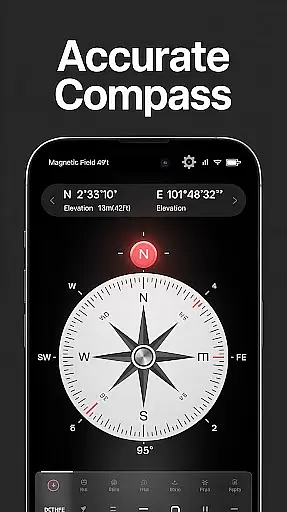
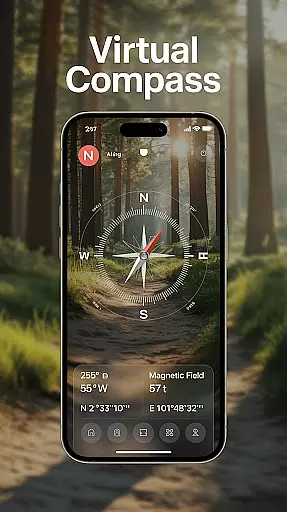
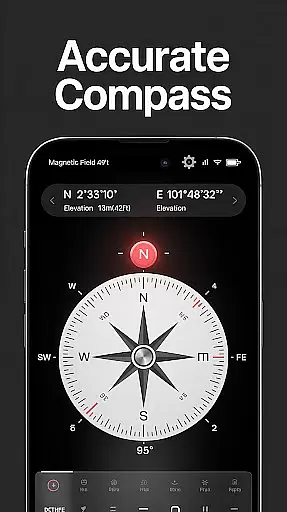
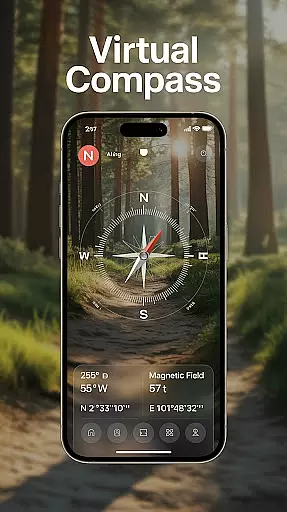
Compass - Directional Compass is a precise navigation tool designed for users who need accurate directional guidance in various scenarios. The app offers real-time compass readings, ensuring you can always determine North, South, East, or West with confidence. Whether you're hiking through rugged terrains, sailing across open waters, or simply navigating urban landscapes, this app provides the reliability needed to stay on course.
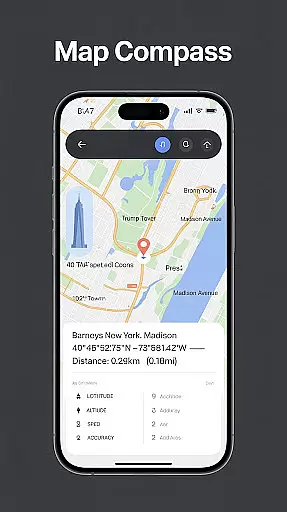
In addition to its core functionality, the app includes advanced features such as GPS location tracking, magnetic field detection, and map integration. These tools allow users to not only find their direction but also understand their exact geographical position and plan routes effectively. With an intuitive interface and customizable themes, including night mode, Compass - Directional Compass ensures optimal usability in all conditions.
The app stands out with its comprehensive set of features tailored for seamless navigation. One of the key highlights is the real-time digital compass that operates in both traditional and modern modes, catering to different user preferences. This dual-mode functionality ensures smooth and precise navigation regardless of the situation.
Beyond basic direction finding, Compass - Directional Compass offers GPS and location information, displaying latitude, longitude, and altitude. This data empowers users to pinpoint their exact location, which is crucial for outdoor activities like hiking or maritime navigation. Additionally, the magnetic field detection feature alerts users to potential interference, enhancing reading accuracy. For those needing more than just directions, the app includes a tilt and level meter, making it versatile for various professional applications.
Map accuracy is essential for any navigation app, and Compass - Directional Compass excels in this area. The app provides real-time directional guidance with pinpoint precision, ensuring users can accurately locate North, South, East, or West.
The integration of GPS functionality allows users to access their exact latitude, longitude, and altitude, enhancing positioning accuracy. This feature is particularly useful for outdoor activities like hiking, camping, or maritime navigation where precise location data is crucial.
Additionally, the app's magnetic field detection helps users stay aware of potential magnetic interference that could affect readings. By providing these comprehensive tools, Compass - Directional Compass ensures reliable and accurate navigation in various environments.
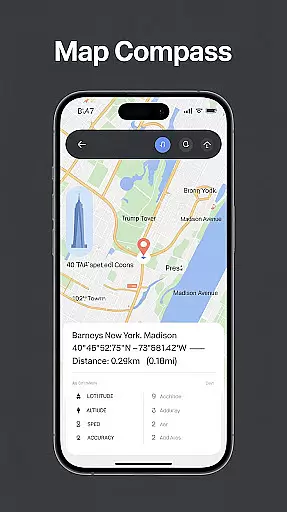
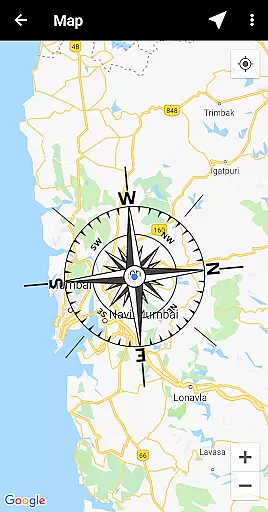
Route planning is a critical component of effective navigation, and Compass - Directional Compass offers advanced features to support this function. The app includes map integration, allowing users to combine compass functionality with maps for improved route planning.
With real-time digital compass modes and tilt & level meter functionalities, users can check surface alignment and tilt angles using the built-in inclinometer. These features assist in determining optimal paths and adjusting routes based on terrain conditions.
Furthermore, the offline mode enables users to plan routes without an internet connection, making it ideal for remote areas. Whether exploring new trails or sailing open seas, Compass - Directional Compass provides the tools necessary for successful route planning.
User-friendly interface
Highly accurate readings
Real-time GPS tracking
Customizable themes
Offline functionality
Occasional calibration needed
Limited advanced mapping
Ads in free version
Drains battery faster
No 3D terrain view

Explore a light pollution map to find suitable dark sky locations for observing.
 4.30
4.30
Discover over 800 points of interest along the canal.
3.70
TACNAV-X: Precision MGRS navigation, built specifically for the military.
4.00
Turn your tablet or Android powered unit into a full blow Android Auto headunit.
2.30
Number locator, real connection map
4.10
Bolt is a ride-hailing app for requesting fast, safe, and affordable transport
4.80
GPS navigation offers route finder, compass, translator, currency converter, etc
4.30
Route Planner is travel map to get turn by turn navigation & driving directions
3.90
GPS phone tracker, family locator, secure location sharing app
4.20
LIRR and Metro-North tickets and trips
4.80
Find AI powered cameras, ALPRs, and other surveillance infrastructure near you
4.70
Park in Chicago, NYC, Boston, SF, Houston & more!
4.70
Navigate MTA, NJ Transit, MBTA, SEPTA, BART, MARTA, CTA & 900+ cities
4.60
GPS Navigation: Get map directions and find the shortest routes to avoid delays!
4.00
OpenCPN is a full featured ChartPlotter and Navigator for Android.
3.60
Explore offline maps with radar, satellite view, and real-time alerts.
3.60
Your guide to the recreational opportunities of the Bureau of Land Management!
3.40
Explore the world with Live Satellite View, 3D Maps, GPS Navigation & Earth Map.
2.90
Fully offline 1:50k New Zealand topographical map North Island
4.1


User Reviews